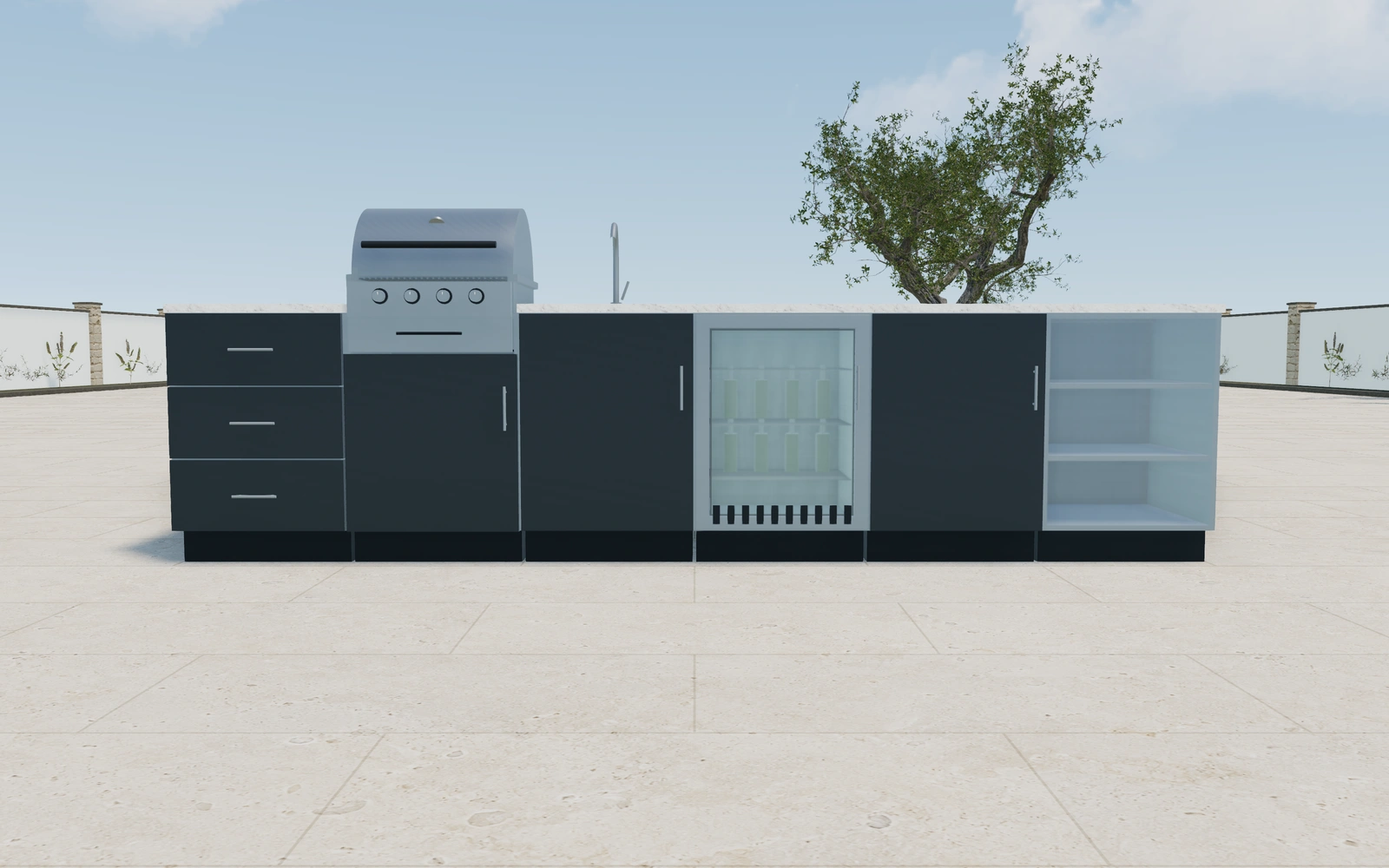
How to evaluate outdoor kitchen configurator software in a live demo
Evaluate outdoor kitchen configurator software with a practical demo checklist for cabinet modules, layout changes, appliance access and a clear sales handover.

Read the guideProduct-specific guides for manufacturers, dealers and installers. Compare configuration choices, prepare clearer proposals and keep customer projects connected.
Evaluate outdoor kitchen configurator software with a practical demo checklist for cabinet modules, layout changes, appliance access and a clear sales handover.
Read the guide Product-specific choices and a practical review list.Showing 9 of 150 guides · Page 1
Evaluate outdoor kitchen configurator software with a practical demo checklist for cabinet modules, layout changes, appliance access and a clear sales handover.
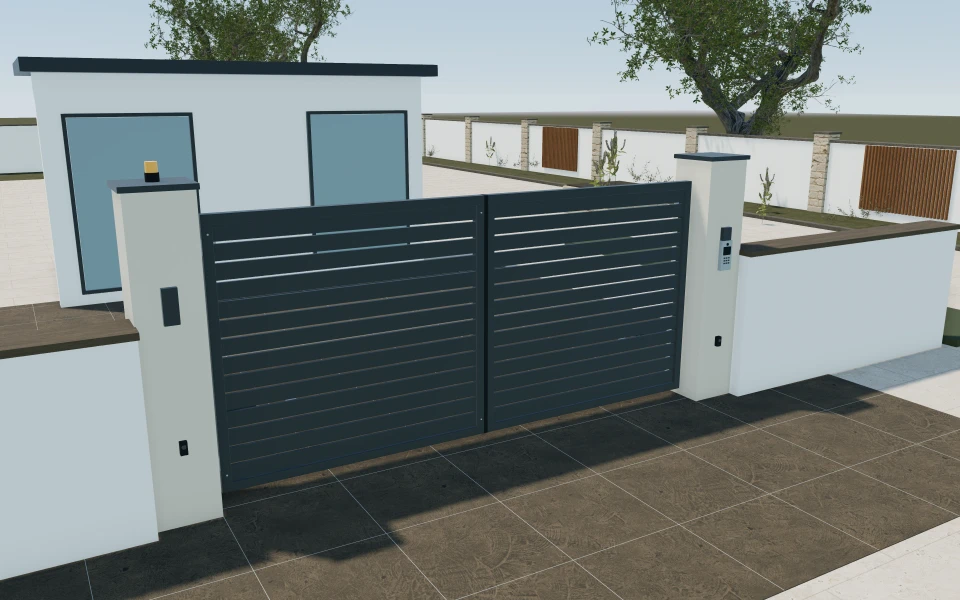
Read the guideCompare options for driveway gate: swing, tracked sliding or cantilever. See real 3D views, a worked example and FAQs.
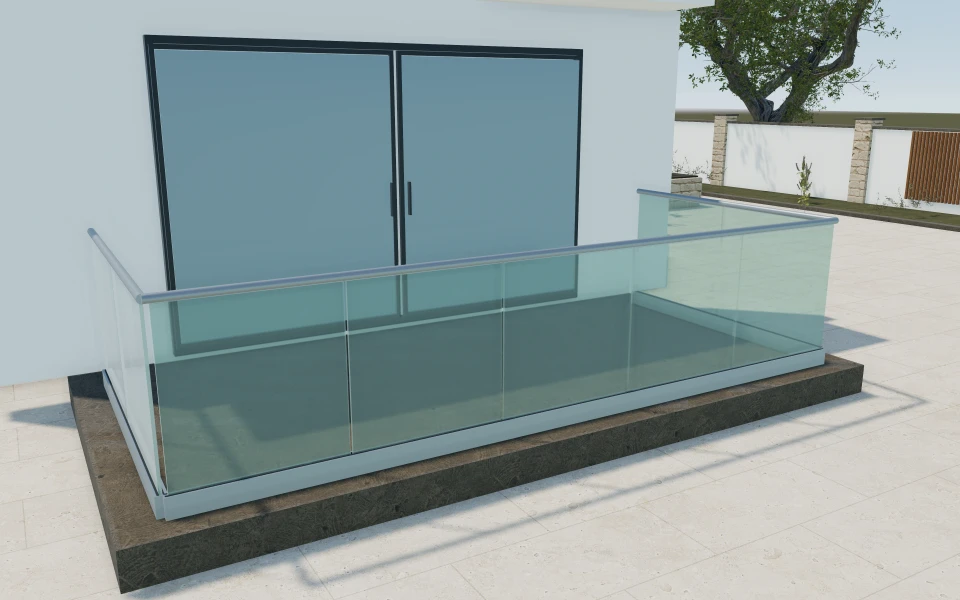
Read the guideCompare options for glass balustrade: base channels, spigots or baluster posts. See real 3D views, a worked example and FAQs.
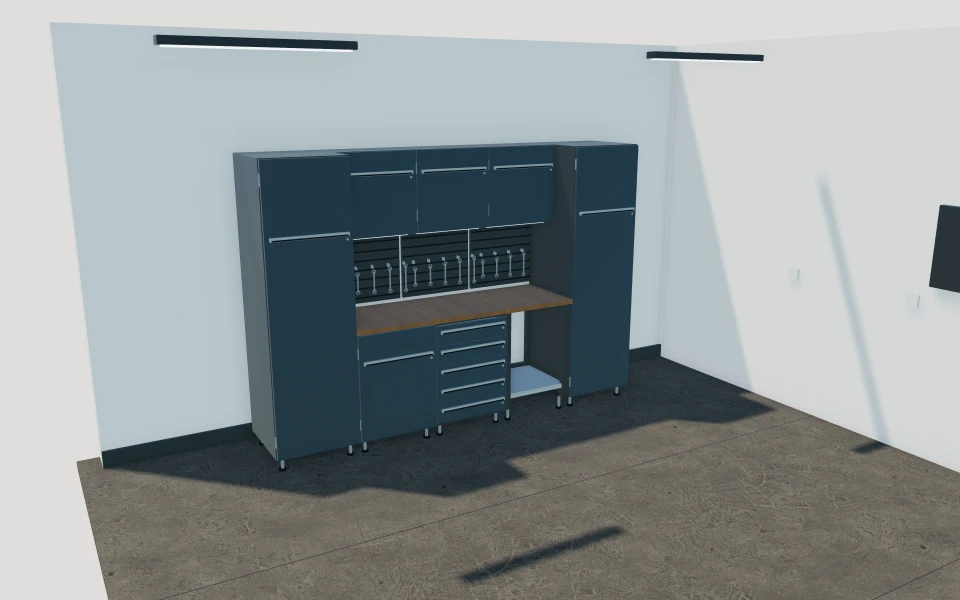
Read the guideCompare options for garage cabinet: closed cupboards or drawer-based storage. See real 3D views, a worked example and FAQs.
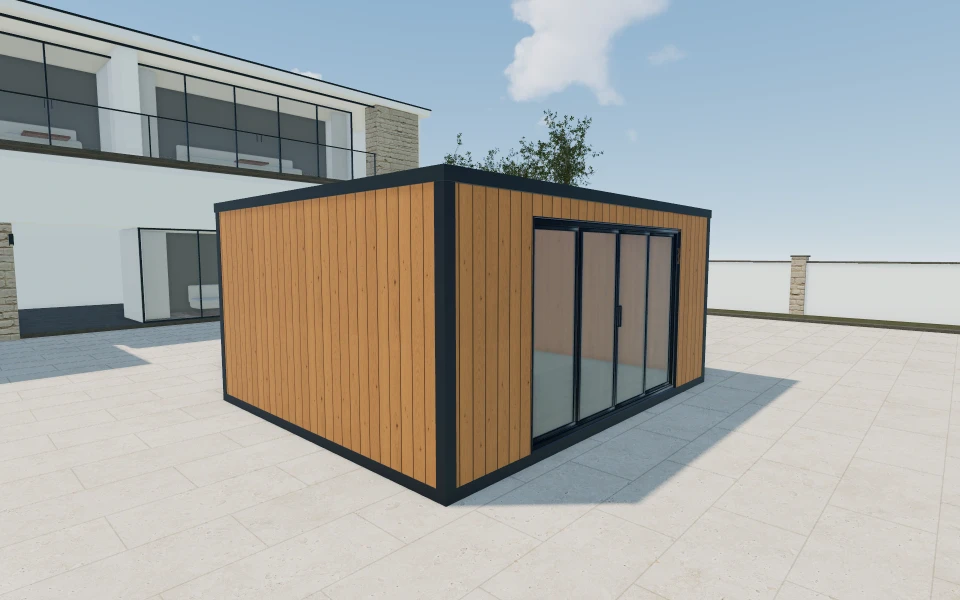
Read the guideCompare options for timber garden room: flat standard or recessed frontage. See real 3D views, a worked example and FAQs.
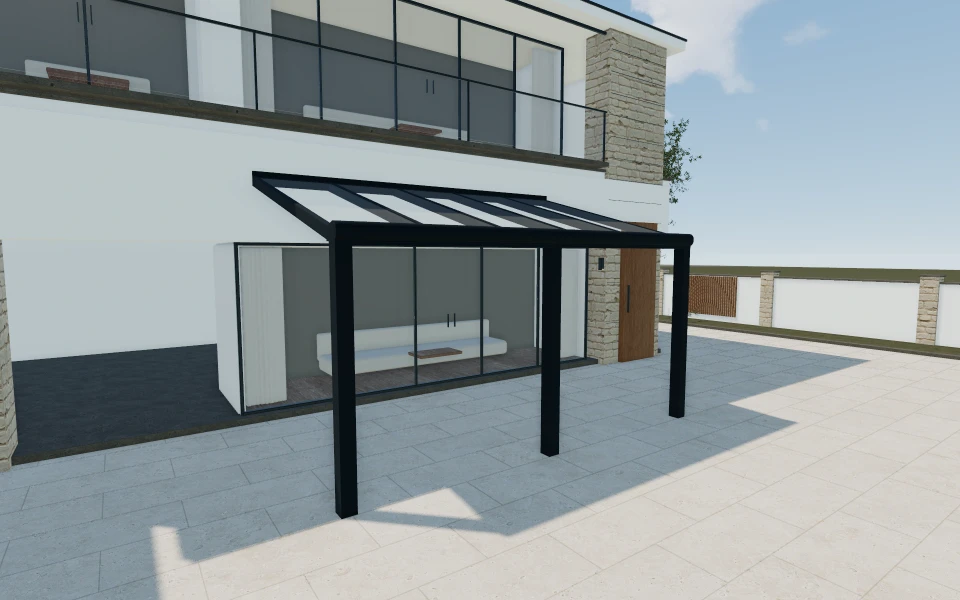
Read the guideCompare options for glass-roof veranda: standard dimensions or a custom terrace brief. See real 3D views, a worked example and FAQs.
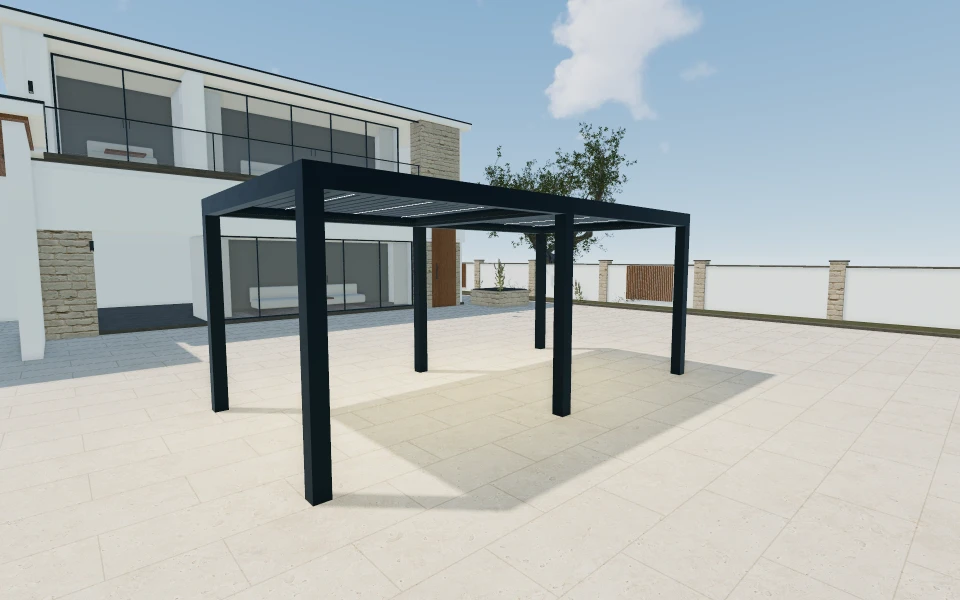
Read the guideCompare options for louvered-roof pergola: freestanding or wall-mounted. See real 3D views, a worked example and FAQs.
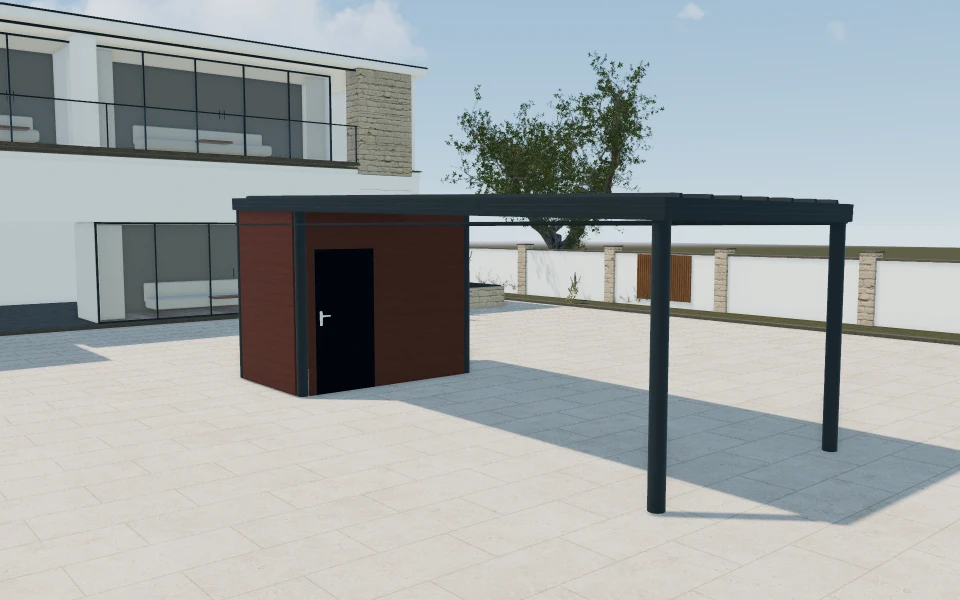
Read the guideCompare options for carport with shed: one parking bay or a wider arrangement with storage. See real 3D views, a worked example and FAQs.
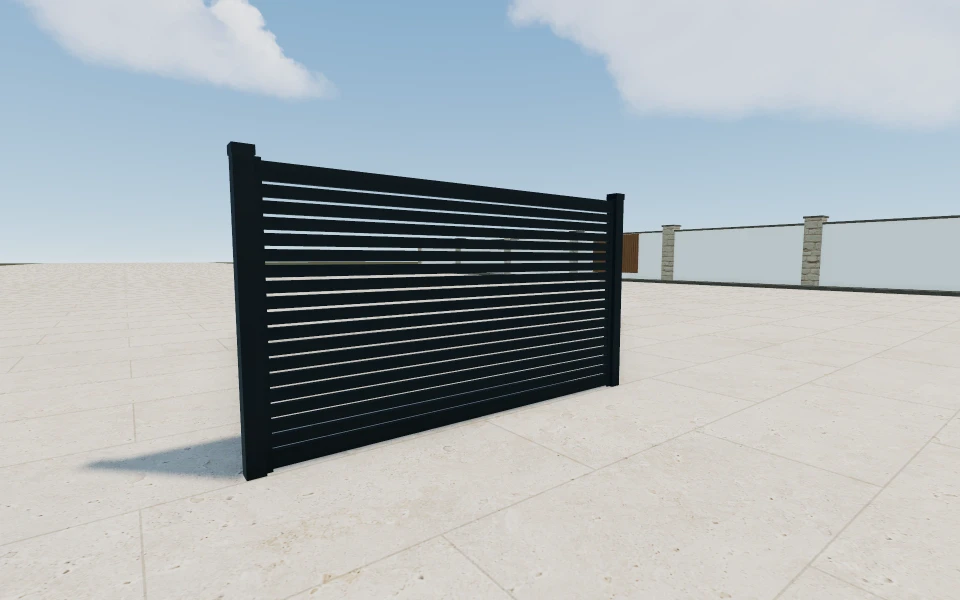
Read the guideCompare options for aluminium louvered fence: tighter slat spacing or a more open panel. See real 3D views, a worked example and FAQs.
Read the guideTry a product name, another topic, or return to the full library.