
Timber garden room configurator: separate the room specification from site work
A timber garden room quotation can become confusing when the room, its glazing and the groundworks are treated as one choice. A configurator should help the customer settle the room layout while leaving the installation survey easy to identify.
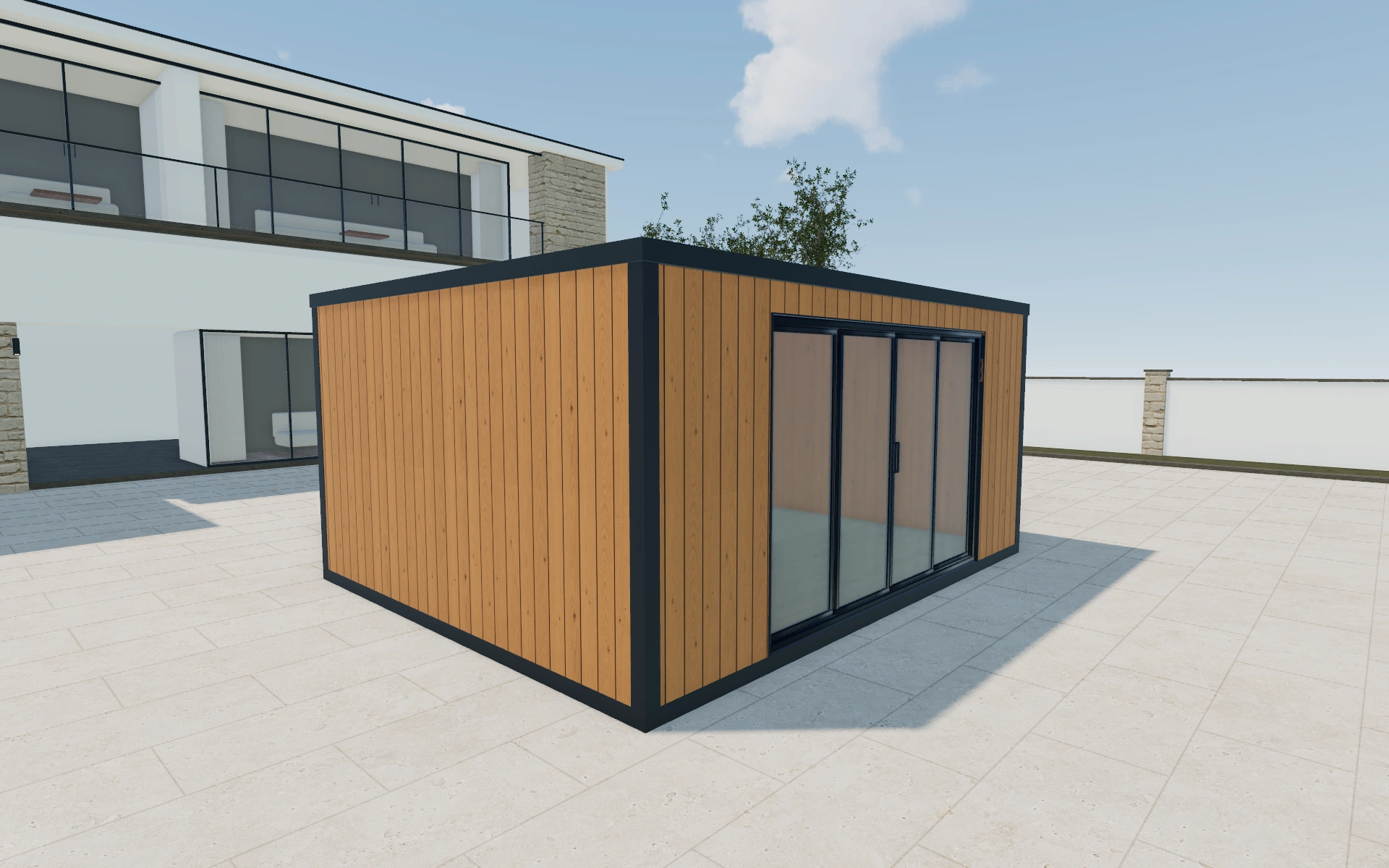
Separate the room specification from site work
Begin with the intended use and entrance position. A room used as a quiet office needs a different conversation from a hobby space with bulky equipment. Compare the frontage and side elevations together: attractive front glazing can still leave a desk or storage wall difficult to arrange.
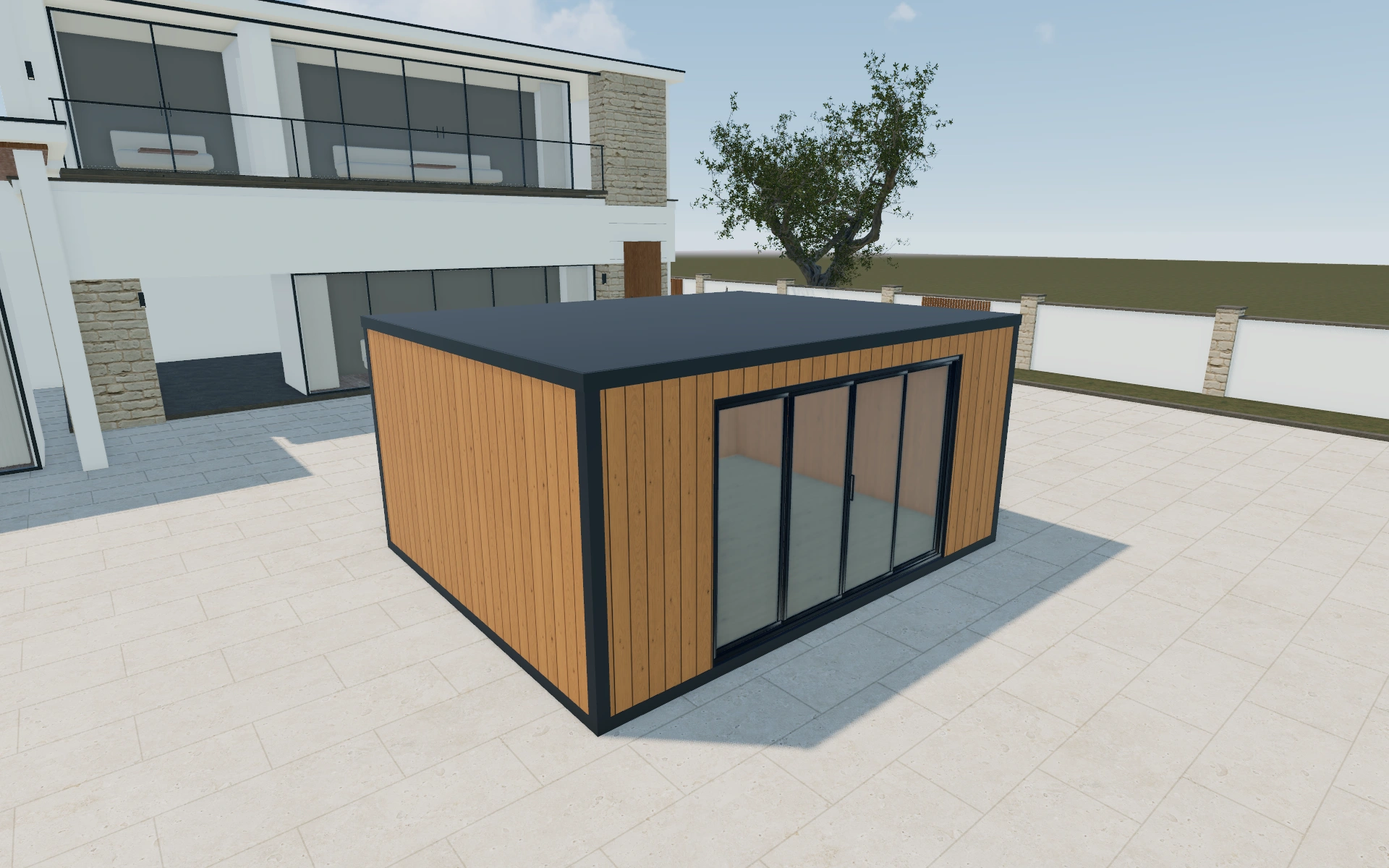
Flat standard or recessed frontage?
A standard front puts the entrance on the main elevation; a recessed composition changes the sheltered approach and the visible wall returns. Compare both using the same footprint before choosing cladding. A finish change should not distract from whether the proposed entrance leaves a useful interior furniture wall.
Coordinate the room’s exterior and interior choices
Timber or composite cladding, fascia colour and opening-frame colour are separate selections. Compare the wall around the entrance first, then inspect the floor and interior wall available for furniture. A consistent exterior palette does not resolve how the customer will use the room.
The starting room offers named standard footprints as well as a custom-dimension route. Use a standard option to establish the brief, then record any requested departure explicitly. Keep the roof form, overhang and insulation preference with that same room rather than describing them only in a follow-up email.
Timber garden room options to compare
Review the selected model before refining individual details. Available choices can change with the model and earlier selections; the groups below describe the current starting configuration.
Model
- Model
- Flat standard
- Flat recessed
- Gable Recessed
- Gable Recessed Asymmetric
- Flat angled
- Corner inset
Dimensions
- Dimensions type
- Standard
- Custom
- Dimensions
- 3m x 4m
- 3m x 5m
- 4m x 4m
- 4m x 5m
- 4m x 6m
- 4m x 7m
Finishes
- Fascia colour
- Anthracite
- Black
- White
- Custom
- Cladding material
- Timber
- Composite
- Exterior cladding
- Neutral red cedar
- Spruce
- Pine
- Teak
- Larch
- Colour
- Anthracite
- White
- Wood
- Flooring
- Laminate
- Vinyl
- Wood
- Interior walls
- Paint
- Timber
- Roof material
- EPDM Rubber
- Insulation
- None
- EPS foam
- Mineral wool
- Flooring colors
- Natural Oak
- Dark Oak
- Light Oak
Roof
- Roof type
- Flat
- Roof overhang
- Front
- Back
- Left
- Right
- GR roof fascia
- No
- Yes
- GR Roof fascia profile shape
- Same as container construction
- Slatted composite
- Steel
Openings
- Front left selection
- Corner sliding door
- Wall elements
- Front
- Back
- Left
- Right
- Front selection
- Fixed window
- Tall window
- Single window
- Double window
- Large window
- Single door glass
- Single door paneled
- Double door glass
- Sliding doors
- Bifold doors
- 3m Double Sliding door
- Bi-Parting Sliding door
- Corner window
- No
- Yes
Base & decking
- Decking position
- Front
- Left
- Back
- Right
- Decking
- No
- Yes
- Groundwork
- Groundscrews
Lighting & power
- Outdoor lights
- LED lights under overhang
- Round LED lights under overhang
- Lights on facade
- Electrics
- Single El. socket
- Double El. socket
- Switch
Accessories
- Corner elements
- Front left
- Front right
- Back left
- Back right
Advanced
- Object type
- Doors
- Windows
- Services
- No service
- Services
Dimension ranges describe the current model controls. Confirm the selected product, final measurements and supplied specification with the manufacturer.
Worked example: a customer brief for timber garden room
Consider a customer dividing a garden studio between a desk and hobby storage. Save a front-glazed option and a more private arrangement. List the selected room, flooring and openings separately, with site power and the base still to confirm. The next appointment can resolve those questions against the same two configurations.
From timber garden room choices to a clear proposal
Review the cladding around openings at close range. Carry the selected exterior appearance into the proposal, then list foundations, utilities and site access as separate items or questions. A timber finish in the preview should identify the customer’s preference without implying that every installation detail has already been agreed.
Questions for your timber garden room review
- Entrance position
- Usable internal layout
- Cladding around openings
- Separate groundworks items
Useful views for the timber garden room review
Use these inspection views to discuss the arrangement and visible details before approving the specification.
- Main View
- Top View
Timber garden room configurator FAQs
Can I compare timber and composite cladding?
Yes. The model has a cladding-material choice and named exterior options. Keep the material selection separate from fascia and opening-frame colours.
What belongs in the room price, and what belongs in site work?
Identify the chosen room, openings, interior floor and exterior finish first. Put foundations, electrical provision and access work on their own proposal lines. That lets the customer compare room alternatives without mistaking an unresolved site allowance for an included service.
Put the choices
in the same view.
Explore the timber garden room configurator, review the available product options and discuss your own range with our team.