Pergola configurator software. A clearer way to sell shade.
Show buyers the roof, screens and finishes they are choosing. Keep the pergola configuration with the customer, prepare a proposal with your own prices and follow the accepted project into an order.
- Your prices and document branding
- Configuration, CRM and orders together
 3D product workspace
What can your pergola business do with it?
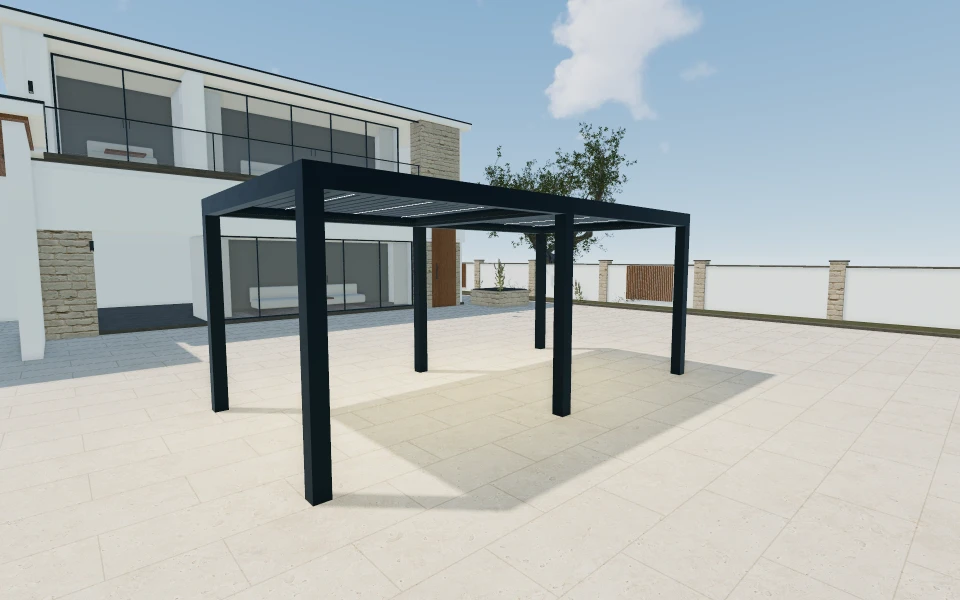
Sales Visualizer helps pergola businesses show the customer a specific structure, roof and finish combination, then keep it with the customer project. The library covers louvered, glazed, fabric-roof and timber concepts. In the louvered model, the discussion can include mounting arrangement, separate frame and roof colours, roof movement and side treatments. Your team adds its own proposal prices. For a manufacturer’s exact profiles and permitted combinations, agree a custom product scope rather than treating a visually similar library model as an exact match.
Resolve the pergola choices before the quote changes again.
A terrace enquiry can move between footprints, roof concepts and side screens before anyone agrees what is being priced. Give the customer one visible configuration to discuss, then keep the selected product and the remaining installation questions together.
Make the specification
easy to understand.
Explain the roof in use
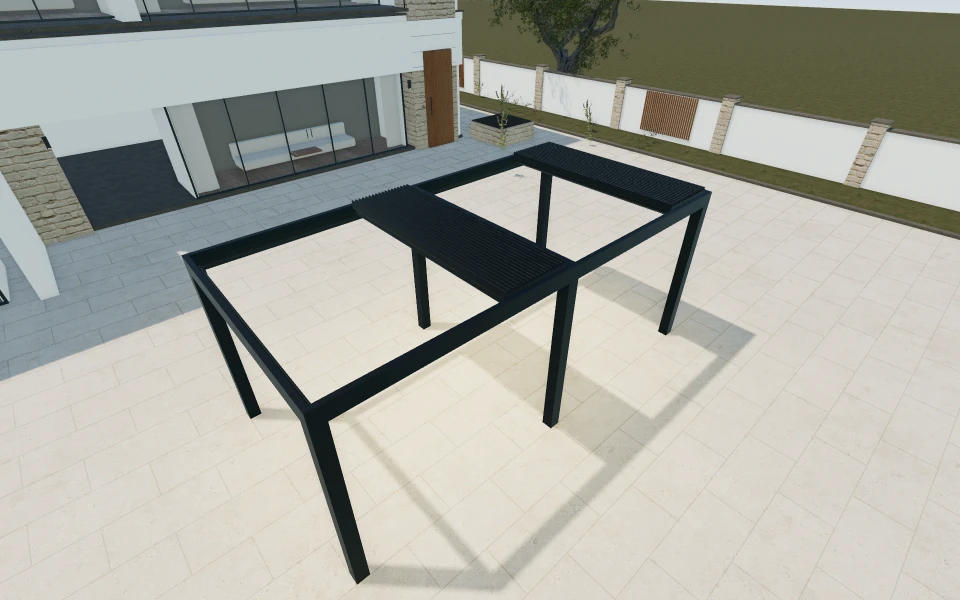
Compare the selected pergola with its roof open and closed. Review louvered, glazed or retractable-roof models as distinct product choices, with the same terrace brief guiding the discussion.
Keep supports and access visible
Discuss wall-mounted or freestanding arrangements, post positions and the route around the seating. A side enclosure should stay attached to the side where the customer expects it.
Coordinate the complete finish scheme
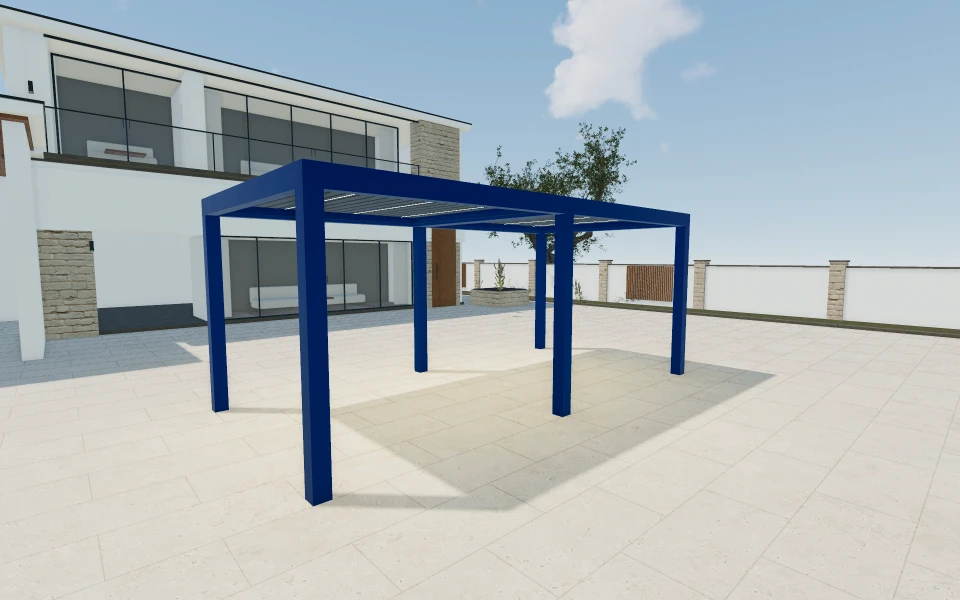
Compare structure and roof finishes alongside screens and lighting. Save the preferred combination so a later colour revision does not quietly become a different frame or roof package.
What should a pergola configurator help your customer decide?
Start with the roof’s purpose
Ask whether the customer wants adjustable shade, a transparent cover or an open timber structure. These are different product decisions. Show the relevant model, then review the roof in context with the terrace rather than comparing isolated colour swatches. A roof-open preview explains movement; it does not establish a weather rating.
Resolve posts before adding enclosure options
Identify the proposed wall attachment and the routes around furniture, doors and steps. The louvered pergola includes post-position editing, offsets and custom posts. Use those controls to explain the layout, then have the supplier confirm the permitted support arrangement. Removing a visible post is a design proposal, not structural approval.
Treat lighting and screens as chosen extras
Keep frame colour, roof colour and side treatments separate in the brief. Add lighting when it is requested instead of assuming it belongs in every base package. Specify which side receives a screen or glazing so the proposal describes the same product the customer saw.
Louvered, glass or fabric roof: compare the sales question
| Roof concept | The conversation it supports | Confirm before supplying |
|---|---|---|
| Adjustable louvers | Show the difference between an open roof and a shaded setting; discuss separate slat and frame finishes. | Permitted spans, support positions, drainage and the supplied roof system’s ratings. |
| Glazed roof | Discuss a transparent overhead cover and whether additional shading is part of the offer. | Glass specification, installation details and any roof-shading package. |
| Retractable fabric | Explain the fabric appearance and the open or extended roof presentation. | The exact fabric, mechanism, mounting requirements and operating instructions. |
A pergola demo brief you can actually use
Suppose a dealer is discussing a 5 m by 3 m terrace cover with one privacy side. The useful demo is a sequence of decisions, not just a rotating model.
Discuss your product brief- Set the initial brief
Choose the relevant pergola model and footprint. Identify the building side and the main walking route.
- Compare two roof choices
Review the preferred roof concept, then inspect the alternative as a separate product decision. Keep the same customer requirements in view.
- Agree the accessory scope
Select the requested side treatment and lighting. Inspect the structure from the front and from the customer’s access direction.
- Prepare the commercial offer
Save the preferred configuration to the customer project. Add structure, accessories, delivery and installation as your own proposal items.
Bring these pergola details to your demo
- Models and roof systems you actually supply
- Permitted sizes, support rules and mounting arrangements
- Frame, roof and screen finish references
- Optional lighting and side-enclosure packages
- The product, survey and installation items you normally quote
One terrace enquiry. Two clearly described alternatives.
A dealer can compare a freestanding louvered pergola with a glazed-roof alternative for the same customer. Keep the roof and side-treatment choices visible, arrange the site visit and prepare the selected proposal. Frame, screens, delivery and installation remain separate items, so the customer can see which changes affect the scope.
See this workflow in a demoOne customer project.
The whole sales journey.
Customer details, selected products and the next action stay connected in your company workspace.
New enquiry1
Configuration saved
Proposal1
Branded proposal prepared
Accepted1
Continue into order
Explore the relevant
product models.
Review these library models with your range. Each configurator has its own options and counts toward your workspace’s product selection.
Louvered-roof pergola
Model · Width · Structure color
Explore this model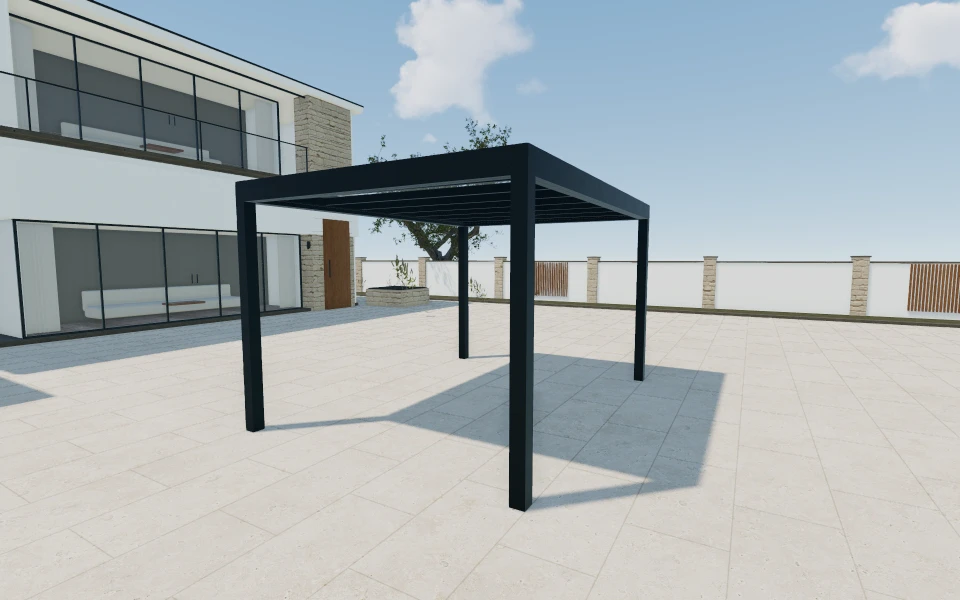
Glass-roof aluminium pergola
Model · Width · Roof color
Explore this model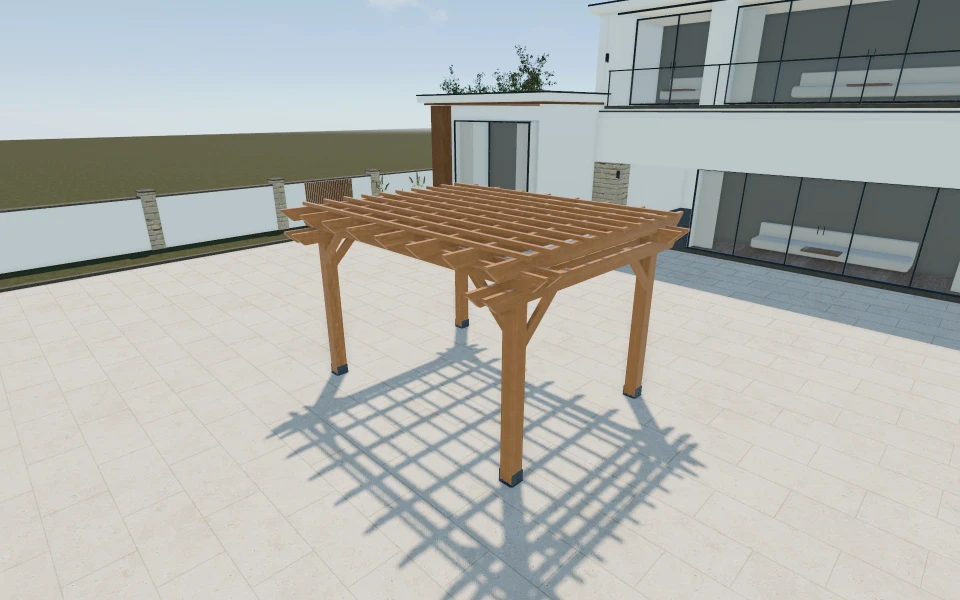
Double-beam timber pergola
Rafter / joist spacing · Width · Timber species
Explore this model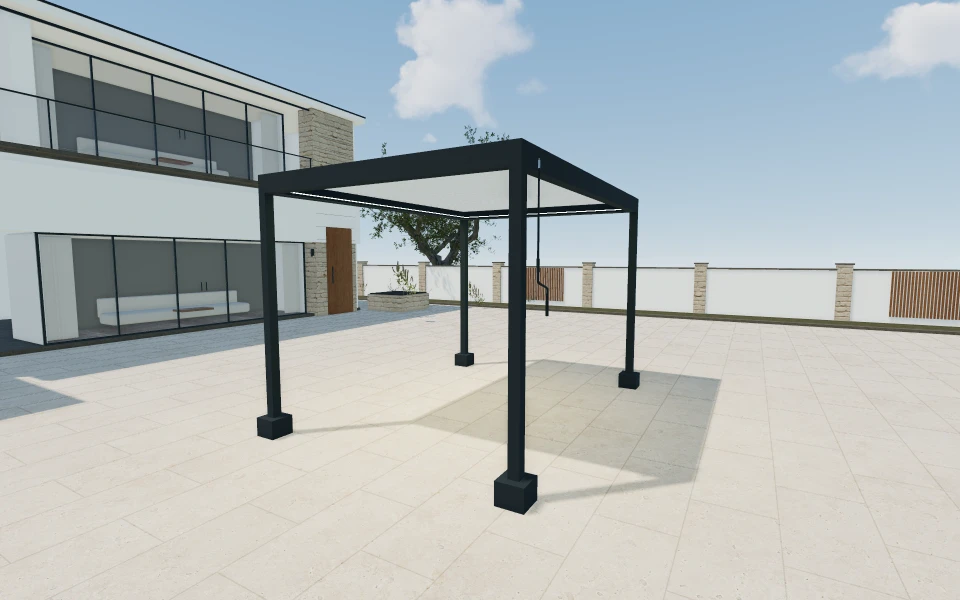
Retractable fabric-roof pergola
Model · Width · Fabric material
Explore this modelLibrary products.
Or your own product scope.
Bring your pergola models, dimension rules, roof options, finishes and accessory combinations. We can compare the existing library with your range and identify what needs a customer-specific configurator.
- Match the product rangeReview the model choices, options and customer workflow your team needs.
- Choose the workspaceSelect the plan for your users and library products, or agree a customer-specific scope.
- Start the customer journeyAdd contacts, configure a project and prepare a proposal with your own prices and logo.
Choose your team.
Choose your product range.
Monthly workspace plans. Yearly billing includes 12 months for the price of 10.
Compare every feature and yearly prices1 user
Choose 3 from the product library
- 3D product configuration
- Contacts, projects and team calendar
- Your proposals, PDFs, orders and invoices
Up to 3 users
Choose 6 from the product library
- 3D product configuration
- Contacts, projects and team calendar
- Your proposals, PDFs, orders and invoices
Up to 7 users
Scope and quantity agreed during onboarding
- 3D product configuration
- Contacts, projects and team calendar
- Your proposals, PDFs, orders and invoices
Custom product scope and quantity are agreed during onboarding. For more than 7 users or a broader requirement, discuss Enterprise in your demo.
Your pergola
software questions.
Can the configurator use our own pergola range?
Yes, through an agreed Custom scope. Bring your frame models, permitted dimensions, mounting rules, roof systems and accessories. Existing library configurators offer a starting point; they should not be presented as your exact manufactured range without that fit being reviewed.
Can customers compare louvers, glass and fabric roofs?
The library includes separate pergola concepts for these roof types. Use the relevant model to show its choices, then keep the selected roof system explicit in the project and proposal. Available options depend on the model.
Do we have to use a shared pergola price list?
No. Your team adds its own product, screen, lighting, delivery and installation items when preparing the proposal. A visual configuration does not force the same customer prices on every dealer.
Can the accepted proposal become an installation order?
Yes. Continue an accepted proposal into an order, keep order notes and progress together, generate invoices and record payments received outside the platform. The configuration stays part of the customer project.
Can we move, add or remove pergola posts?
The louvered pergola has a post editor for position offsets, custom posts and hiding or restoring posts. Use it to develop the visual layout. Your manufacturer or designer must still approve the final load path and support arrangement; these controls do not calculate a safe unsupported span.
Does changing the pergola colour change our selling price automatically?
The sales workflow lets your team prepare its own proposal items and prices. Do not assume that a finish change has updated a supplier-specific price rule unless that rule is explicitly part of your agreed implementation.
Can we show the pergola in augmented reality?
Supported products can be opened through the mobile AR handoff, including a QR-code route from a desktop. Device and browser support matter. Check the chosen product and intended customer devices in your demo rather than assuming every phone offers the same AR experience.
Bring your pergolas.
See your next sales flow.
Bring your pergola models, dimension rules, roof options, finishes and accessory combinations. We can compare the existing library with your range and identify what needs a customer-specific configurator.
- Explain the roof in use
- Keep supports and access visible
- Coordinate the complete finish scheme