
3D configurator software.
Your product range. A clearer sale.
Give your sales team a visual way to explain dimensions, materials and options. Keep the selected configuration, customer brief and commercial offer together, from the first conversation to the accepted order.
- Show the product choices in 3D
- Use your own proposal prices and logo
- Agree a custom scope for your own range
- Review one representative product and its important choices.
- Compare the library fit with your own model and option rules.
- Walk through the project, proposal and accepted-order handover.
Bring one product and the sales process you want to improve.
Your catalogue explains the range. A configuration explains the customer’s choice.
A product sheet cannot show every combination. Use a visual configuration to make the selected layout and finish easier to review, then preserve that choice with the customer project. Your team can discuss the specification and the offer from the same starting point.
Make variations visible
Review the available dimensions, finishes and accessories in the selected model. Compare the library with your manufactured range and identify where a customer-specific configurator is needed.
Keep the commercial scope explicit
Add your own product, delivery, installation and extra line items before generating a branded proposal. The visual model does not force every manufacturer onto a shared selling price.
Carry the decision into the order
Keep the customer and configured project together. Continue an accepted proposal into an order, track its status, create invoices and record payments received outside the platform.
Start with the product you sell.
Explore the relevant software page, then bring your catalogue to the demo. Existing library products are a starting point; your exact range, permitted combinations and custom scope need a fit review.
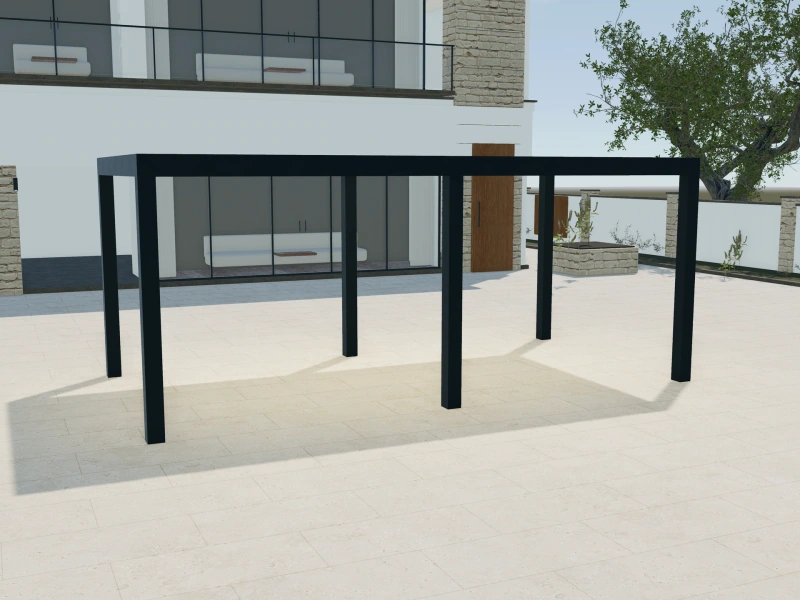
Pergola configurator software
Roof concepts, frame finishes and side treatments.
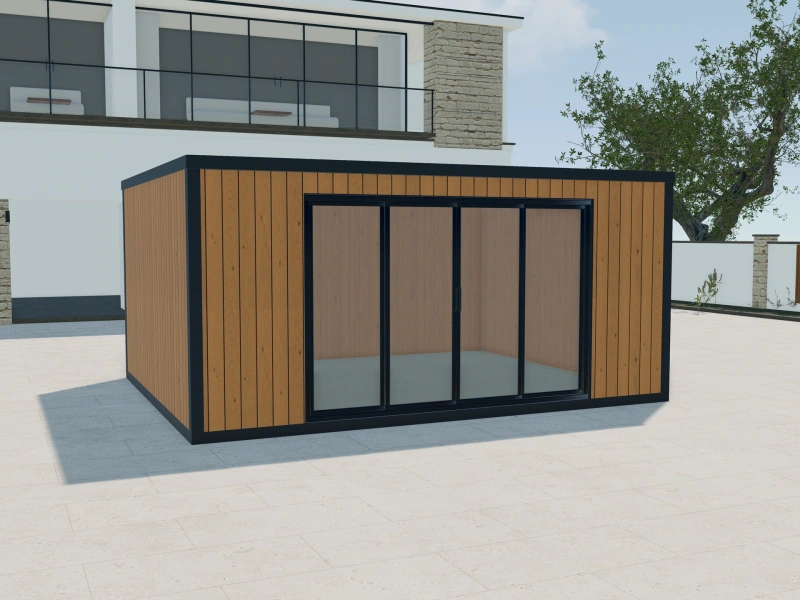
Garden room configurator software
Room footprint, cladding, entrances and glazing.
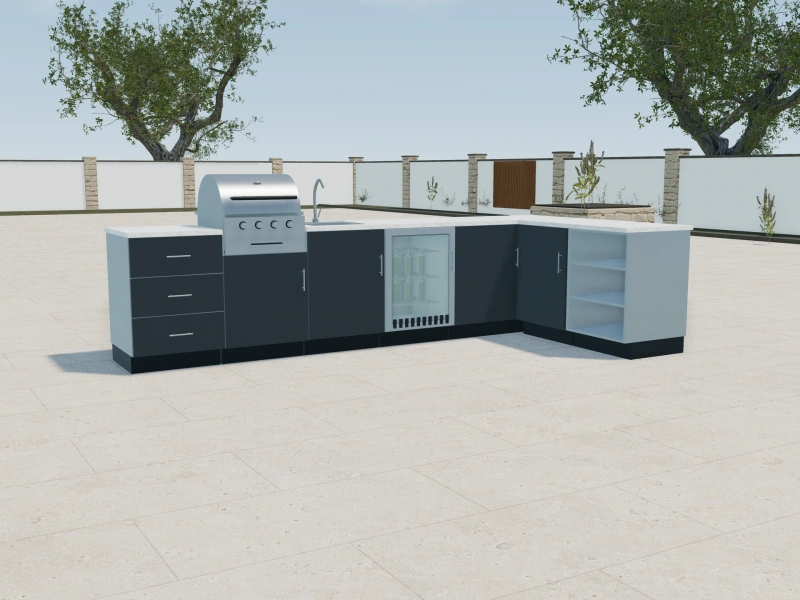
Outdoor kitchen configurator software
Individual cabinets, appliances and worktop finishes.
Sell the whole scope, with your own prices.
Separate the configured product from delivery, fitting and optional extras. Prepare the proposal with your company logo and your line items, so the customer can see what is included before making a decision.
See this with your productsA sales decision that stays connected.
Keep the order with the customer project. Follow progress through your order statuses, add notes and generate multiple invoices against the same order. Record external payments without rebuilding the customer history.
See this with your productsBefore your demo.
Product fit, commercial scope and the way your team works.
Can you configure the products we manufacture?
The Custom plan supports customer-specific configurators with scope and quantity agreed during onboarding. Bring your product drawings, option lists, dimension rules and approved finishes so we can assess the exact requirement. A library model is not automatically a digital copy of your manufactured range.
Is this a manufacturing or engineering system?
Sales Visualizer is a visual sales and customer-workflow platform. It helps present choices and organise the commercial project. Structural checks, manufacturing approval and production documentation remain your team’s responsibility unless separately scoped.
How do we choose the subscription?
Solo includes one user and three library configurators. Team includes up to three users and six library configurators. Custom includes up to seven users with an agreed customer-specific product scope. Compare current monthly and yearly plans on the pricing page.
See the fit before you choose.
Explore the product choices and customer workflow that matter to your business.