One product range.
Stronger partner conversations.
Help dealers explain your products consistently, with a configuration journey shaped around your range.
From their first idea
to your next conversation.
A product they can explore. A price they can understand. A brief your team can act on.
See it. Configure it.
Make it theirs.
Explore dimensions, finishes, and accessories in a visual product experience.
A price that makes
every choice clear.
Show how dimensions and accessories affect the estimate, with every choice itemized.
Their design.
One clear quote.
Bring the dimensions, finish, selected options, and estimate into one project brief.
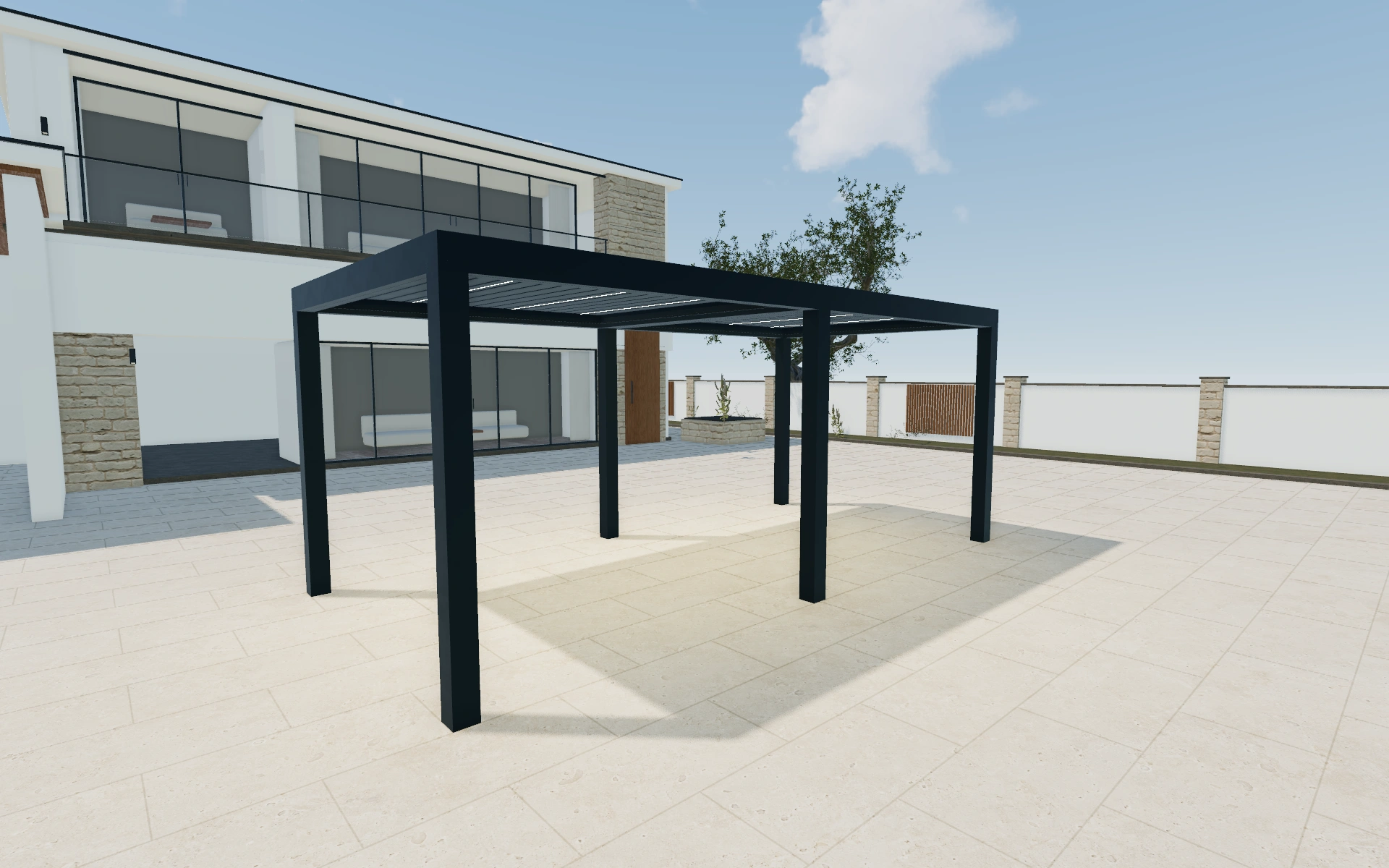
Louvered pergola
4.0 × 3.0 m · Anthracite
More context.
A better starting point.
Start the conversation with the product, footprint, and selected options already in view.
Keep the next step
in sight.
Scope a workflow that brings enquiries, reviews, and follow-up together.
A little help with
the follow-up.
Explore how assisted drafts could fit your team’s sales process.
Connect product configuration with contacts, project stages, appointments, proposals, orders and invoices in your Sales Visualizer workspace.
Give dealers a
shared starting point.
Present the same dimension ranges, finishes, and compatible extras. Partner branding and price lists can be scoped without making the product harder to understand.
 Preview
Define the handover.
Keep ownership clear.
Agree which records belong to the dealer, what reaches the manufacturer, and who confirms each order. Permissions and routing are part of the project design.
Sales workspaceKeep the next step in view.
Configuration received 1
3.0 × 3.0 m · Ivory
Next: confirm the site requirementsReady to discuss 2
4.0 × 3.0 m · Anthracite
Next: review accessories together5.0 × 3.0 m · Forest
Next: confirm the installation planLet’s clear
things up.
Can this work with our own products?+
That is the starting point. We’ll review your dimensions, materials, accessories, and product rules to define a configurator experience for your range.
How does pricing work?+
Choose a monthly or yearly subscription on our pricing page. Each plan lists its included users, selected configurators and features. Your business sets the items and prices on customer proposals and invoices.
Does the experience work on mobile?+
The website and workspace adapt to phones, tablets and desktops. Interactive 3D demos require a compatible browser and graphics support.
What do we need to get started?+
Your product sheets, dimensions, finish options, pricing structure, and any existing images or drawings are a useful start. We can then map the customer journey together.
Make your next sale
a clearer conversation.
Explore product configuration, customer projects, proposals and orders in one workspace.
Request a demo