Elevator configurator software. Bring the cabin decision into focus.
Let customers compare entrance arrangements, wall finishes, floors, lighting and fittings from inside the cabin. Keep the chosen visual brief with the building customer and prepare a branded commercial proposal.
- Your prices and document branding
- Configuration, CRM and orders together
 3D product workspace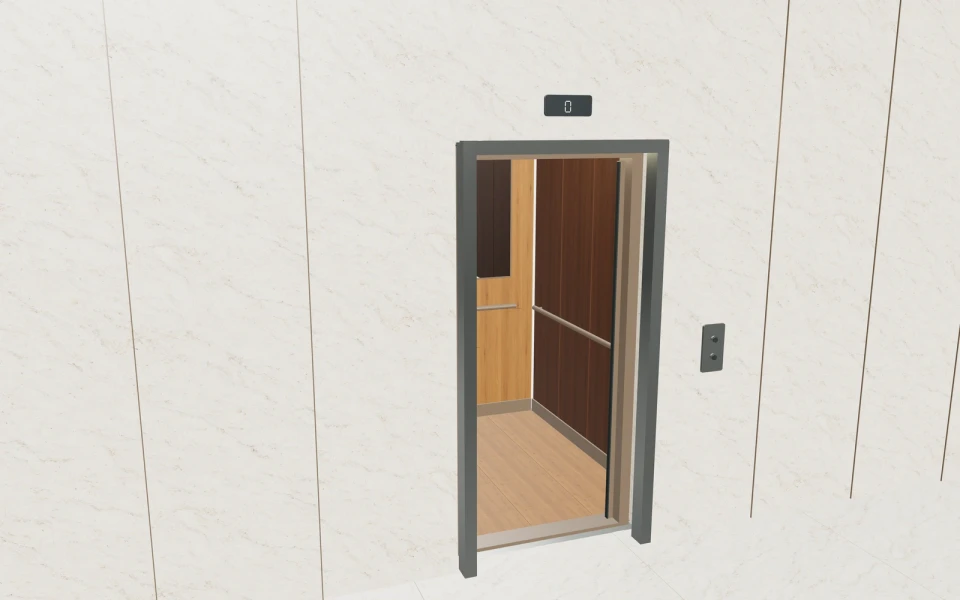
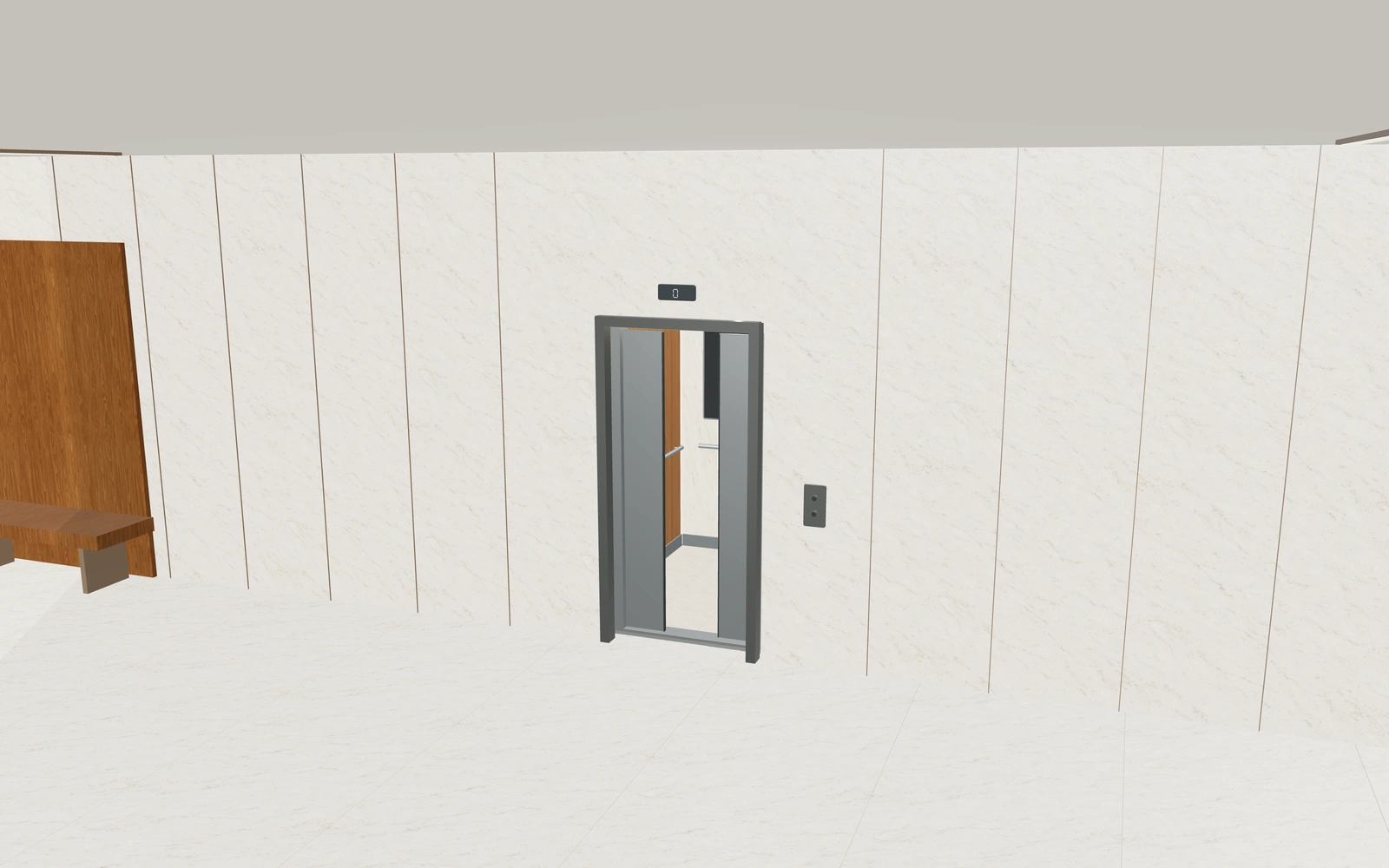
The landing view and cabin interior answer different questions.
The entrance arrangement needs to be understood alongside the interior package. Compare the door concept and clear cabin brief before refining materials, then keep the actual lift-system and building requirements available to the responsible technical team.
Make the specification
easy to understand.
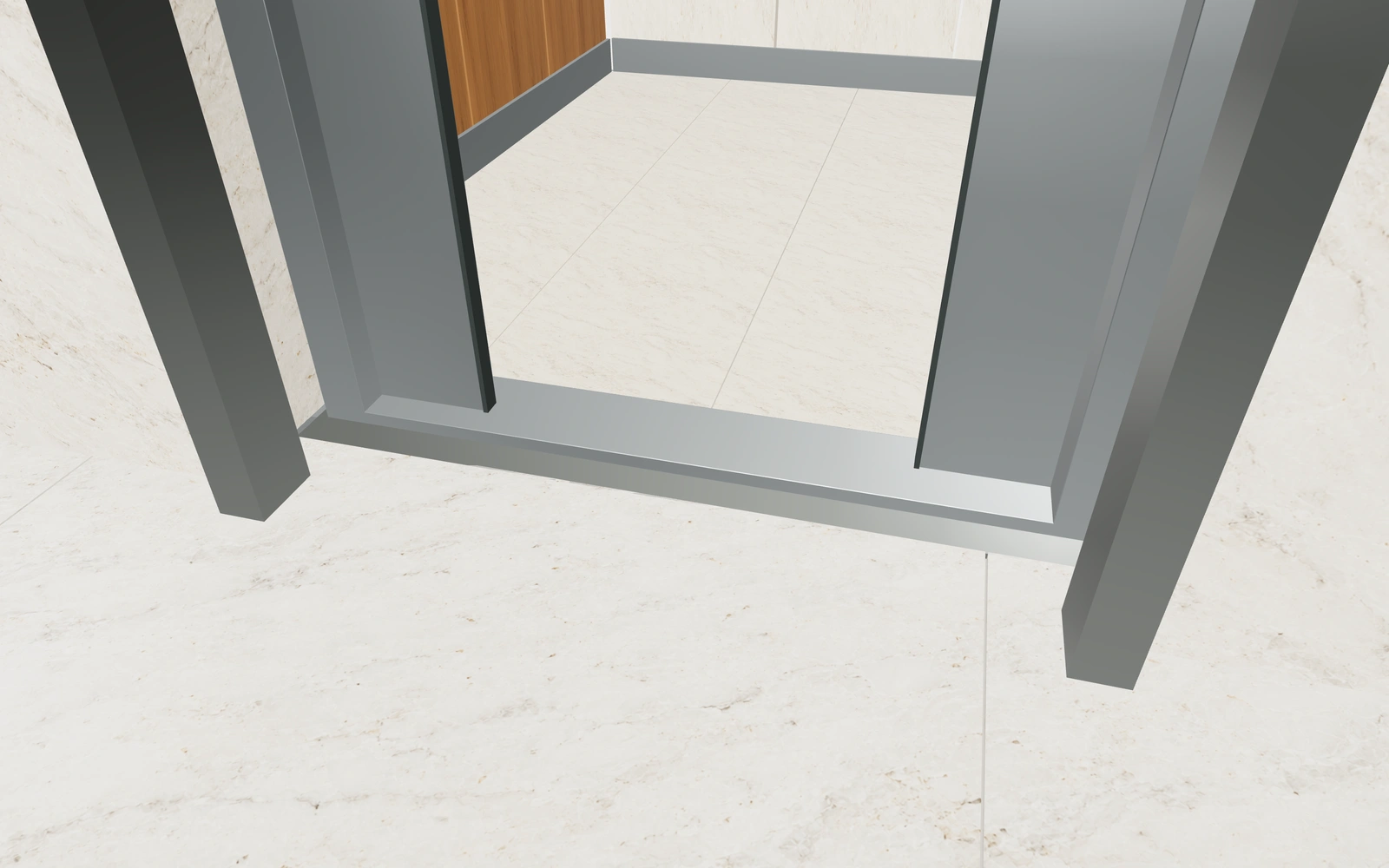
Review the cabin and entrance arrangement
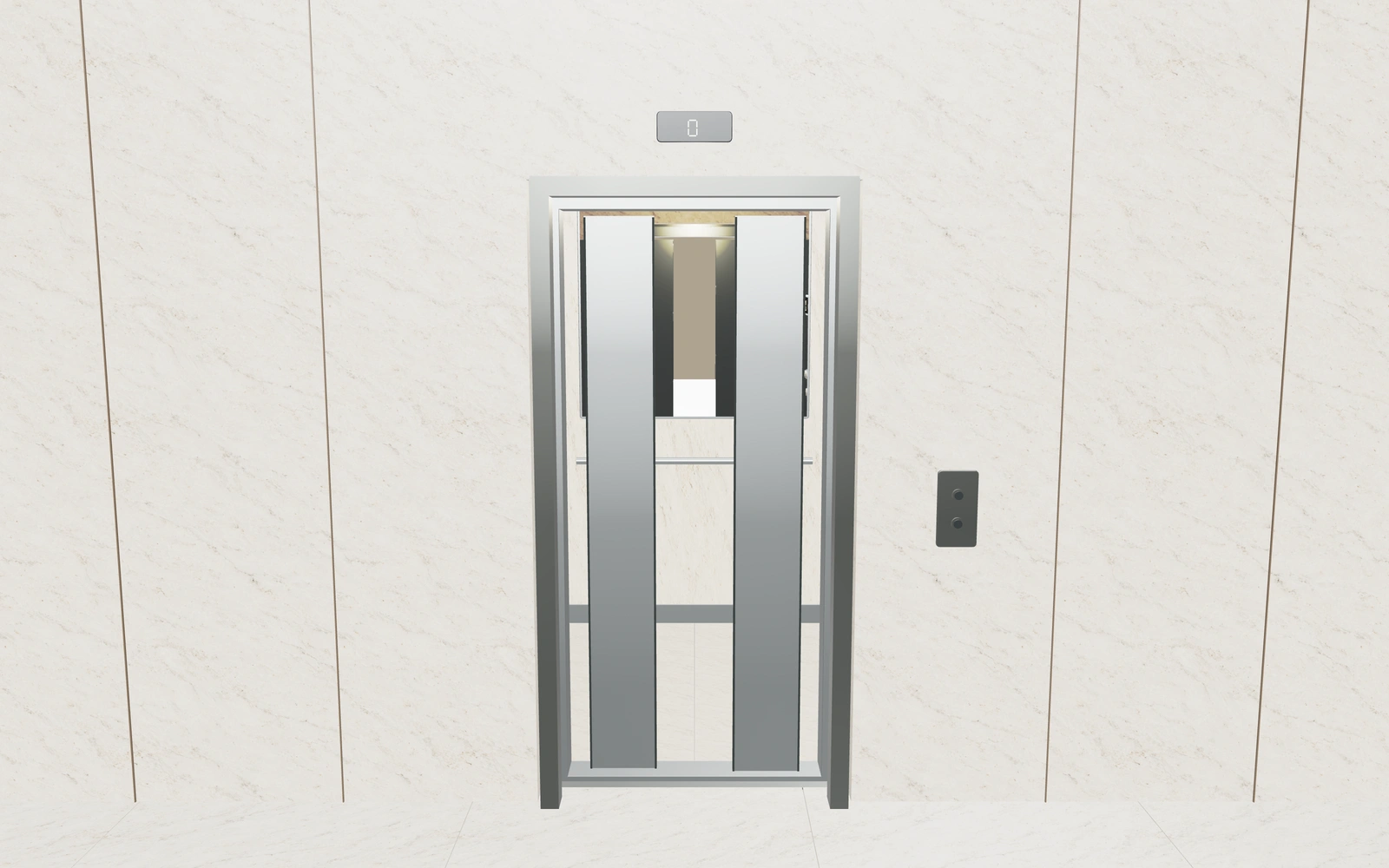
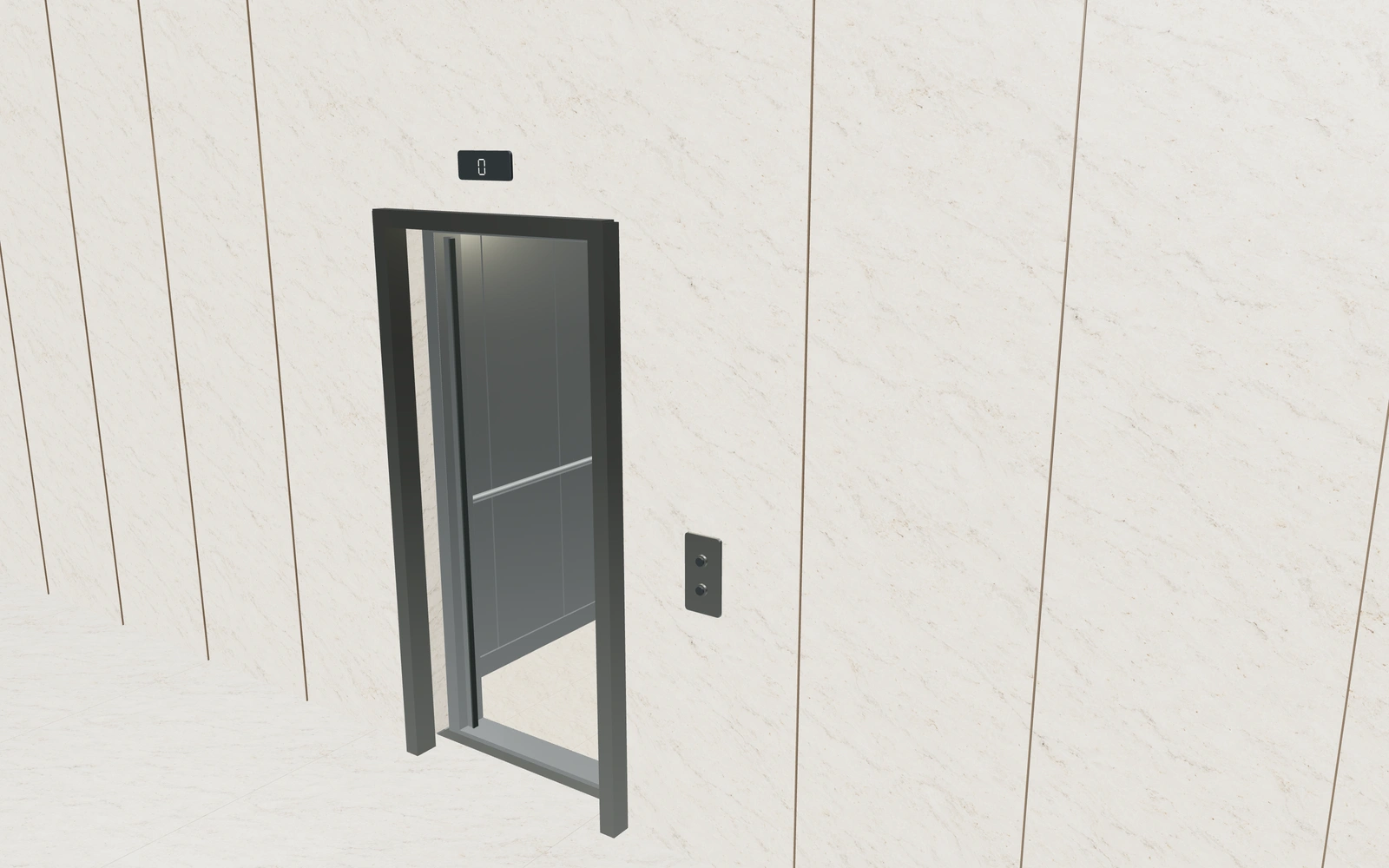
Compare centre-opening and telescopic door references with the intended cabin and entrance dimensions. Keep any rear-entry preference identifiable in the selected visual brief.
Coordinate materials from inside the cabin
Review oak, dark timber, brushed steel and quartzite wall appearances with the selected floor. Compare panel arrangement, mirror and handrail preferences as separate parts of the interior package.
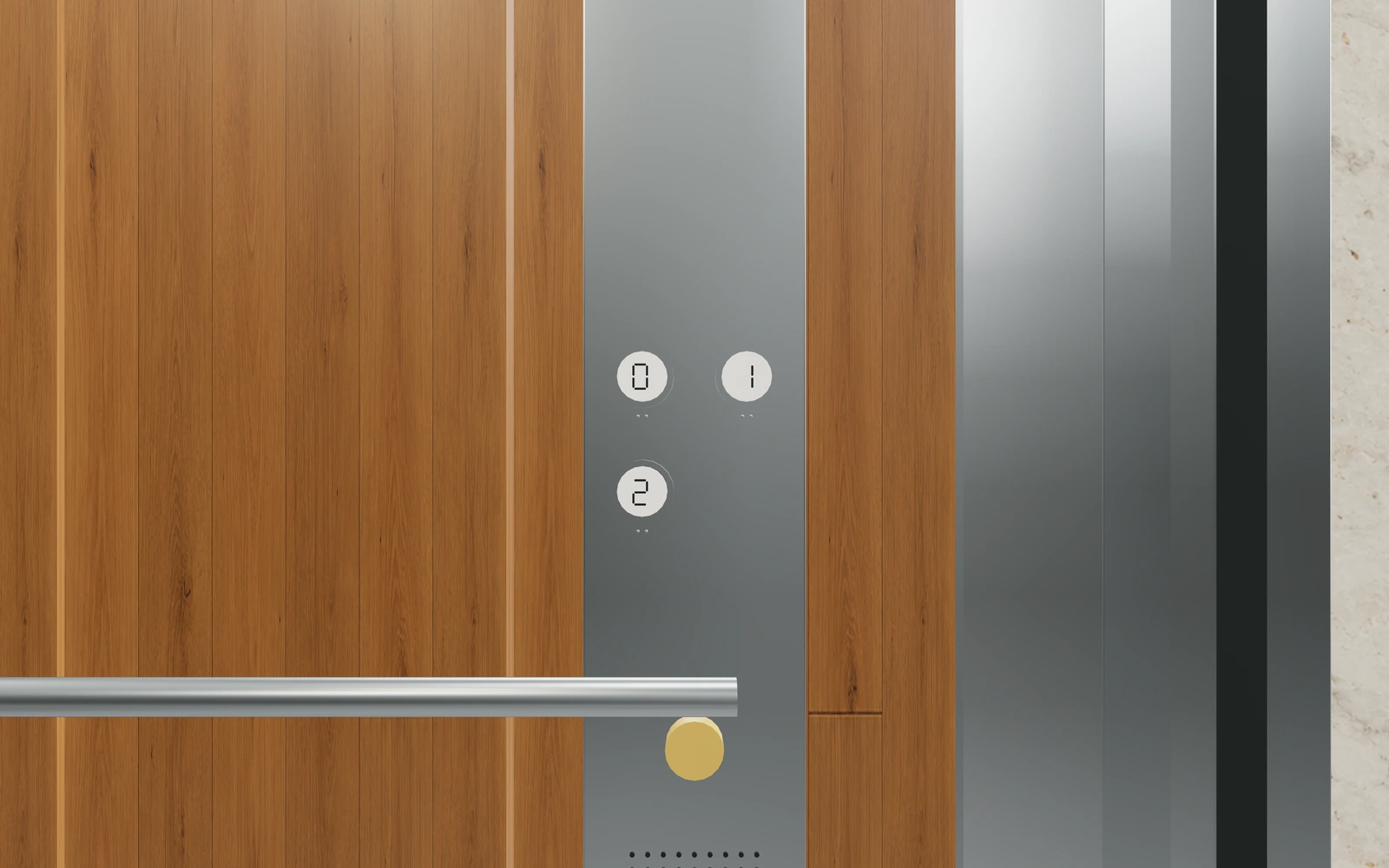
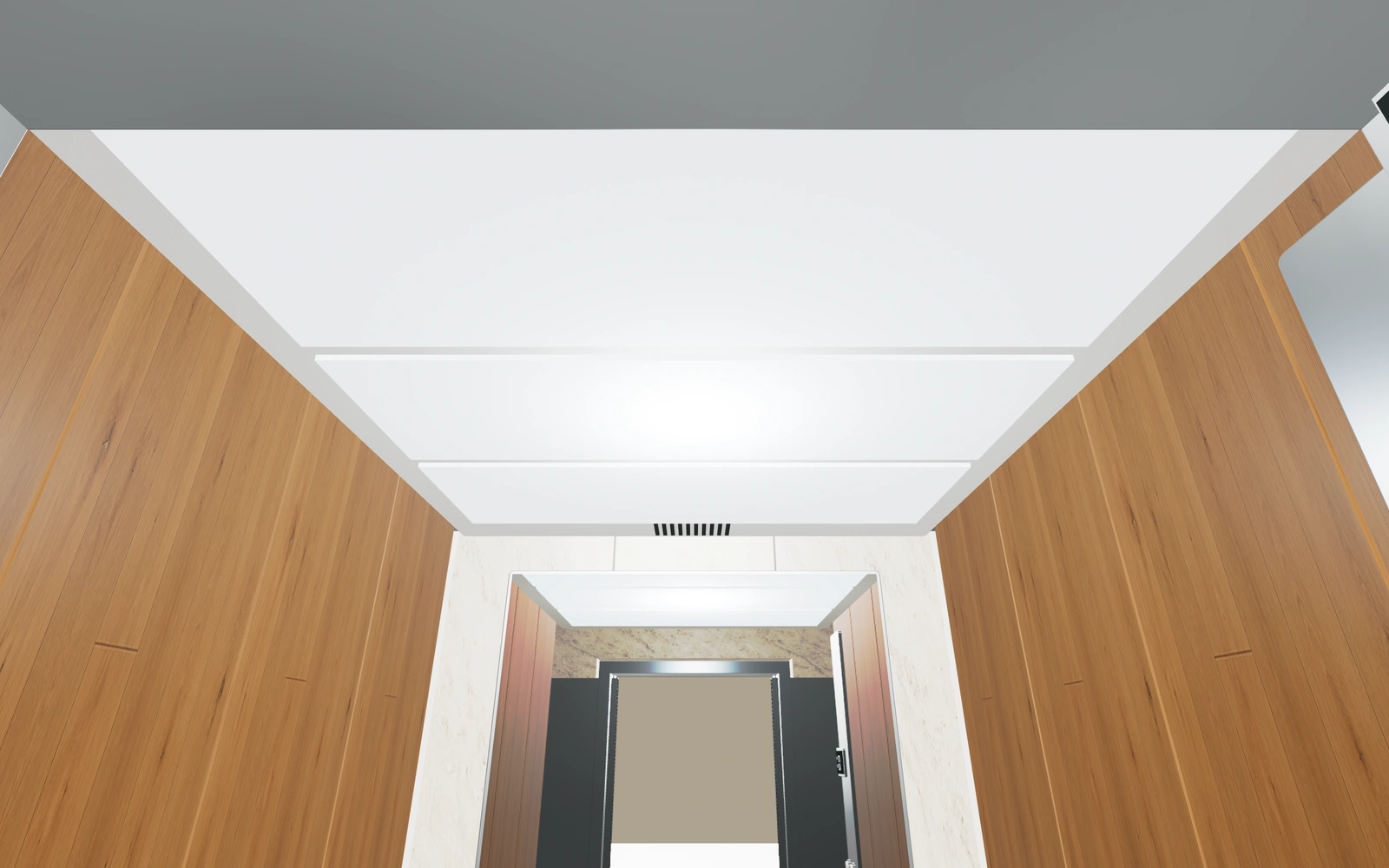
Inspect lighting and fittings close up
Use interior views to discuss the ceiling, light appearance, console and door details. Keep those selections attached to the cabin so a material change does not obscure the fittings included in the proposal.
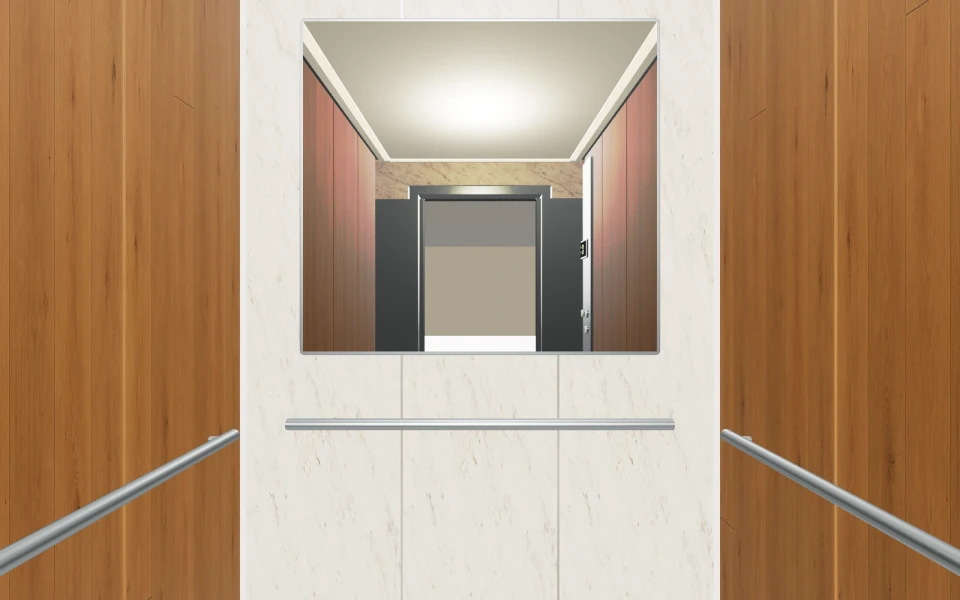
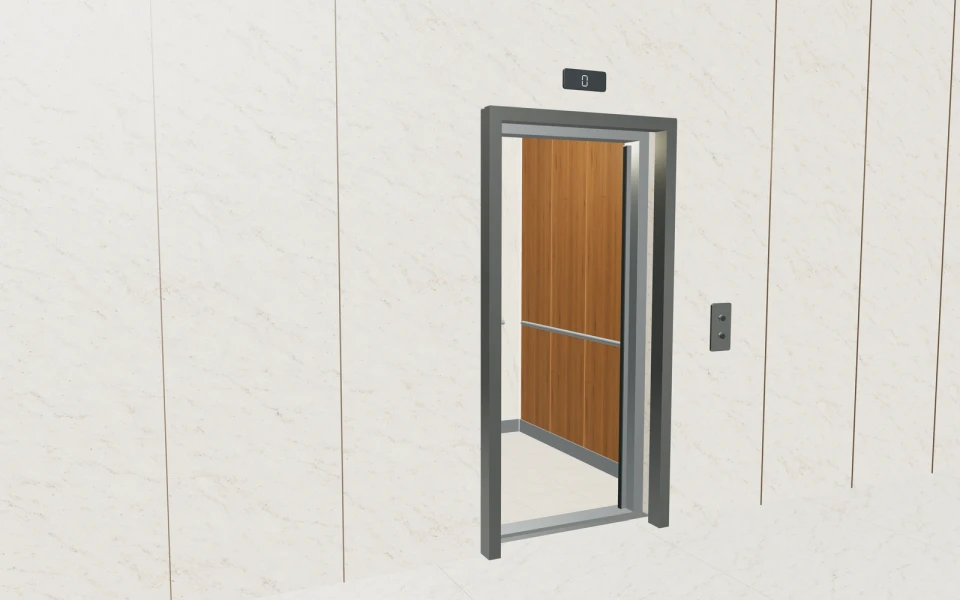
A cabin-modernisation conversation with a clear selected package.
A building customer compares a timber-led interior with a brushed-steel alternative. Keep the entrance brief fixed while reviewing floors, mirrors and lighting. Save the chosen scheme, arrange the building review and prepare a proposal that identifies the cabin finishes, fittings and project work without implying the visual selection defines the complete lift system.
See this workflow in a demoOne customer project.
The whole sales journey.
Customer details, selected products and the next action stay connected in your company workspace.
New enquiry1
Configuration saved
Proposal1
Branded proposal prepared
Accepted1
Continue into order
Explore the relevant
product models.
Review these library models with your range. Each configurator has its own options and counts toward your workspace’s product selection.
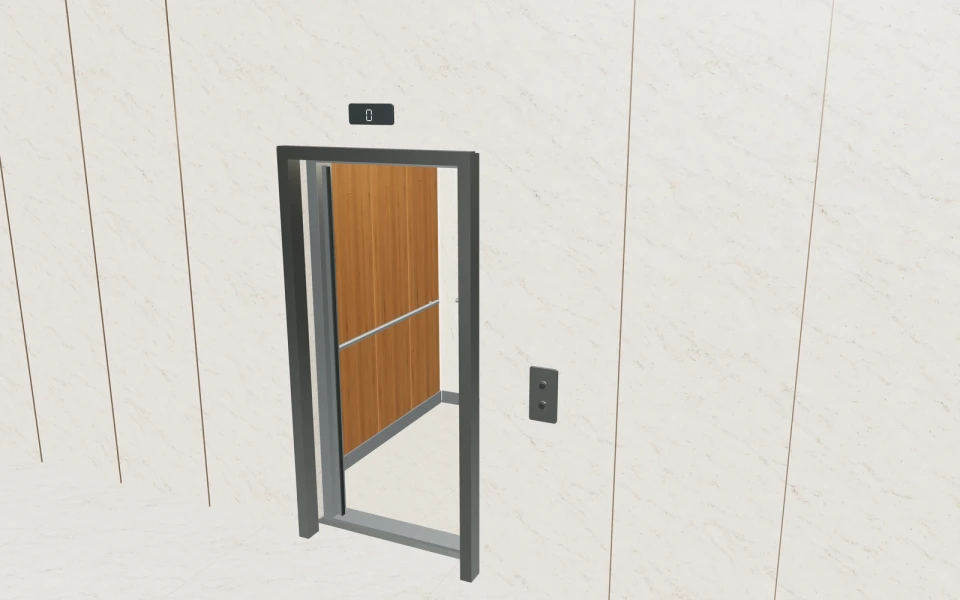
Passenger elevators
Cabin and entrance dimensions · Centre-opening or telescopic doors · Wall panels, mirror, handrails and flooring
Read the product guide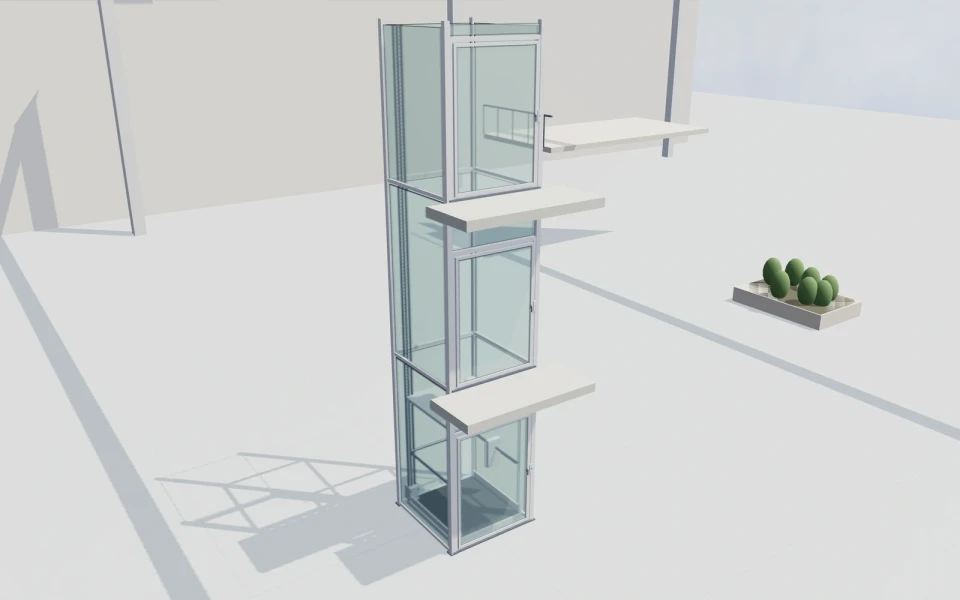
Vertical platform lifts
Two to five served levels and landing rise · Front, through or adjacent access · Moving platform and selected landing-door preview
Explore this model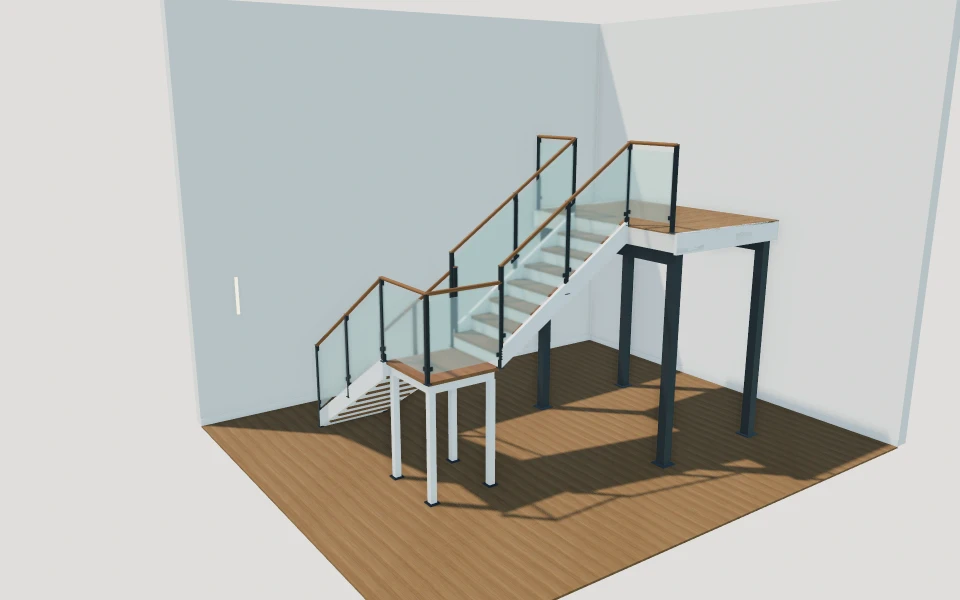
Architectural staircases
Three flight arrangements · Rise, going & floor height · Timber, steel or central spine
Explore this modelMore elevator product views
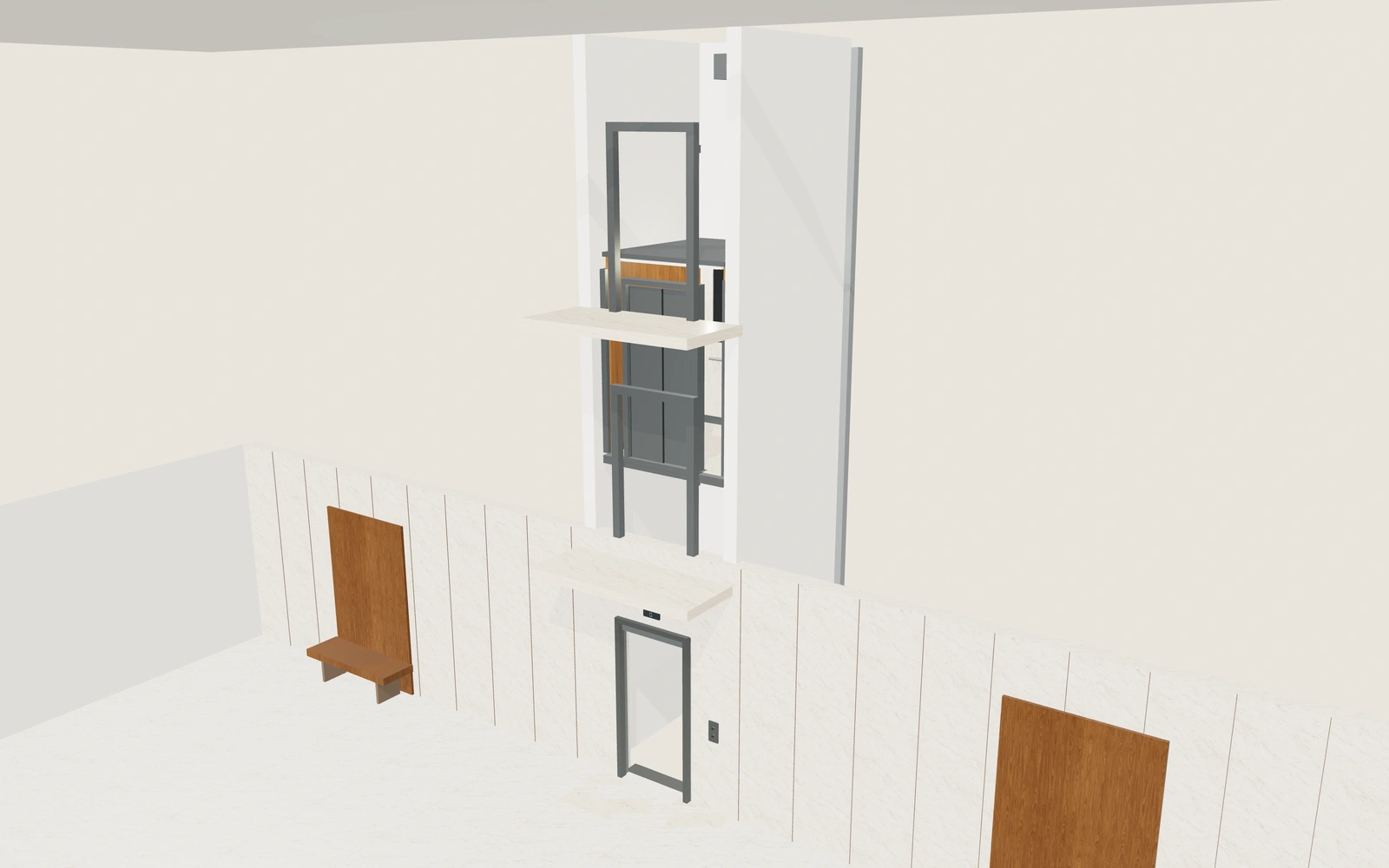
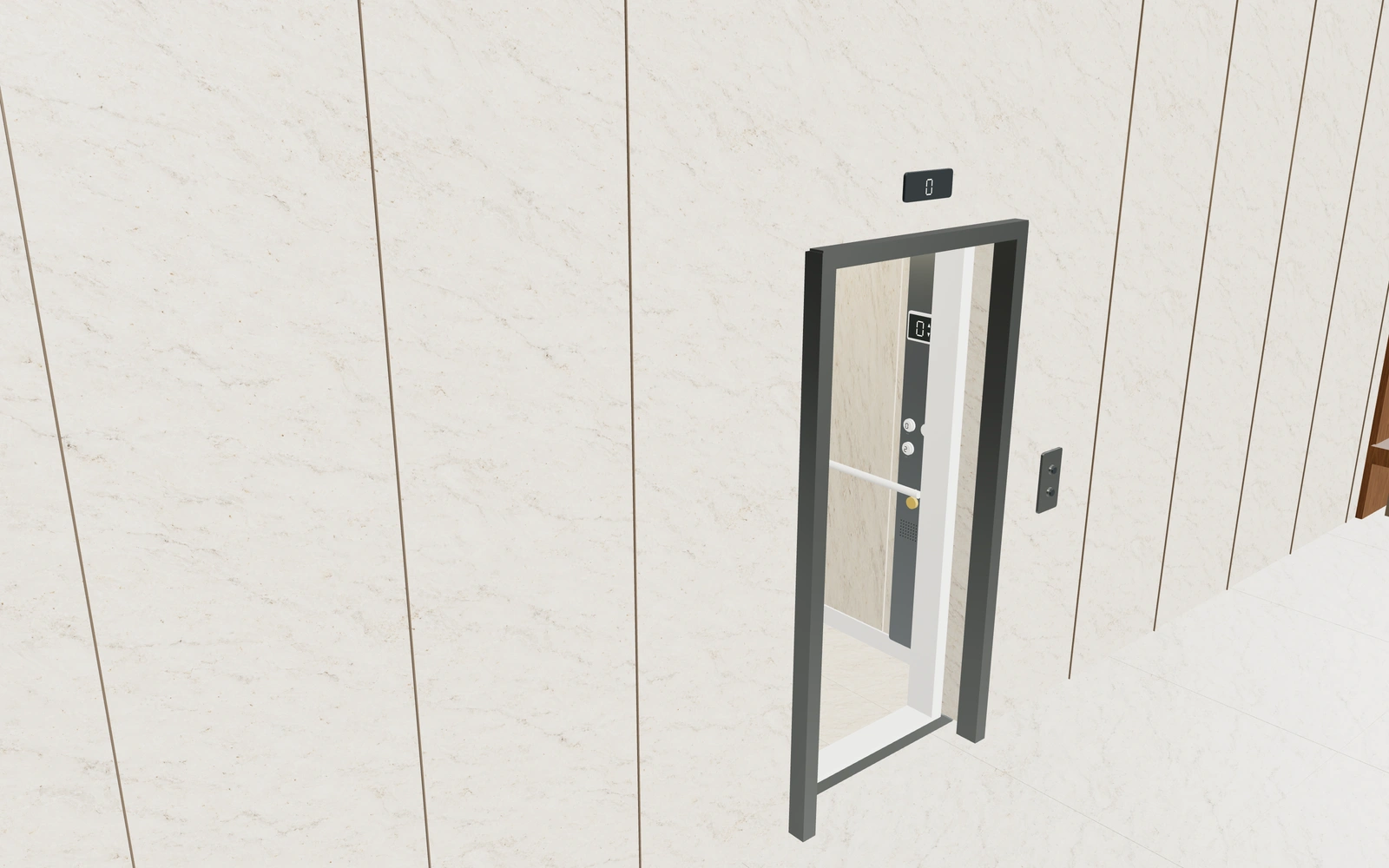
Library products.
Or your own product scope.
Bring your cabin systems, entrance arrangements, dimensional rules, material catalogue and fittings. We can review the current cabin model and scope the work required for your own manufactured packages.
- Match the product rangeReview the model choices, options and customer workflow your team needs.
- Choose the workspaceSelect the plan for your users and library products, or agree a customer-specific scope.
- Start the customer journeyAdd contacts, configure a project and prepare a proposal with your own prices and logo.
Choose your team.
Choose your product range.
Monthly workspace plans. Yearly billing includes 12 months for the price of 10.
Compare every feature and yearly prices1 user
Choose 3 from the product library
- 3D product configuration
- Contacts, projects and team calendar
- Your proposals, PDFs, orders and invoices
Up to 3 users
Choose 6 from the product library
- 3D product configuration
- Contacts, projects and team calendar
- Your proposals, PDFs, orders and invoices
Up to 7 users
Scope and quantity agreed during onboarding
- 3D product configuration
- Contacts, projects and team calendar
- Your proposals, PDFs, orders and invoices
Custom product scope and quantity are agreed during onboarding. For more than 7 users or a broader requirement, discuss Enterprise in your demo.
Your elevator
software questions.
Can customers compare cabin materials and fittings?
Yes. The starting cabin model includes separate wall, floor, metalwork, mirror, handrail, ceiling and control-panel appearance choices. Review them from inside as well as from the landing.
Does the configurator design or certify the complete elevator?
No. It helps present the cabin and entrance brief. Actual capacity, shaft, equipment, safety, compliance and installation requirements must be established by the responsible lift specialists and supplied system.
Can our own cabin finishes be represented?
Yes, through an agreed customer-specific scope. Bring the actual finish catalogue, panel arrangements and fittings so the proposed configurator reflects what your business supplies.
Can modernisation work have its own proposal items?
Yes. Add your own cabin, fitting, survey and installation items with your own prices. Continue an accepted proposal into an order with notes, invoices and external payment records.
Bring your elevator cabins.
See your next sales flow.
Bring your cabin systems, entrance arrangements, dimensional rules, material catalogue and fittings. We can review the current cabin model and scope the work required for your own manufactured packages.
- Review the cabin and entrance arrangement
- Coordinate materials from inside the cabin
- Inspect lighting and fittings close up