Window configurator software. Make every opening choice clear.
Compare opening styles, frame materials, glazing and finishes in 3D. Give your sales team a saved window specification to discuss, price and carry through the customer project.
- Your prices and document branding
- Configuration, CRM and orders together
 3D product workspace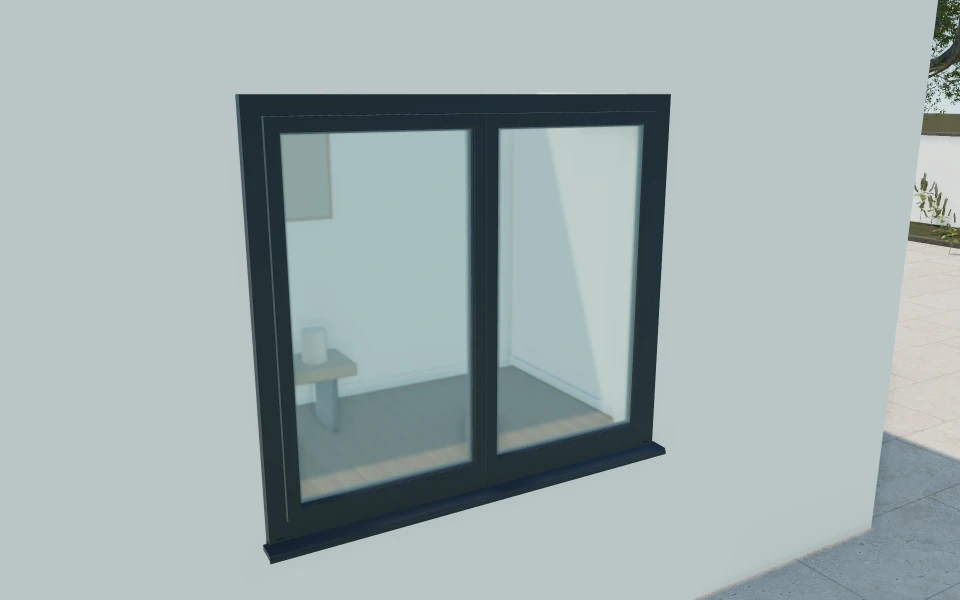
An attractive closed window is only part of the decision.
The opening style, frame proportions and movement need to suit the customer's brief. Help buyers compare those choices before the finish palette, then retain glazing, handles and actual opening measurements for the proposal.
Make the specification
easy to understand.
Compare fixed and operable designs
Review picture, casement, tilt-and-turn and sliding arrangements in the window model. Use the moving sash and an oblique view to explain how the selected design is intended to open.
Coordinate the frame on both sides
Compare aluminium, uPVC and timber appearances alongside frame depth and sightline. Record interior and exterior finishes separately when the customer wants different colours inside and out.
Keep glazing and fittings in the specification
Review double or triple glazing appearances, privacy preferences and divided lights. Keep handles and sill details with the selected design, with actual supplied performance documented by your business.
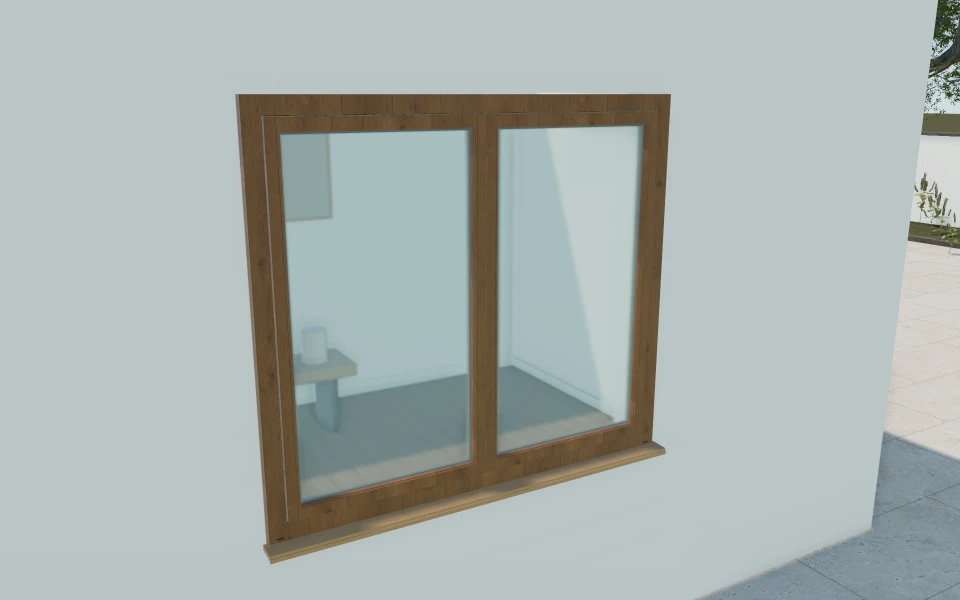
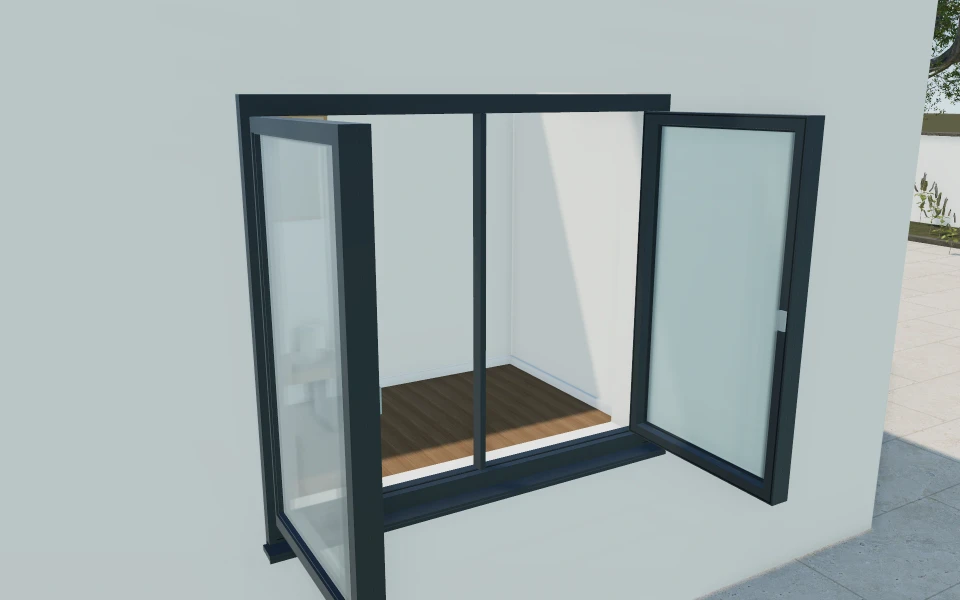
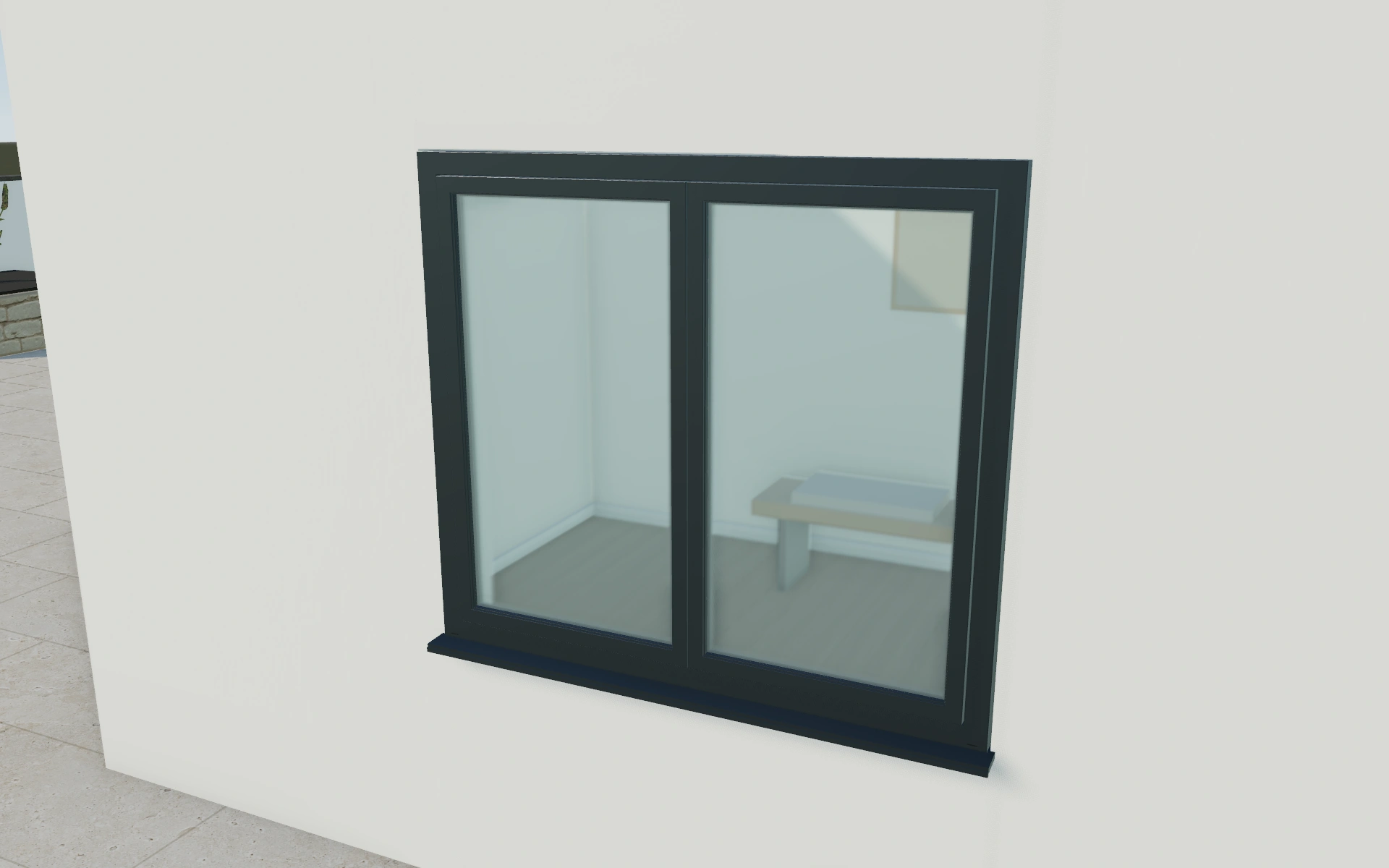
Two window designs, compared on one opening brief.
A showroom customer is deciding between a fixed glazed view and an operable window beside furniture. Save both design directions at the intended dimensions, then retain the chosen glazing and finishes. The proposal can identify the window package, fitting requirements and installation items without relying on a single closed elevation.
See this workflow in a demoOne customer project.
The whole sales journey.
Customer details, selected products and the next action stay connected in your company workspace.
New enquiry1
Configuration saved
Proposal1
Branded proposal prepared
Accepted1
Continue into order
Explore the relevant
product models.
Review these library models with your range. Each configurator has its own options and counts toward your workspace’s product selection.
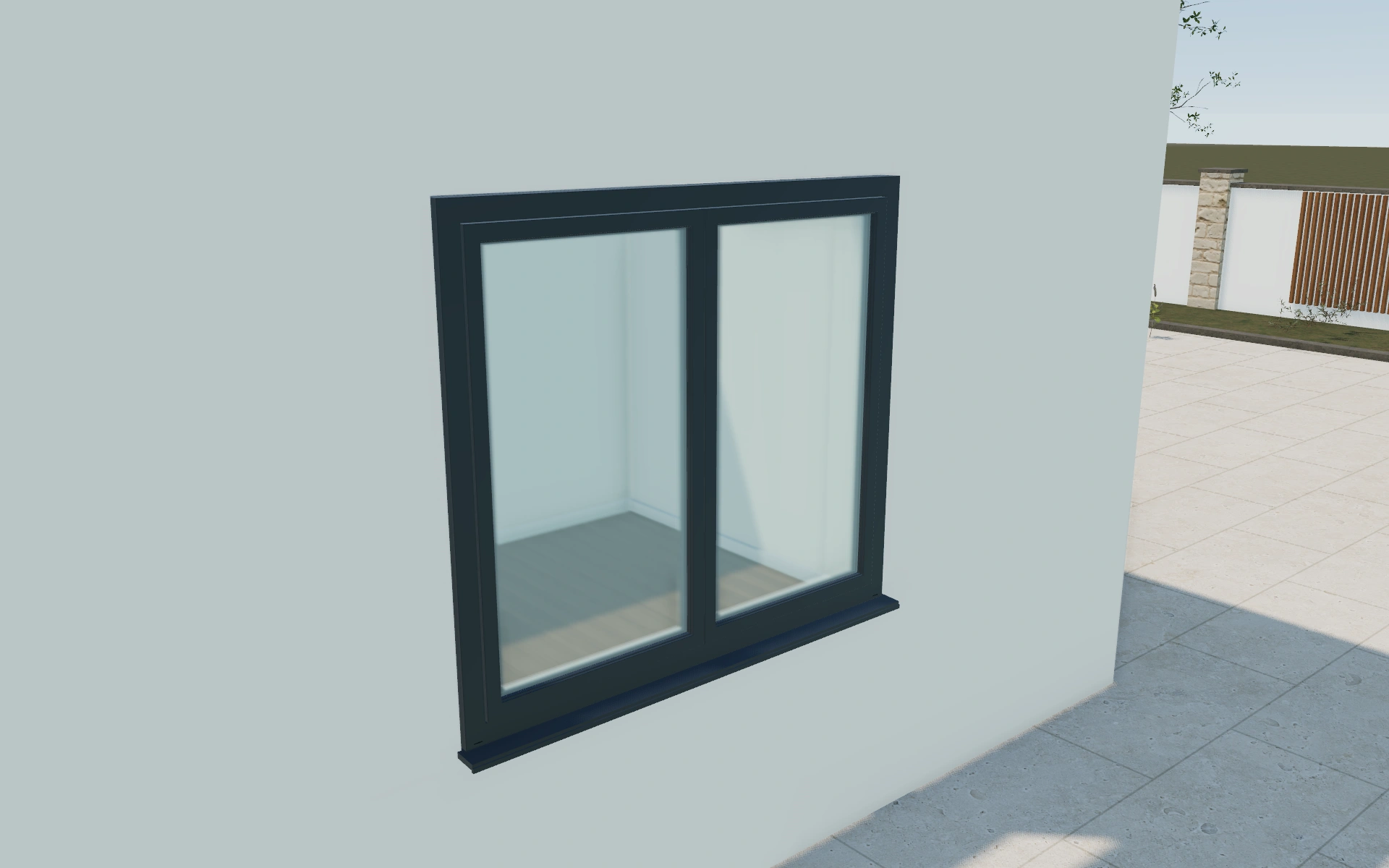
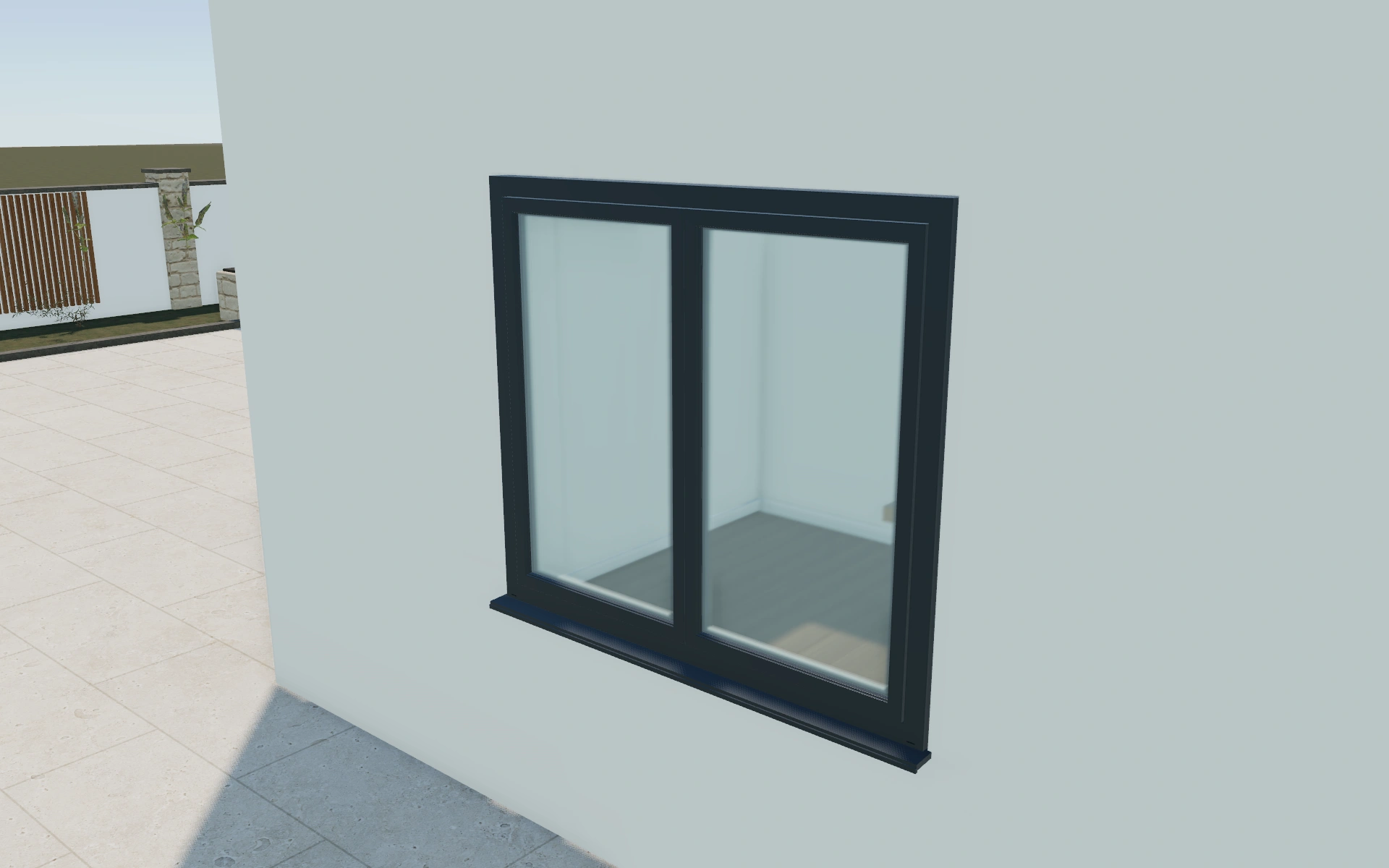
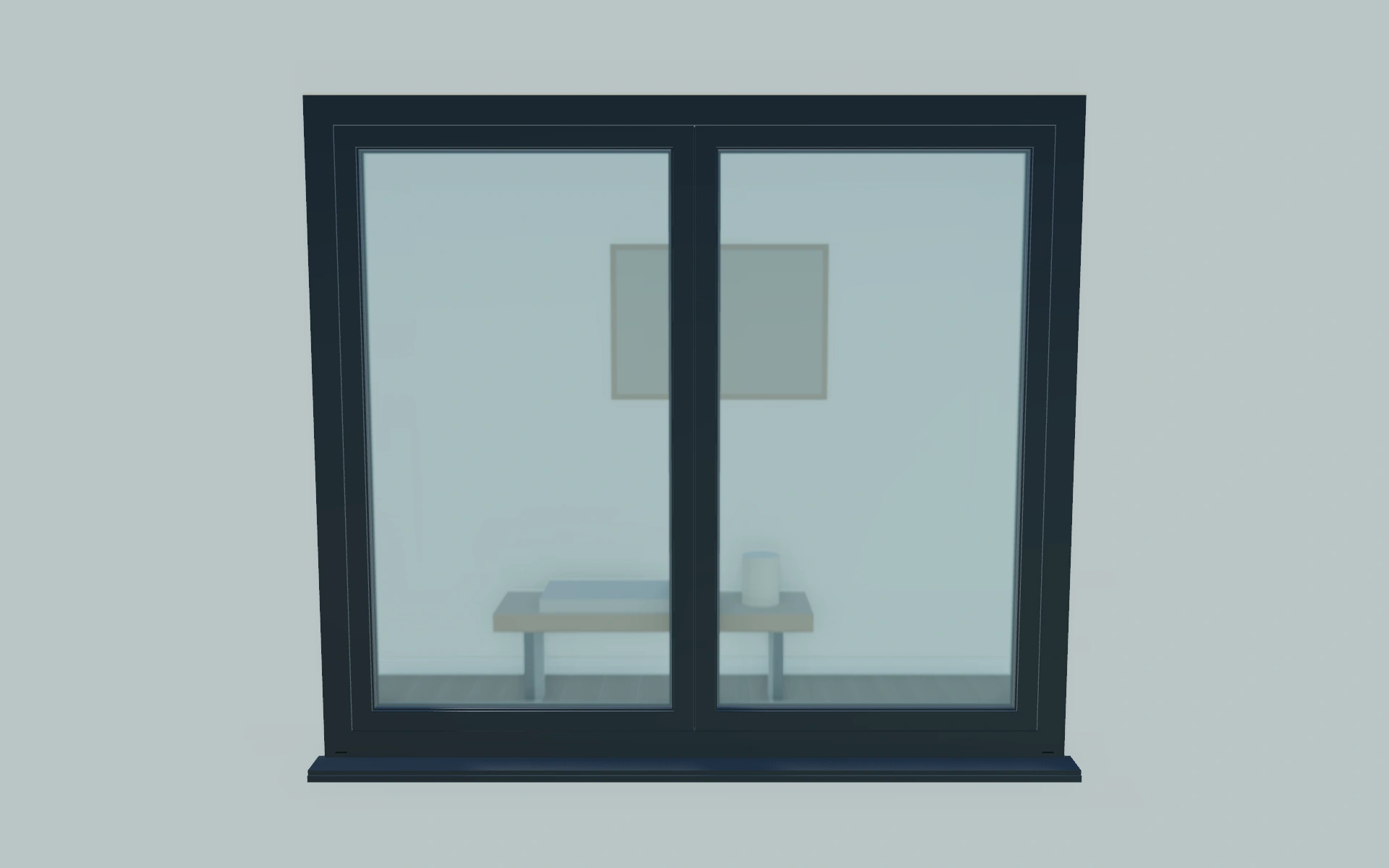
Architectural windows
Seven operating styles · Dimensions & sill height · Double or triple glazing
Read the product guide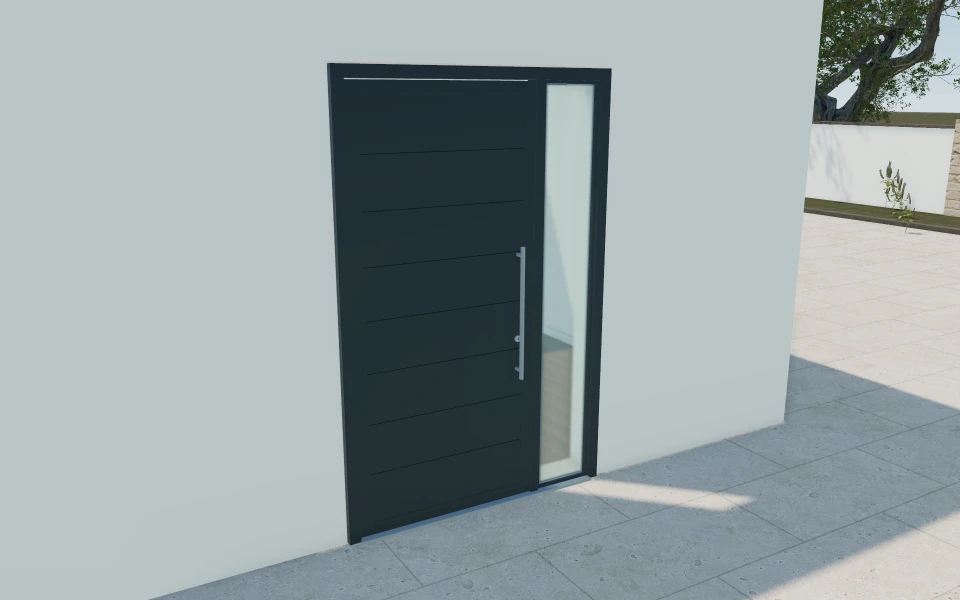
Entrance doors
Single or double leaves · Sidelights & fanlights · Six leaf designs
Explore this model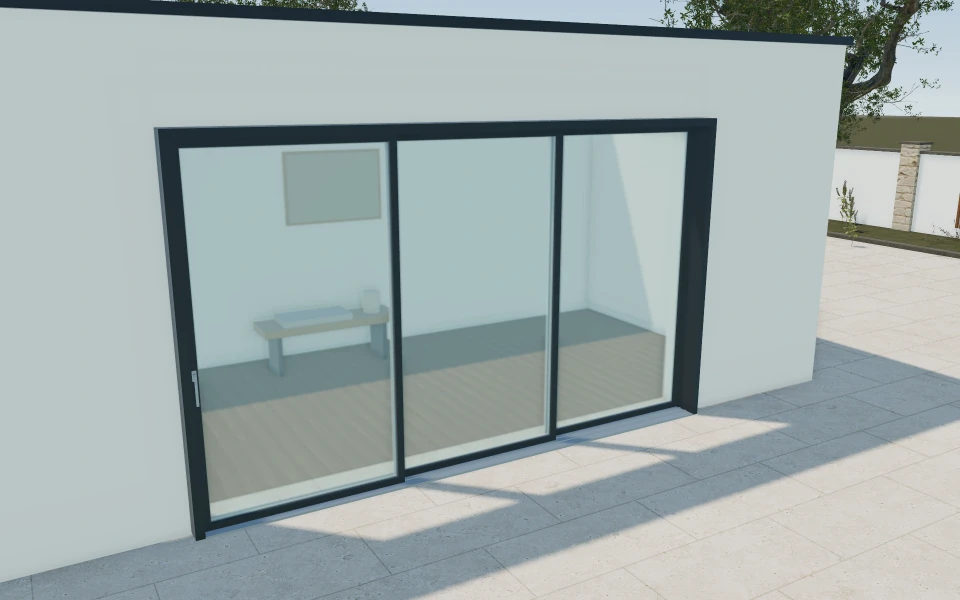
Sliding patio doors
Four panel arrangements · Panel stacking preview · Glazing & dual finishes
Explore this modelMore window product views
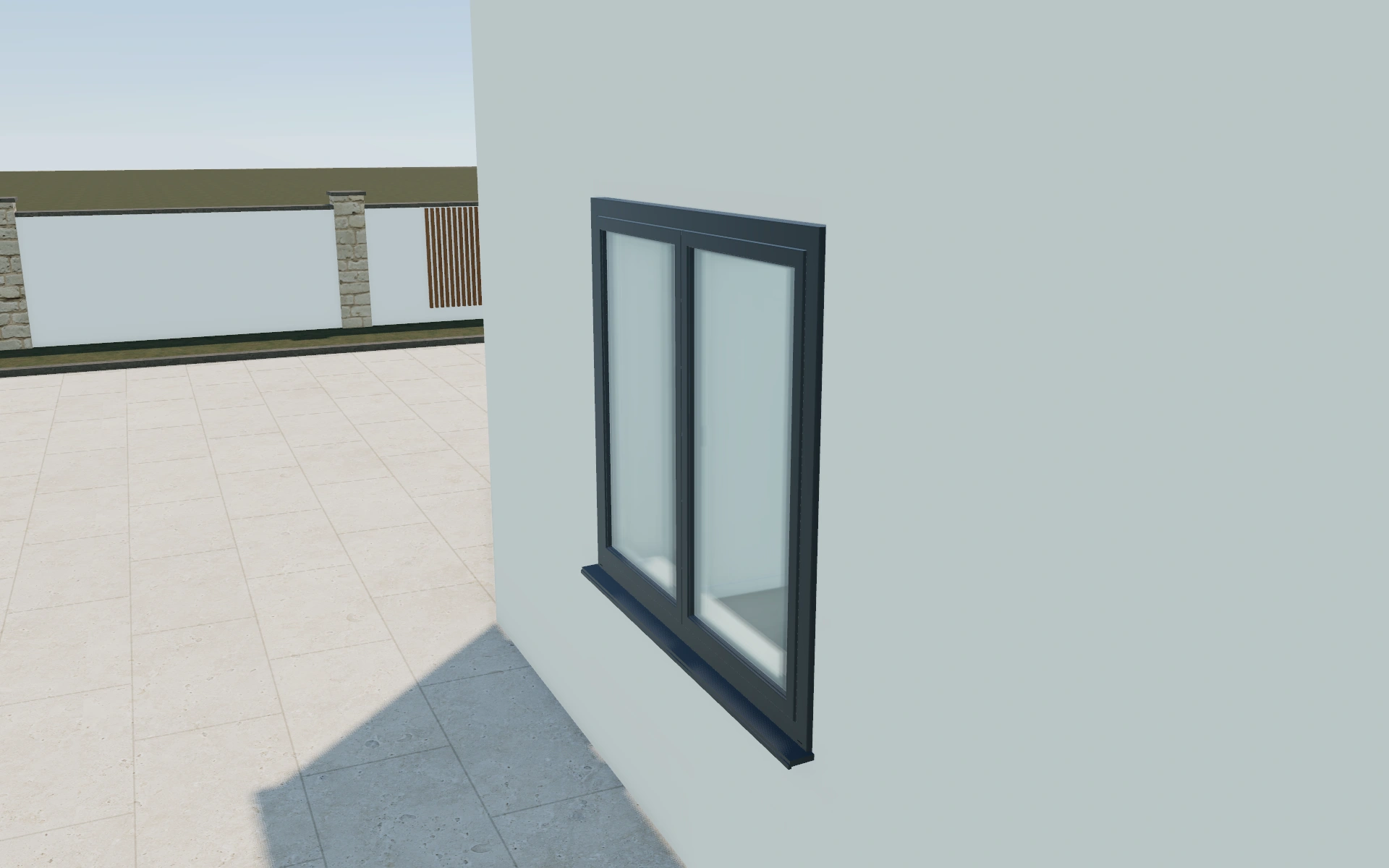
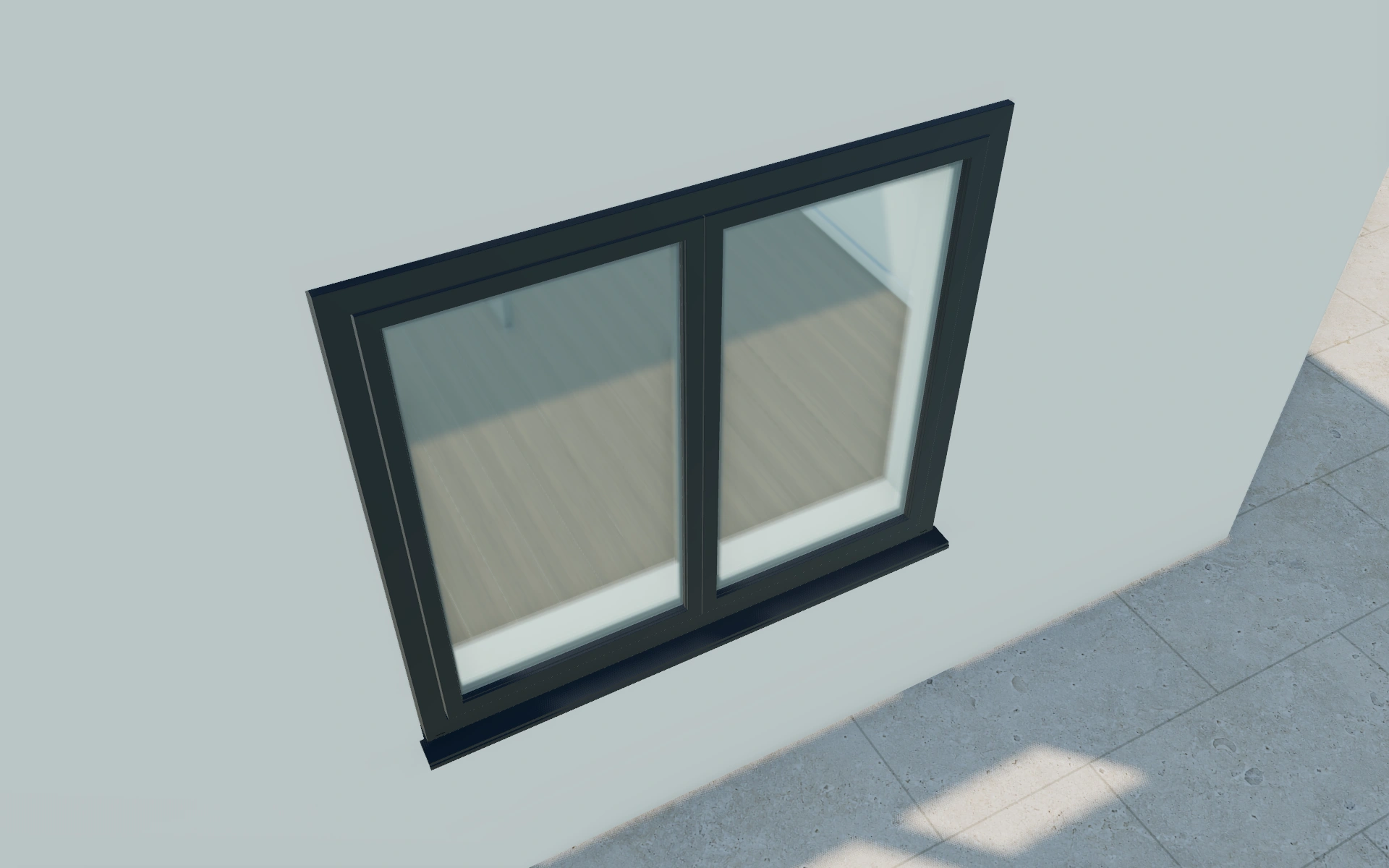
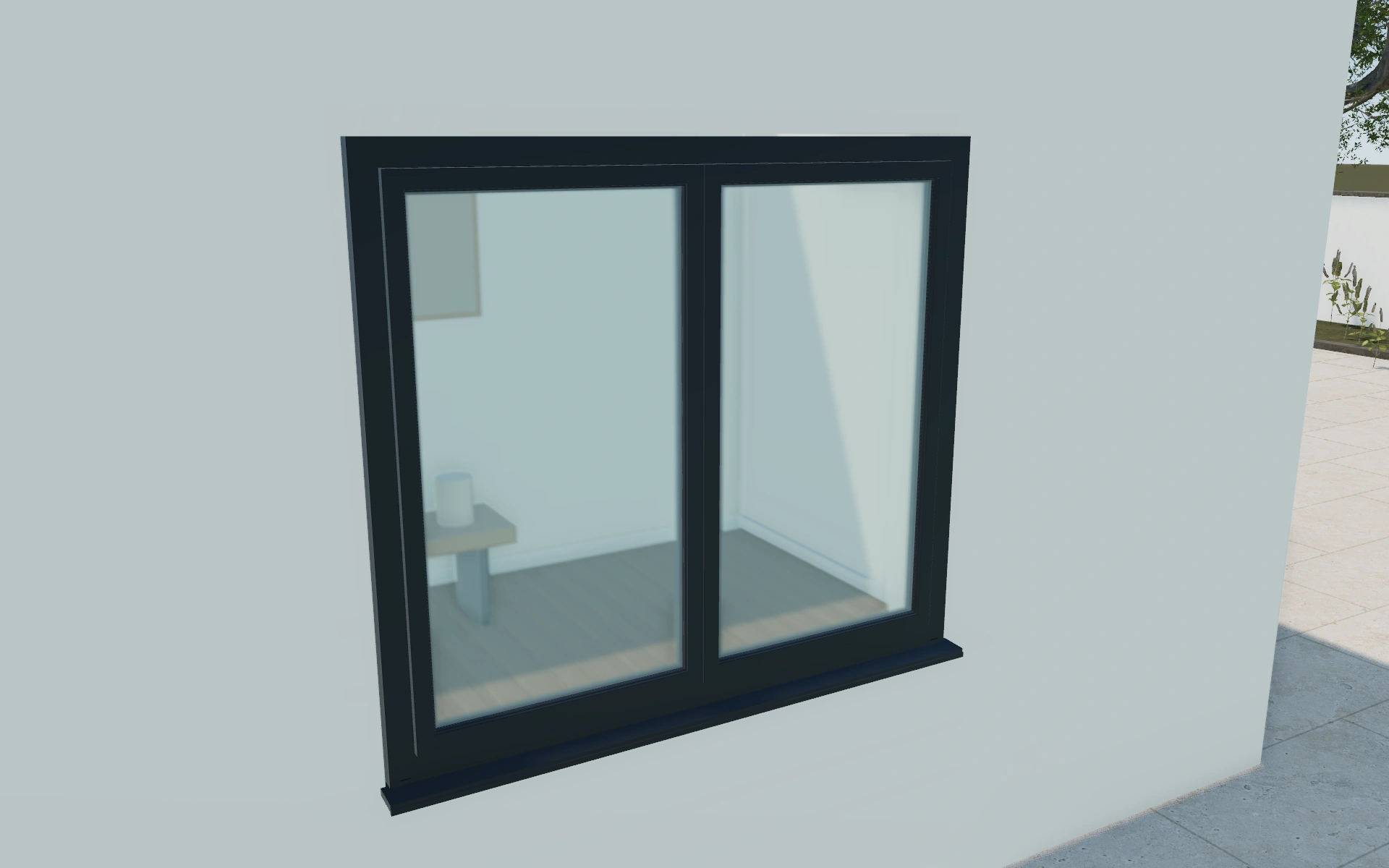
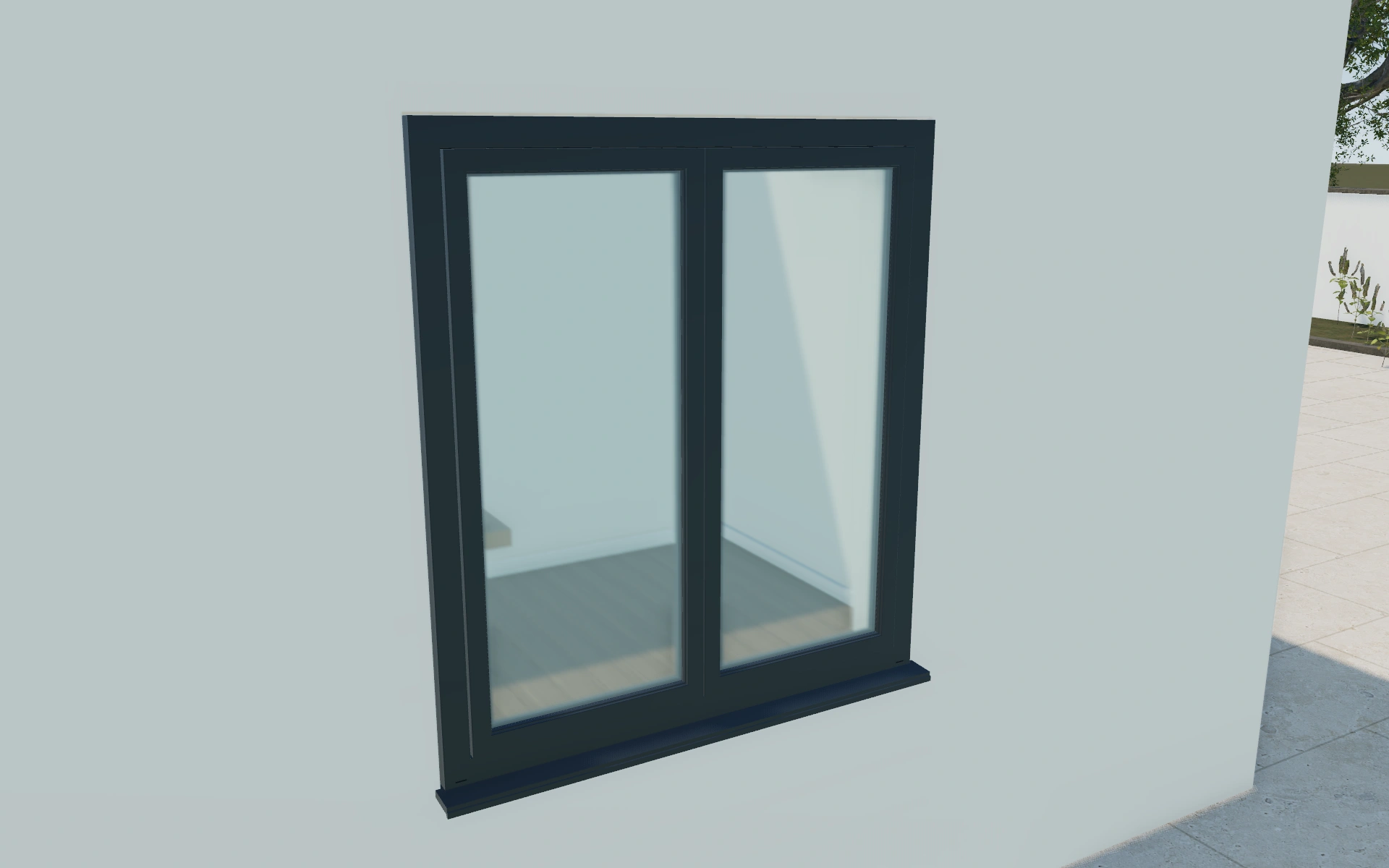
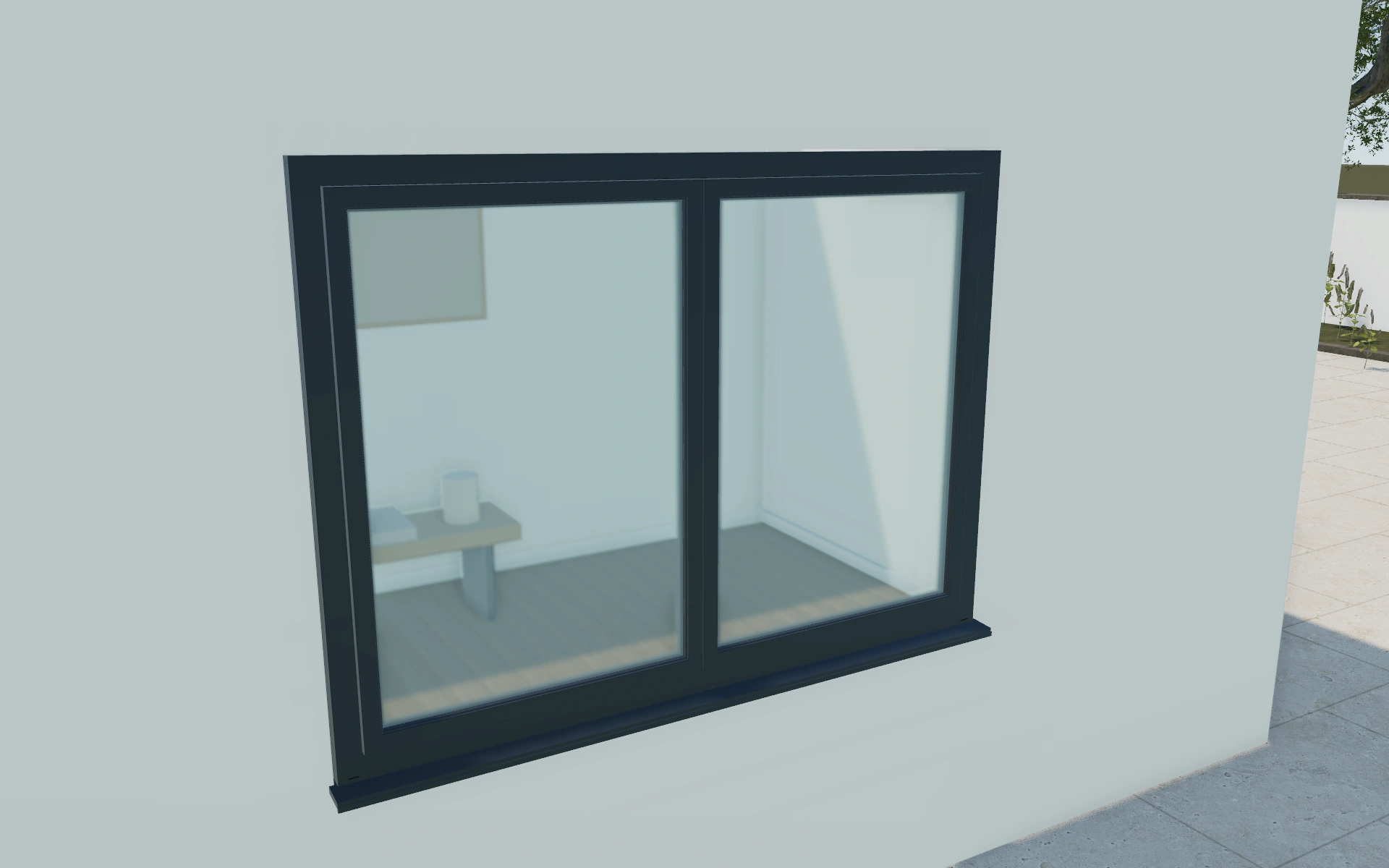
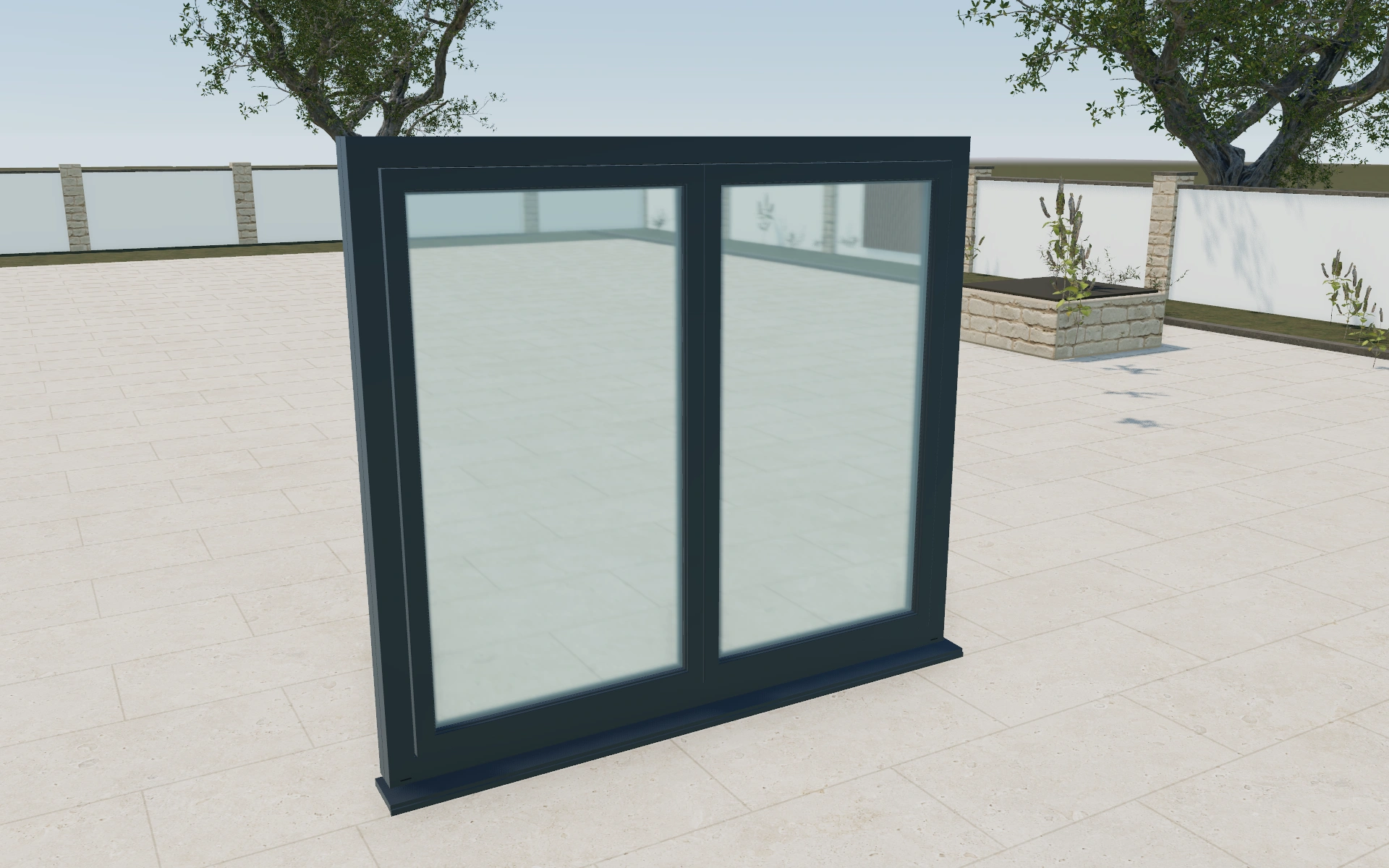
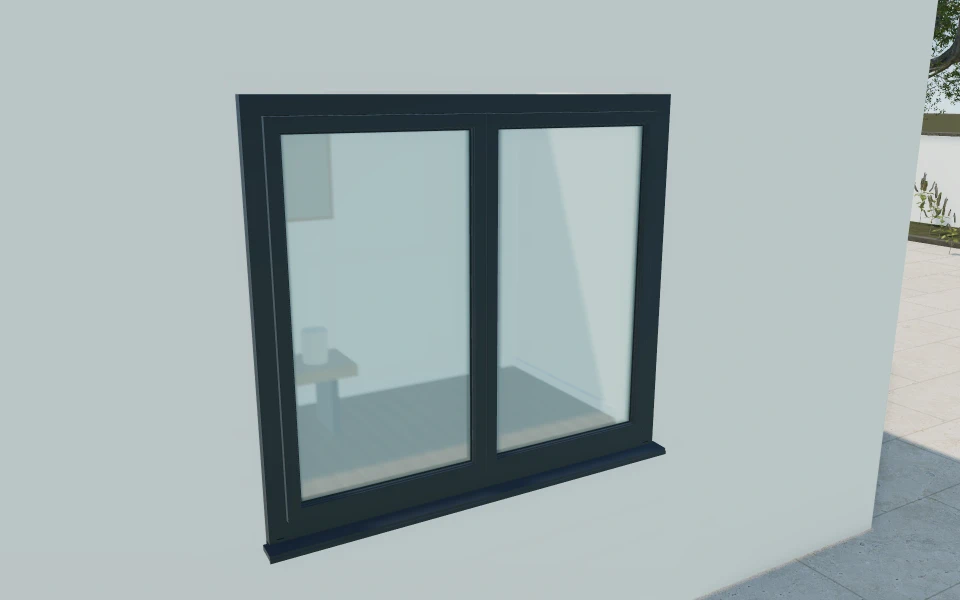
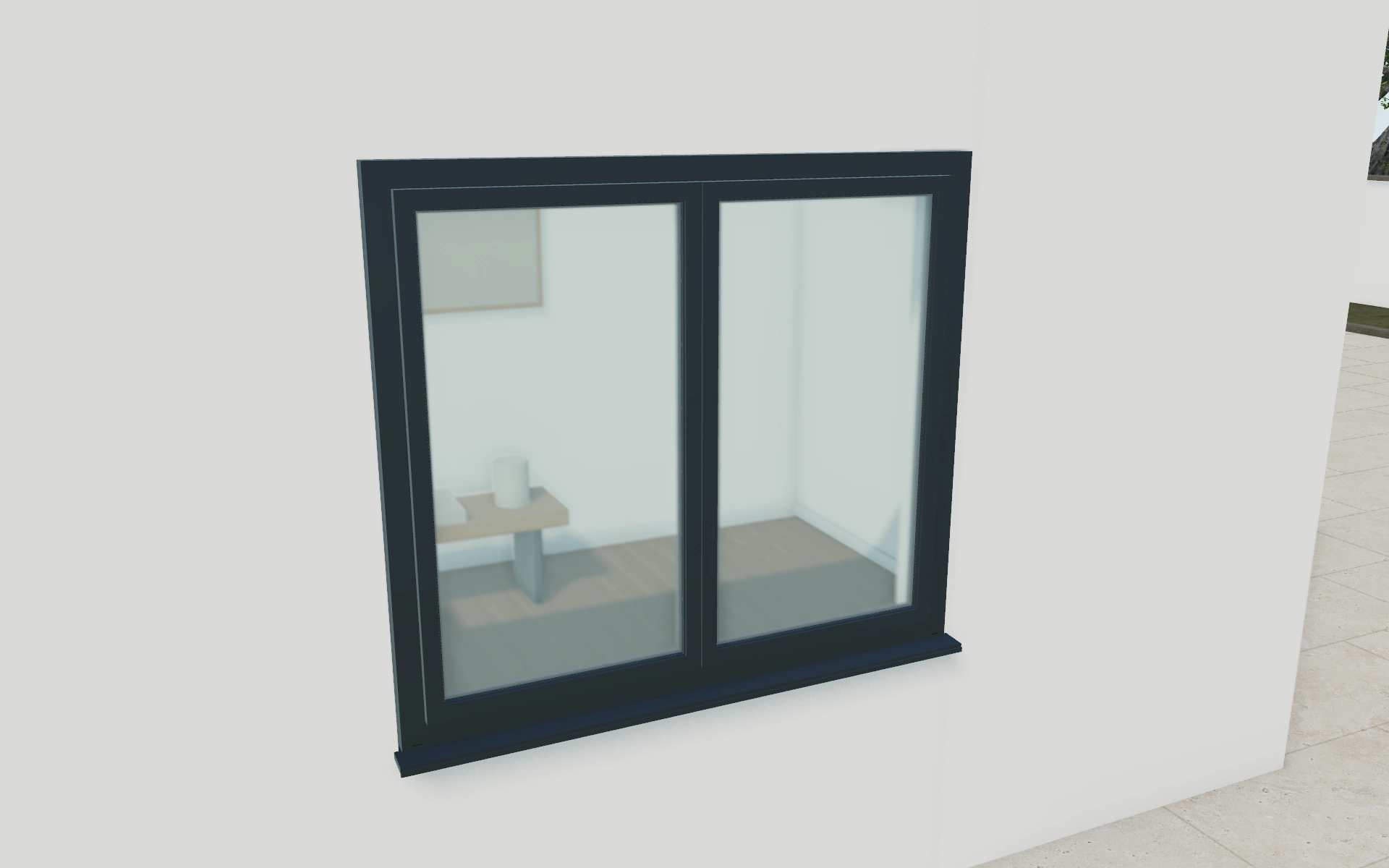
Library products.
Or your own product scope.
Bring your window systems, opening styles, size limits, frame and glazing catalogues and relevant supplied specifications. We will review the library example against the scope needed for your own manufactured products.
- Match the product rangeReview the model choices, options and customer workflow your team needs.
- Choose the workspaceSelect the plan for your users and library products, or agree a customer-specific scope.
- Start the customer journeyAdd contacts, configure a project and prepare a proposal with your own prices and logo.
Choose your team.
Choose your product range.
Monthly workspace plans. Yearly billing includes 12 months for the price of 10.
Compare every feature and yearly prices1 user
Choose 3 from the product library
- 3D product configuration
- Contacts, projects and team calendar
- Your proposals, PDFs, orders and invoices
Up to 3 users
Choose 6 from the product library
- 3D product configuration
- Contacts, projects and team calendar
- Your proposals, PDFs, orders and invoices
Up to 7 users
Scope and quantity agreed during onboarding
- 3D product configuration
- Contacts, projects and team calendar
- Your proposals, PDFs, orders and invoices
Custom product scope and quantity are agreed during onboarding. For more than 7 users or a broader requirement, discuss Enterprise in your demo.
Your window
software questions.
Which opening styles can we demonstrate?
The library window model includes picture, casement, tilt-and-turn, awning and sliding choices. Your own permitted combinations and dimensions can be reviewed for a customer-specific configurator.
Can the inside and outside frame finishes differ?
Yes. The model provides separate exterior and interior finish choices, including an interior match-exterior option. Keep both recorded when preparing the customer proposal.
Does selecting triple glazing establish a thermal rating?
No. The model records the visual selection. Measured thermal, acoustic and other product performance must come from the actual supplied window system and its documentation.
Can our team price each customer's window proposal differently?
Yes. Add your own product, survey, delivery and installation items before generating the branded PDF. Your workspace uses your customer prices rather than a universal price list shared by all subscribers.
Bring your windows.
See your next sales flow.
Bring your window systems, opening styles, size limits, frame and glazing catalogues and relevant supplied specifications. We will review the library example against the scope needed for your own manufactured products.
- Compare fixed and operable designs
- Coordinate the frame on both sides
- Keep glazing and fittings in the specification