Sliding door configurator software. Show the opening. Explain the choice.
Help buyers compare panel arrangements, moving leaves, folded stacks and finishes. Save the selected door design with the customer and turn that visual brief into a clear proposal.
- Your prices and document branding
- Configuration, CRM and orders together
 3D product workspace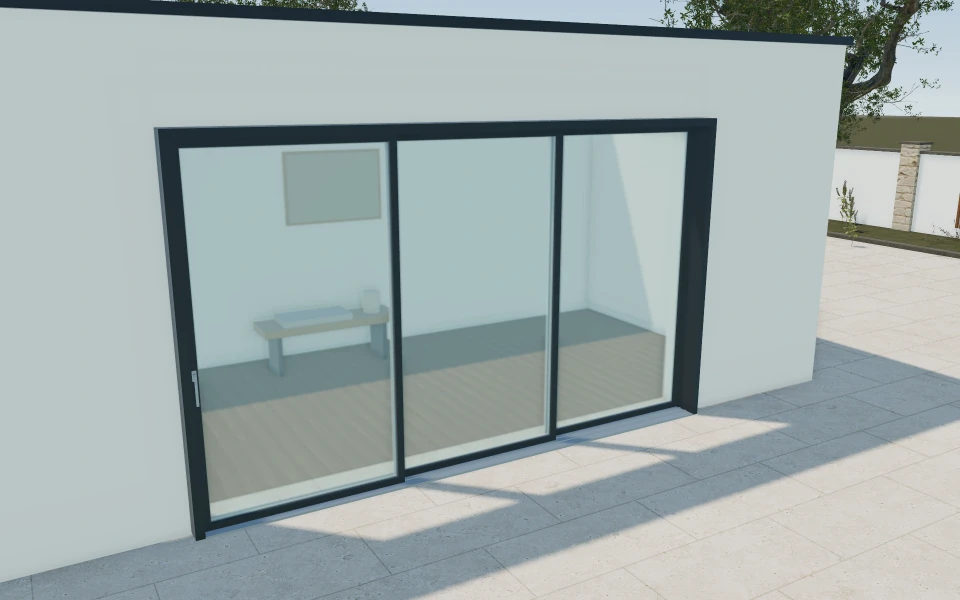
The open position is often the decision that matters.
A continuous glazed frontage can look persuasive while leaving the access route unresolved. Show where sliding panels overlap and folding leaves gather, then retain that arrangement as the customer compares glazing, hardware and finishes.
Make the specification
easy to understand.
Explain moving and fixed sliding panels
Compare the selected two-, three- or centre-opening arrangements at the same overall opening brief. Use the open state and an oblique view so the customer understands the running planes and chosen access.
Review the bifold stack before the palette
Show left, right or split stacks and the selected inward or outward folding direction. Discuss any compatible everyday access leaf separately from the fully folded state.
Retain the complete opening package
Keep threshold appearance, frame finishes, glazing and hardware with the selected panel arrangement. A colour change should be distinguishable from a revision to how the opening works.
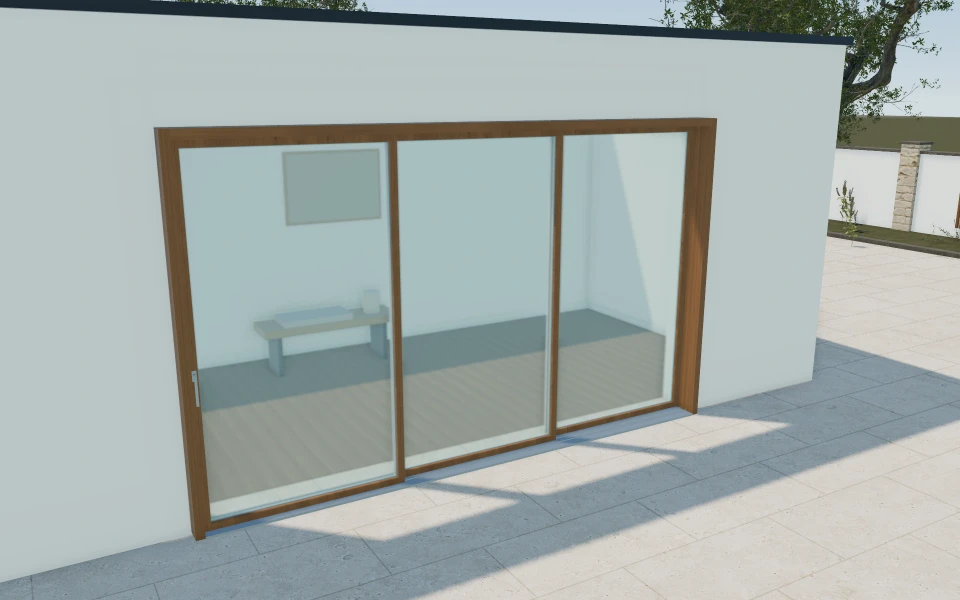
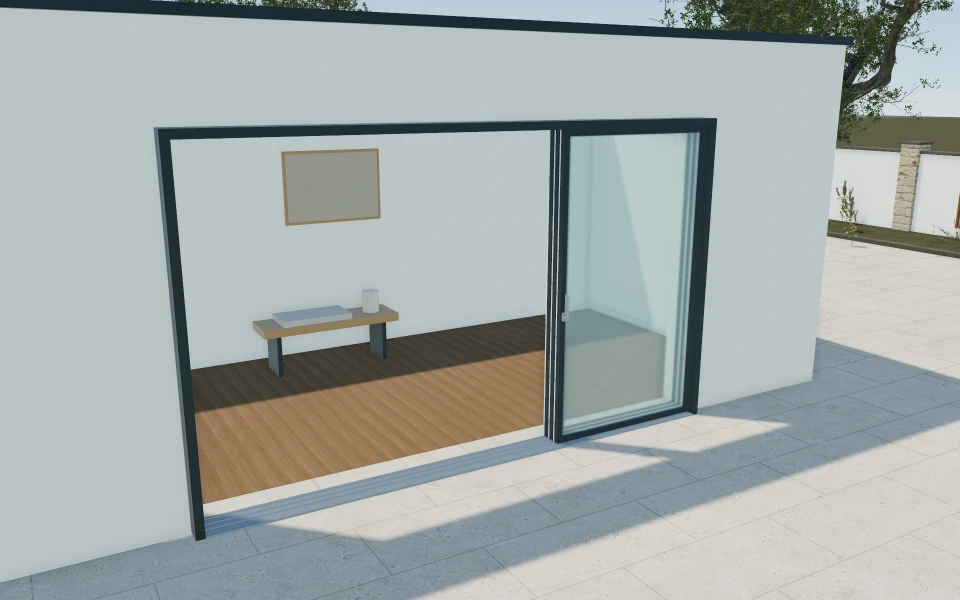
A terrace opening with furniture beside it.
A customer wants a wide garden connection but has furniture near one side. Compare a sliding arrangement with a bifold stack using the same opening brief. Save the preferred movement and finishes, schedule the measurement visit and prepare the proposal with the actual supplied system and installation scope identified.
See this workflow in a demoOne customer project.
The whole sales journey.
Customer details, selected products and the next action stay connected in your company workspace.
New enquiry1
Configuration saved
Proposal1
Branded proposal prepared
Accepted1
Continue into order
Explore the relevant
product models.
Review these library models with your range. Each configurator has its own options and counts toward your workspace’s product selection.
Sliding patio doors
Four panel arrangements · Panel stacking preview · Glazing & dual finishes
Explore this model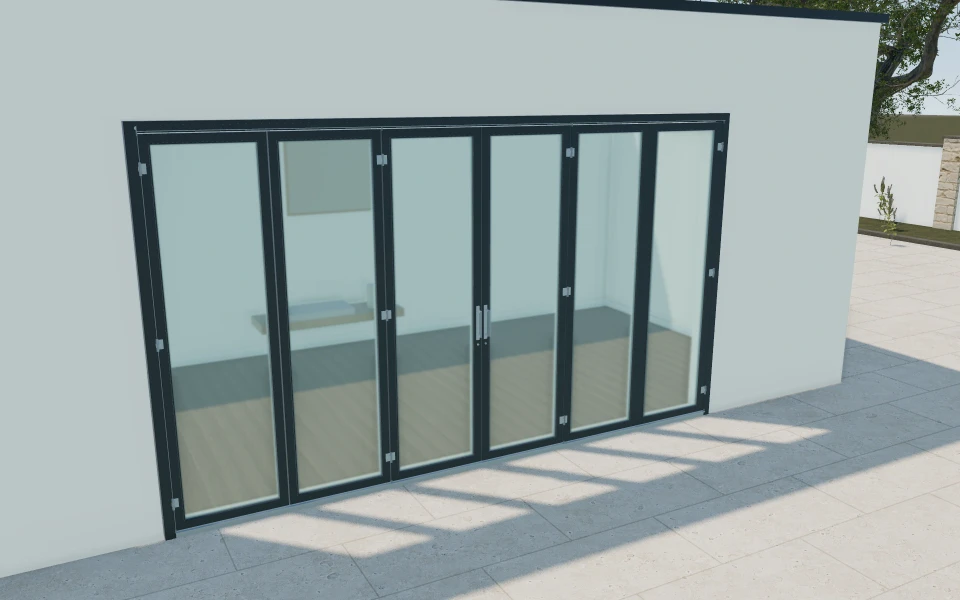
Bi-fold patio doors
Left, right or split stacks · Two to eight rigid leaves · Inward or outward folding
Explore this model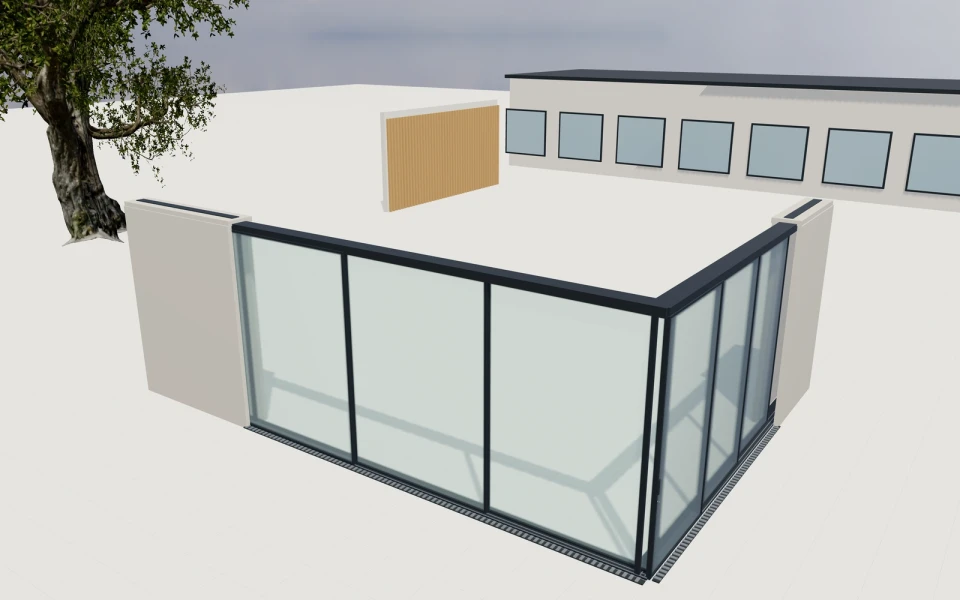
Pocket corner glass walls
Independent front and return panel layouts · Concealed tracks, rollers and drainage · Working pocket stacks and retractable screen
Explore this modelLibrary products.
Or your own product scope.
Bring your sliding and folding systems, panel combinations, opening limits, threshold choices and hardware packages. We can review separate library concepts and the Custom scope needed to reflect your own range.
- Match the product rangeReview the model choices, options and customer workflow your team needs.
- Choose the workspaceSelect the plan for your users and library products, or agree a customer-specific scope.
- Start the customer journeyAdd contacts, configure a project and prepare a proposal with your own prices and logo.
Choose your team.
Choose your product range.
Monthly workspace plans. Yearly billing includes 12 months for the price of 10.
Compare every feature and yearly prices1 user
Choose 3 from the product library
- 3D product configuration
- Contacts, projects and team calendar
- Your proposals, PDFs, orders and invoices
Up to 3 users
Choose 6 from the product library
- 3D product configuration
- Contacts, projects and team calendar
- Your proposals, PDFs, orders and invoices
Up to 7 users
Scope and quantity agreed during onboarding
- 3D product configuration
- Contacts, projects and team calendar
- Your proposals, PDFs, orders and invoices
Custom product scope and quantity are agreed during onboarding. For more than 7 users or a broader requirement, discuss Enterprise in your demo.
Your sliding and folding door
software questions.
Are sliding doors and bifolds the same configurator?
They are distinct product models in the library. This page brings their sales use cases together so your team can choose the relevant configurators and compare the opening concepts in a demo.
Can the folded stack or sliding side be reviewed?
Yes, the relevant models expose their panel and stack choices. Review those in the open position and keep the selected direction with the project, rather than approving only the closed glass elevation.
Can we show pocket and corner-glass concepts too?
The library includes a pocket-corner glass-wall model. It is a separate product choice with its own building relationship and scope, rather than a feature automatically included with every patio-door configurator.
Does the low-threshold appearance confirm the installed detail?
No. Retain the actual threshold system, building opening and installation requirements for your supplier review. The visual selection supports the conversation without replacing the supplied technical detail.
Bring your sliding and folding doors.
See your next sales flow.
Bring your sliding and folding systems, panel combinations, opening limits, threshold choices and hardware packages. We can review separate library concepts and the Custom scope needed to reflect your own range.
- Explain moving and fixed sliding panels
- Review the bifold stack before the palette
- Retain the complete opening package