Roof configurator software. Make the proposed roof easy to explain.
Compare roof forms, coverings and selected roof equipment around one building brief. Keep the customer's visual preference with the project, technical-review appointment and branded commercial proposal.
- Your prices and document branding
- Configuration, CRM and orders together
 3D product workspace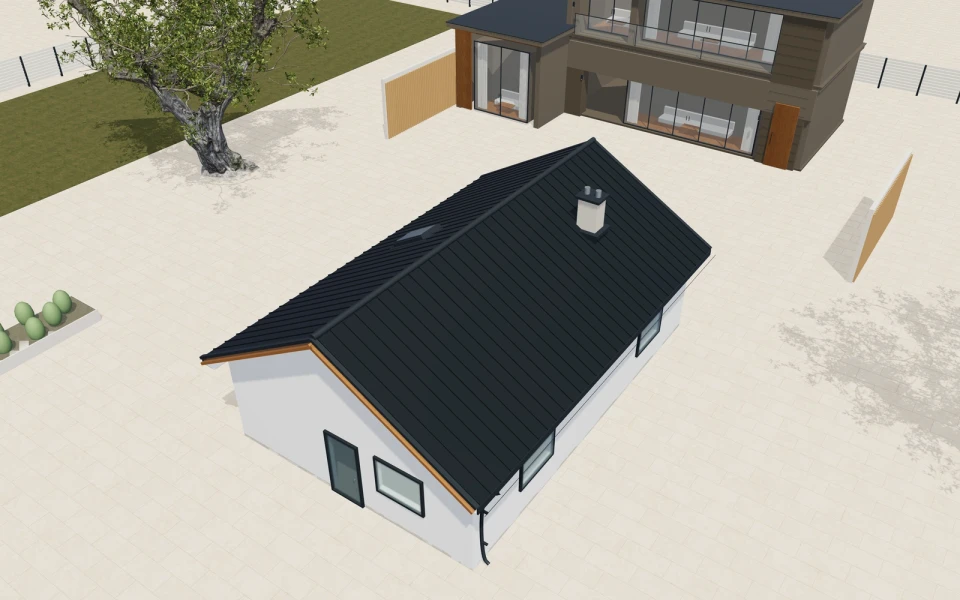
A covering colour should not conceal a different roof.
Compare the geometry on a consistent building footprint before refining the surface. Keep actual roof assembly, structural, drainage and installation requirements identifiable so the customer knows which design direction and commercial package are being discussed.
Make the specification
easy to understand.
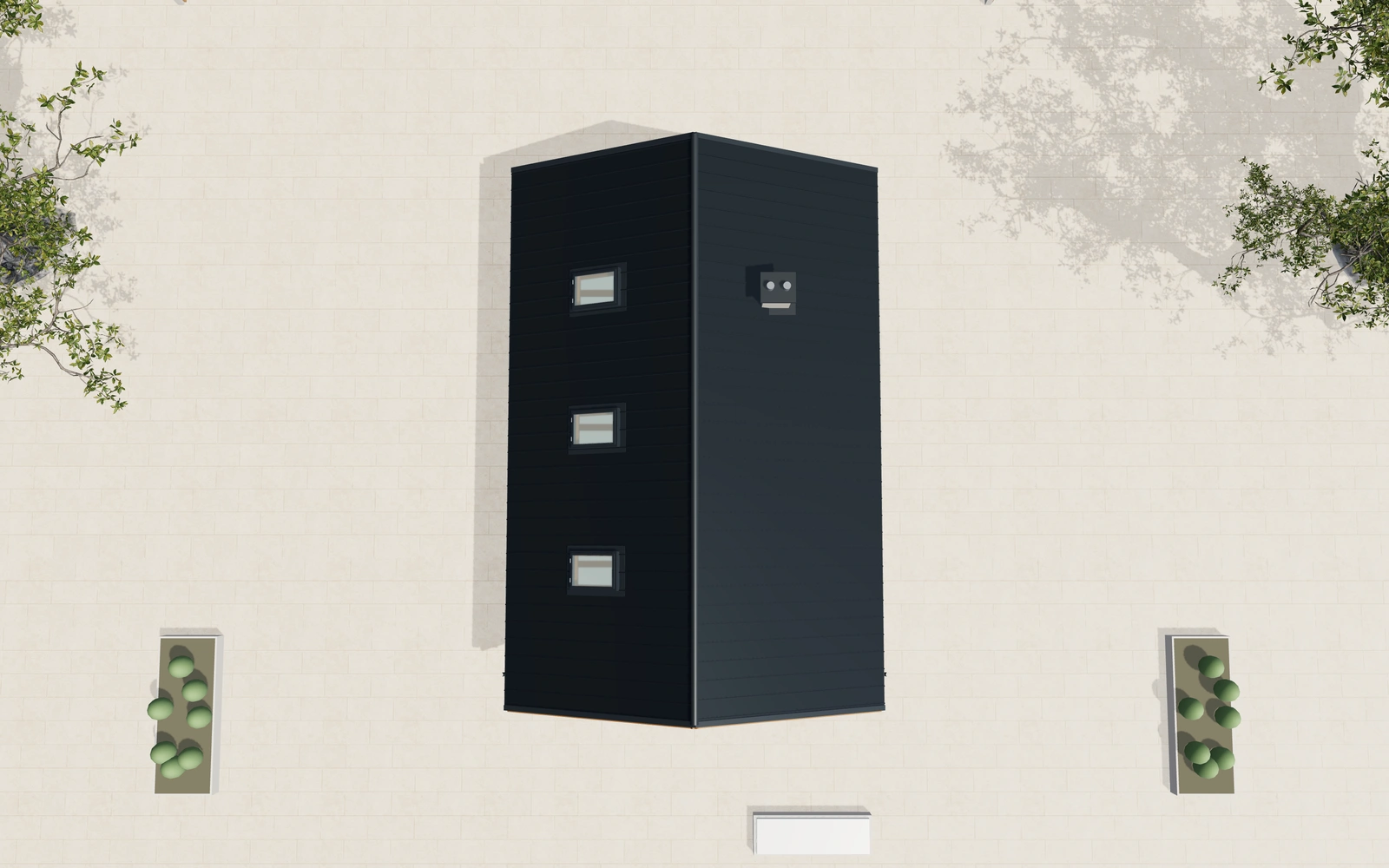
Compare the roof geometry first
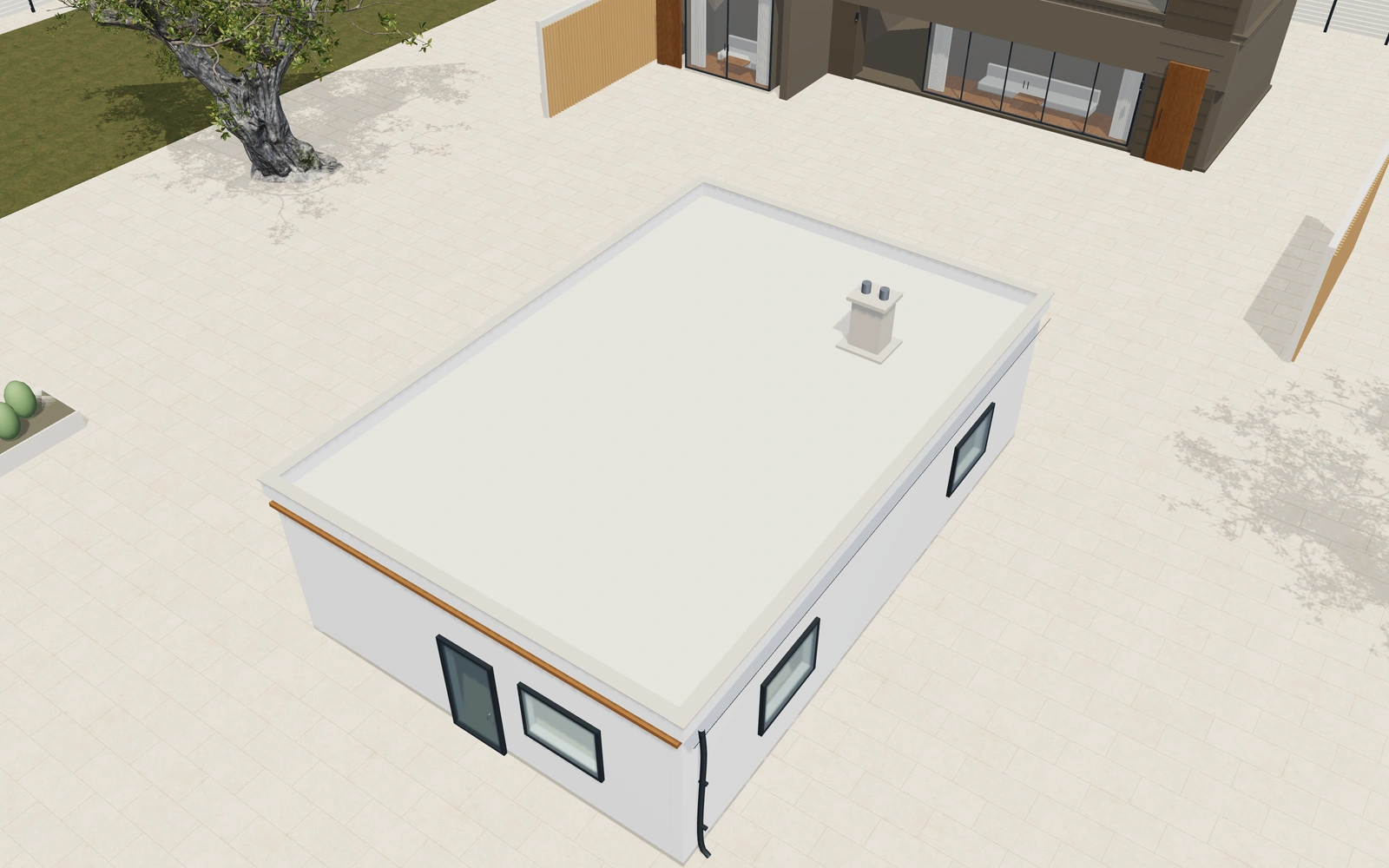
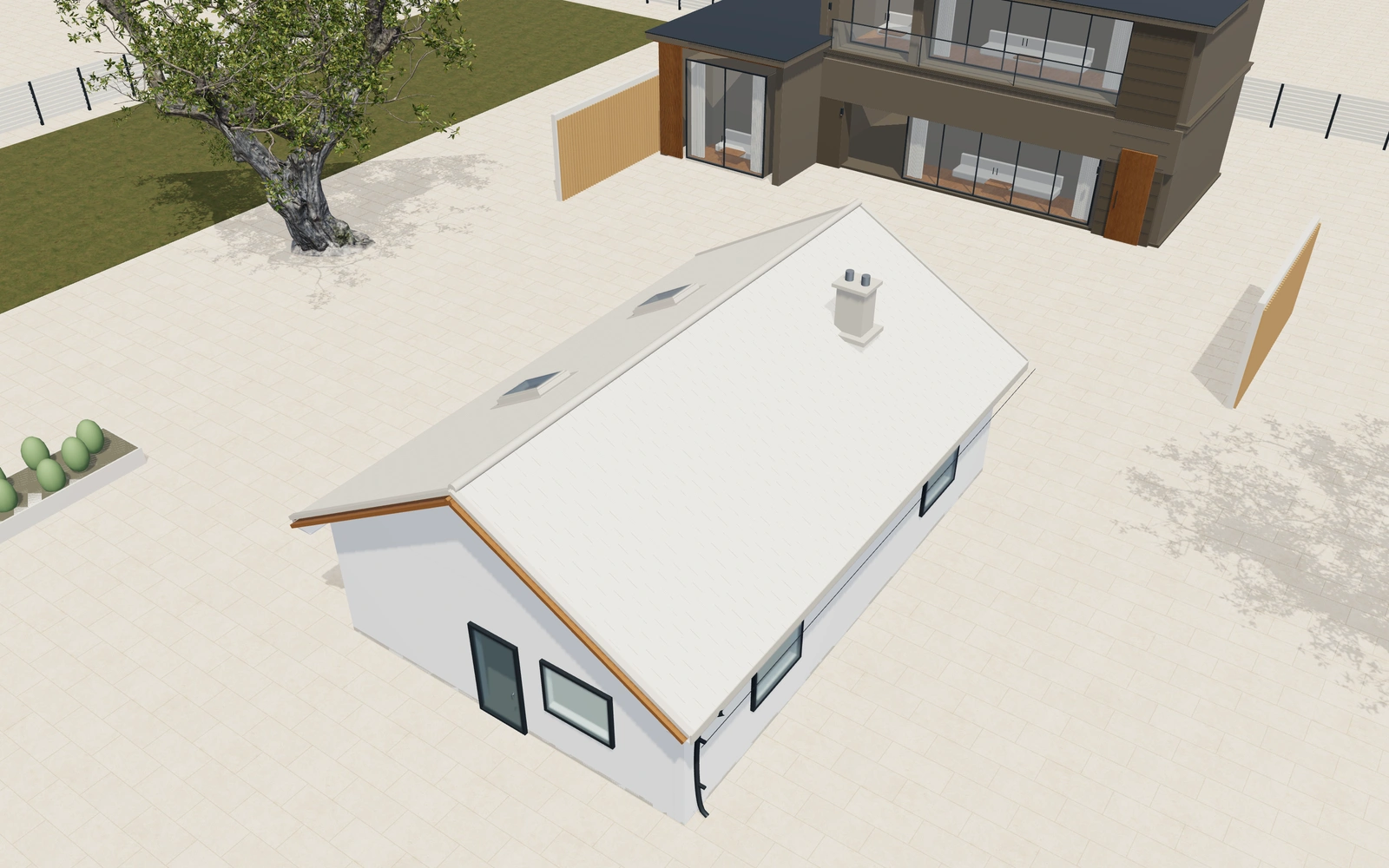
Review gable, hipped, single-pitch and flat-parapet forms on the same building brief. Keep the intended orientation and relevant elevations available when the customer compares silhouettes.
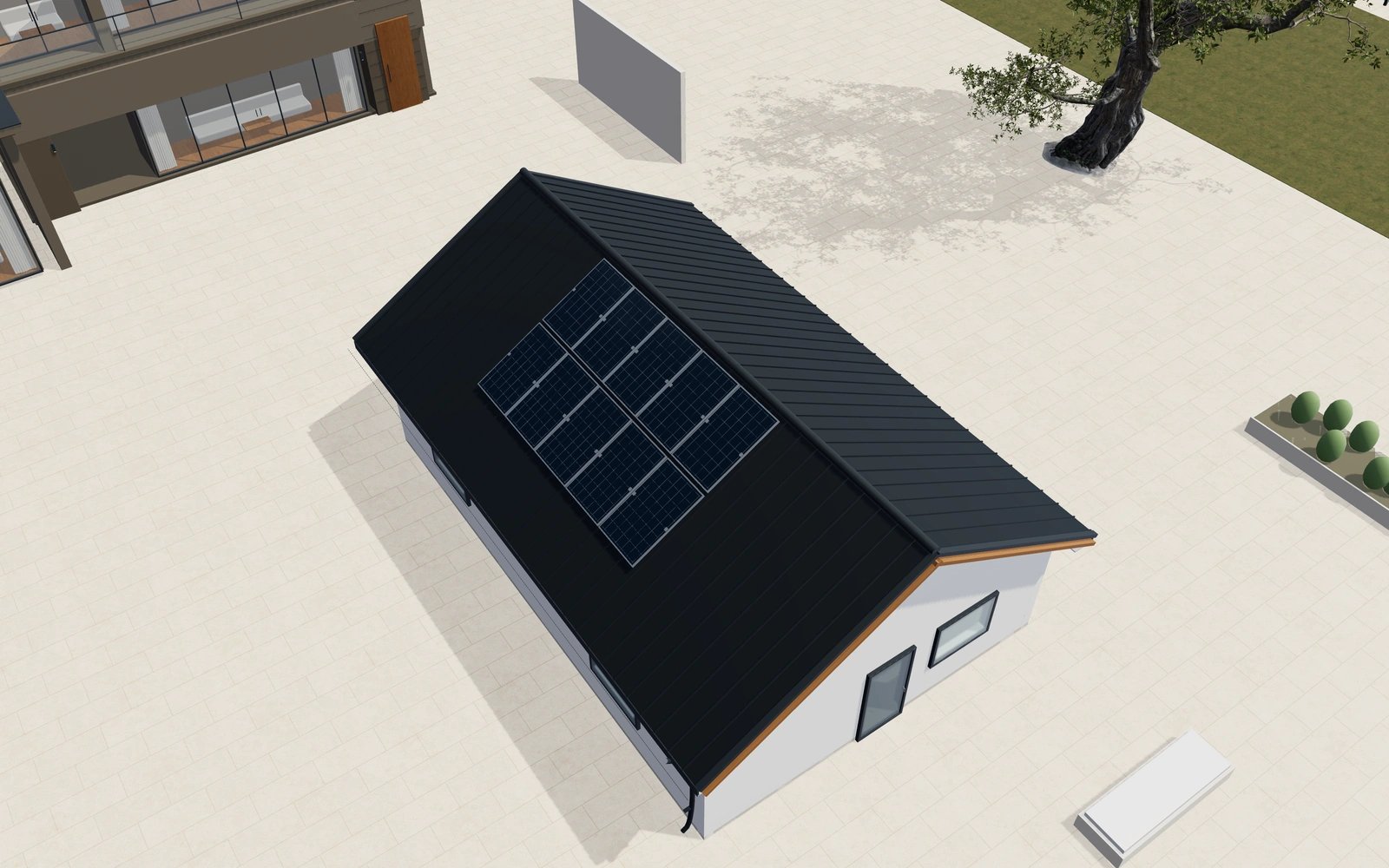
Coordinate covering and roof features
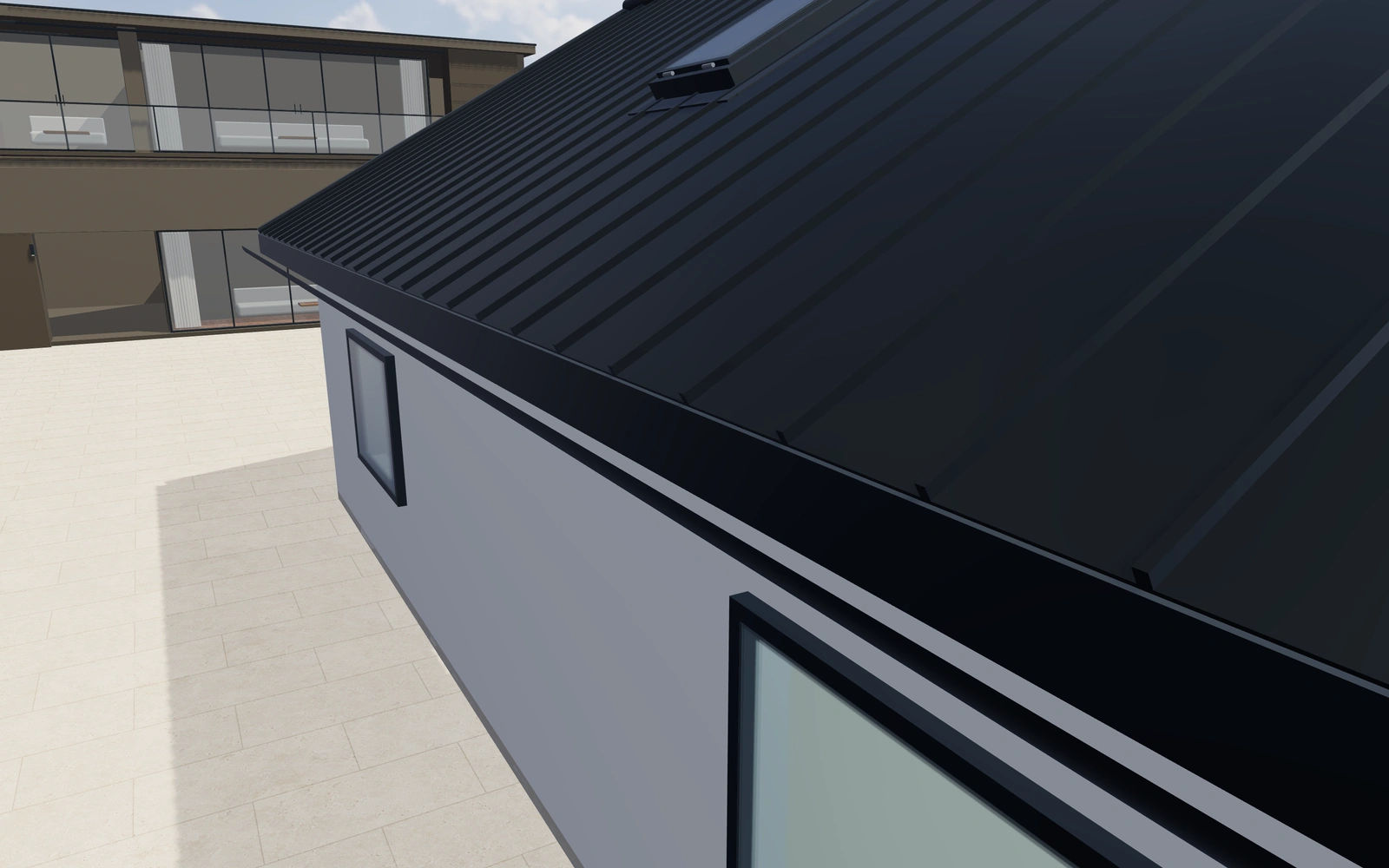
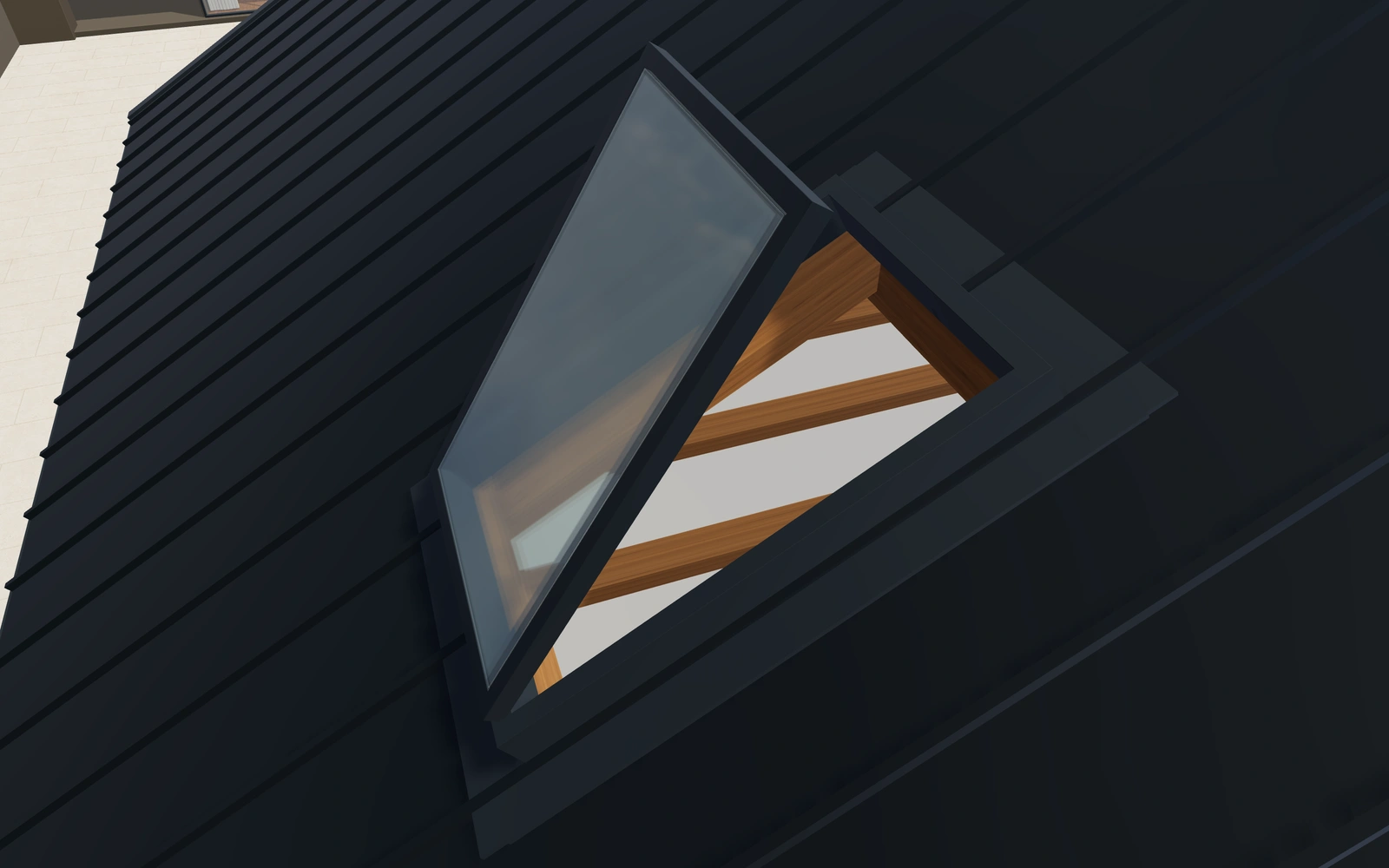
Show standing-seam, tile and shingle appearances with the selected finish. Retain rooflight, rainwater and any PV references as separate product or equipment preferences.
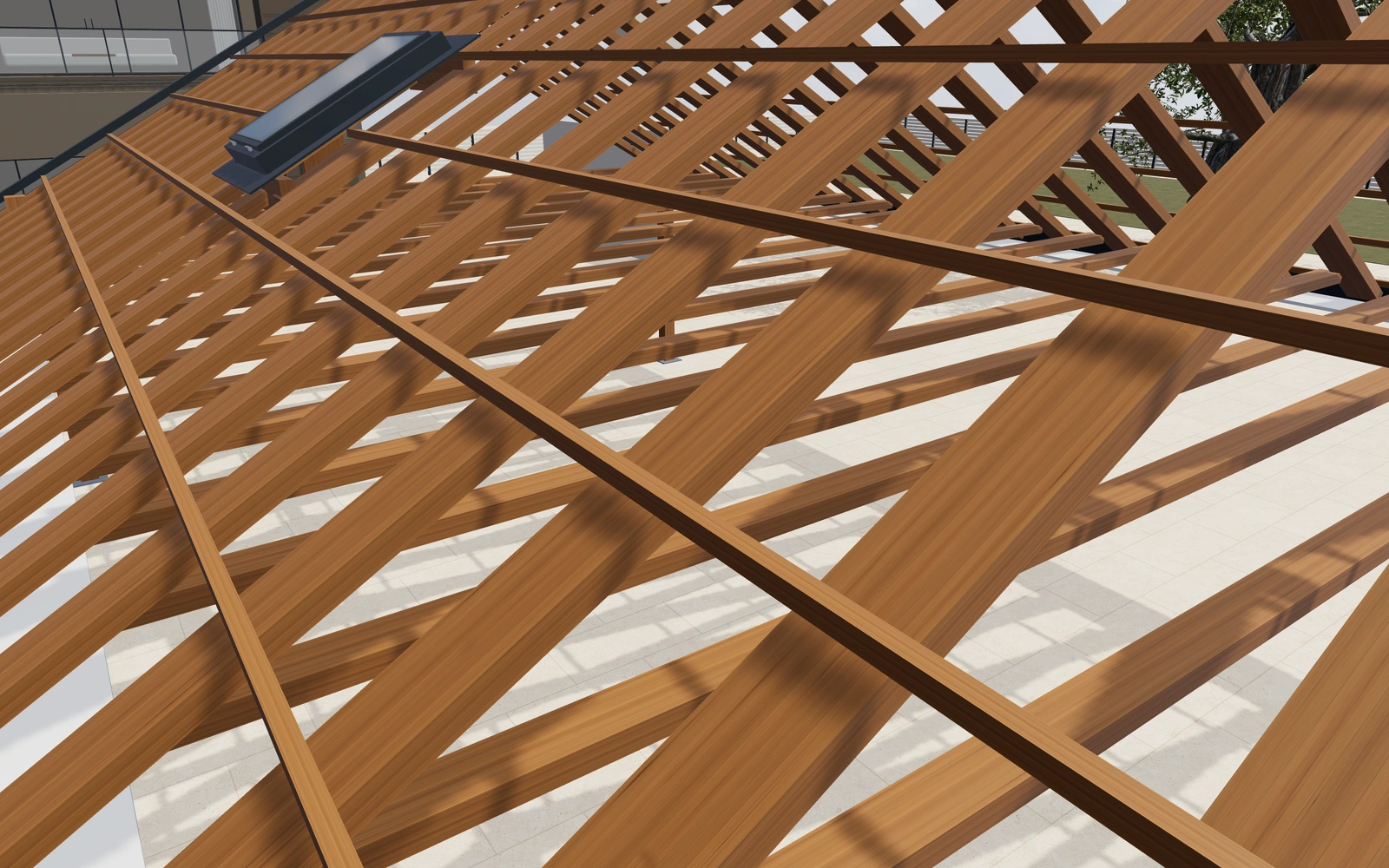
Explain the assembly with inspection views
Use the framing presentation alongside the completed roof to discuss the selected concept. Keep actual design and supplied-system specifications separate from what the visual framing alone can establish.
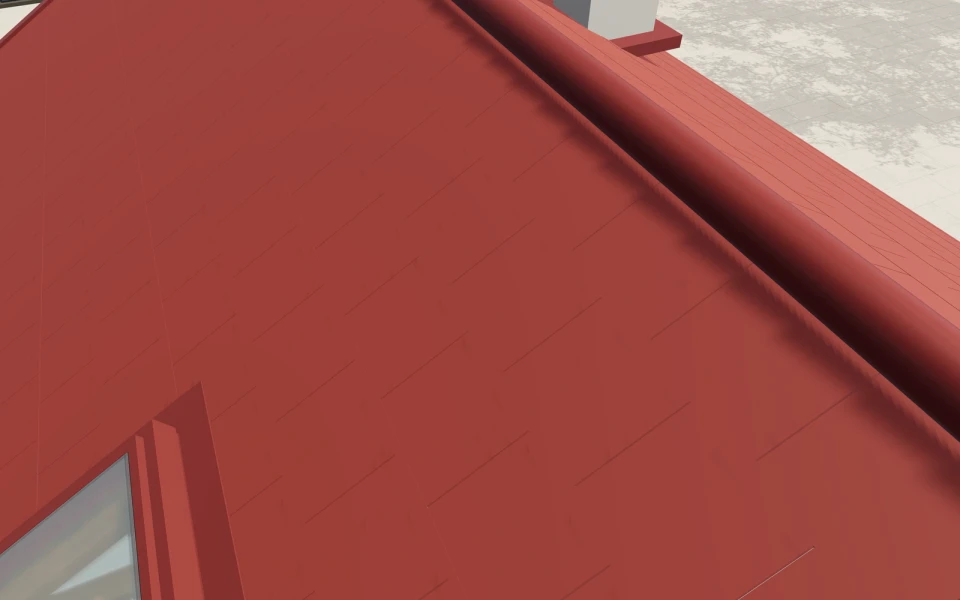
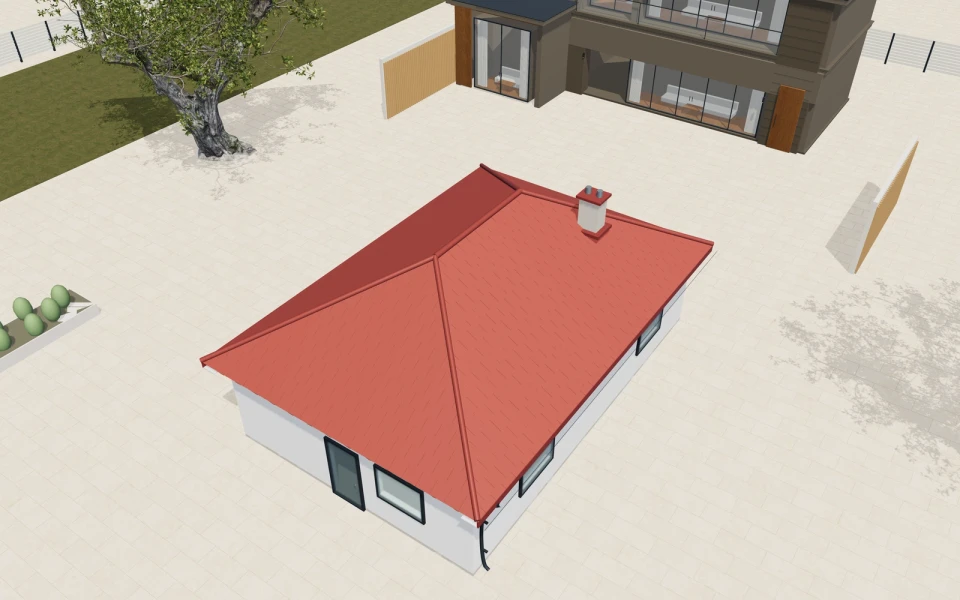
A building customer comparing two roof directions.
A customer is considering a gable and a single-pitch concept for the same footprint. Save the preferred geometry, review the covering and note the requested rooflights. Your team can then prepare a proposal with the roof package, selected equipment and installation scope stated, while technical design remains assigned to the responsible specialists.
See this workflow in a demoOne customer project.
The whole sales journey.
Customer details, selected products and the next action stay connected in your company workspace.
New enquiry1
Configuration saved
Proposal1
Branded proposal prepared
Accepted1
Continue into order
Explore the relevant
product models.
Review these library models with your range. Each configurator has its own options and counts toward your workspace’s product selection.
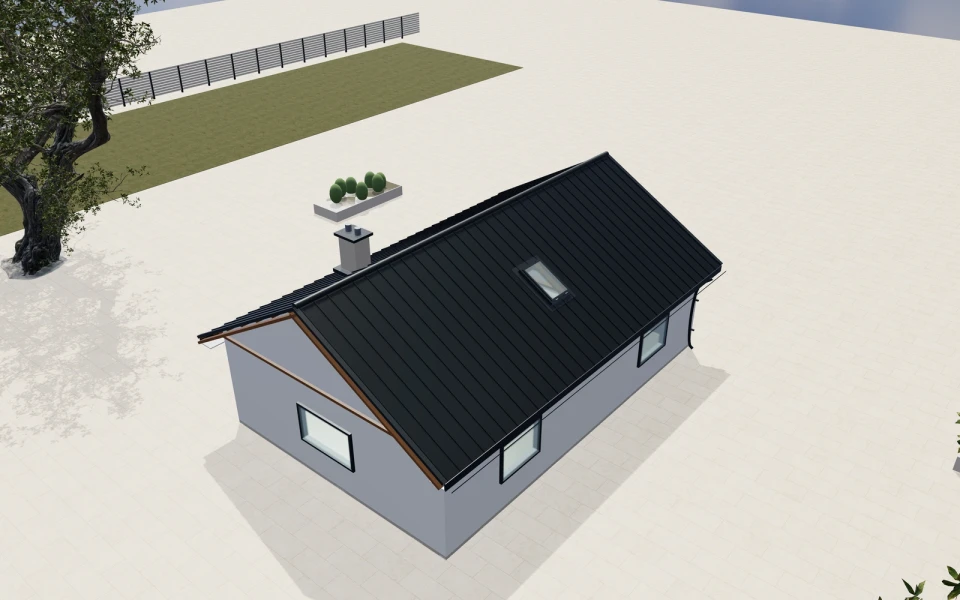
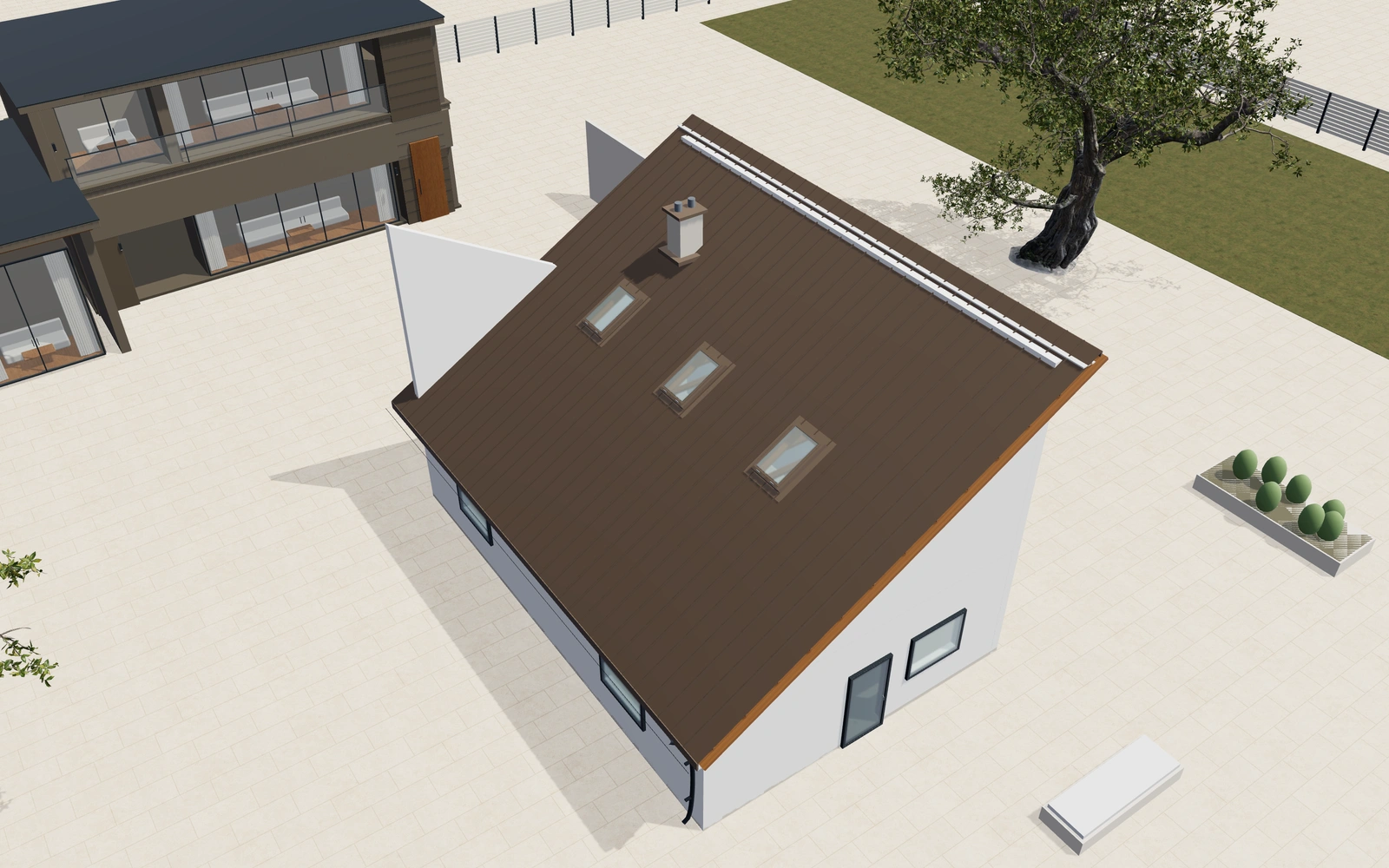
Building roof systems
Four roof forms with adjustable dimensions · Standing seams, tile and shingle appearances · Opening roof windows and photovoltaic references
Read the product guide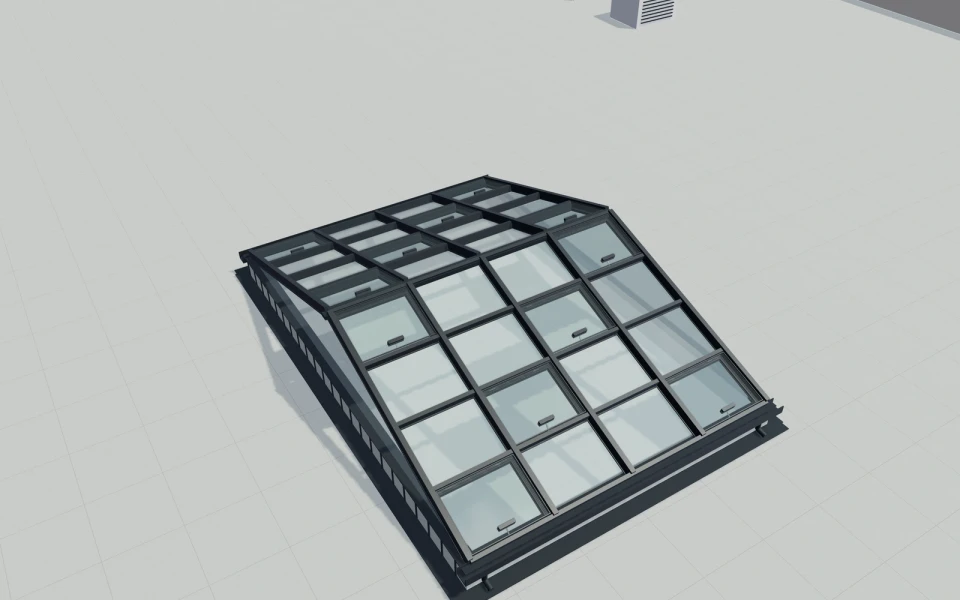
Atrium rooflight systems
Ridge or single-slope longlight form · Module grids, roof pitch and profile dimensions · Working vents, chain or spindle appearance
Explore this model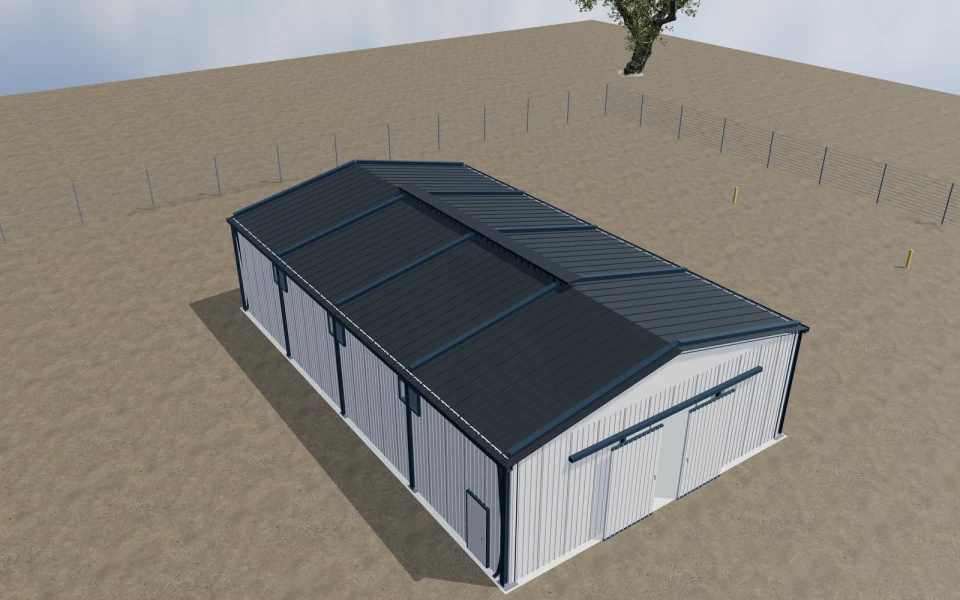
Steel portal-frame buildings
Span, bays, heights and roof pitch · I-section framing, haunches and base anchors · Large sliding and personnel doors
Explore this model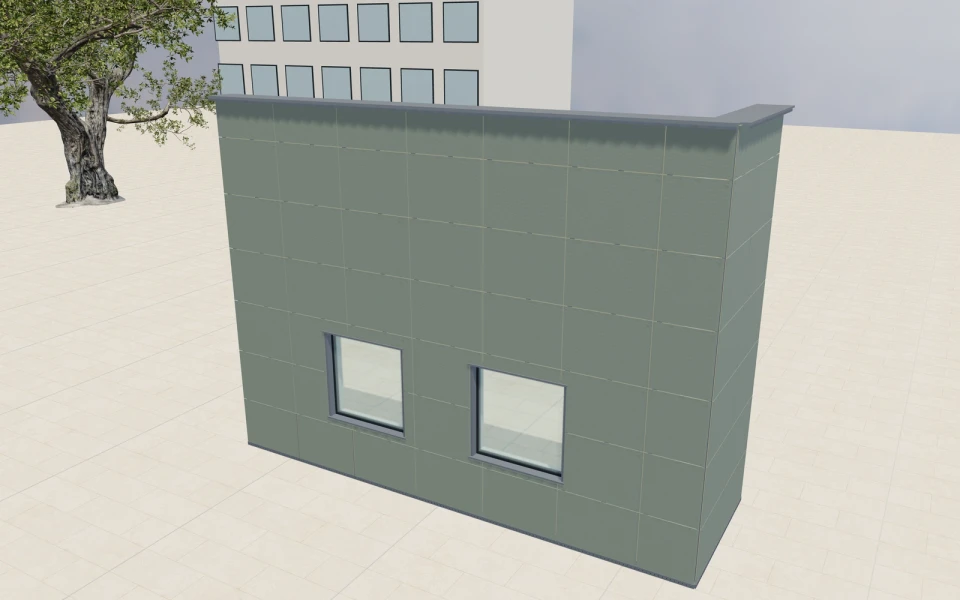
Rainscreen cladding systems
Panel modules, joints and grid patterns · Laminate, cement and cassette appearances · Visible or concealed fixing references
Explore this modelMore roof product views
Library products.
Or your own product scope.
Bring your roof systems, permitted geometries, covering catalogue, connection details and supplied packages. We can review the visual starting model and the rules needed to represent your own range.
- Match the product rangeReview the model choices, options and customer workflow your team needs.
- Choose the workspaceSelect the plan for your users and library products, or agree a customer-specific scope.
- Start the customer journeyAdd contacts, configure a project and prepare a proposal with your own prices and logo.
Choose your team.
Choose your product range.
Monthly workspace plans. Yearly billing includes 12 months for the price of 10.
Compare every feature and yearly prices1 user
Choose 3 from the product library
- 3D product configuration
- Contacts, projects and team calendar
- Your proposals, PDFs, orders and invoices
Up to 3 users
Choose 6 from the product library
- 3D product configuration
- Contacts, projects and team calendar
- Your proposals, PDFs, orders and invoices
Up to 7 users
Scope and quantity agreed during onboarding
- 3D product configuration
- Contacts, projects and team calendar
- Your proposals, PDFs, orders and invoices
Custom product scope and quantity are agreed during onboarding. For more than 7 users or a broader requirement, discuss Enterprise in your demo.
Your roof
software questions.
Which roof forms are available in the starting model?
The roof-system model includes gable, hipped, single-pitch and flat-parapet forms. Compare those with the covering and equipment preferences while keeping the building brief consistent.
Does the configurator measure roofs from aerial imagery?
This model is a visual product configurator. It does not replace a measured roof survey, aerial measurement service or the actual structural and installation design.
Can rooflights and PV references be discussed?
Relevant roof and rooflight models help present these visual preferences. Keep the supplied equipment, fixing requirements and any energy or performance assessment explicitly separate from the appearance in the scene.
Can we include technical design and fitting work in the proposal?
Yes. Add your own line items and descriptions for the roof package, selected equipment, design services and installation. Your team controls the commercial scope and prices.
Bring your roof systems.
See your next sales flow.
Bring your roof systems, permitted geometries, covering catalogue, connection details and supplied packages. We can review the visual starting model and the rules needed to represent your own range.
- Compare the roof geometry first
- Coordinate covering and roof features
- Explain the assembly with inspection views