Industrial product configurator software. Make the equipment package understandable.
Show product arrangements, visible equipment choices and service access in 3D. Keep the selected commercial package with the customer, technical-review appointments and a proposal using your own line items and prices.
- Your prices and document branding
- Configuration, CRM and orders together
 3D product workspace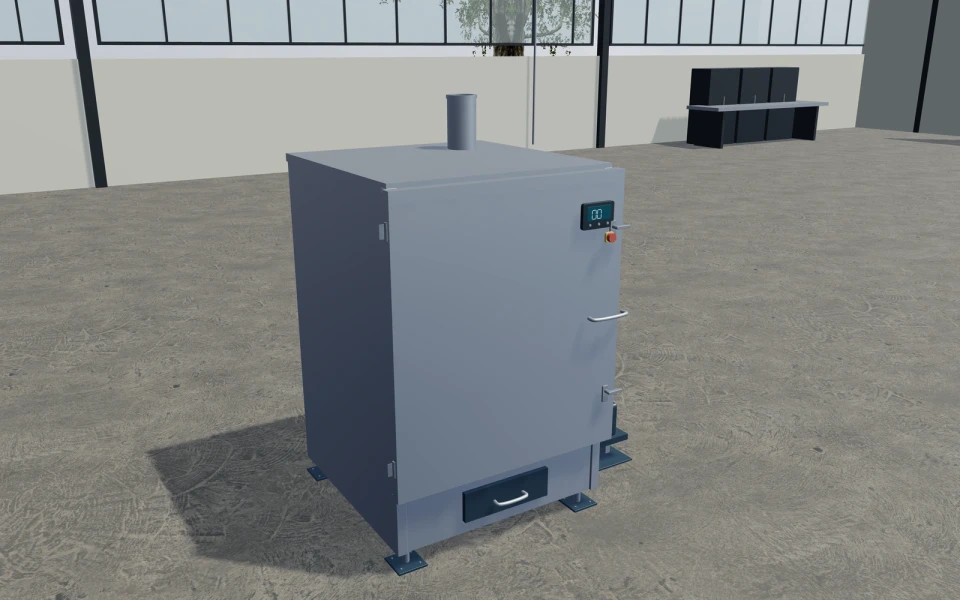
A complex machine needs a clearer commercial brief.
A technical enquiry often mixes configuration choices, operating requirements and site integration. Make the visible equipment package easy to review while keeping actual performance, process validation and engineering responsibilities explicit.
Make the specification
easy to understand.
Present the arrangement and component package
Use the relevant equipment model to discuss chambers, tanks, loading or discharge arrangements and selected fittings. Each machine concept has different controls, so retain the exact product and selected components in the project.
Explain details through inspection views
Open or inspect the relevant assembly to discuss access and visible components. A cutaway helps explain a package; it does not establish throughput, load capacity or process performance from animation alone.
Keep integration and services identifiable
Record actual material, site and operating requirements alongside the visual configuration. Prepare equipment, accessory and integration items separately so the customer can understand the supplied scope.
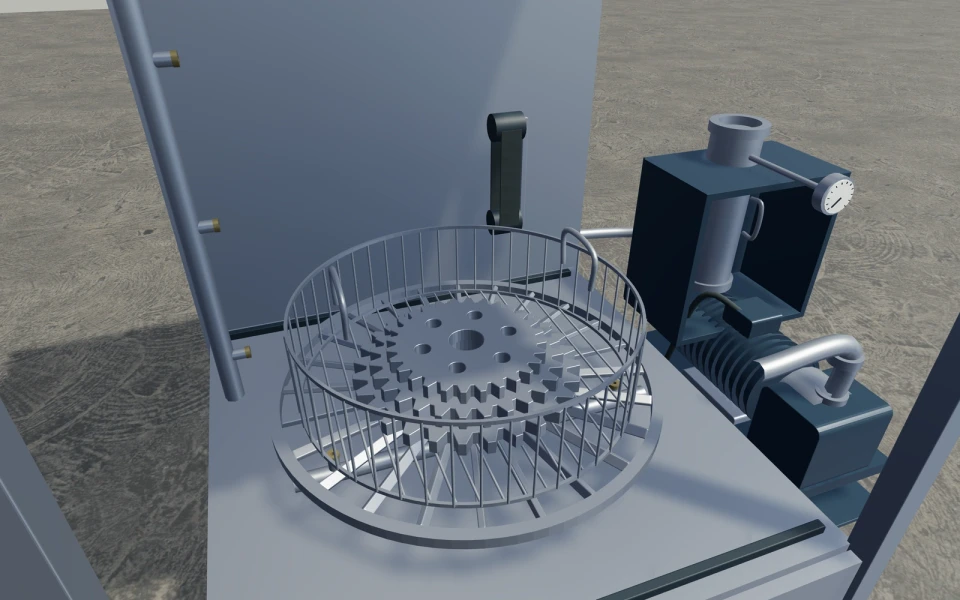
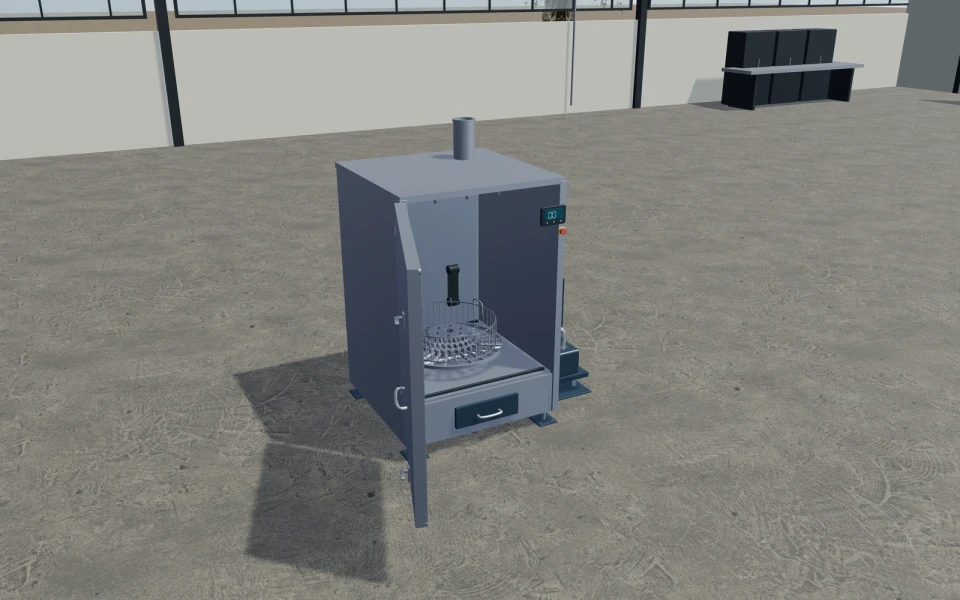
A parts-washer enquiry with the loading brief retained.
A distributor discusses a cabinet and table arrangement with a customer who has specific parts to clean. Save the selected visual package and retain the actual part and process requirements for technical review. The proposal can distinguish the machine, accessories, delivery and integration work, with performance and suitability confirmed by the responsible equipment supplier.
See this workflow in a demoOne customer project.
The whole sales journey.
Customer details, selected products and the next action stay connected in your company workspace.
New enquiry1
Configuration saved
Proposal1
Branded proposal prepared
Accepted1
Continue into order
Explore the relevant
product models.
Review these library models with your range. Each configurator has its own options and counts toward your workspace’s product selection.
Industrial parts-washing cabinet
Cabinet dimensions and compatible turntable diameter · Open radial or cross-grid table and wire basket · Side, overhead and lower nozzle arrangements
Explore this model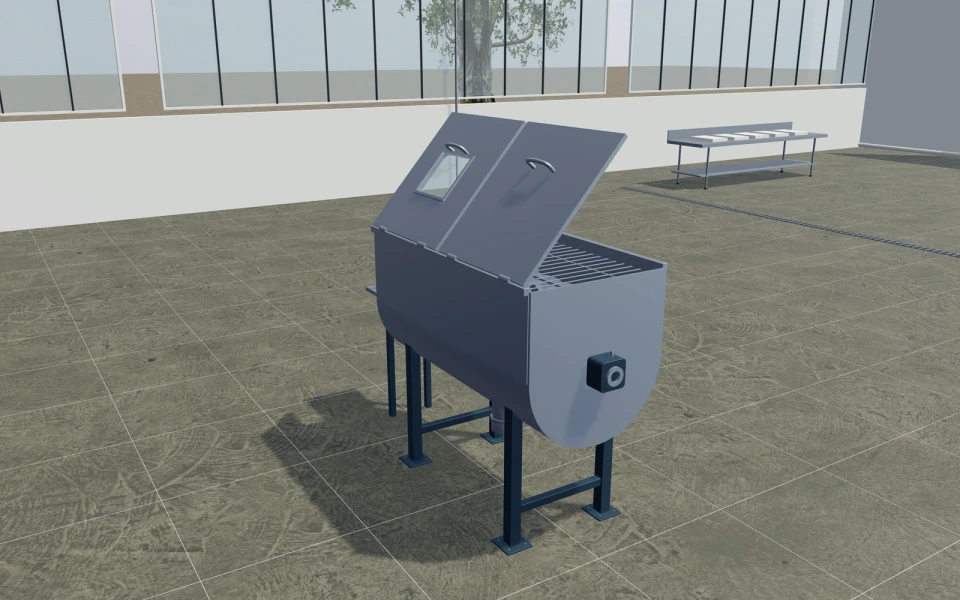
Industrial ribbon blender
Clear trough dimensions and compatible depth · Helical ribbons or pitched paddles · Split or single covers, ports, grating and jacket
Explore this model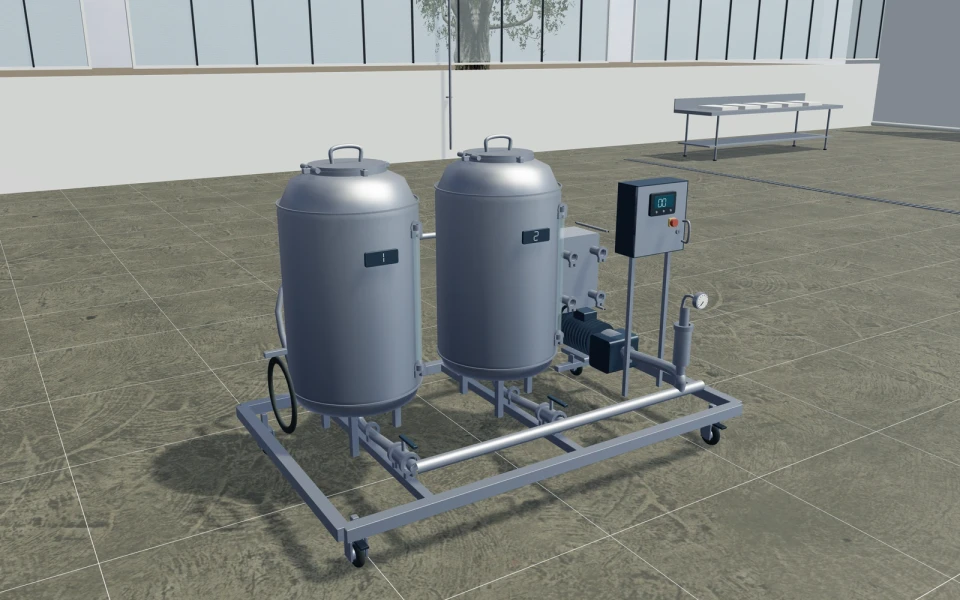
Mobile clean-in-place skid
One to three formed tanks and clear skid layout · Mobile castors or fixed adjustable supports · Single or double pump and exchanger appearances
Explore this model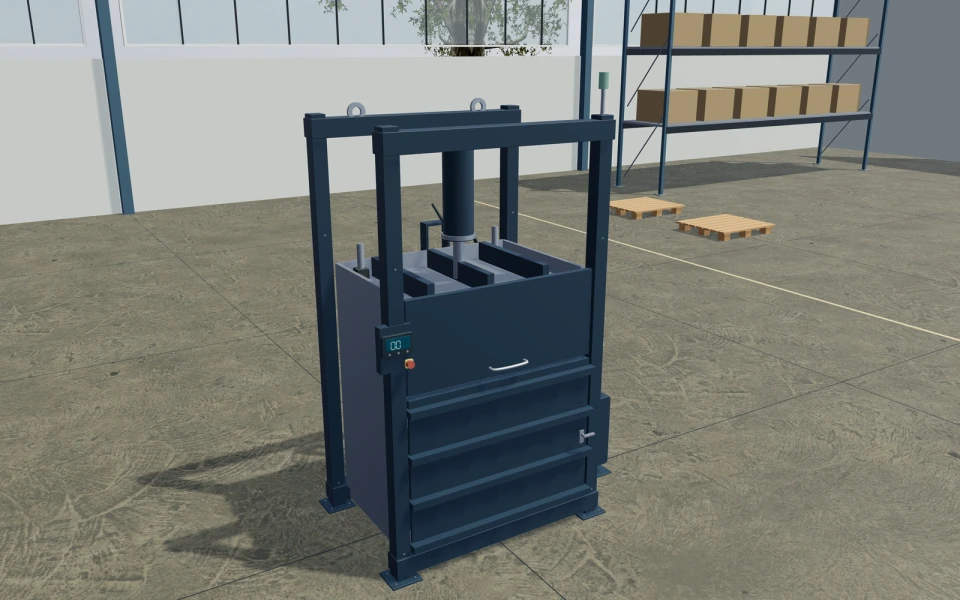
Vertical recycling baler
Chamber clear dimensions and steel or painted lining · Door hinges, reinforcing ribs and feed-hatch form · Hydraulic unit side, motor package, hoses and gauges
Explore this modelLibrary products.
Or your own product scope.
Bring your equipment variants, option rules, 3D assets where available, material and component catalogue, and the actual commercial package structure. We will agree the scope needed to represent your own product rather than promise an automatic configuration for every machine.
- Match the product rangeReview the model choices, options and customer workflow your team needs.
- Choose the workspaceSelect the plan for your users and library products, or agree a customer-specific scope.
- Start the customer journeyAdd contacts, configure a project and prepare a proposal with your own prices and logo.
Choose your team.
Choose your product range.
Monthly workspace plans. Yearly billing includes 12 months for the price of 10.
Compare every feature and yearly prices1 user
Choose 3 from the product library
- 3D product configuration
- Contacts, projects and team calendar
- Your proposals, PDFs, orders and invoices
Up to 3 users
Choose 6 from the product library
- 3D product configuration
- Contacts, projects and team calendar
- Your proposals, PDFs, orders and invoices
Up to 7 users
Scope and quantity agreed during onboarding
- 3D product configuration
- Contacts, projects and team calendar
- Your proposals, PDFs, orders and invoices
Custom product scope and quantity are agreed during onboarding. For more than 7 users or a broader requirement, discuss Enterprise in your demo.
Your industrial equipment
software questions.
What industrial products can we review in the library?
The library includes parts-washing cabinets, ribbon blenders, CIP layouts, recycling balers and other specialist equipment concepts. Each represents a separate product with its own visible options and scope.
Can you configure our own manufactured equipment?
That can be scoped under Custom or Enterprise. Bring your variants, permitted combinations, dimensional rules, assets and commercial requirements. Product scope and quantity are agreed during onboarding, rather than treated as unlimited.
Does a moving or cutaway model validate machine performance?
No. These views help explain arrangement and visible components. Throughput, load, chemical compatibility, process suitability and other operating requirements need the actual supplied equipment specification and responsible technical review.
Can we quote integration, delivery and services alongside the machine?
Yes. Add your own items, descriptions and prices for the equipment, accessories and services. Generate company-branded proposals, then manage accepted orders, invoices and payments received outside the platform.
Bring your industrial equipment.
See your next sales flow.
Bring your equipment variants, option rules, 3D assets where available, material and component catalogue, and the actual commercial package structure. We will agree the scope needed to represent your own product rather than promise an automatic configuration for every machine.
- Present the arrangement and component package
- Explain details through inspection views
- Keep integration and services identifiable