Garage configurator software. Show the building. Keep the scope clear.
Help buyers compare garage dimensions, roof forms, cladding and entrance choices. Save the selected building with the customer and prepare a proposal that separates the supplied package from site work.
- Your prices and document branding
- Configuration, CRM and orders together
 3D product workspace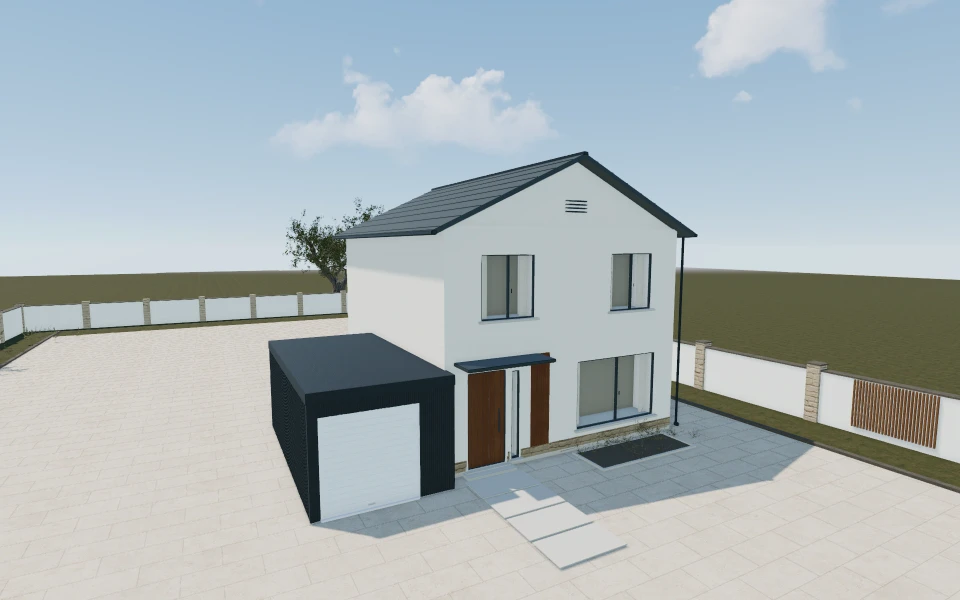
Agree the parking and entrance before the colour.
A one-car or two-car label is not the whole brief. Keep the actual vehicle approach, useful storage and entrance arrangement in the discussion, then compare the roof and exterior on that same selected building.
Make the specification
easy to understand.
Compare steel and timber building concepts
Review the chosen dimensions and exterior arrangement before deciding on the wall treatment. Keep each building concept identifiable so a material comparison does not become an unrecorded scope change.
Review roof form with the entrance visible
Compare the relevant flat, pitched or gabled preferences using front and side views. Retain the roof and cladding combination with the selected garage footprint.
Identify the door package separately
The library also includes sectional and roller-door models. Use the relevant door configuration for its opening and operating discussion, with the supplied entrance package stated in the building proposal.
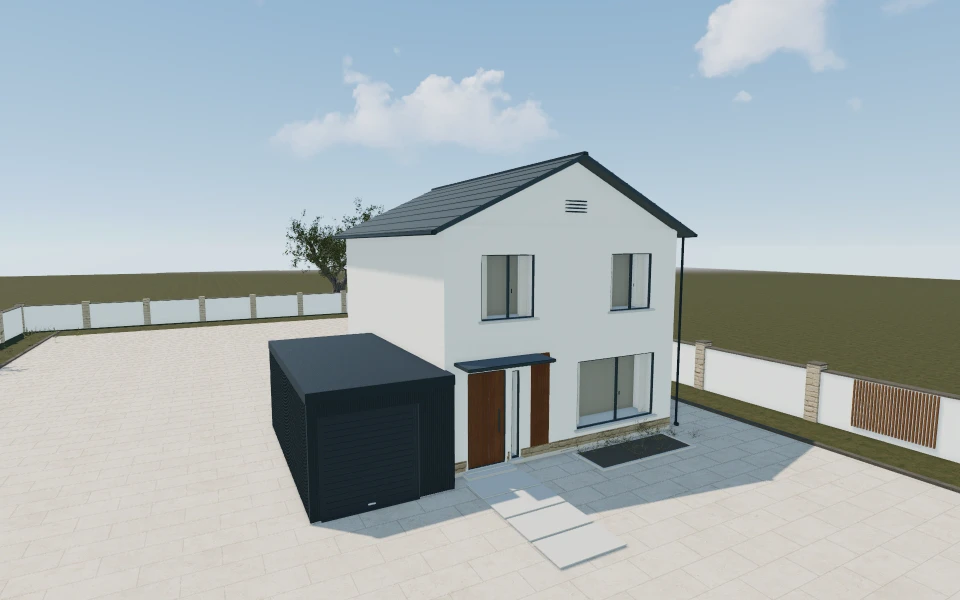
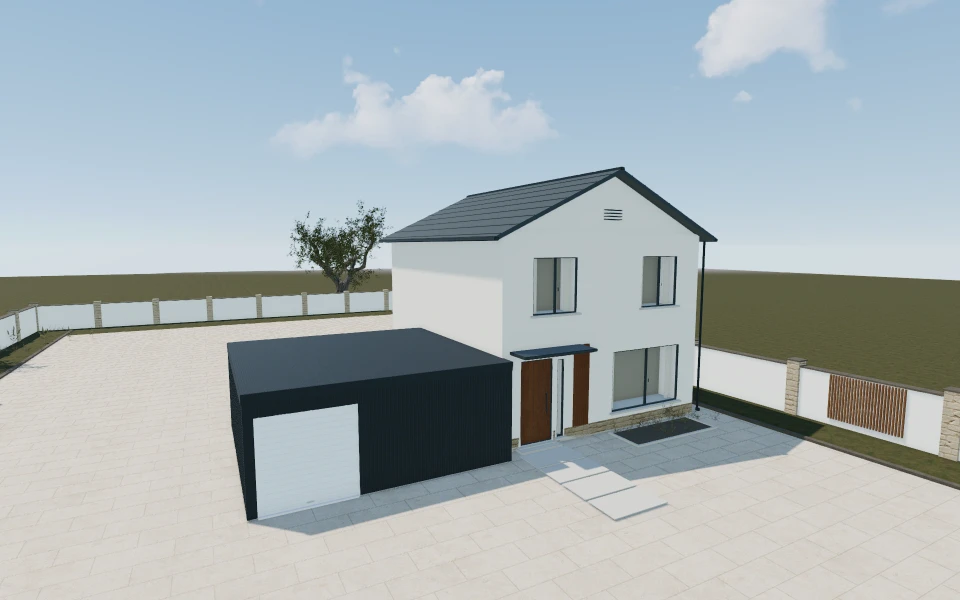
A garage enquiry that includes parking and storage.
A buyer needs covered parking with space for tools along one side. Compare the selected steel or timber building and retain the actual vehicle and access requirements. Prepare a proposal with the garage, entrance equipment and installation distinct, while base preparation and service questions remain visible for the survey.
See this workflow in a demoOne customer project.
The whole sales journey.
Customer details, selected products and the next action stay connected in your company workspace.
New enquiry1
Configuration saved
Proposal1
Branded proposal prepared
Accepted1
Continue into order
Explore the relevant
product models.
Review these library models with your range. Each configurator has its own options and counts toward your workspace’s product selection.
Steel garage
Wall elements – front · Standard height · Garage door color
Explore this model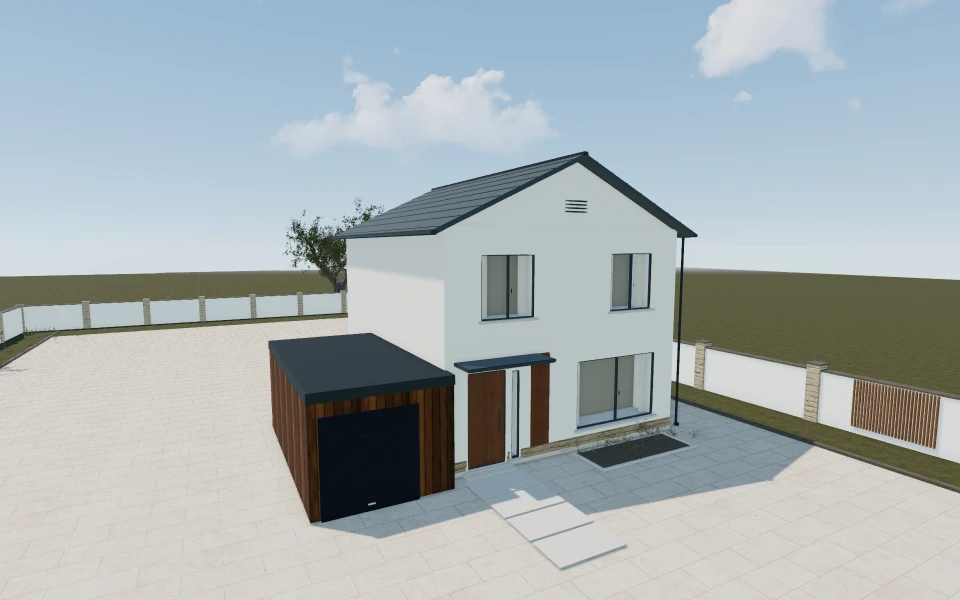
Timber garage
Garage model · Width · Exterior cladding
Explore this model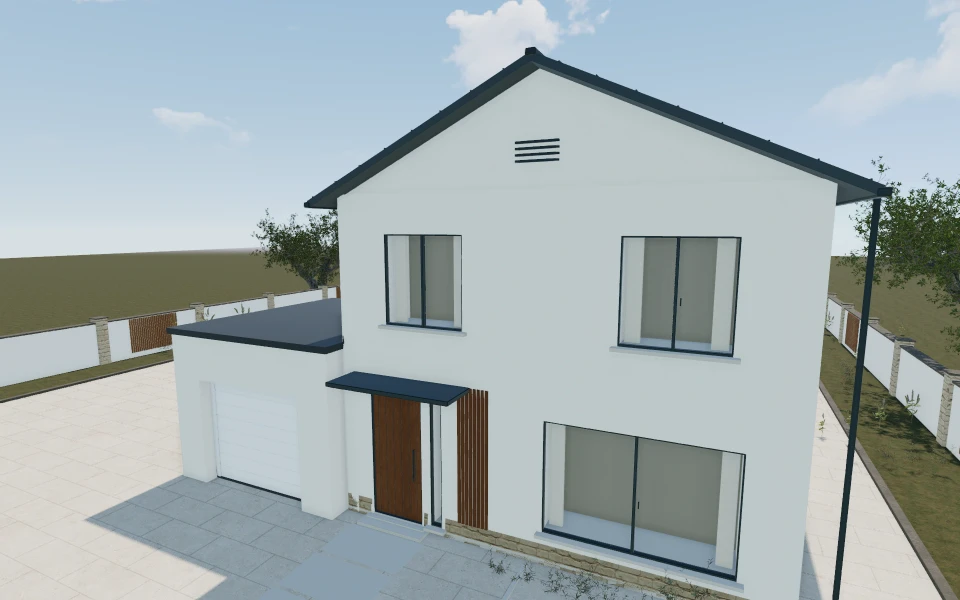
Sectional garage door
Sectional door model · Width · House Colour
Explore this model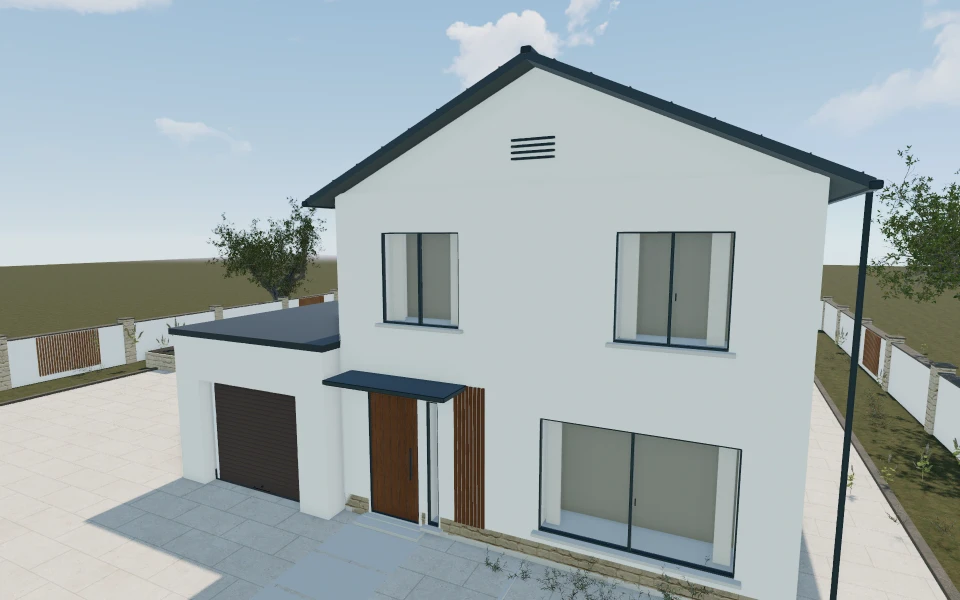
Roller garage door
Door Type · Standard Dimensions · House Colour
Explore this modelLibrary products.
Or your own product scope.
Bring your garage models, standard sizes, roof and cladding ranges, entrance packages and installation scope. The demo can review relevant building and door models without assuming every system is interchangeable.
- Match the product rangeReview the model choices, options and customer workflow your team needs.
- Choose the workspaceSelect the plan for your users and library products, or agree a customer-specific scope.
- Start the customer journeyAdd contacts, configure a project and prepare a proposal with your own prices and logo.
Choose your team.
Choose your product range.
Monthly workspace plans. Yearly billing includes 12 months for the price of 10.
Compare every feature and yearly prices1 user
Choose 3 from the product library
- 3D product configuration
- Contacts, projects and team calendar
- Your proposals, PDFs, orders and invoices
Up to 3 users
Choose 6 from the product library
- 3D product configuration
- Contacts, projects and team calendar
- Your proposals, PDFs, orders and invoices
Up to 7 users
Scope and quantity agreed during onboarding
- 3D product configuration
- Contacts, projects and team calendar
- Your proposals, PDFs, orders and invoices
Custom product scope and quantity are agreed during onboarding. For more than 7 users or a broader requirement, discuss Enterprise in your demo.
Your garage
software questions.
Can we demonstrate steel and timber garages?
Yes. The library contains separate steel and timber garage concepts. Review their options against your actual range, and agree a Custom scope if your manufactured systems require different models or rules.
Are roller and sectional doors included in the same model?
They are separate configurators with their own options. Your team can select the products needed for its sales range and identify the actual supplied door package within a customer proposal.
Does the visual parking arrangement confirm vehicle clearance?
No. Retain actual vehicle dimensions, approach and opening information. Your business confirms the supplied building and door requirements for the specific installation.
Can we follow the project through delivery and fitting?
Yes. After proposal acceptance, continue into an order with progress statuses, notes and invoices. Keep the original garage configuration and customer record connected to that work.
Bring your garages.
See your next sales flow.
Bring your garage models, standard sizes, roof and cladding ranges, entrance packages and installation scope. The demo can review relevant building and door models without assuming every system is interchangeable.
- Compare steel and timber building concepts
- Review roof form with the entrance visible
- Identify the door package separately