
Glass office partition configurator: plan access and privacy with the glazed room layout
A glass-office partition is an enclosure and access system, not simply a transparent wall. The configurator should help the customer connect the glazed modules with doors, returns and the privacy needed inside the room.
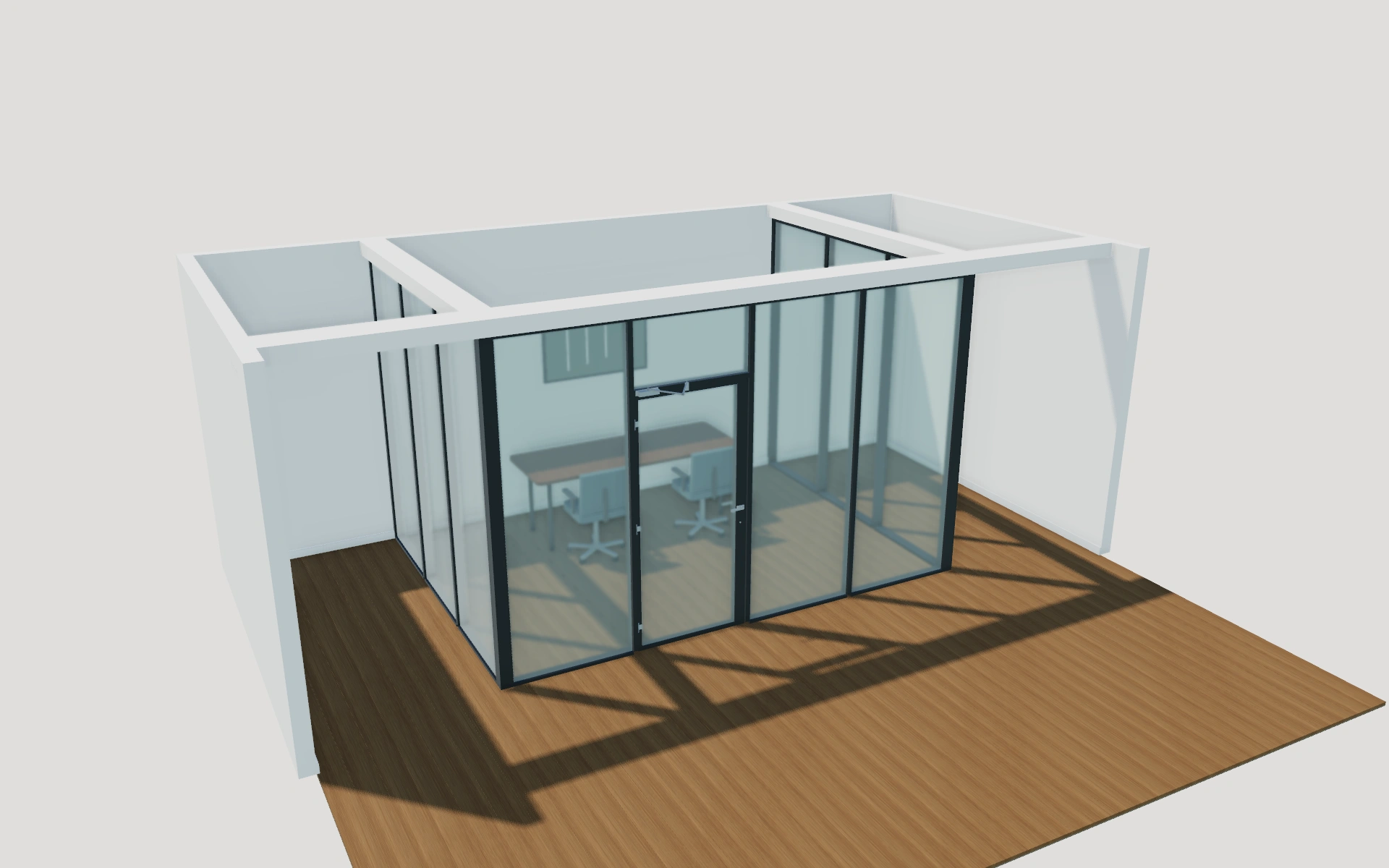
Plan access and privacy with the glazed room layout
Compare a straight frontage with the available return arrangements. Review hinged, paired or sliding access against the furniture layout and circulation. Then compare privacy bands, lower infills or blind appearances while keeping the agreed door arrangement unchanged.
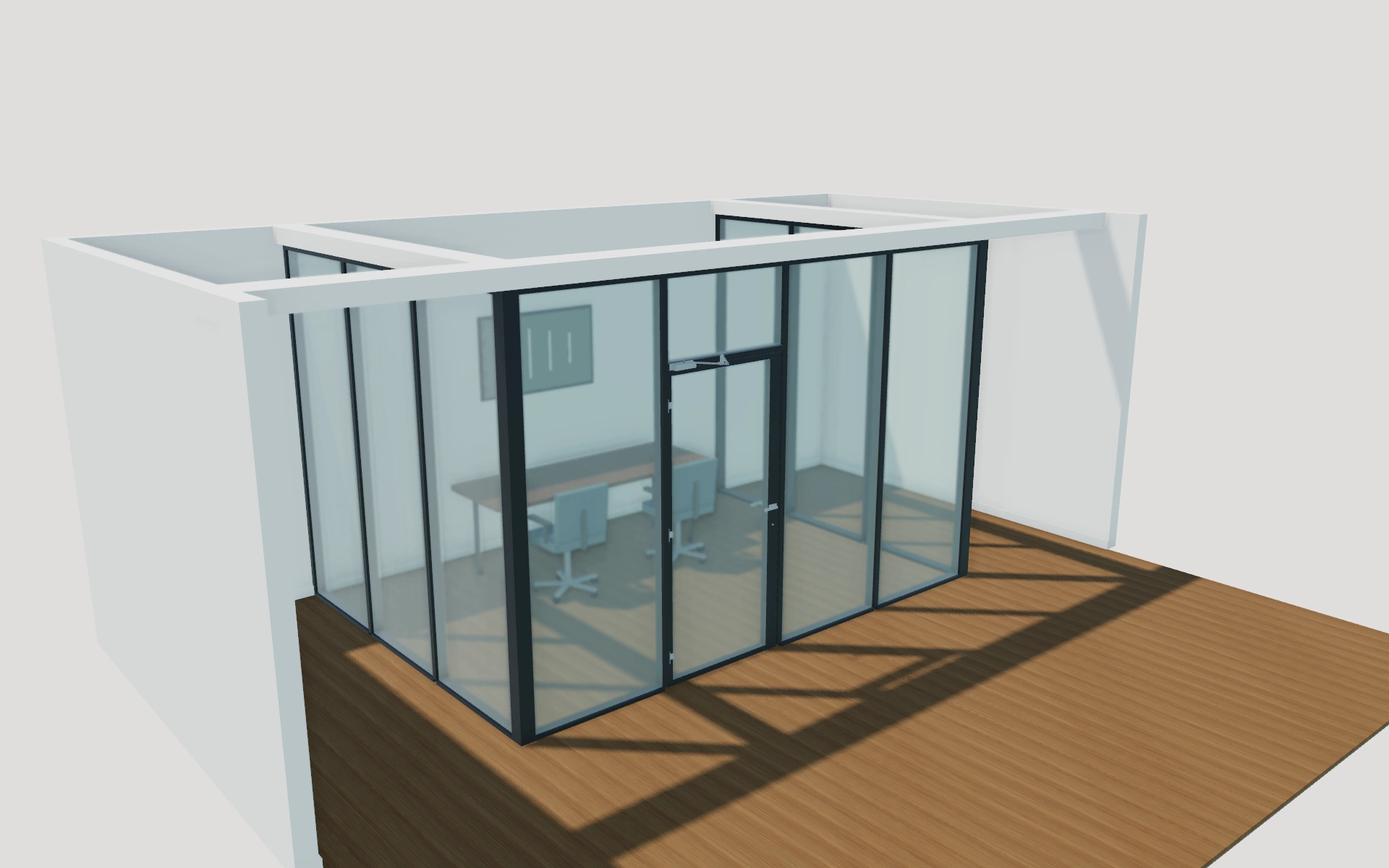
Straight frontage or glazed returns?
Compare the room enclosure before choosing profile colour. Returns change how the glazed space meets the existing office, while hinged and sliding doors create different access discussions. Privacy bands, lower infills and blind appearances should be reviewed against the room’s intended use.
Choose the room enclosure before privacy styling
A straight frontage and glazed returns define different room boundaries. Compare those with the intended door arrangement before the profile palette. Framed modules and minimal joints change the visible grid, while lower infills and privacy bands answer different needs from the overall room layout.
Clear, frosted and smoke appearances should stay tied to their selected panels. Single- and double-pane appearances do not replace the supplied acoustic or other performance specification. Record glazing, profiles, access and privacy elements separately so the proposal explains the complete office partition package.
Glass office partitions options to compare
Review the selected model before refining individual details. Available choices can change with the model and earlier selections; the groups below describe the current starting configuration.
Layout
- Partition arrangement
- Straight office front
- Front with left return
- Front with right return
- Front with two returns
- Front module count
- 3–8 in the current model
- Modules per return
- 2–5 in the current model
Dimensions
- Overall front width
- 2800–5400 mm in the current model
- Partition height
- 2200–3000 mm in the current model
- Overall return depth
- 2090–4040 mm in the current model
Profiles
- Partition profile style
- Framed glass modules
- Minimal glazed joints
Finishes
- Partition profile finish
- Matte black
- Warm white
- Brushed aluminium
- Bronze
- Oak appearance
Glazing
- Glazing build-up appearance
- Single glass pane
- Double panes with cavity
- Glass privacy appearance
- Clear glass
- Two visibility bands
- Wide frosted band
- Full frosted glass
- Smoke tint
- Lower fixed-panel infill
- Full-height glass
- Oak lower panels
- White lower panels
- Matte grey lower panels
Blinds
- Integral blinds in double-pane fixed modules
- Include or omit
Doors
- Door arrangement
- Fixed partition without a door
- Single hinged door
- Double hinged doors
- Single overlay sliding door
- Door height below transom
- 2000–2560 mm in the current model
- Door leaf finish
- Glazed aluminium leaf
- Flush oak leaf
- Flush white leaf
- Single door hinge side
- Hinge on the left
- Hinge on the right
- Hinged opening direction
- Open toward the corridor
- Open toward the office
Hardware
- Door operating handle
- Lever and lock cylinder
- Vertical pull and cylinder
- Door hardware finish
- Brushed stainless
- Matte black
- Bronze
- Overhead hinged door closer
- Include or omit
Dimension ranges describe the current model controls. Confirm the selected product, final measurements and supplied specification with the manufacturer.
Worked example: a customer brief for glass office partitions
For a meeting room within an office, save the chosen frontage and a return alternative. Note furniture and door circulation. The proposal should identify glazing, profiles, access and privacy preferences, with required acoustic or other performance obtained from the supplied system.
From glass office partitions choices to a clear proposal
Keep the glazing, profiles and access details separate in the proposal. If acoustic or other performance is required, obtain it from the actual supplied system rather than the visual appearance. Save the room configuration and the customer’s privacy priorities together so a later finish revision retains that context.
Questions for your glass office partitions review
- Frontage and returns
- Door arrangement
- Privacy preference
- Required supplier performance
Glass office partitions configurator FAQs
Does a double-pane appearance establish an acoustic rating?
No. The appearance is a visual selection. Obtain measured performance and the complete specification from the actual partition supplier.
How should privacy preferences be included in a partition brief?
Record the room layout and door first, then identify the selected privacy bands, infills or blind appearance. Keep the intended use and furniture route with the project. Obtain the actual glazing and system specification for any required measured performance.
Put the choices
in the same view.
Explore the glass office partitions configurator, review the available product options and discuss your own range with our team.