
Timber pergola configurator: make timber proportions part of the product choice
A timber pergola’s character comes from the relationship between posts, beams and rafters. A configurator should make those relationships easier for a customer to compare before the discussion turns into a list of finishes.
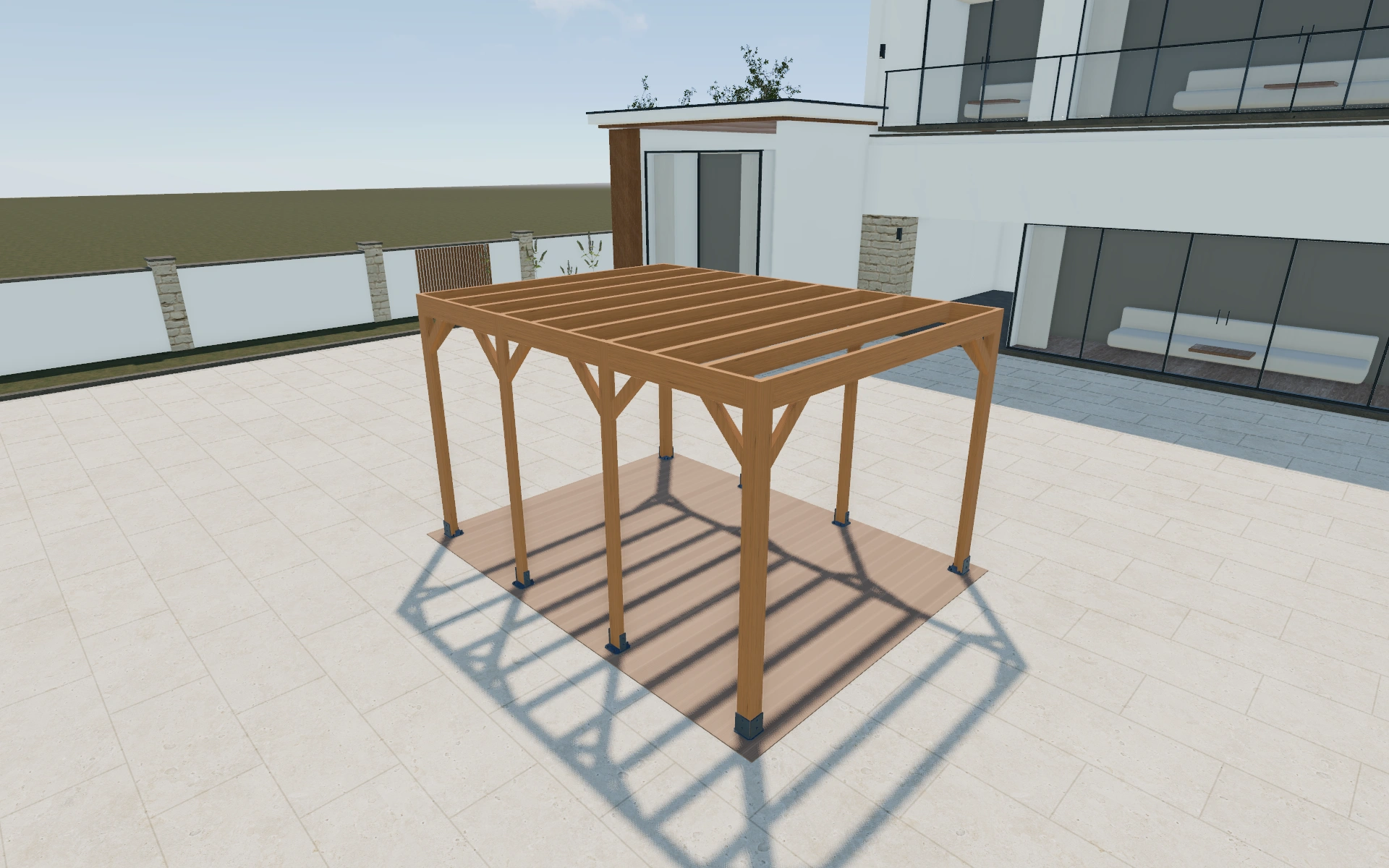
Make timber proportions part of the product choice
Start with the intended seating or garden use, then compare the footprint and rafter arrangement from a repeatable viewpoint. Rotate to look through the frame from the occupied space. This reveals whether the customer likes the visual rhythm as well as the overall outline.
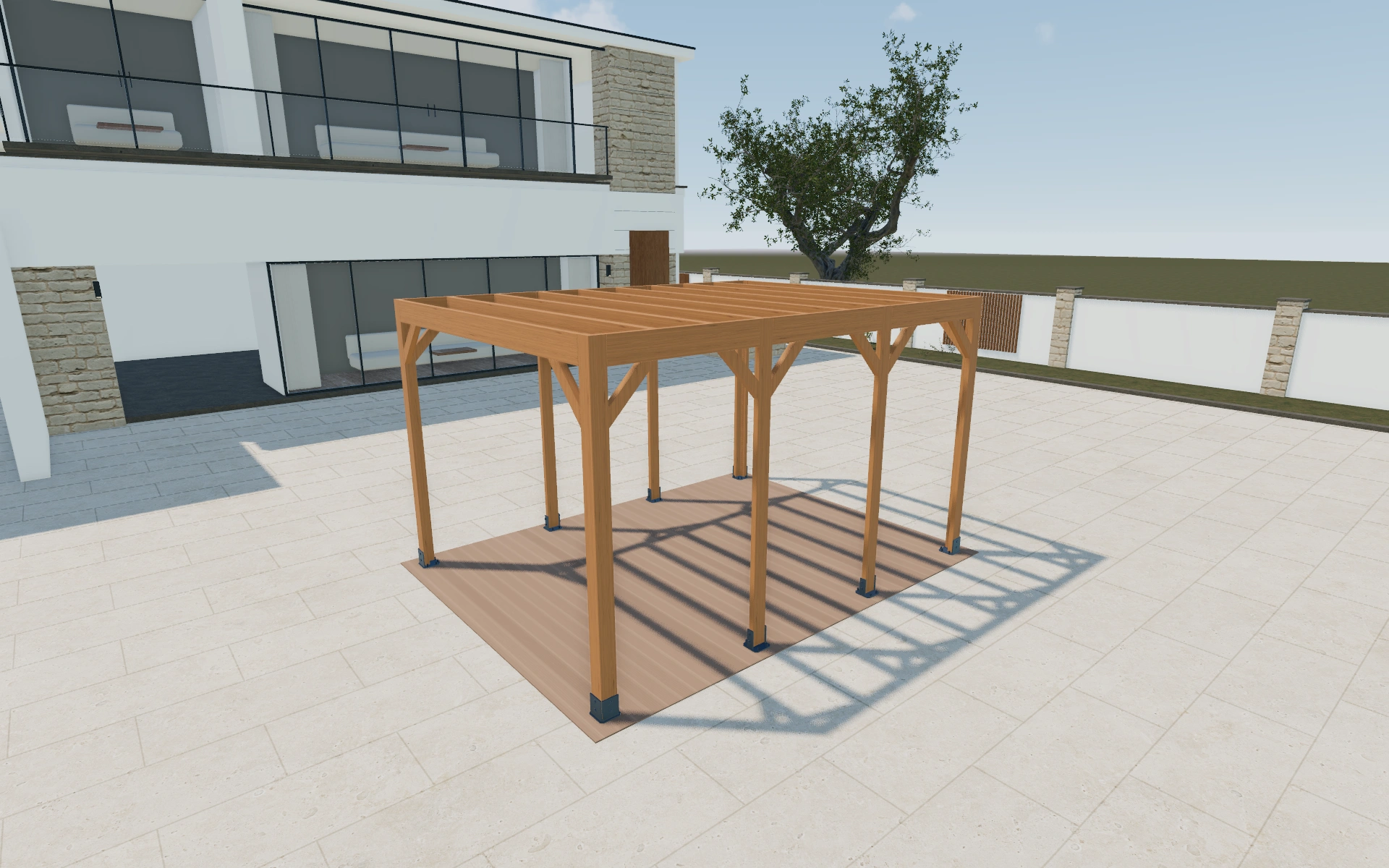
Simple timber ends or a decorative roof rhythm?
Compare end profiles, header appearance and rafter spacing with the same dimensions. This keeps the discussion about visual proportions rather than a moving camera or a larger frame. Timber species and anchoring remain distinct selections; a preferred roof rhythm does not settle either the material specification or the foundations.
Separate mounting, anchoring and decorative roof choices
A mounting preference describes the frame’s relationship to the site or building, while anchoring concerns its actual support. Record both rather than treating them as interchangeable labels. Compare simple and decorative timber ends after the footprint and useful circulation space are agreed.
Use a consistent underside or corner view to inspect the roof rhythm. Carry the chosen timber appearance and visible details into the project. The proposal can then identify the preferred frame without suggesting that a visual assembly has already resolved every site connection.
Timber pergola options to compare
Review the selected model before refining individual details. Available choices can change with the model and earlier selections; the groups below describe the current starting configuration.
Structure
- Mounting type
- Freestanding
- Wall-attached
- Post anchoring
- Surface post-shoe
- H-anchor cast in concrete
- Metal post-base bracket
- Concreted in-ground
- Header beam type
- Single perimeter header
- Doubled / twin header
- Beam / rafter end profile
- Square cut
- Angled
- Scalloped
- Post section
- 70–220 mm in the current model
Dimensions
- Dimensions
- Standard
- Custom
- Standard size
- Small
- Medium
- Large
- Extra large
Finishes
- Timber finish
- Natural
- Translucent stain
- Opaque paint
Roof
- Roof cover
- Open roof
- Covered
- Roof slope
- 0–10 ° in the current model
Openings
- Side enclosures
- Front
- Right
- Left
- Back
Accessories
- Timber species
- Pine
- Glulam / spruce
- Western Red cedar
- Douglas fir
- Oak
- Larch
- Knee braces
- No
- Yes
- Knee brace style
- Straight
- Curved
- Decorative
- Side infill — front
- Slatted screen panel
- Fixed timber wall
- Fixed glass
- Sliding glass
- Low balustrade
Advanced
- Rafter spacing
- 600–1200 mm in the current model
- Add-ons
- Integrated LED lighting
- Gutter downpipe
- Attached storage room
- Include or omit
- Services included
- No
- Yes
Dimension ranges describe the current model controls. Confirm the selected product, final measurements and supplied specification with the manufacturer.
Worked example: a customer brief for timber pergola
For a planted garden sitting area, save a simpler frame and a more decorative version using one footprint. Review the view through the structure from the seats. Record the selected timber, end profiles and mounting choice in the proposal so the customer can distinguish appearance preferences from site preparation.
From timber pergola choices to a clear proposal
Record the timber preference, dimensions and mounting choice together. Ask the supplier to confirm the specification appropriate to the actual project. The proposal can then distinguish the product selection from site preparation and fixing work, keeping a visual design conversation separate from an engineering decision.
Questions for your timber pergola review
- Intended garden use
- Timber proportions
- Rafter arrangement
- Mounting and site scope
Useful views for the timber pergola review
Use these inspection views to discuss the arrangement and visible details before approving the specification.
- Product image
- Hero 3/4
- Front elevation
- Side elevation
- Aerial / plan
Timber pergola configurator FAQs
Are mounting and anchoring the same setting?
No. The model includes mounting-type and post-anchoring choices. Keep both in the specification and confirm their actual compatibility with the supplier.
How do I keep timber finishes from dominating the layout discussion?
Agree the footprint, mounting arrangement and useful route through the posts before comparing colours. Then use one unchanged viewpoint for the finish alternatives. This keeps the customer’s approval tied to the frame they intend to buy.
Put the choices
in the same view.
Explore the timber pergola configurator, review the available product options and discuss your own range with our team.