
Modular site office configurator: lay out rooms and external access as one campus
A modular-office configurator should make the relationship between the module arrangement and daily access understandable. Adding another storey changes the circulation discussion as well as the exterior composition.
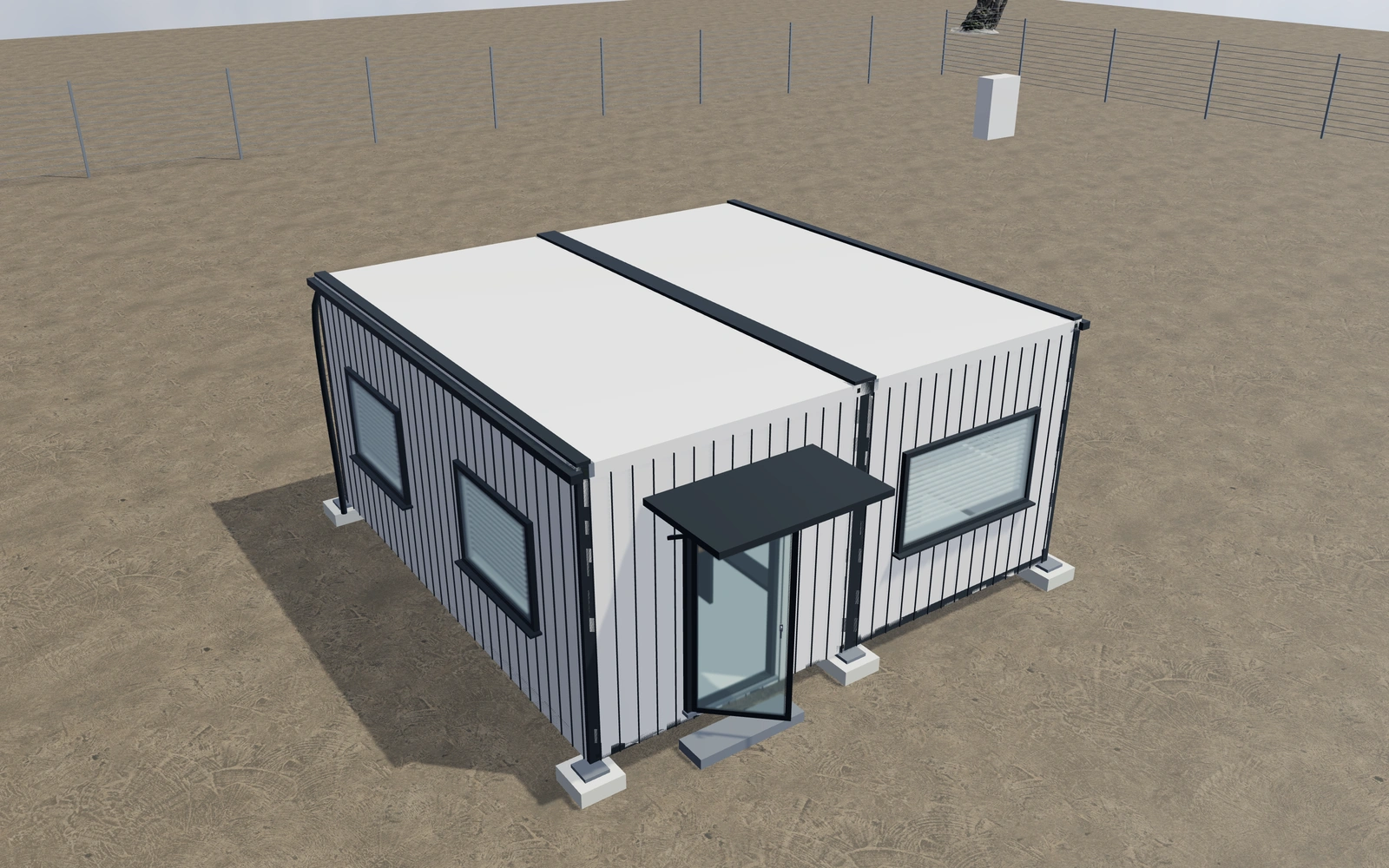
Lay out rooms and external access as one campus
Compare the across, depth and storey arrangement before refining panels and finishes. Review open, meeting and divided interiors with entrance and glazing positions visible. Use the cutaway to discuss room use, then inspect the external stairs where the selected layout includes them.
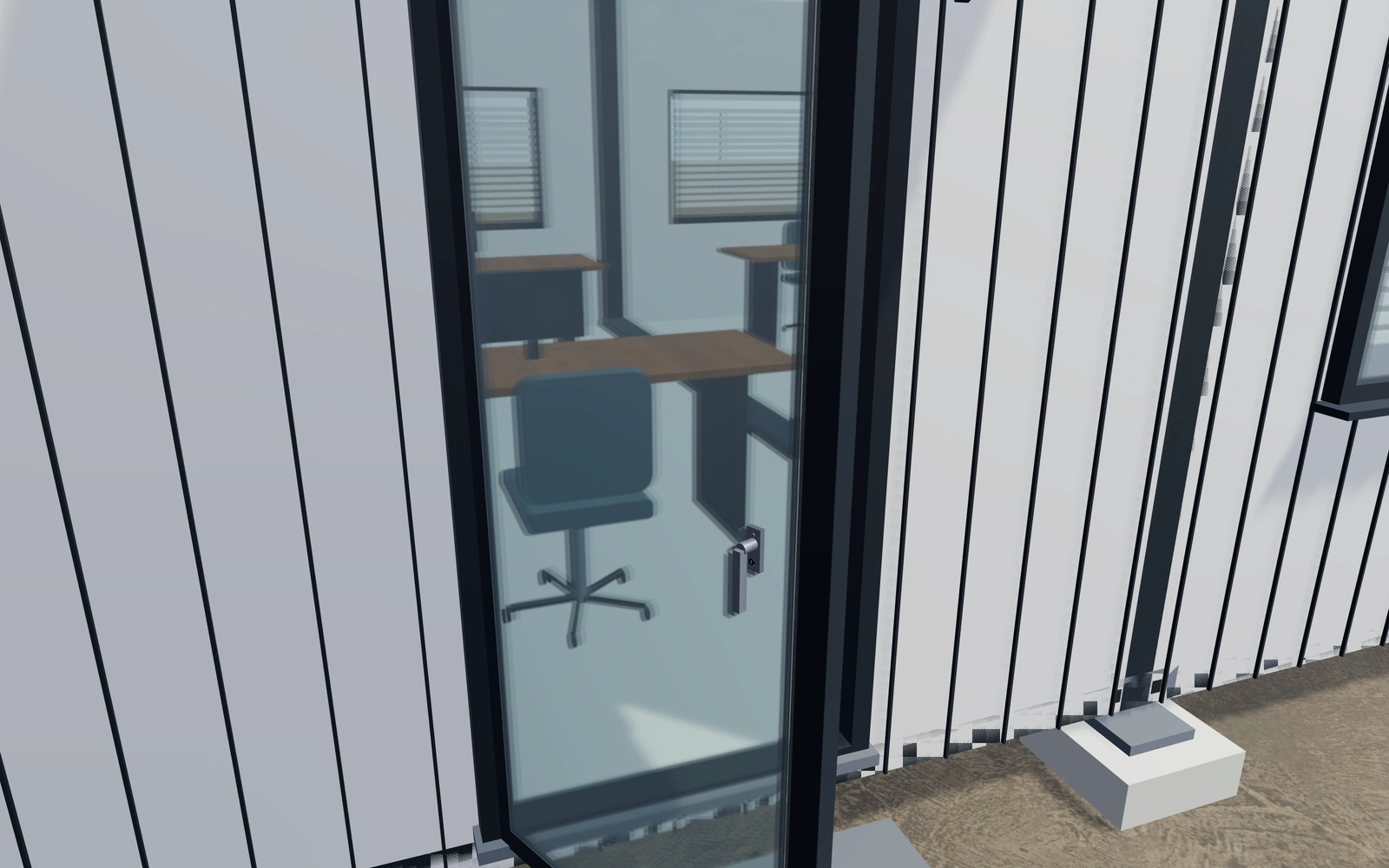
A wider ground-floor layout or a stacked arrangement?
Compare the module composition with room use and external access visible. Additional storeys introduce circulation questions, not just more façade. Exterior panel textures and frame finishes should follow the agreed accommodation layout so a surface comparison does not hide a changed room arrangement.
Resolve room use and circulation before exterior panels
Open office, meeting room and combined layouts should be compared with the selected module arrangement. Review the entrance and any route between levels before refining the panel texture. A larger module count alone does not show whether the working layout meets the customer’s brief.
Profiled metal, smooth panels and timber appearances are separate from frame, railing and floor finishes. Keep support references and actual site requirements distinct. The cutaway can explain the chosen interior while the proposal identifies services, stairs and installation work beyond the supplied module envelope.
Modular site offices options to compare
Review the selected model before refining individual details. Available choices can change with the model and earlier selections; the groups below describe the current starting configuration.
Layout
- Modules across the frontage
- 1–4 in the current model
- Modules along the depth
- 1–3 in the current model
Dimensions
- Module exterior width
- 2400–3200 mm in the current model
- Module exterior length
- 6000–9000 mm in the current model
- Storey module height
- 2700–3200 mm in the current model
Materials
- Exterior panel finish
- Anthracite
- Warm white
- Brushed steel
- Bronze
- Deep blue
- Exterior panel texture
- Coated profiled metal
- Smooth coated panels
- Timber appearance boarding
- Module-frame and railing finish
- Anthracite
- Warm white
- Brushed steel
- Bronze
- Deep blue
Base
- Ground supports
- Concrete bearing pads
- Steel bearing skids
Interior
- Interior layout
- Open office
- Meeting room
- Office and separate meeting room
- Interior floor
- Grey resilient floor
- Timber appearance floor
- Mineral floor appearance
Entrance
- Entrance leaf appearance
- Glazed aluminium door
- Solid insulated door
Glazing
- Window appearance
- Clear
- Smoked
- Long-side window width
- 1000–1800 mm in the current model
- Window blind references
- Include or omit
Equipment
- Exterior climate-unit references
- Include or omit
Lighting
- Interior linear luminaires
- Include or omit
Rainwater
- Roof-edge drainage
- Include or omit
Accessories
- Entrance canopy
- Include or omit
Dimension ranges describe the current model controls. Confirm the selected product, final measurements and supplied specification with the manufacturer.
Worked example: a customer brief for modular site offices
For a site-office brief, save two module arrangements with the intended meeting and work areas noted. Inspect entrances and stairs. List the selected modules and interior arrangement on the proposal, with services, foundations and occupancy requirements reviewed separately.
From modular site offices choices to a clear proposal
Identify the agreed module and interior arrangement on the proposal. Services, foundations, occupancy and any building requirements need project-specific review. Keep those questions with the customer record so a layout revision does not silently change the access or service assumptions behind the quotation.
Questions for your modular site offices review
- Module arrangement
- Room use
- External access
- Services and site requirements
Useful views for the modular site offices review
Use these inspection views to discuss the arrangement and visible details before approving the specification.
- Entrance threshold, hinge and module joint
- Office furniture and partition layout
- Corner casting, support and joining detail
- External stair and landing guard
Modular site offices configurator FAQs
Does the module arrangement settle the service design?
No. Electrical, HVAC, plumbing and other site services need agreement for the actual accommodation and operating requirements.
What should be agreed before stacking office modules?
Record the intended rooms, access between levels and the actual site constraints. Compare the arrangement and openings together. Keep stairs, services and installation requirements identifiable so the visual module count is not interpreted as a complete occupied-building specification.
Put the choices
in the same view.
Explore the modular site offices configurator, review the available product options and discuss your own range with our team.