
Launch one product family. Learn what customers need next.
Give the first release a manageable scope, agreed review cases, and a useful definition of success.
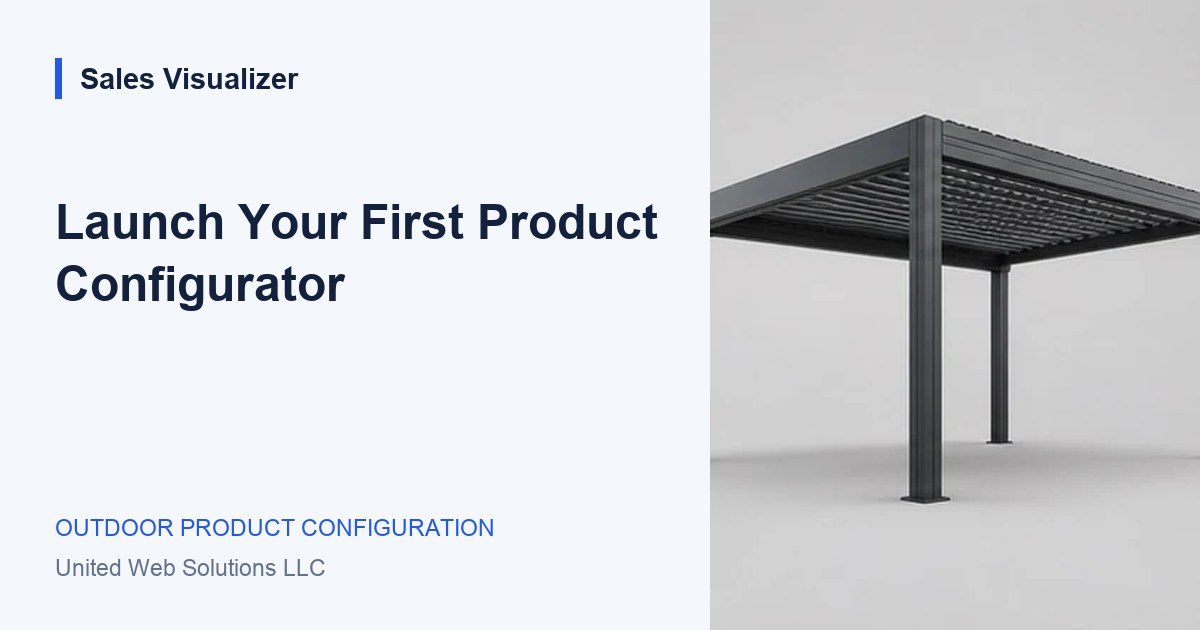
Choose one representative product and a clear audience.
Choose a representative starting point
Pick a product family whose options and price rules your team can explain consistently. It should be relevant to the customers you want to reach and contain enough variation to test the journey. Avoid starting with every exception in the catalog.
Write down the scope: the range, dimensions, finishes, accessories, estimate treatment, and handover. Also name the situations that go to a conversation. These boundaries help product specialists and salespeople review the same experience.
Agree the review cases before implementation
Select a simple configuration, a common accessory combination, a dimension boundary, and an unavailable choice. Record the expected summary and any pricing assumptions for each. The cases should come from your agreed product source, rather than be chosen to make the interface look complete.
Add a phone journey and a sales handover to the review. Check what the buyer understands, what reaches the team, and what needs clarification. A release is more than the product preview.
Measure the work you want to improve
Choose a baseline that relates to the current process. Your team might record how often an enquiry arrives without dimensions, how long it takes to prepare a typical quote, or which option questions are repeated. Define what is being counted before interpreting a change.
Use early findings to identify the next improvement. A smaller number of incomplete briefs may be useful, but it should not be turned into a revenue claim without the context and evidence needed to support it. Keep the review focused on what was actually observed.
Expand after reviewing the foundation
Collect feedback from customers and the team responsible for the range. Correct unclear terminology, missing rules, and handover problems. Confirm who maintains the source before adding another product family or sales channel.
Reuse the parts that work, while checking each new range’s constraints. An awning, a garden room, and a modular kitchen can share a design language without sharing the same product logic. Expansion needs a product review, not just another card in the library.
Worked example: a focused first review
A hypothetical team starts with one pergola range and uses four review configurations. It records the questions the sales team still has to ask after receiving each brief.
- First review: terminology, option rules, estimate, and handover.
- Next improvement: address a repeated missing fact.
- Expansion decision: review the source and workflow before adding a second family.
Your review list.
- Choose one representative product and a clear audience.
- Write down included choices and situations needing review.
- Agree example configurations and phone journeys.
- Define a baseline for the process you want to improve.
- Assign ongoing ownership before expanding.
See the next step
in Sales Visualizer.
Explore an illustrative experience, then review your own range and requirements with your team.
Explore the focused product pilot