
Glass room configurator: keep access and enclosure choices in the same conversation
A glass room should be discussed as a space people enter and move through, rather than a roof surrounded by transparent surfaces. The configurator is most useful when it makes the orientation and enclosure choices understandable together.
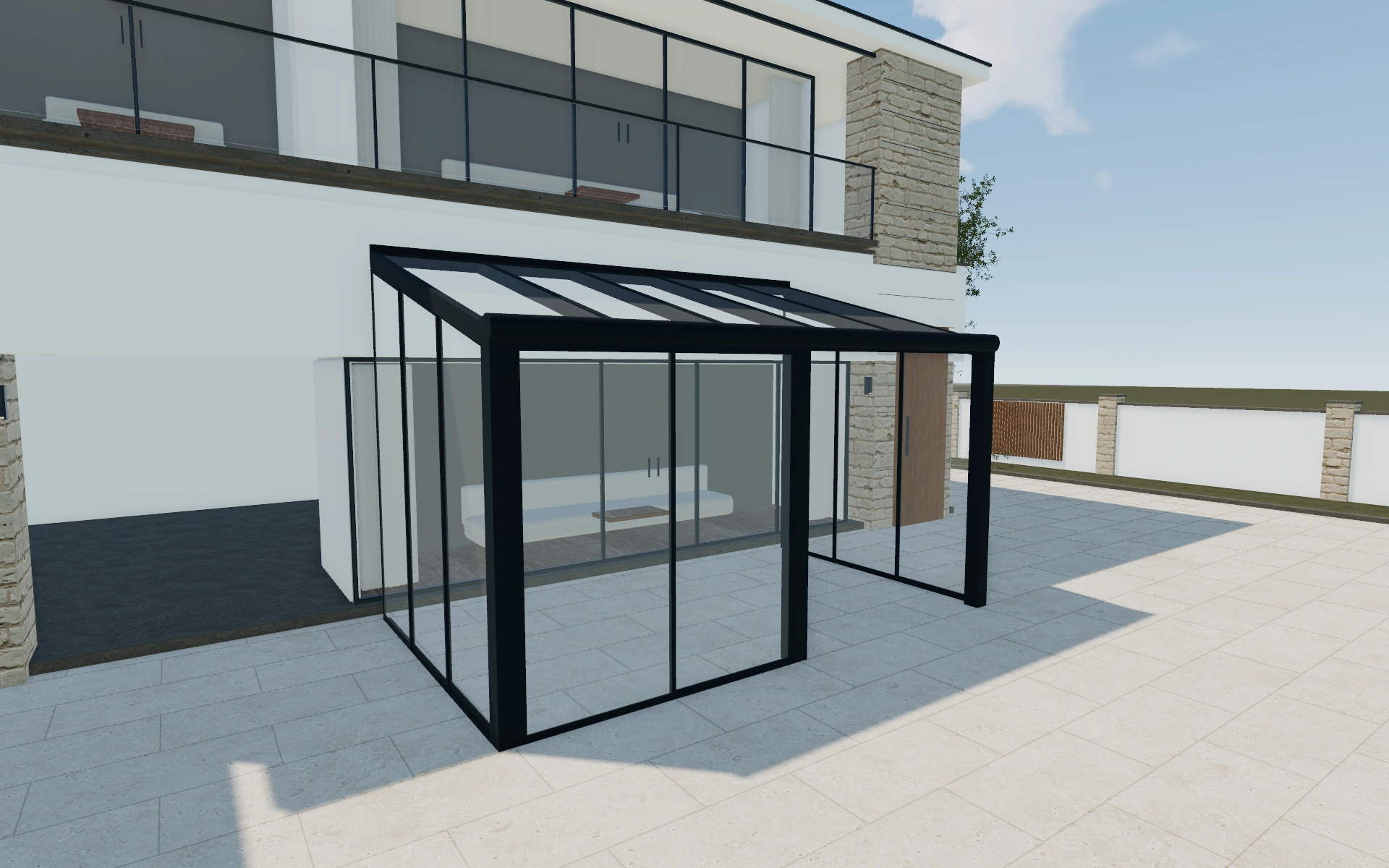
Keep access and enclosure choices in the same conversation
Begin with the relationship to the building and the intended approach from the garden. Compare the selected model and dimensions from more than one side. Ask where everyday access is needed and which view the customer wants to keep open before settling the frame appearance.
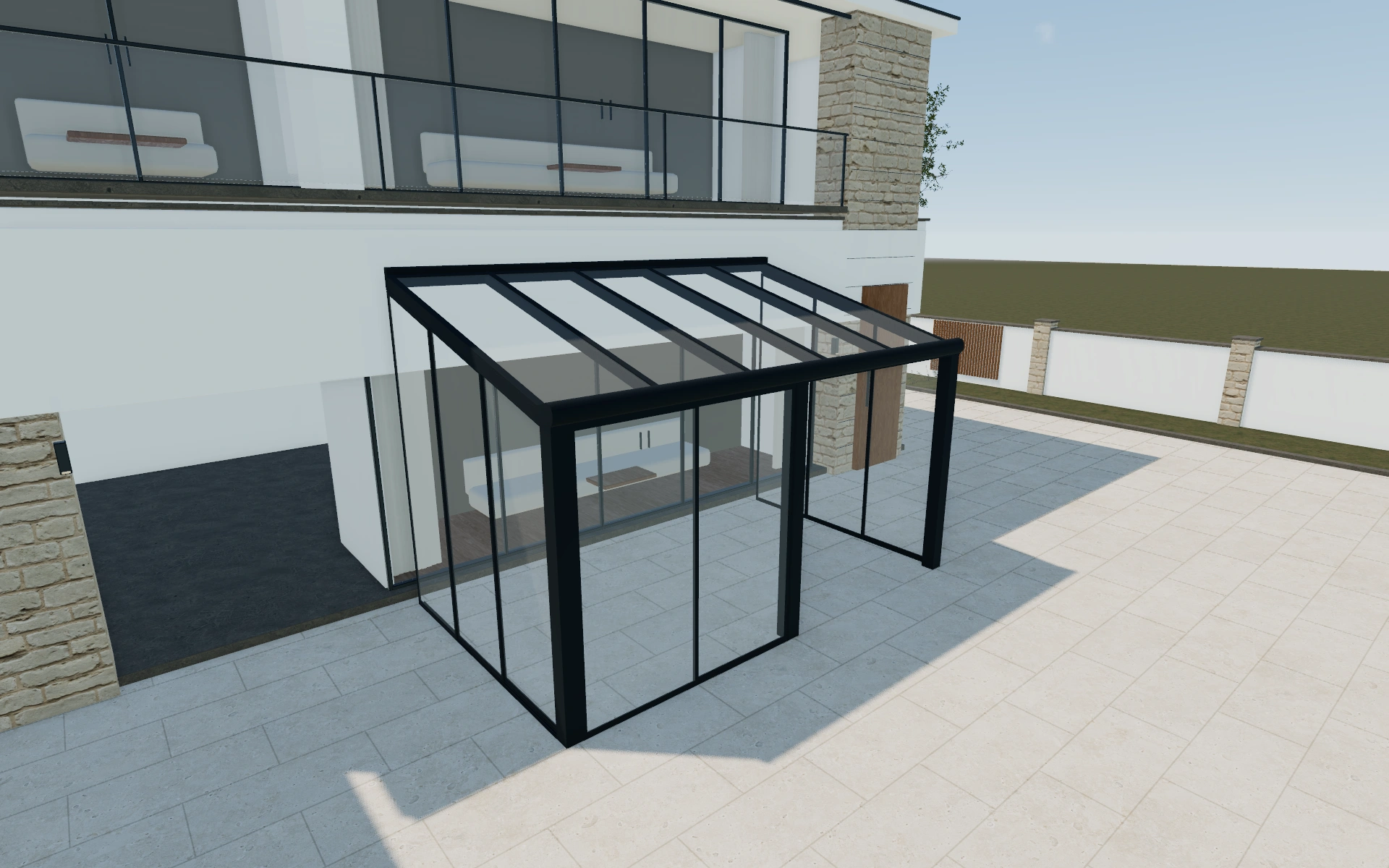
Glass or polycarbonate roof appearance?
These roof choices change the visual envelope, while the long- or short-side mounting direction changes how the room relates to the building. Compare roof appearance only after the orientation makes sense. The selected material name is not a measured claim about light, noise or comfort inside the finished enclosure.
Choose the envelope before the accessories
The roof material and the sides form different parts of the room envelope. Compare glass and polycarbonate appearances while retaining the selected footprint, then review how the sides open. A closed overall view is useful for composition but leaves access and panel movement unresolved.
Use a second view to inspect the junction between the roof and frontage. Record the selected roof, openings and frame appearance in distinct lines. Discuss lighting or comfort additions after the envelope is understandable, so an accessory selection cannot obscure a different room arrangement.
Glass room options to compare
Review the selected model before refining individual details. Available choices can change with the model and earlier selections; the groups below describe the current starting configuration.
Model
- Model
- Glass roof
- Polycarbonate roof
Structure
- Post
- Post
- Mount direction
- Long
- Short
Dimensions
- Dimensions type
- Standard
- Custom
- Dimensions
- 3m x 3m
- 4m x 3m
- 4m x 4m
- 5m x 3m
- 6m x 4m
Finishes
- Material
- Clear VSG
- Opal VSG
- Solar panel glass
- UV Self cleaning glass
- Tinted glass
- Clear insulated glass
- Tinted insulated glass
- Single glazed glass
- Double glazed glass
- Structure color type
- Anthracite
- Black
- White
- Custom
Roof
- Roof pitch
- 0–15 º in the current model
- Thickness
- 8mm
- 10mm
- Veranda slats isolation
- Standard
- Isolated
- Veranda slats direction
- Width
- Length
- Split glass roof
- Include or omit
Openings
- Sides closing position
- Front
- Left
- Right
- Sides closing - front
- Sliding glass
- Tinted sliding glass
- Frameless sliding glass
- Tinted frameless sliding glass
- Guillotine glass
- Additional sides closing - front
- None
- Roller screen
- Roller screen front cassette
Lighting & power
- Lights
- No lights
- Lights
Accessories
- Veranda type
- Wall-mounted
- Freestanding
- Awning
- Roof awning
- Under roof awning
- Wedges
- No wedges
- Wedges
- Comfort
- No add-ons
- add-ons
Advanced
- Veranda motorized elements
- Glass roof panels
- Sensors
- No sensors
- Sensors
- Services
- No services
- Services
- Automation
- Need automation
- Don't need automation
- Automation yes/no
- No automation
- Automation
Dimension ranges describe the current model controls. Confirm the selected product, final measurements and supplied specification with the manufacturer.
Worked example: a customer brief for glass room
For a terrace enclosure beside a living-room door, save two mounting orientations first. Compare the garden approach and the adjacent house opening. Once the preferred arrangement is clear, review roof and frame preferences and prepare the proposal with glazing and installation specifications ready for supplier confirmation.
From glass room choices to a clear proposal
Photographs alone can make different glazed layouts look similar. Save the agreed visual configuration and describe the chosen arrangement in words on the proposal. Keep questions about site conditions, ventilation and the supplied glazing specification with the project for the appropriate product review.
Questions for your glass room review
- Building relationship
- Everyday access
- Frame appearance
- Glazing specification to confirm
Glass room configurator FAQs
Are standard room footprints available?
Yes. The dimensions controls include standard footprints as well as a custom-sizing mode. Available choices can change with the selected room model.
What distinguishes an enclosure choice from a roof choice?
Side openings control how the room is entered and opened; the roof selection describes the covering above it. Record both explicitly. A change to the roof appearance should not silently replace the agreed front access or side enclosure arrangement.
Put the choices
in the same view.
Explore the glass room configurator, review the available product options and discuss your own range with our team.