
Canopy and comfort garden room configurator: compare the sheltered approach with the enclosed room
A garden-room design with a canopy introduces two different kinds of usable space. The customer should be able to discuss the enclosed room and the sheltered approach without confusing one footprint with the other.
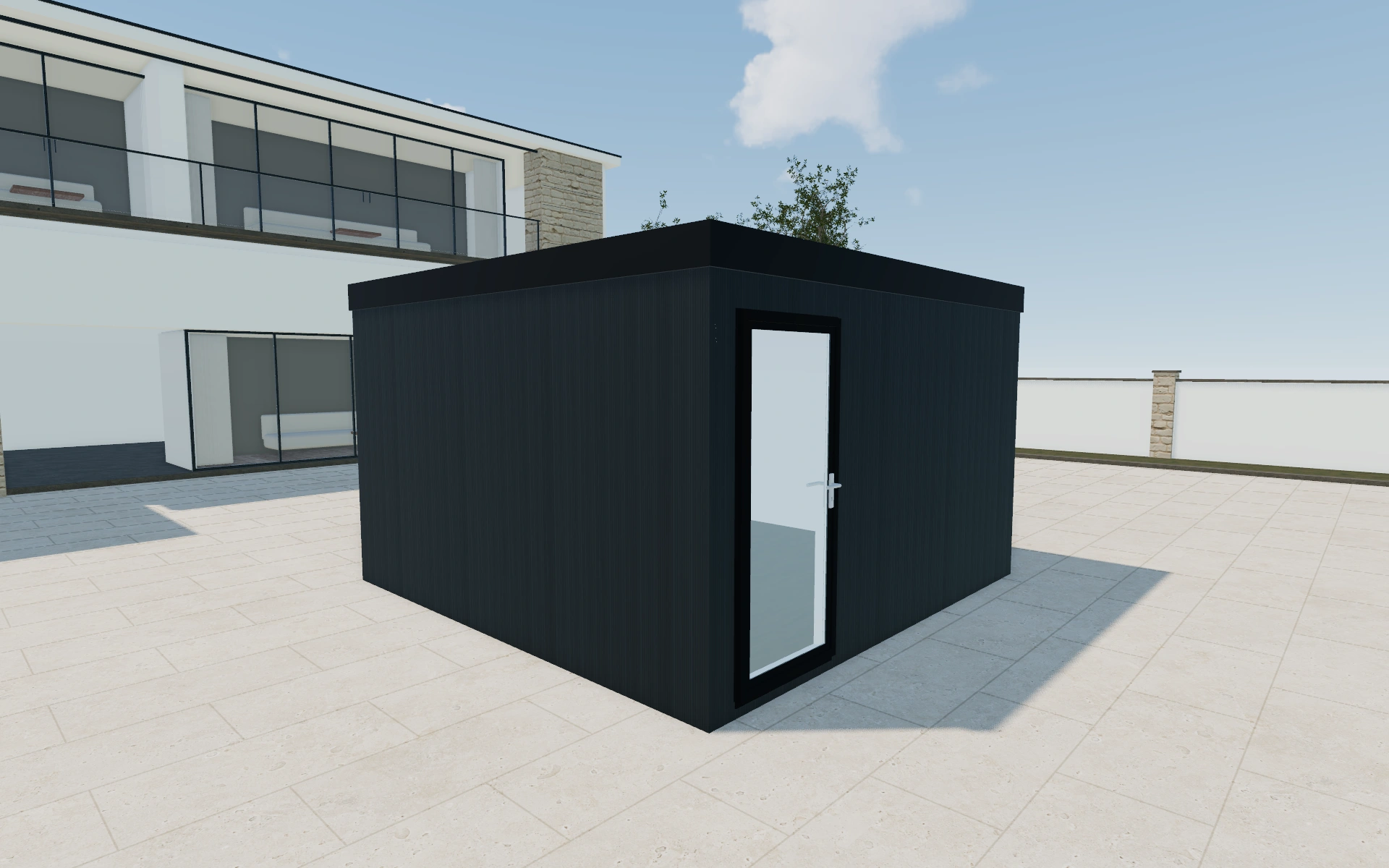
Compare the sheltered approach with the enclosed room
Review the room model and dimensions first, then consider how the canopy relates to the entrance and garden circulation. Ask what the customer expects to place under the covered area. Compare the whole composition from the approach and from the side before settling exterior finishes.
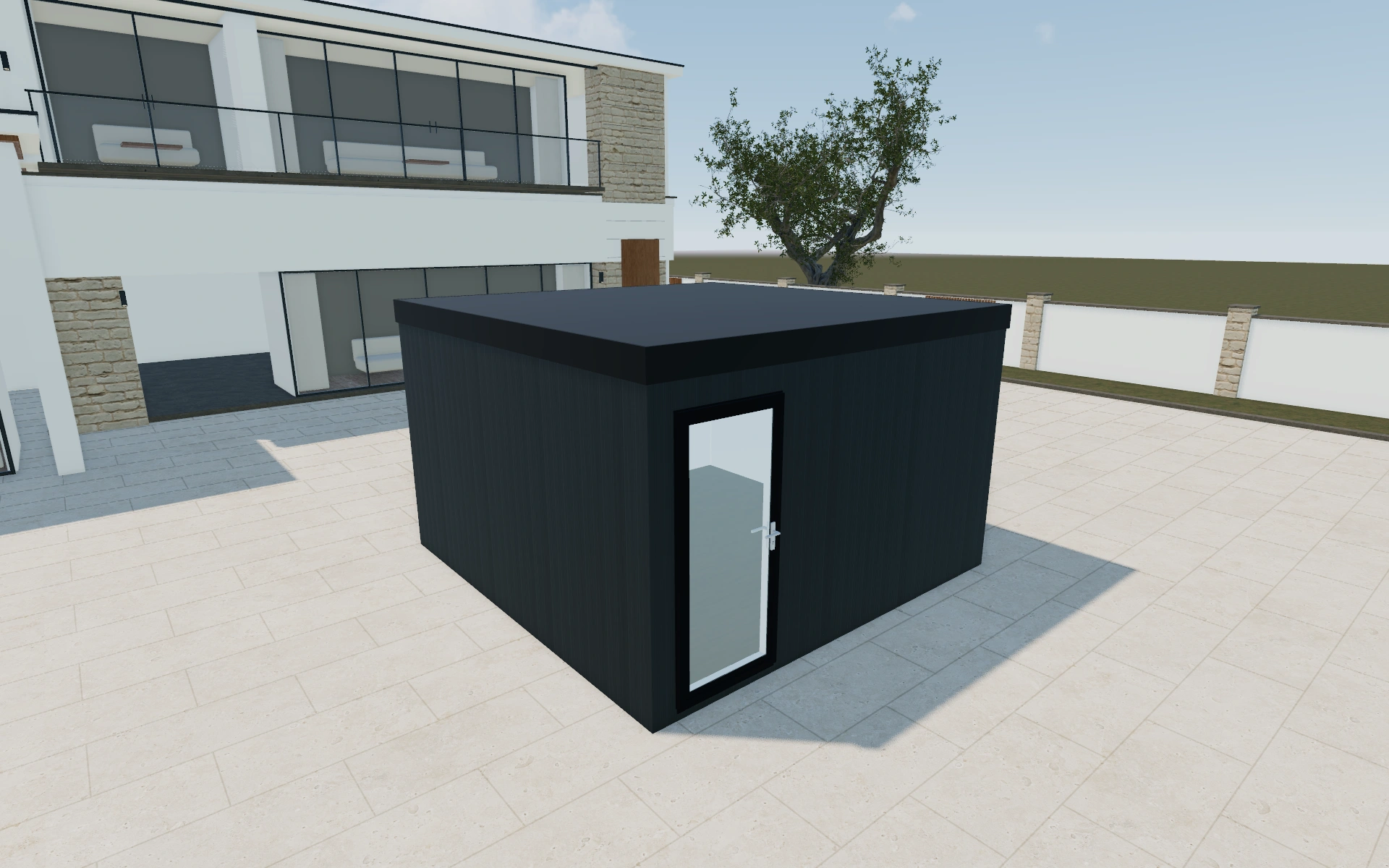
Enclosed room area or sheltered approach area?
Keep those spaces separately identifiable when comparing dimensions and use. A canopy may answer a customer’s outdoor seating brief without adding enclosed accommodation. Review the entrance and side view before refining finishes so the proposal can explain what each part of the composition contributes.
Draw a clear line between room and sheltered approach
The canopy can improve the entrance composition without increasing the enclosed interior. Compare the approach with the room doors and wall returns visible. Keep the customer’s intended indoor use separate from what they want to do beneath the outside cover.
Record the room package, canopy and finish selections individually. List the actual base and utilities as identifiable work items. When comparing alternatives, retain both enclosed area and sheltered area descriptions so the customer does not read a larger roof outline as a larger supplied room.
Canopy and Comfort garden room options to compare
Review the selected model before refining individual details. Available choices can change with the model and earlier selections; the groups below describe the current starting configuration.
Model
- Model
- Canopy
- Comfort
Dimensions
- Dimensions type
- Standard
- Custom
Finishes
- Cladding side
- Front
- Back
- Left
- Right
- Front cladding material
- uPVC
- Composite
- Wood
- Front exterior cladding
- Anthracite
- Door and window color
- Black
- Anthracite
- White
- Interior walls
- Plaster
- MDF
- Flooring type
- Laminate
- Vinyl
- Flooring colors
- Cedar timber
- Grey timber
- Roof material
- EPDM Rubber
- Insulation
- None
- EPS foam
- Mineral wool
- Door and window material
- UPVC
- Aluminium
Roof
- Roof type
- Flat
- Pitched
- Overhang
- Don't include
- Include
Openings
- Front selection
- UPVC Tall Fixed Panel
- UPVC Tall Fixed Panel with Top Opener
- UPVC Panoramic Fixed Glass
- UPVC Panoramic Double Opener Glass
- UPVC Fixed Light
- UPVC Top Hung
- UPVC Top Hung Over Fixed
- Aluminium Tall Fixed Panel
- Aluminium Tall Fixed Panel with Top Opener
- Aluminium Panoramic Fixed Glass
- Aluminium Panoramic Double Opener Glass
- Aluminium Fixed Light
Base & decking
- Decking
- Don't include
- Include
- Groundwork
- Groundscrews
Lighting & power
- Electrical package
- Basic package
- Standard package
- Premium package
- Outdoor lights
- LED lights under overhang
- Round LED lights under overhang
- Lights on facade
- Electrics
- Single El. socket
- Double El. socket
- Switch
Accessories
- Elements position
- Front
- Back
- Left
- Right
- Add-ons
- Air conditioning
- Heating
Advanced
- Object type
- Doors
- Windows
- Services
- No service
- Services
Dimension ranges describe the current model controls. Confirm the selected product, final measurements and supplied specification with the manufacturer.
Worked example: a customer brief for canopy and comfort garden room
For a garden office with a sheltered place for breaks, save the room layout and note the intended canopy use. Keep the two areas recognisable in the discussion. Quote the chosen assembly, with drainage, base construction and services identified separately rather than implying that the whole footprint is indoor room space.
From canopy and comfort garden room choices to a clear proposal
Identify the room and canopy arrangement clearly in the proposal. Keep base construction, drainage and services as separate project questions. This helps a salesperson explain whether a revision changes the enclosed accommodation, the sheltered outdoor area or simply the exterior appearance.
Questions for your canopy and comfort garden room review
- Enclosed room footprint
- Canopy use
- Entrance relationship
- Separate site-work items
Useful views for the canopy and comfort garden room review
Use these inspection views to discuss the arrangement and visible details before approving the specification.
- Main View
- Top View
Canopy and Comfort garden room configurator FAQs
Should canopy area be described as enclosed floor space?
No. Distinguish the enclosed room from the sheltered outdoor area and confirm the actual supplied dimensions in the project specification.
How should a room with a canopy be described on a proposal?
List the enclosed room and the sheltered exterior area distinctly. Record which entrance and approach the canopy serves. Keep foundations, utilities and the room interior identifiable so the customer can understand which parts are included in each price item.
Put the choices
in the same view.
Explore the canopy and comfort garden room configurator, review the available product options and discuss your own range with our team.