Kitchen configurator software. Build the cabinet plan. Bring the sale together.
Add and arrange individual cabinet modules, review the layout and compare finishes around a clear kitchen brief. Keep the customer's configuration, design appointments and proposal in one workspace.
- Your prices and document branding
- Configuration, CRM and orders together
 3D product workspace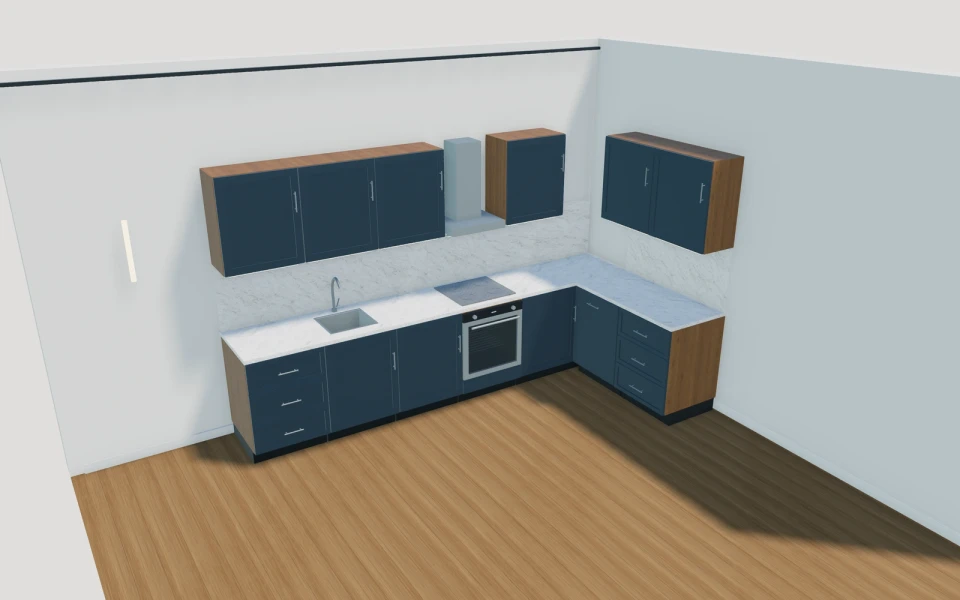
A cabinet sequence gives the kitchen its real dimensions.
Start with the units the customer needs rather than stretching a generic kitchen block. Keep cupboard, drawer, sink and appliance modules identifiable, then review corners, any island and the route around the finished arrangement.
Make the specification
easy to understand.
Build with individual cabinet modules
Choose cabinet types and their available module sizes, then arrange the sequence. Keep the selected unit schedule intact while reviewing storage and appliance positions with the customer.
Resolve the layout before materials
Review the straight run, corner relationship or selected island against the room brief. Open the fronts and inspect access so a finish decision is attached to an understandable cabinet arrangement.
Coordinate fronts, worktops and hardware
Compare slab or Shaker fronts with carcass finishes, worktops, handles and splashback choices. Save the complete combination without losing which cabinet modules are being proposed.
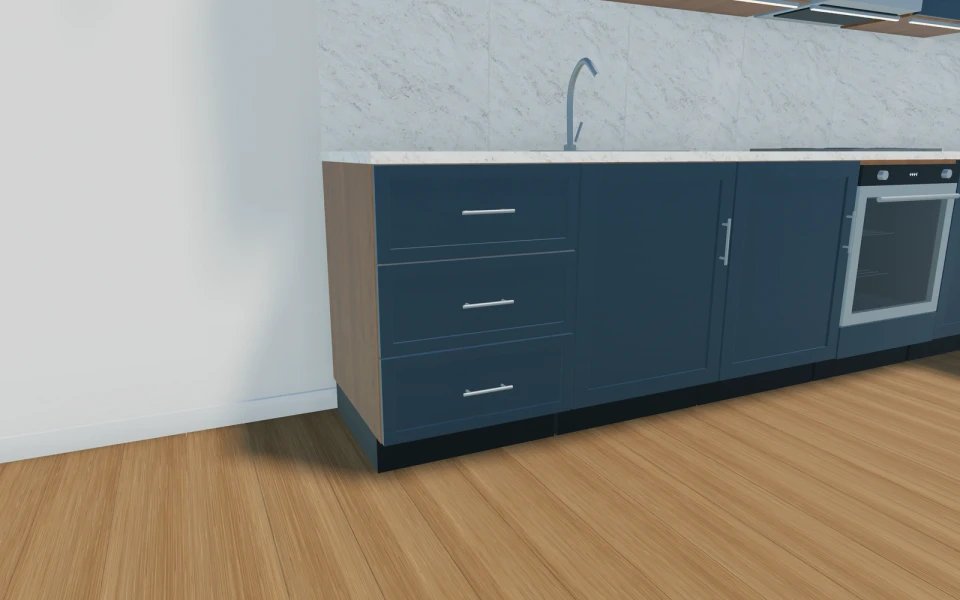
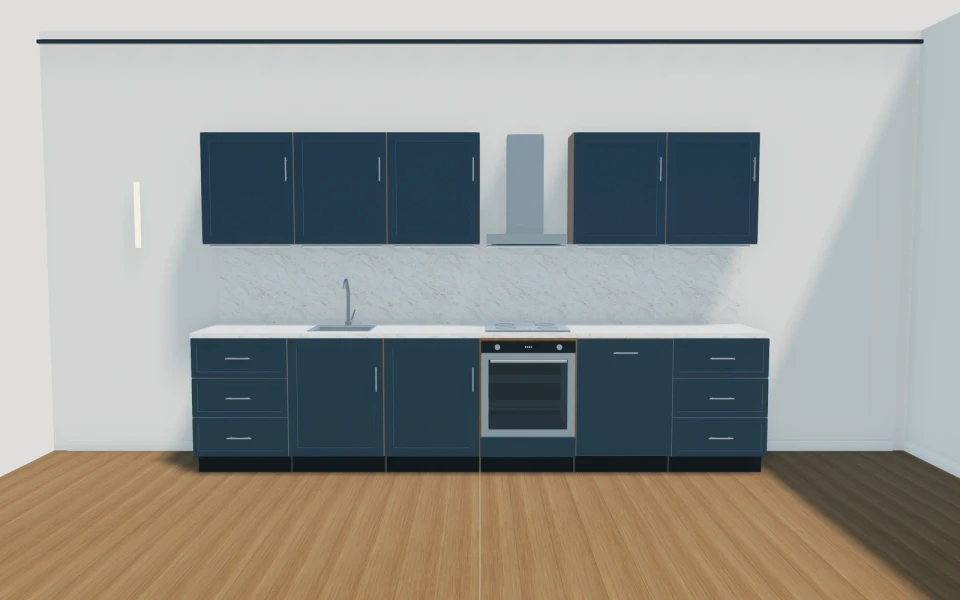
A design review with the cabinet list still visible.
A customer needs a sink, cooking position, drawers and more pantry storage. Build the selected modules, review their order and compare a worktop and front scheme over that same plan. Keep room measurements and appliance requirements with the project, then prepare a proposal separating cabinetry, appliances, worktop and installation.
See this workflow in a demoOne customer project.
The whole sales journey.
Customer details, selected products and the next action stay connected in your company workspace.
New enquiry1
Configuration saved
Proposal1
Branded proposal prepared
Accepted1
Continue into order
Explore the relevant
product models.
Review these library models with your range. Each configurator has its own options and counts toward your workspace’s product selection.
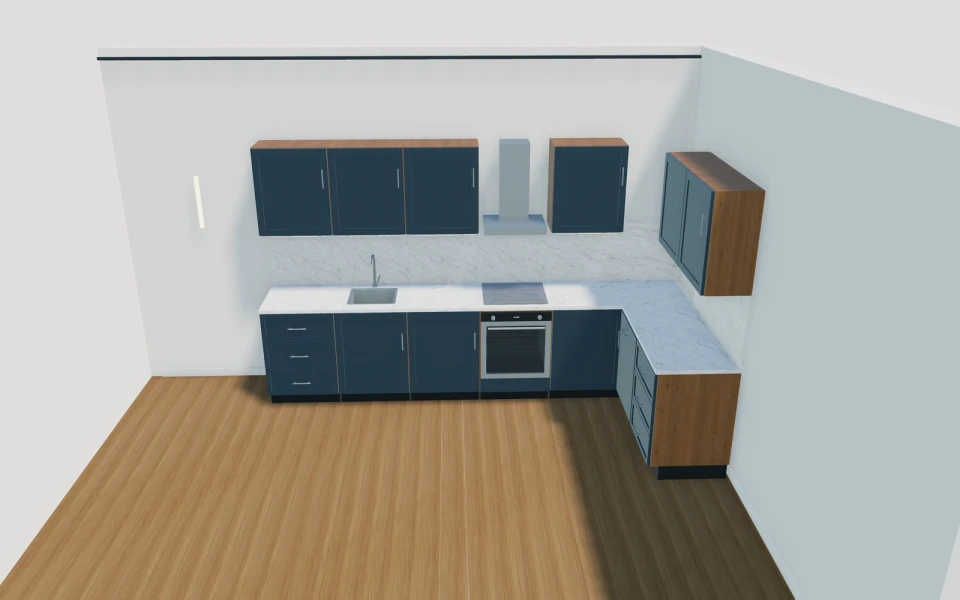
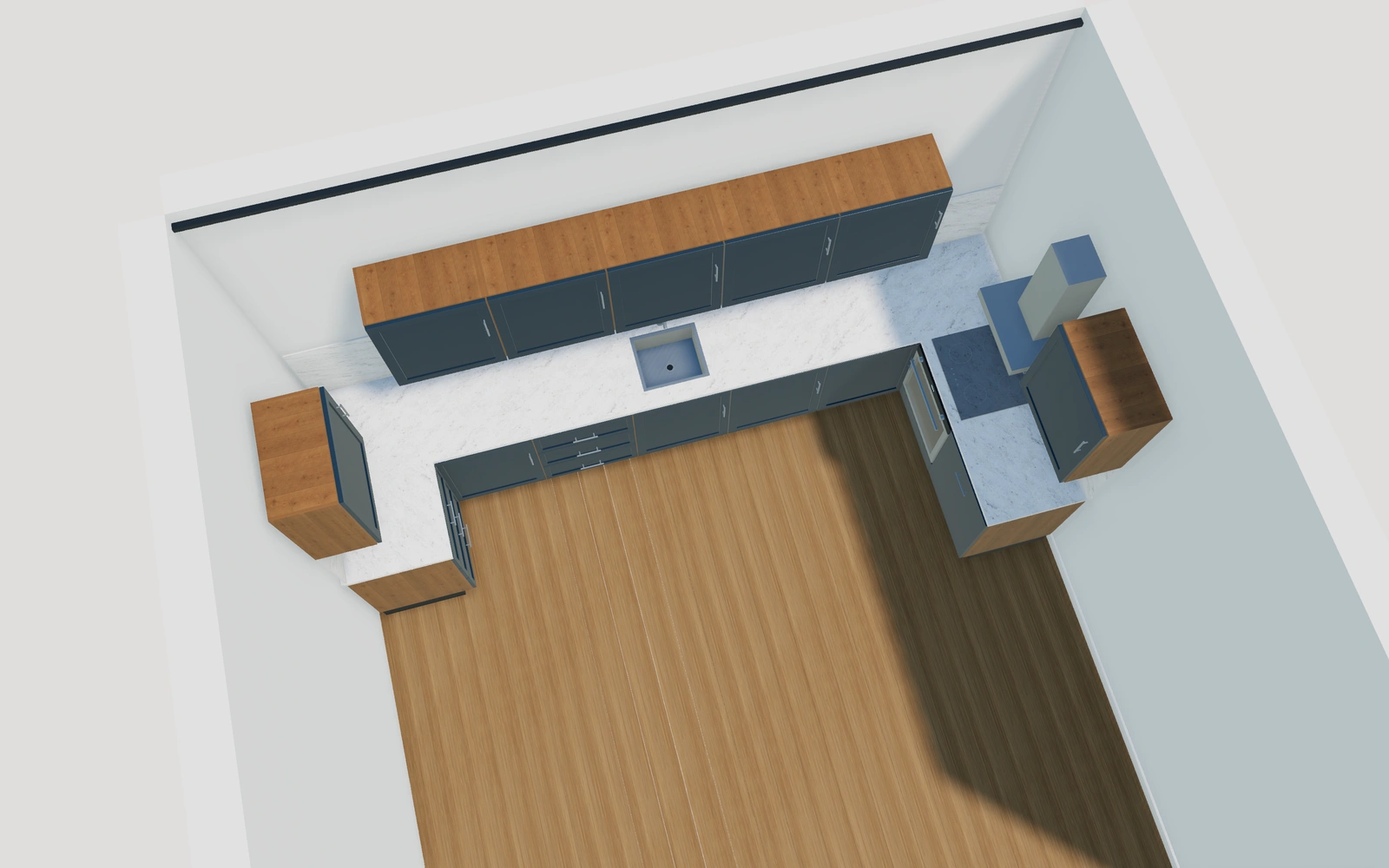
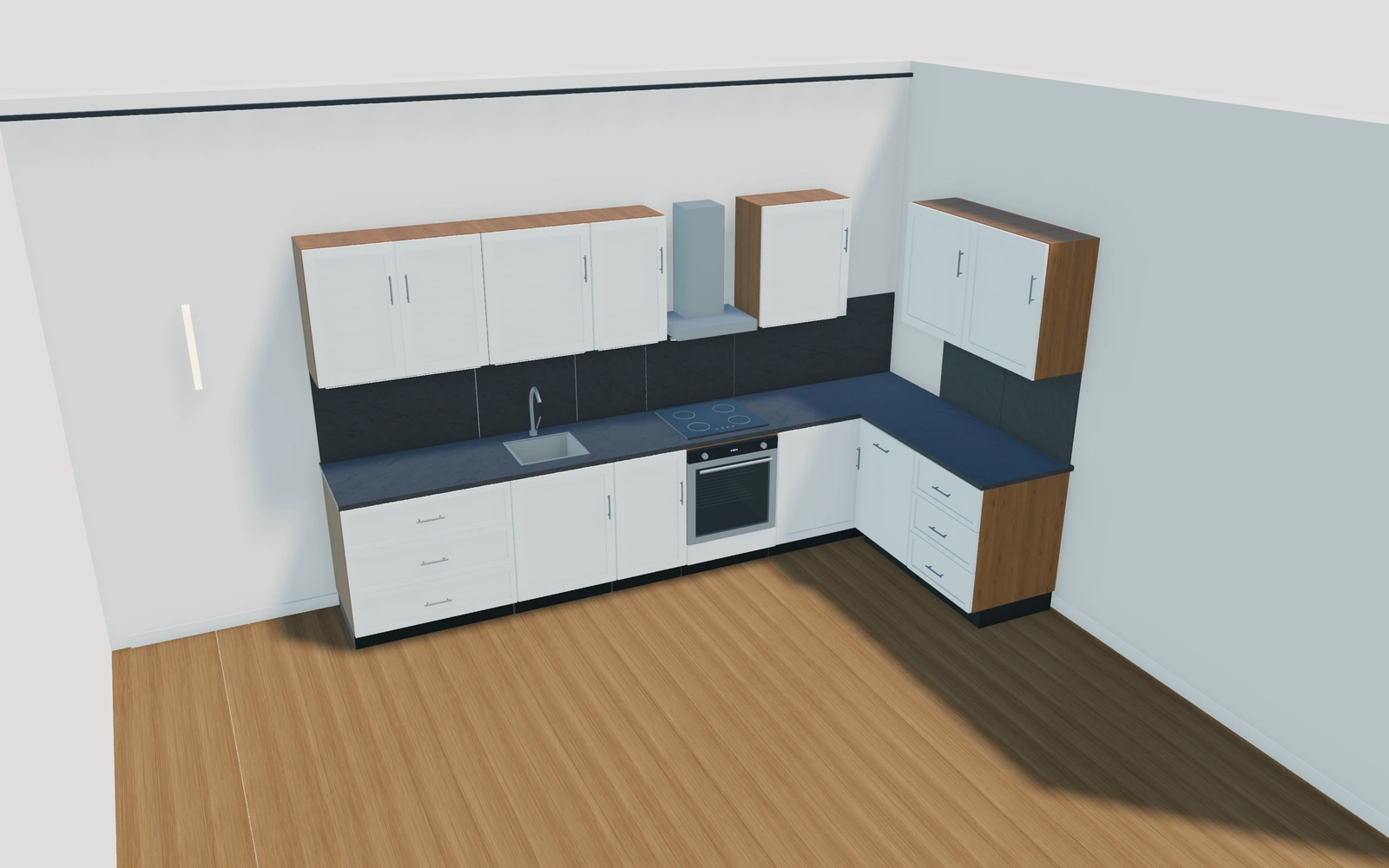
Indoor kitchen
Add, duplicate and remove cabinets · Individual cabinet sizes and appliances · Left/right controls and drag-to-reorder
Read the product guide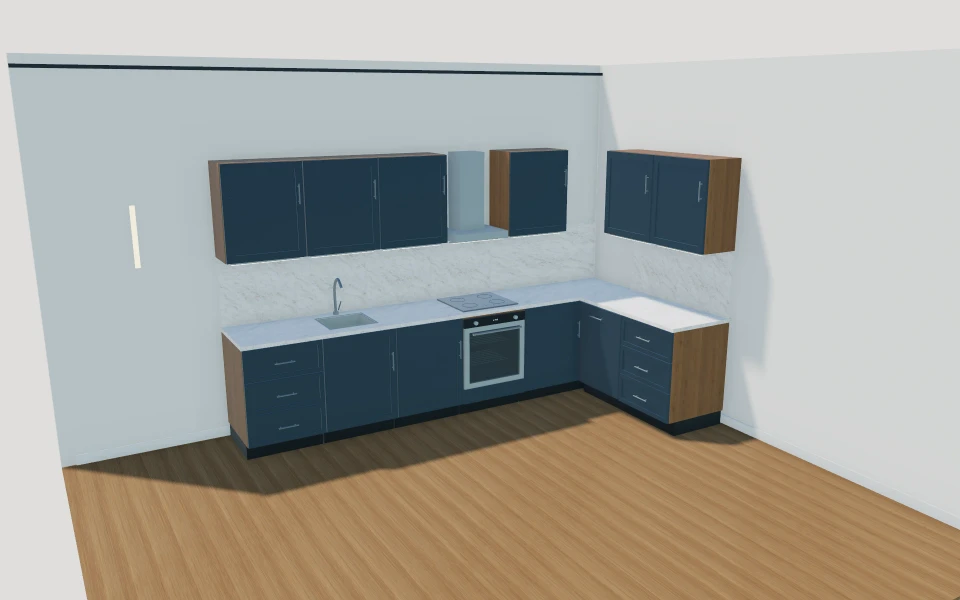
Modular kitchens
Straight & L-shaped runs · Eight unit types · Worktops & splashbacks
Explore this model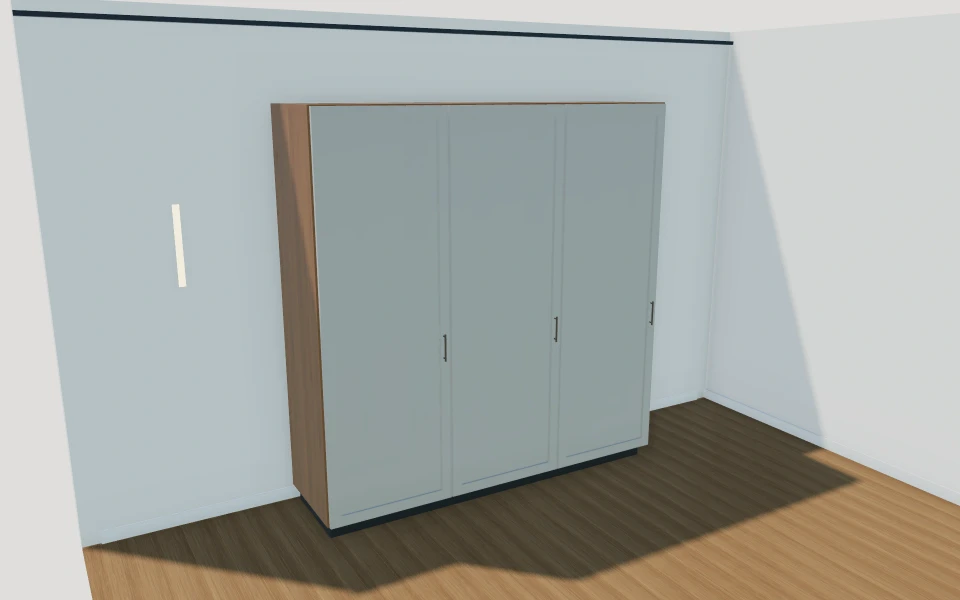
Fitted wardrobes
Individual bay interiors · Hinged, sliding or glazed · Working doors & drawers
Explore this modelMore kitchen product views
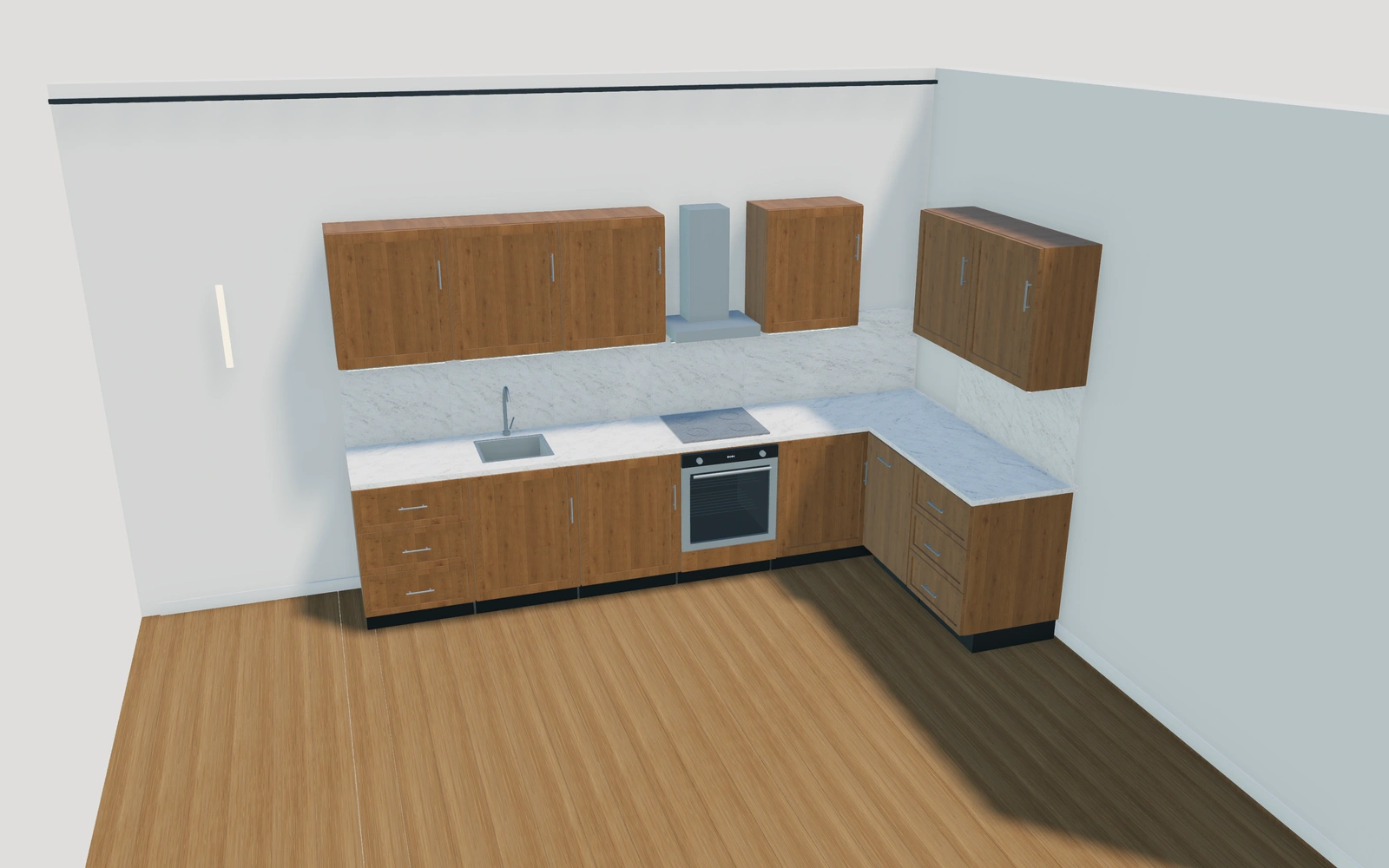
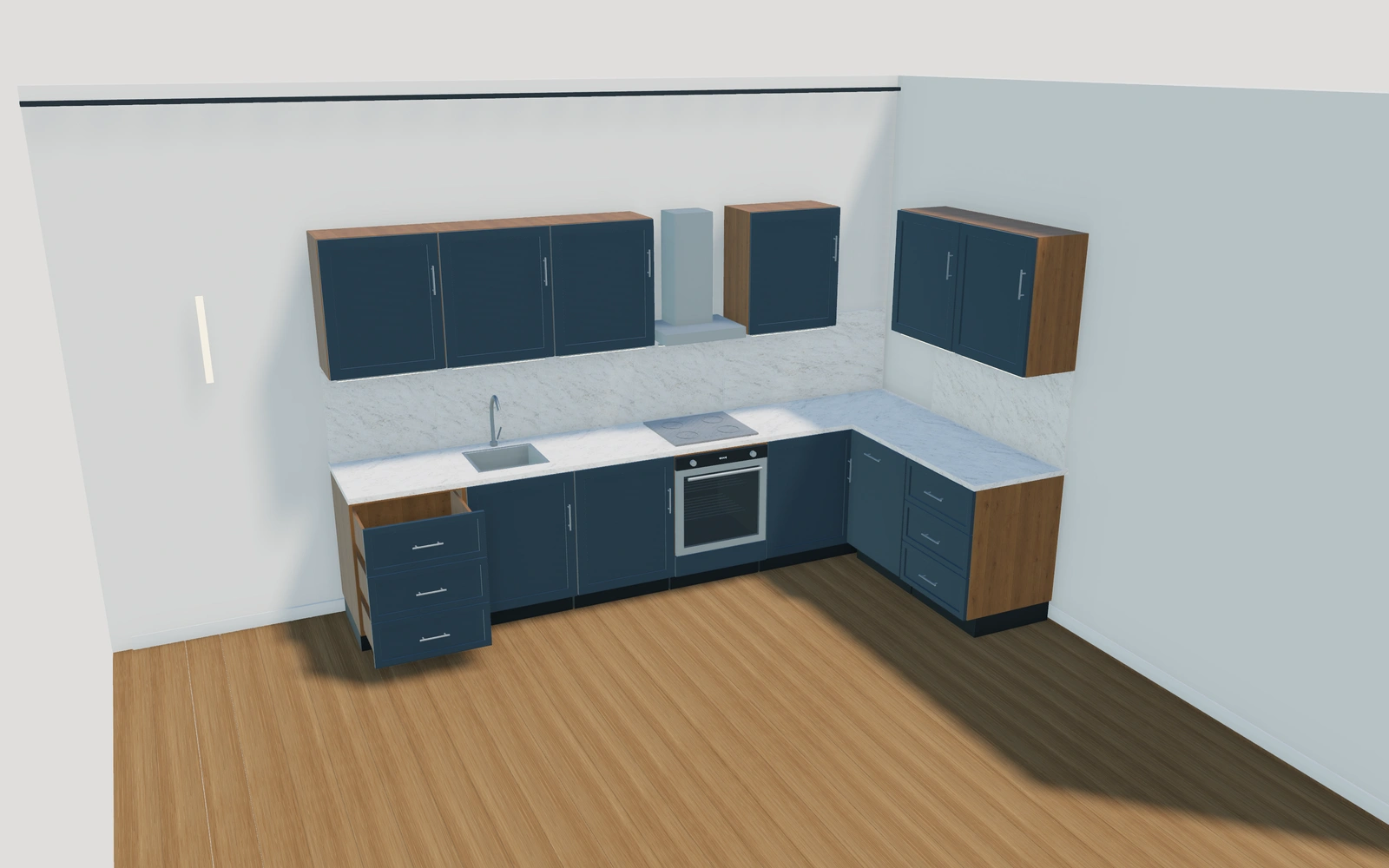
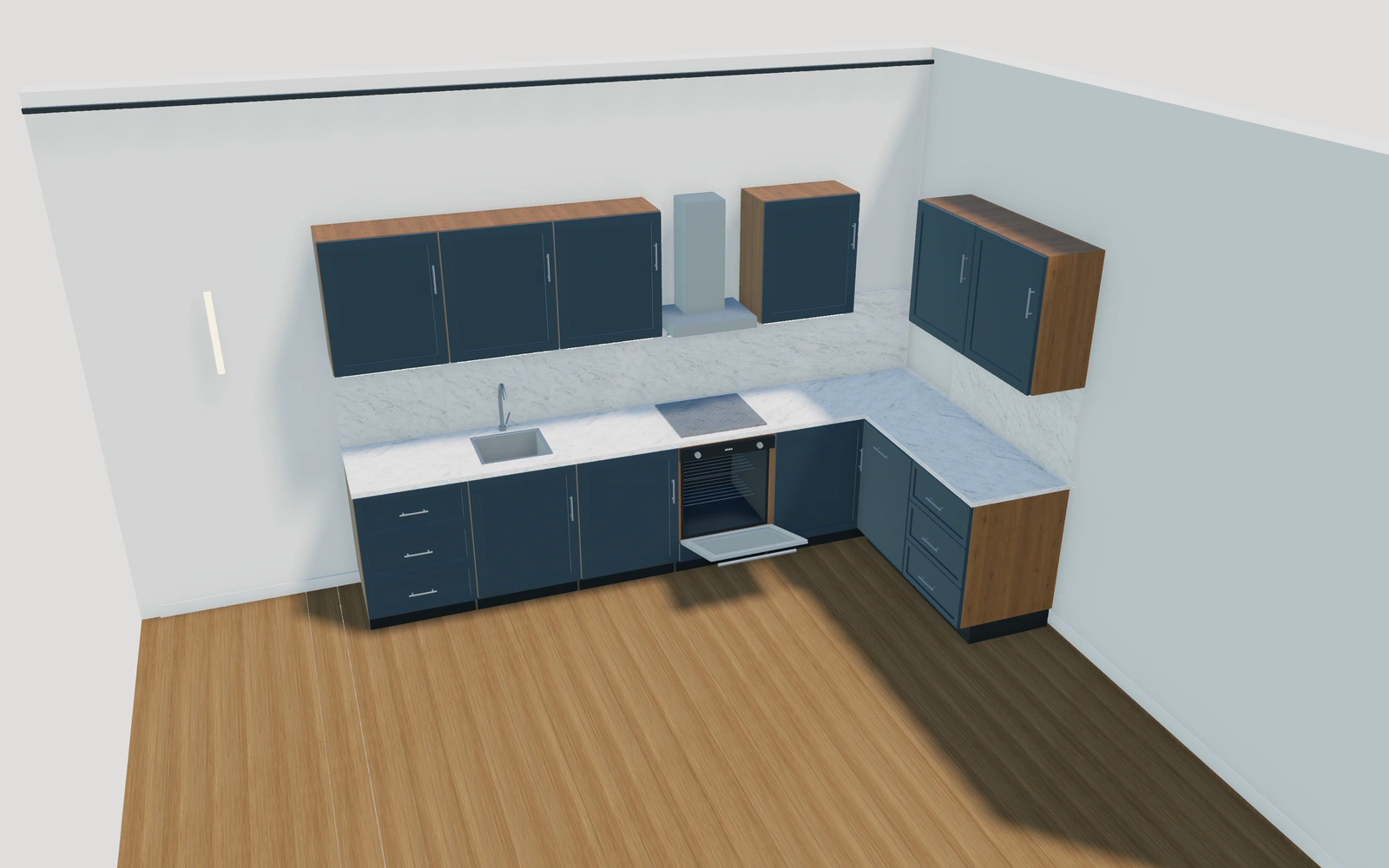
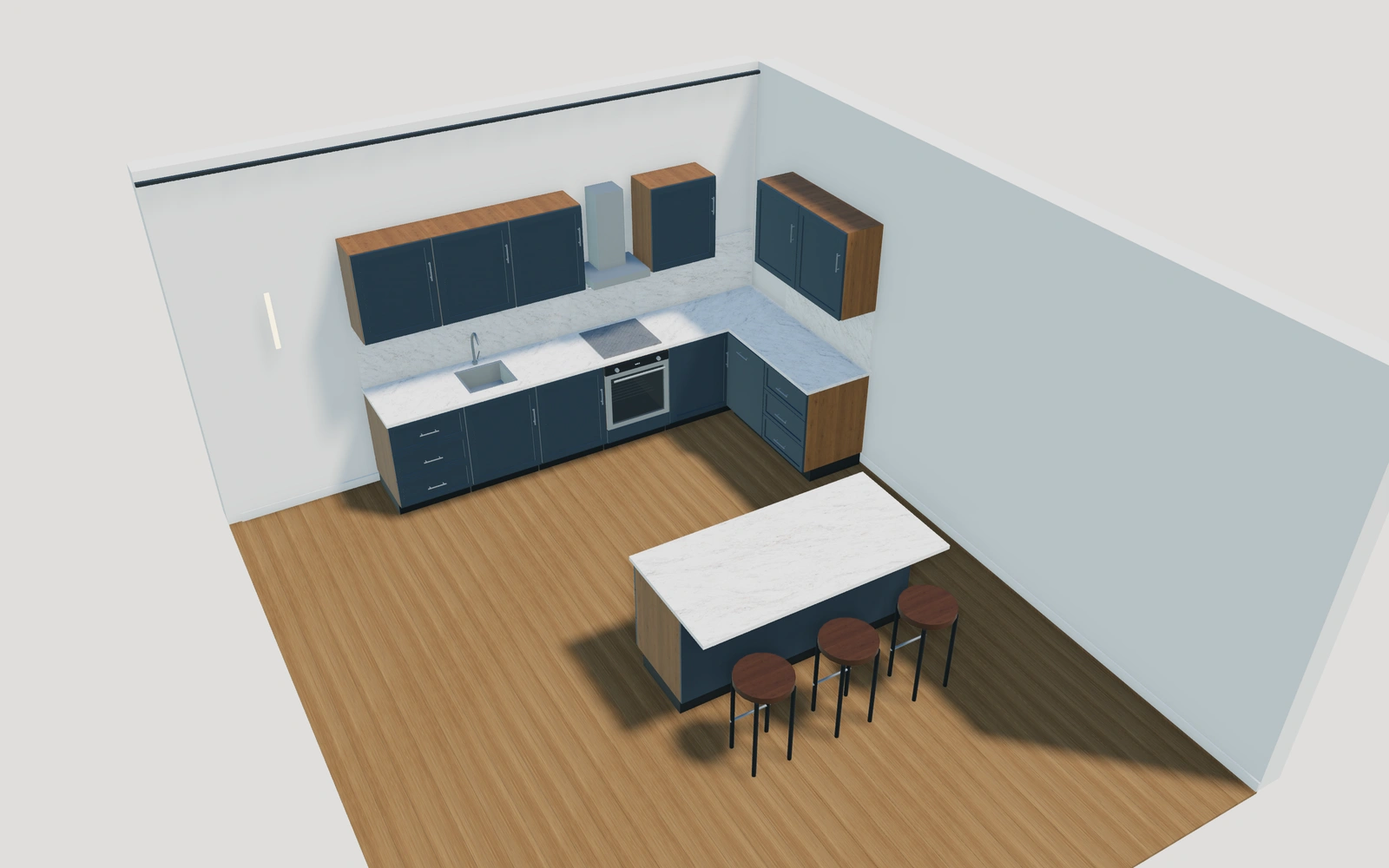
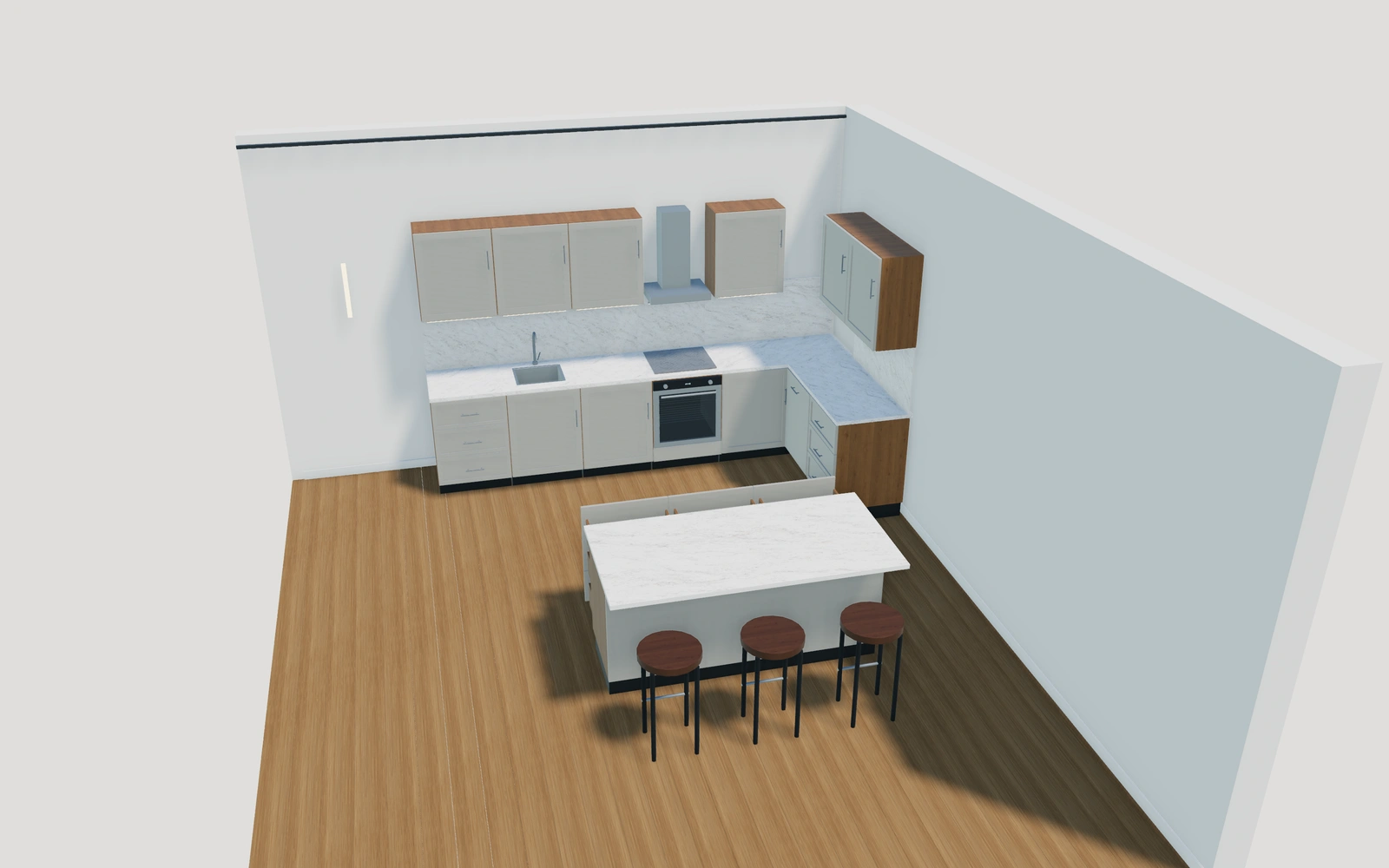
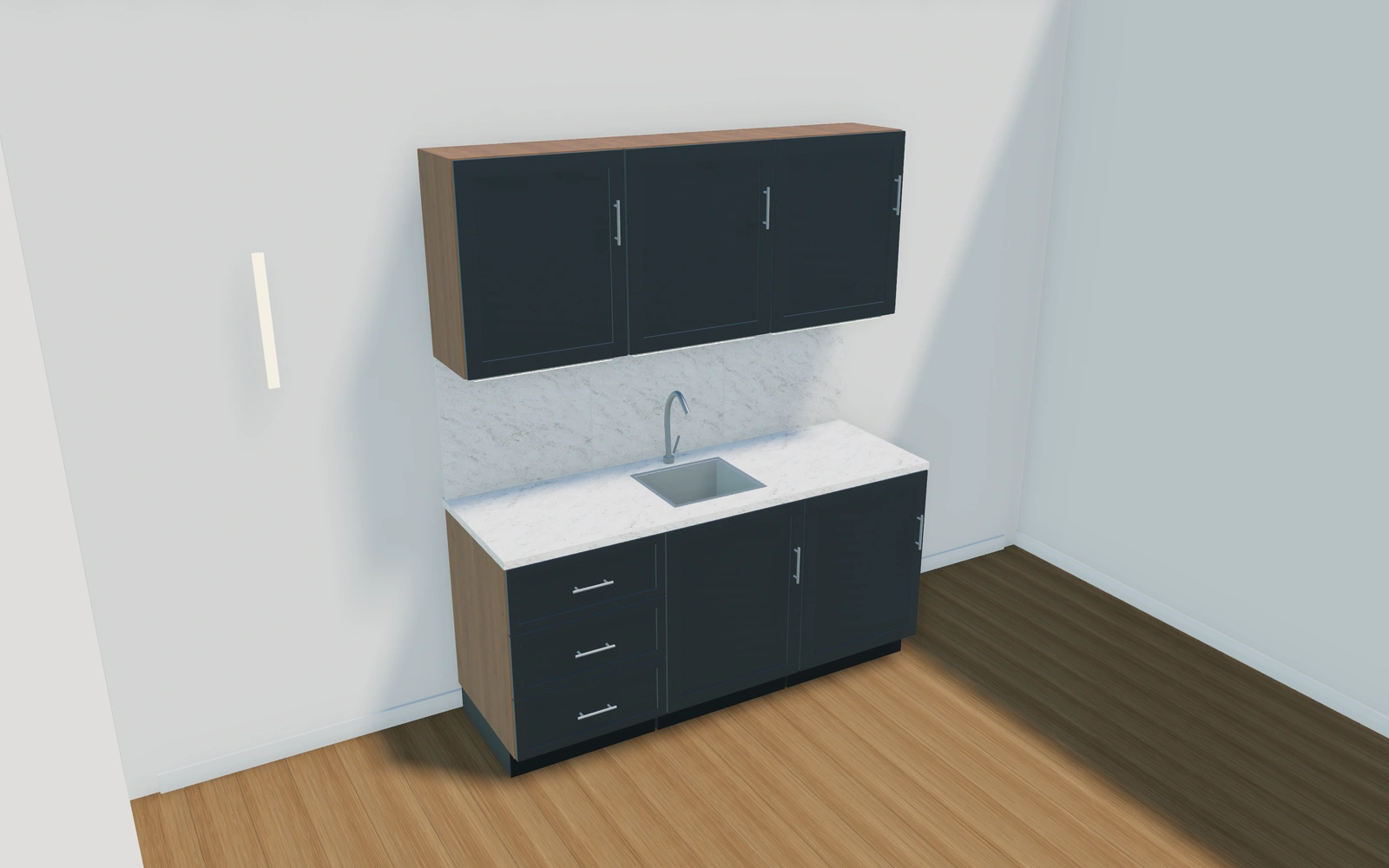
Library products.
Or your own product scope.
Bring your cabinet catalogue, unit sizes, corner rules, appliance modules, fronts and worktop options. We will review how closely the current models fit and what a customer-specific kitchen catalogue needs.
- Match the product rangeReview the model choices, options and customer workflow your team needs.
- Choose the workspaceSelect the plan for your users and library products, or agree a customer-specific scope.
- Start the customer journeyAdd contacts, configure a project and prepare a proposal with your own prices and logo.
Choose your team.
Choose your product range.
Monthly workspace plans. Yearly billing includes 12 months for the price of 10.
Compare every feature and yearly prices1 user
Choose 3 from the product library
- 3D product configuration
- Contacts, projects and team calendar
- Your proposals, PDFs, orders and invoices
Up to 3 users
Choose 6 from the product library
- 3D product configuration
- Contacts, projects and team calendar
- Your proposals, PDFs, orders and invoices
Up to 7 users
Scope and quantity agreed during onboarding
- 3D product configuration
- Contacts, projects and team calendar
- Your proposals, PDFs, orders and invoices
Custom product scope and quantity are agreed during onboarding. For more than 7 users or a broader requirement, discuss Enterprise in your demo.
Your kitchen
software questions.
Does the kitchen start with cabinets or an overall width?
Start with individual cabinet modules and their selected sizes. The assembled run follows that sequence. Keep the cabinet schedule with any corner or island arrangement rather than replacing it with one overall width.
Can we use our own cabinet catalogue?
Yes, within an agreed Custom scope. Bring unit definitions, permitted sizes, corner behaviour, appliance relationships and finish ranges so the configurator can be scoped around the cabinets your business actually supplies.
Can we change finishes without rebuilding the layout?
Use the finish and hardware choices over the saved module arrangement. Review the selected fronts, carcass, worktop and handles together, then keep any cabinet-order changes identifiable as layout revisions.
Can the proposal include appliances and fitting work?
Yes. Your team adds its own cabinetry, appliance, worktop, delivery and installation lines with its own prices. Generate the proposal PDF with your logo and continue an accepted project into an order and invoices.
Bring your indoor kitchens.
See your next sales flow.
Bring your cabinet catalogue, unit sizes, corner rules, appliance modules, fronts and worktop options. We will review how closely the current models fit and what a customer-specific kitchen catalogue needs.
- Build with individual cabinet modules
- Resolve the layout before materials
- Coordinate fronts, worktops and hardware