
Cassette awning configurator: make projection and the parked position easy to compare
A cassette awning changes the façade even when it is not providing shade. A useful configurator lets a customer consider its position on the building alongside the area it is intended to cover.
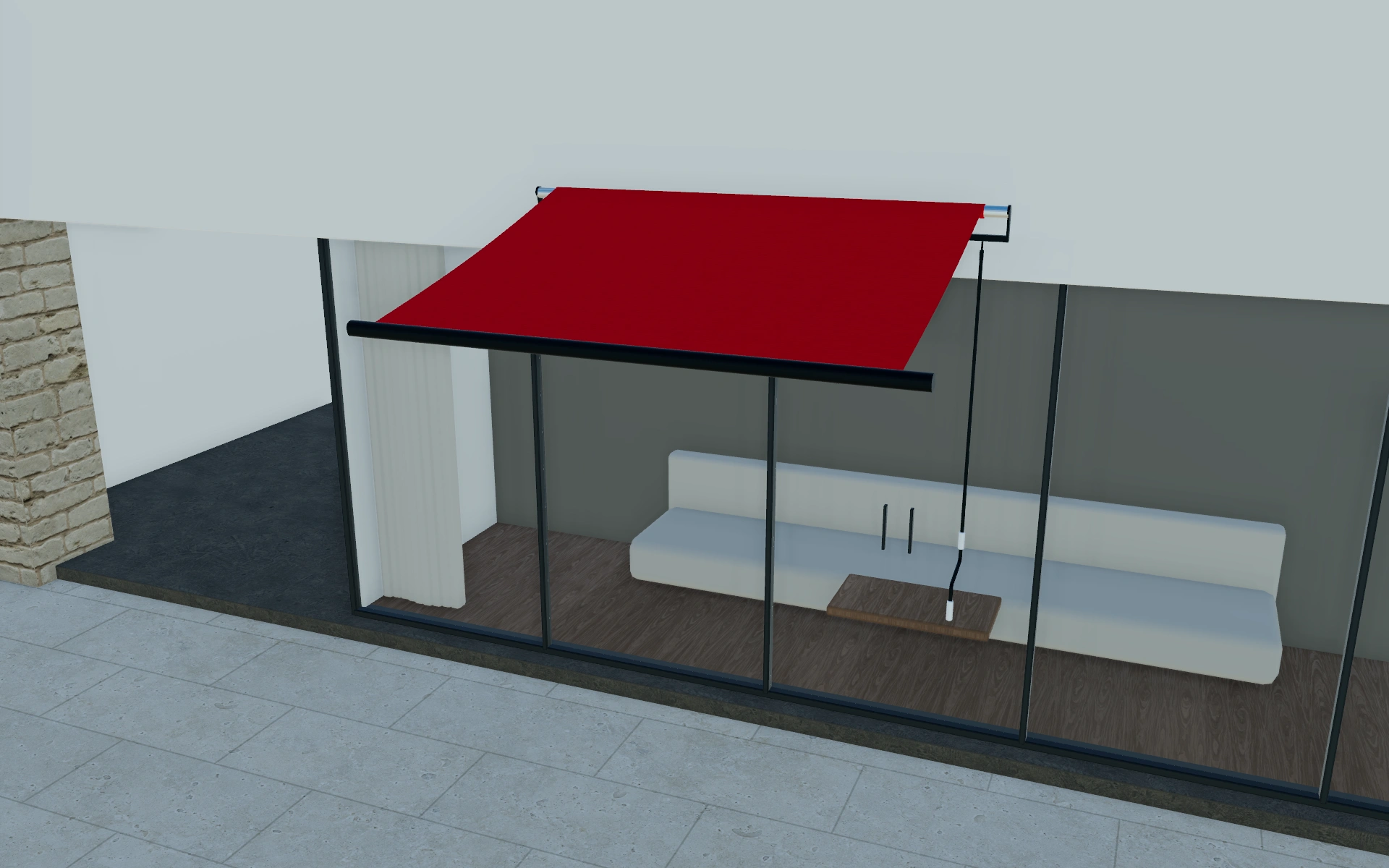
Make projection and the parked position easy to compare
Start with the model and installation arrangement, then review width against the relevant doors and windows. Discuss the projection as a separate measurement. The customer should be able to explain both the shade they want and where the cassette will remain when the awning is retracted.
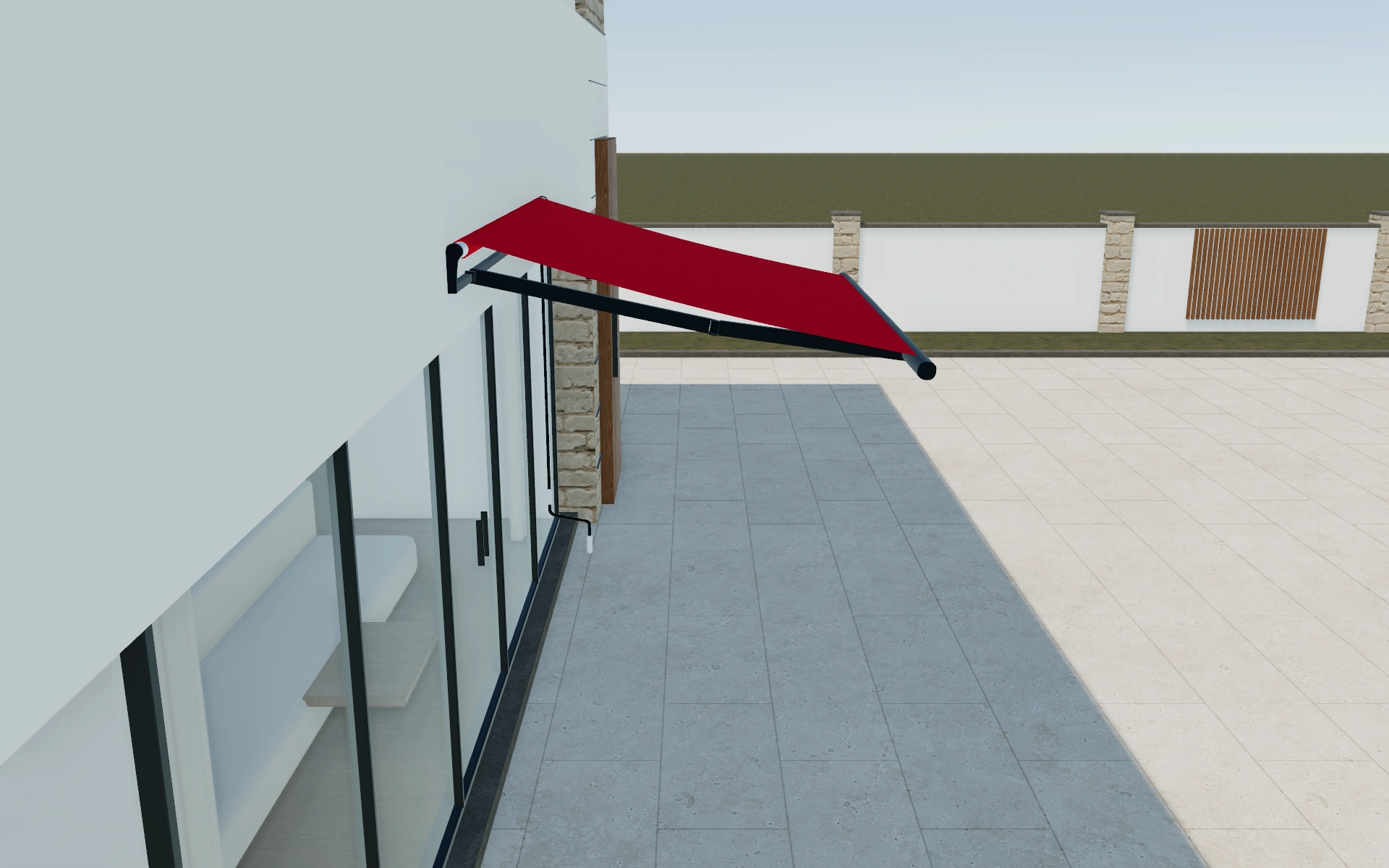
Fixed or telescopic post arrangement?
The post choice changes how the support arrangement is discussed, while rounded or squared shapes change its appearance. Compare these decisions before moving among the LITE, PRO and LUXE selections. Product naming alone should not be used to infer the hardware, warranty or site suitability of the supplied package.
Inspect the cassette and the occupied terrace separately
The retracted state explains the cassette and its position; the extended state explains the covered terrace. Compare both before refining fabric. If a supported arrangement is selected, inspect the posts against the route between the building and the seating rather than treating them as decorative frame details.
Use a standard-size option to begin the discussion where it suits the brief. Record projection and the requested support arrangement together. Keep frame finish, fabric and supplied controls distinct so a later material change does not quietly alter the agreed installation package.
Cassette awning options to compare
Review the selected model before refining individual details. Available choices can change with the model and earlier selections; the groups below describe the current starting configuration.
Model
- Awning model
- LITE
- PRO
- LUXE
Structure
- Post shape
- Rounded
- Squared
- Telescopic posts
- Fixed posts
- Telescopic posts
Dimensions
- Dimensions
- 2 m x 1.5 m
- 2.5 m x 2 m
- Post width
- 150 mm
- 120 mm
Finishes
- Structure color type
- Anthracite
- Black
- White
- Custom
- Fabric color type
- Red
- Anthracite
- Black
- White
- Striped
- Custom
- Valance color
- 3024
Roof
- Pitched roof
- Pitched roof
Lighting & power
- No lights
- No Lights
- Lights
- Coupled
- Yes
- No
Accessories
- Motorization
- Manual
- Motorized with remote control
- Motorized with switch control
- Motorized with phone app
- Heaters
- No Heaters
- Heaters
Advanced
- Awning type
- With posts
- Integrated
- Installation type
- On wall
- On ceiling
- On roof
- Ballast box
- Ballast box
- Arm type
- Standard
- Cassette type
- Folding arm
- Cassette shape
- Folding arm
- Heater positions
- Left
- Right
- No sensors
- No sensors
- Sensors
- Motorized elements
- Roof
- Valance
Dimension ranges describe the current model controls. Confirm the selected product, final measurements and supplied specification with the manufacturer.
Worked example: a customer brief for cassette awning
For a terrace with a defined dining position, keep the size constant while comparing the support arrangement. Inspect the parked cassette and the extended coverage separately. Save the preferred model and finish in the customer project, then identify mounting work and any operating equipment clearly in the proposal.
From cassette awning choices to a clear proposal
Keep finish preferences and mounting questions in different parts of the project notes. That allows a proposal to describe the selected product while making the site review explicit. A similar-looking awning mounted at another height is not automatically the same installation requirement.
Questions for your cassette awning review
- Awning model
- Width and projection
- Retracted position
- Mounting questions
Cassette awning configurator FAQs
Can I begin with a standard size?
Yes. Named dimension combinations are available in the model. Reconcile the selected size with the measured opening and mounting conditions before ordering.
What should the customer review with the fabric extended?
Check projection, the occupied area and the relationship to doors and circulation. Keep those views with the chosen support arrangement. Use the retracted view to discuss the cassette appearance after the useful covered area has been agreed.
Put the choices
in the same view.
Explore the cassette awning configurator, review the available product options and discuss your own range with our team.