Loading-dock system configurator.
Configure loading-door dimensions, hinged dock levelers, shelter seals, vehicle guides and control references.
Built for manufacturers, dealers and project teams working with loading-dock systems.
 3D product workspace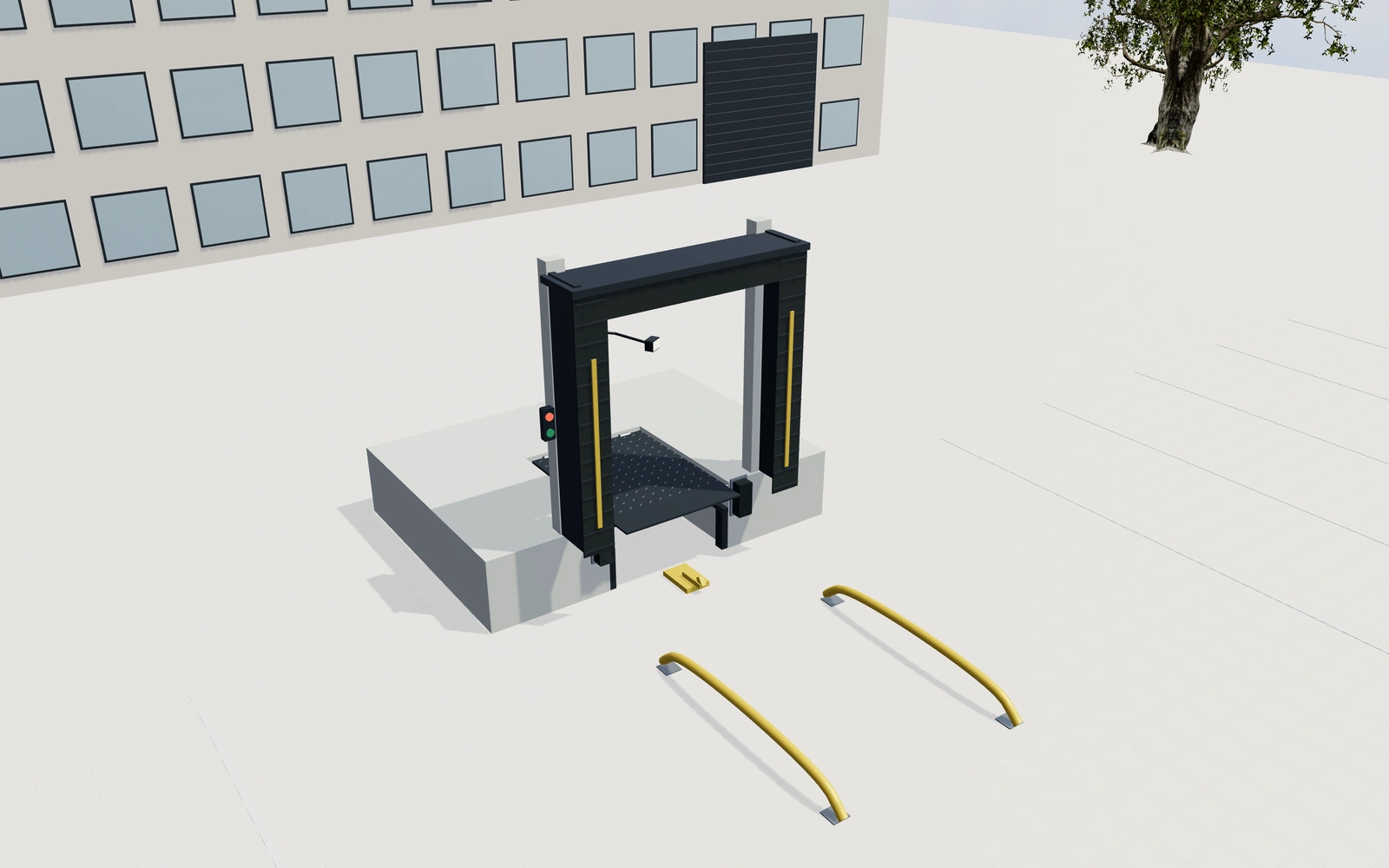
Show the choices.
Keep the specification.
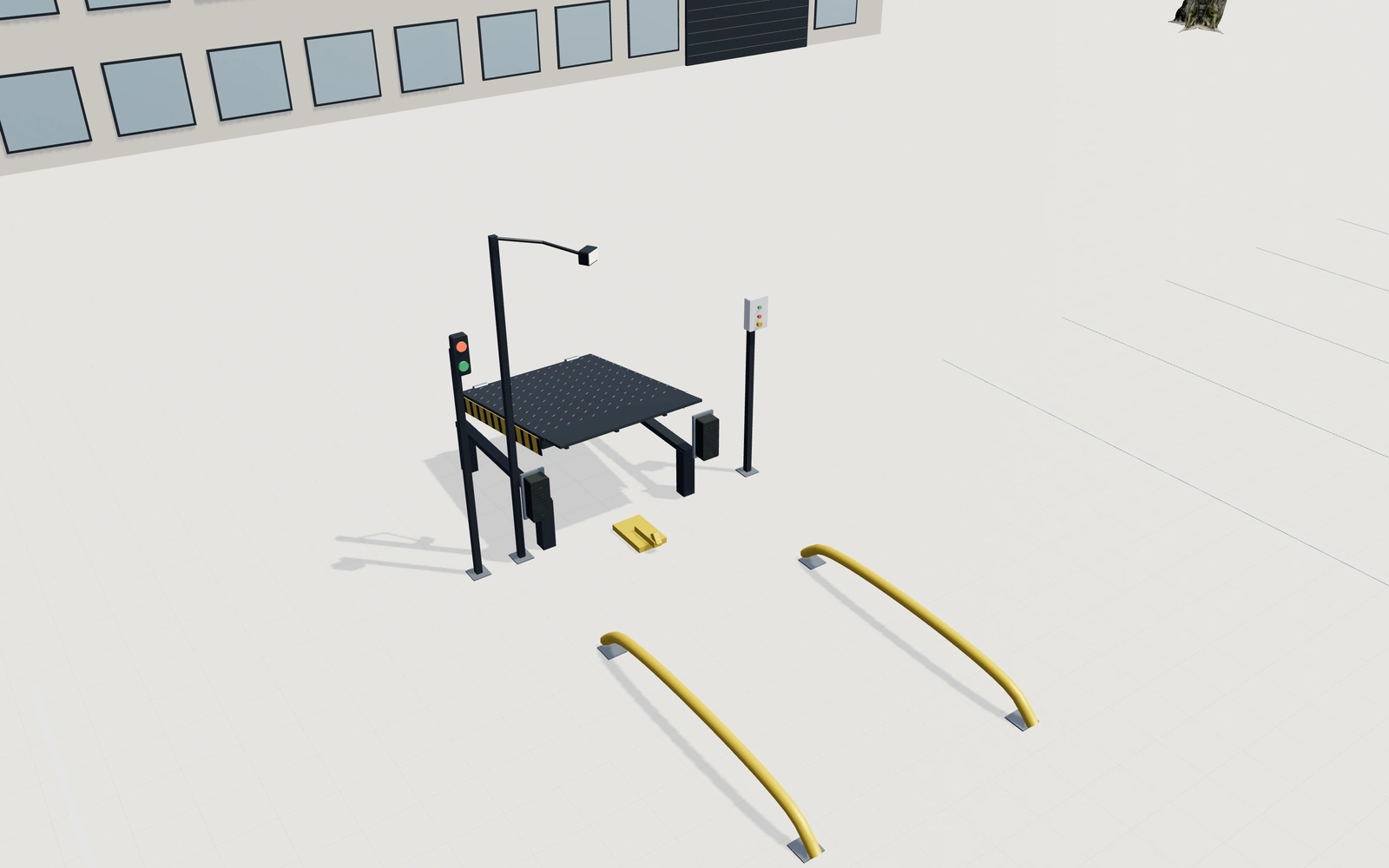
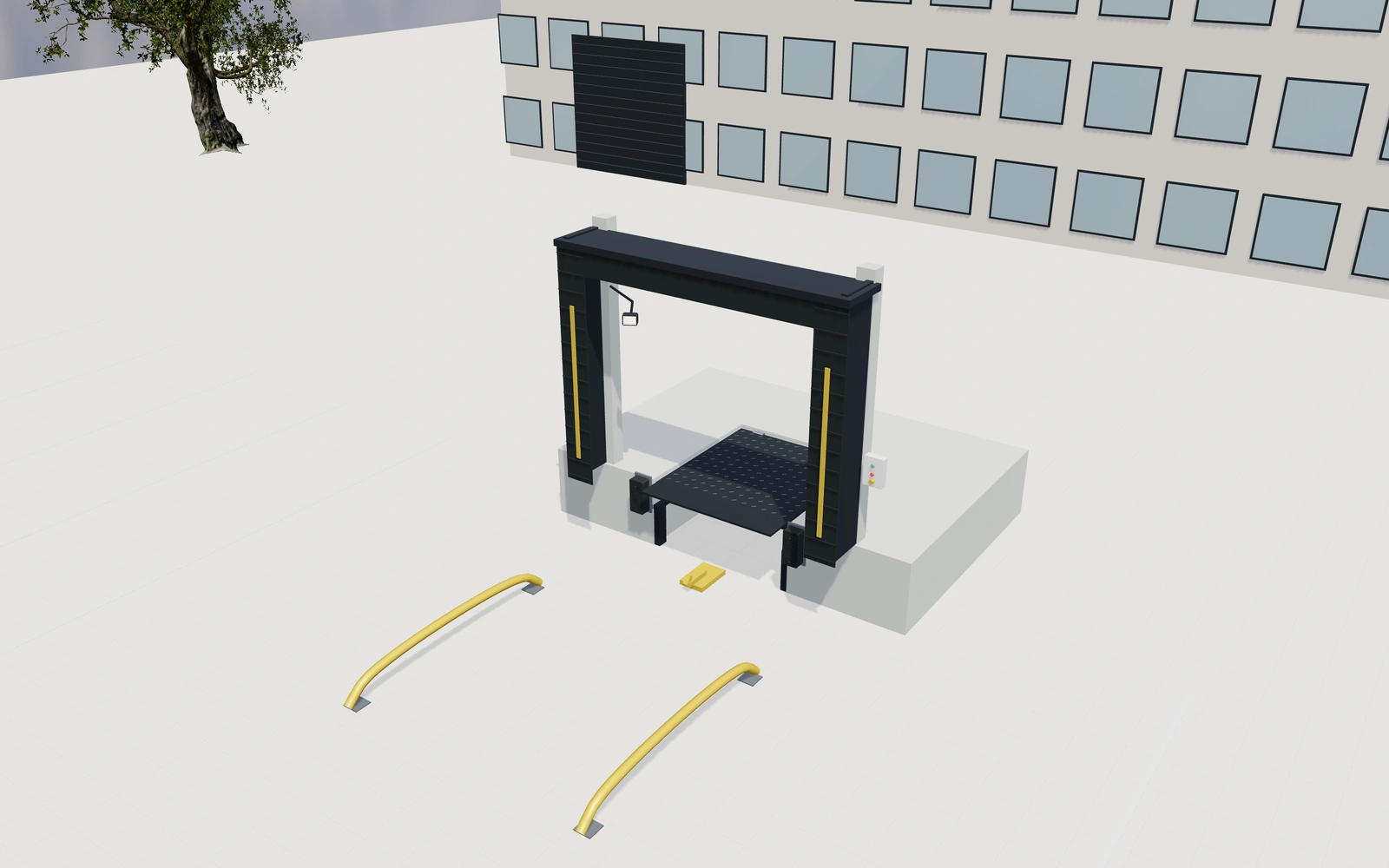
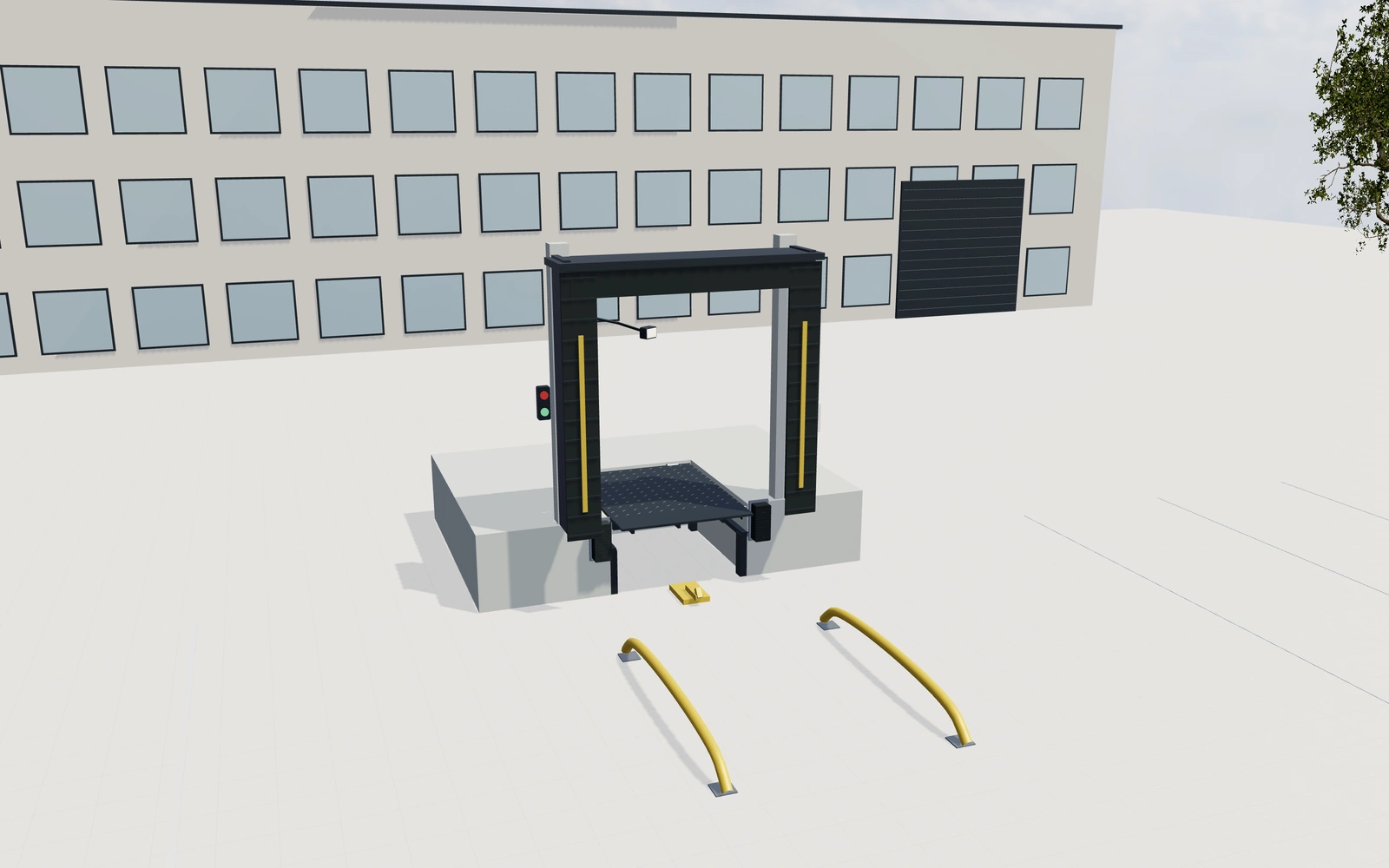
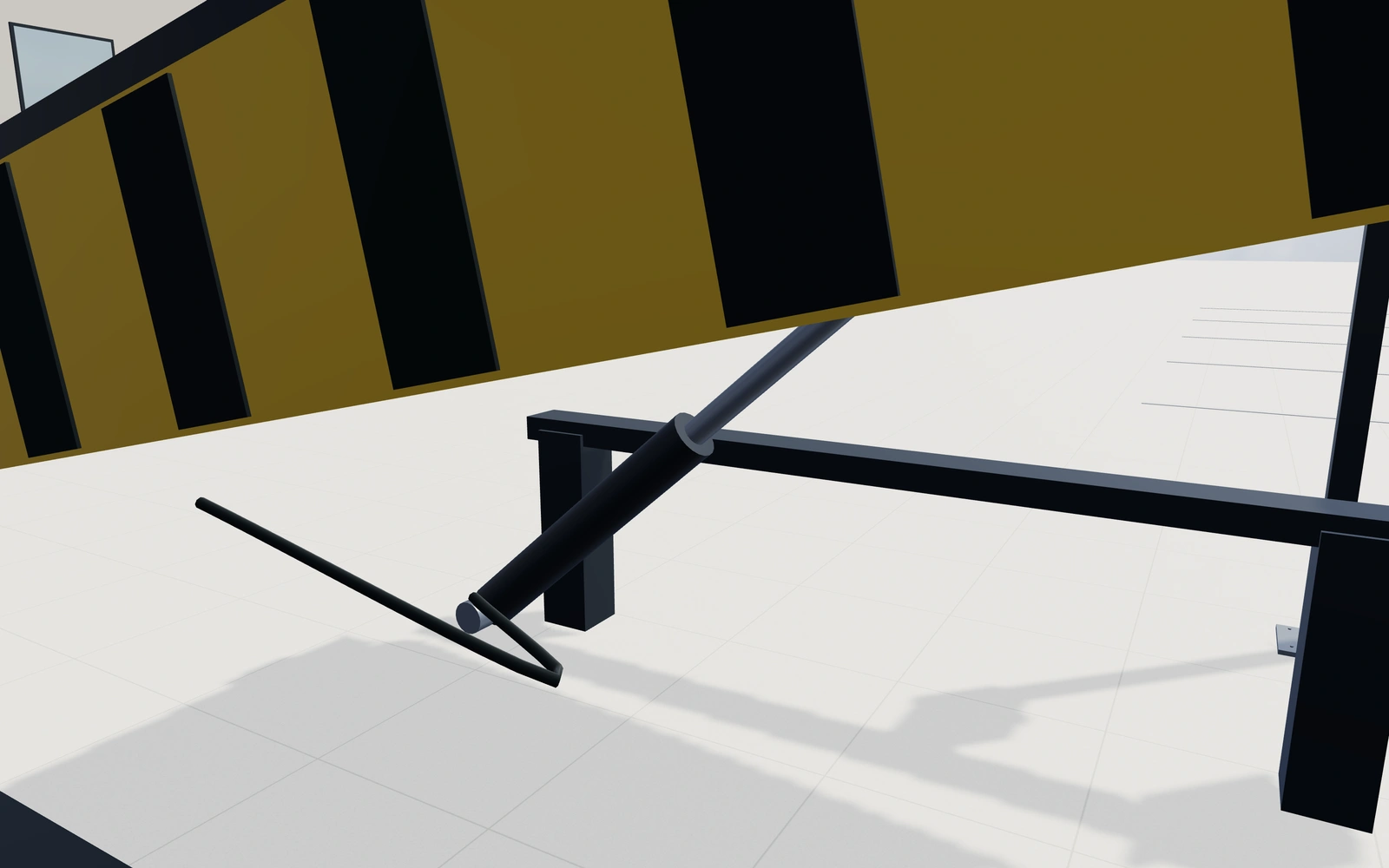
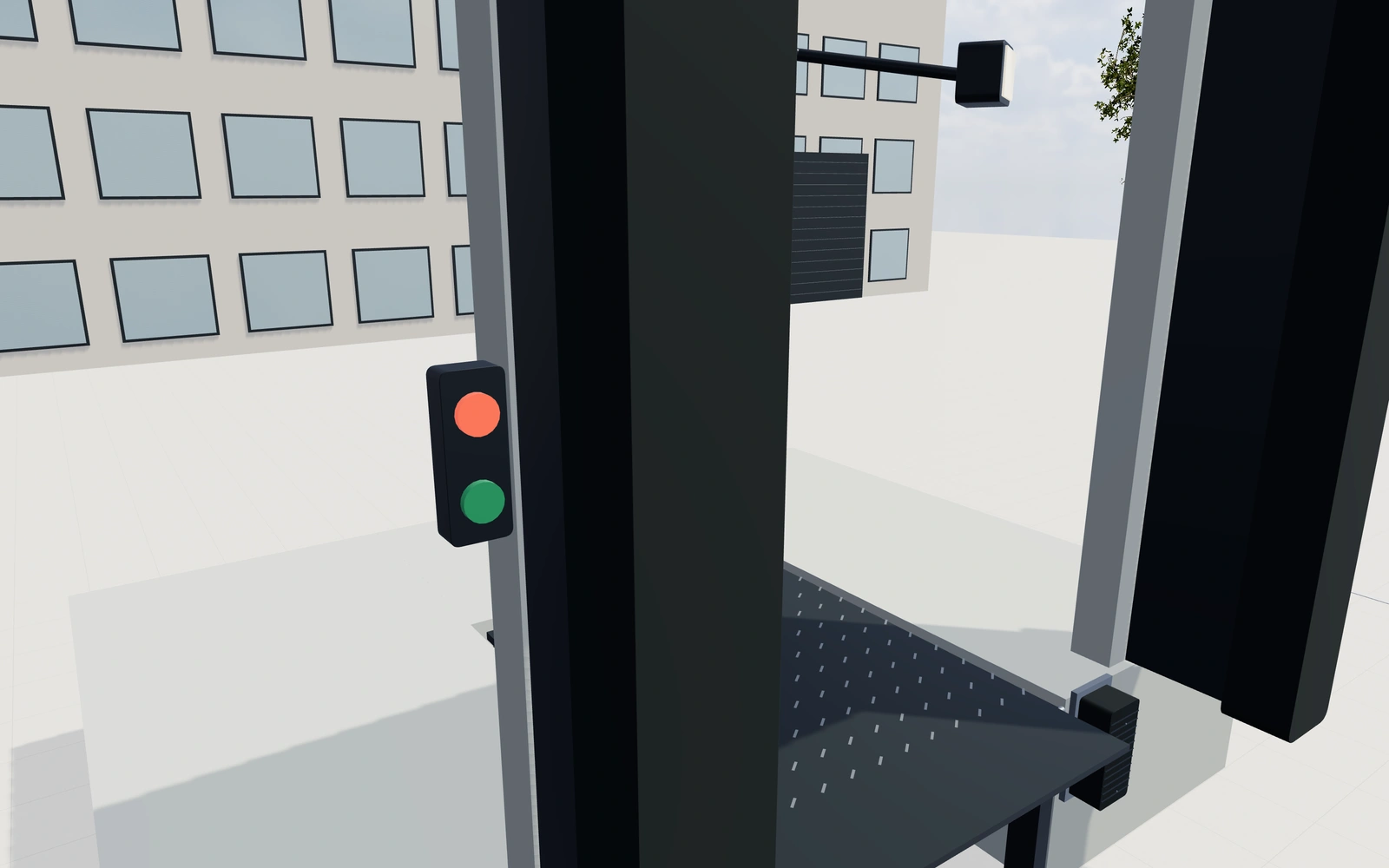
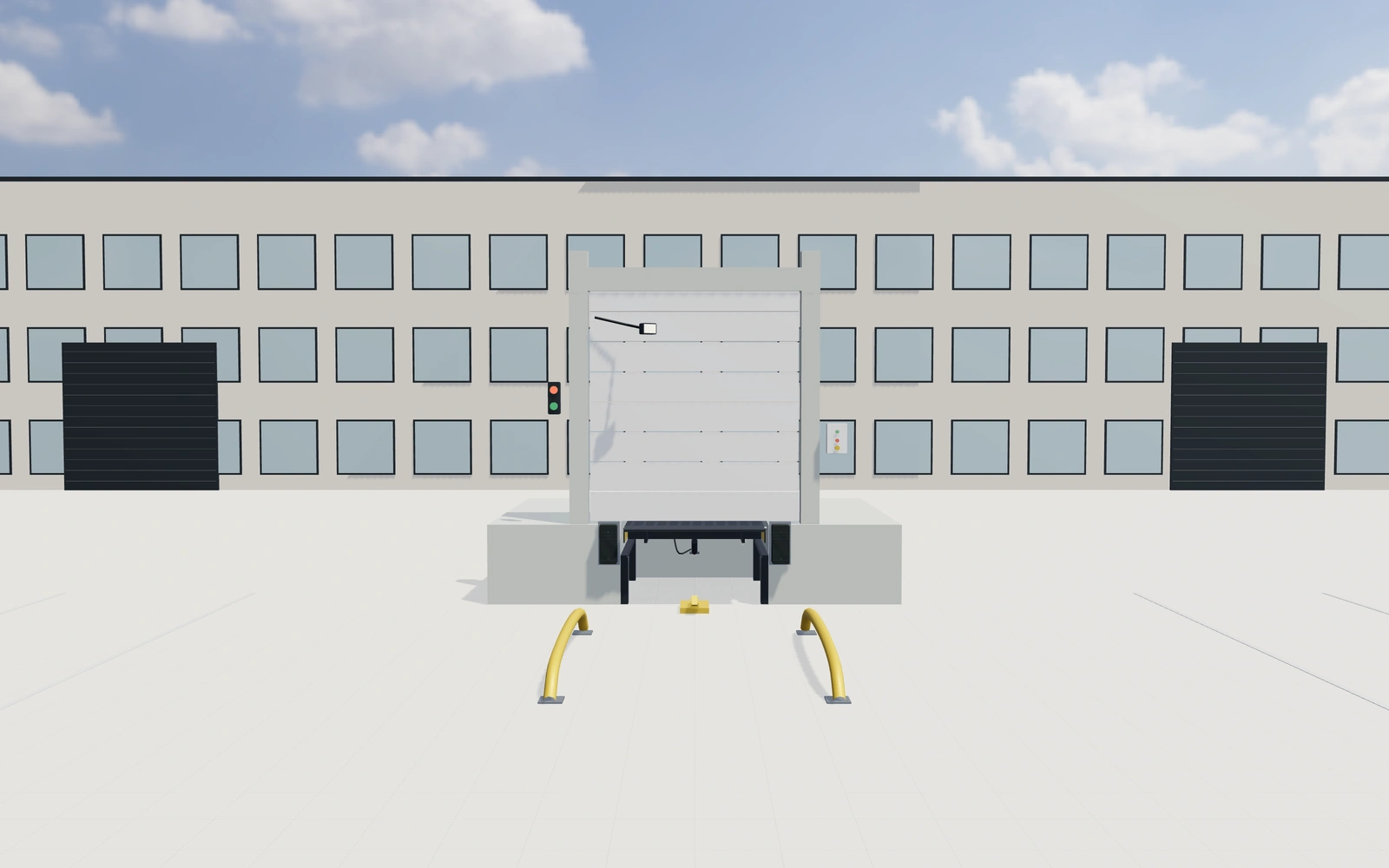
Inspect the deck, hinges and hydraulic support assembly in a loading courtyard. Compare the doorway and raised-floor reference with standalone equipment, then review shelter materials, approach guides and control details.
- Dock height, leveler deck and projecting lip
- Flexible curtains, foam seals or open shelter
- Raised deck and independently opening lip
- Bumpers, restraints, signals and articulated light
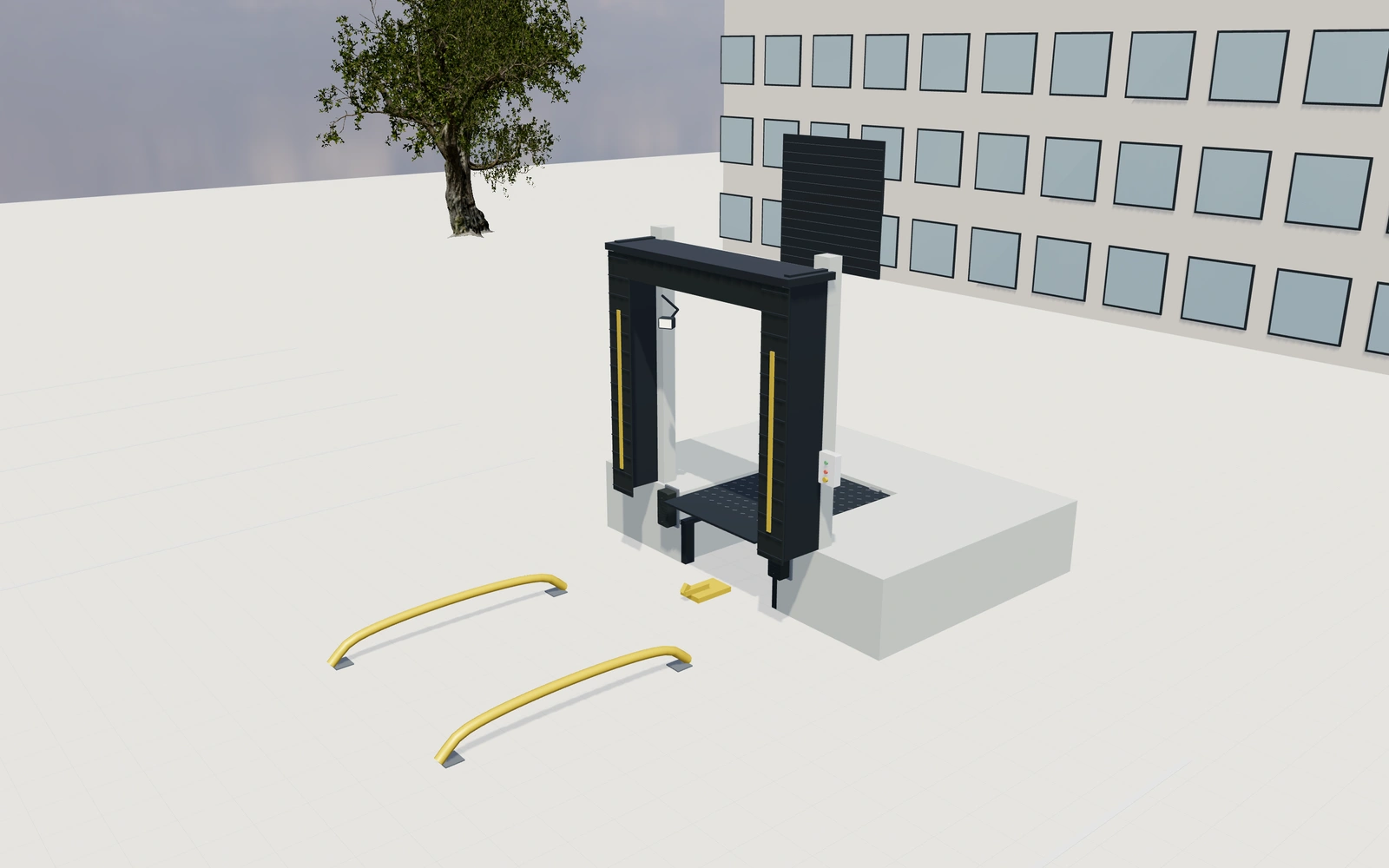
Lay out the product
Choose the dimensions and arrangement. Review the compatible visible choices before refining the details.
Explore the loading-dock systems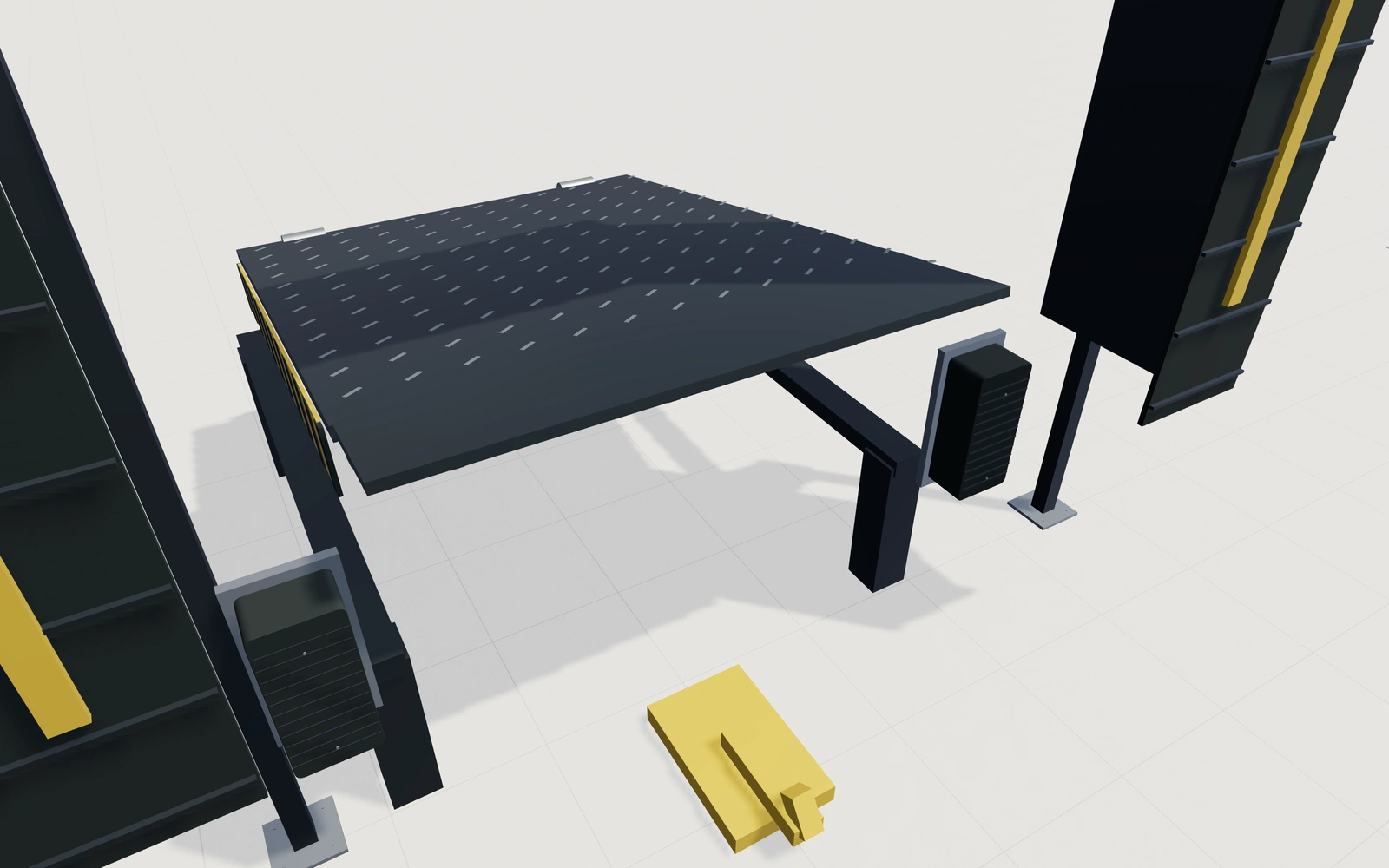
Coordinate the specification
Compare the construction, finish and equipment options shown in the configurator. Inspect the dedicated detail cameras.
Explore the loading-dock systems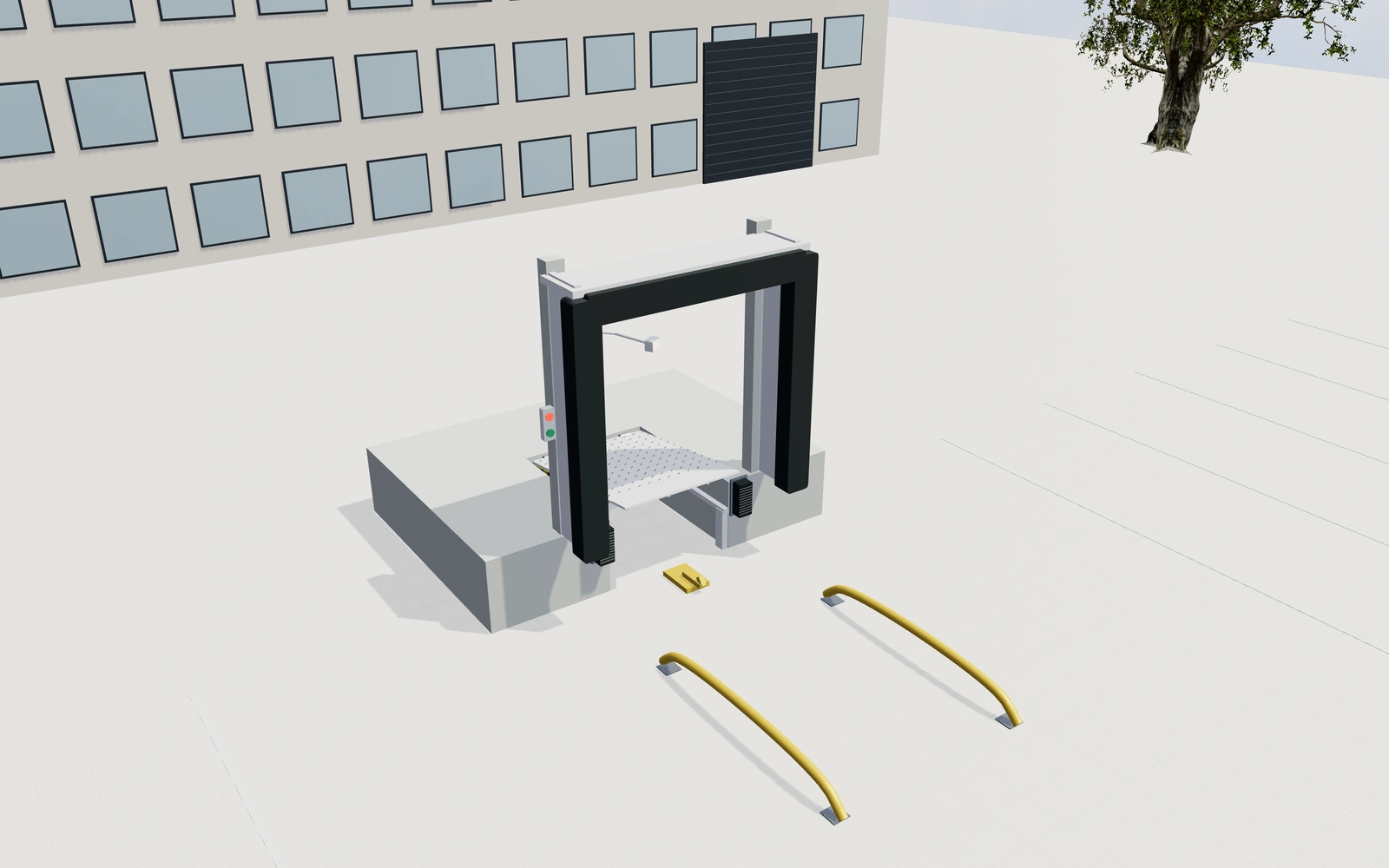
Review with your customer
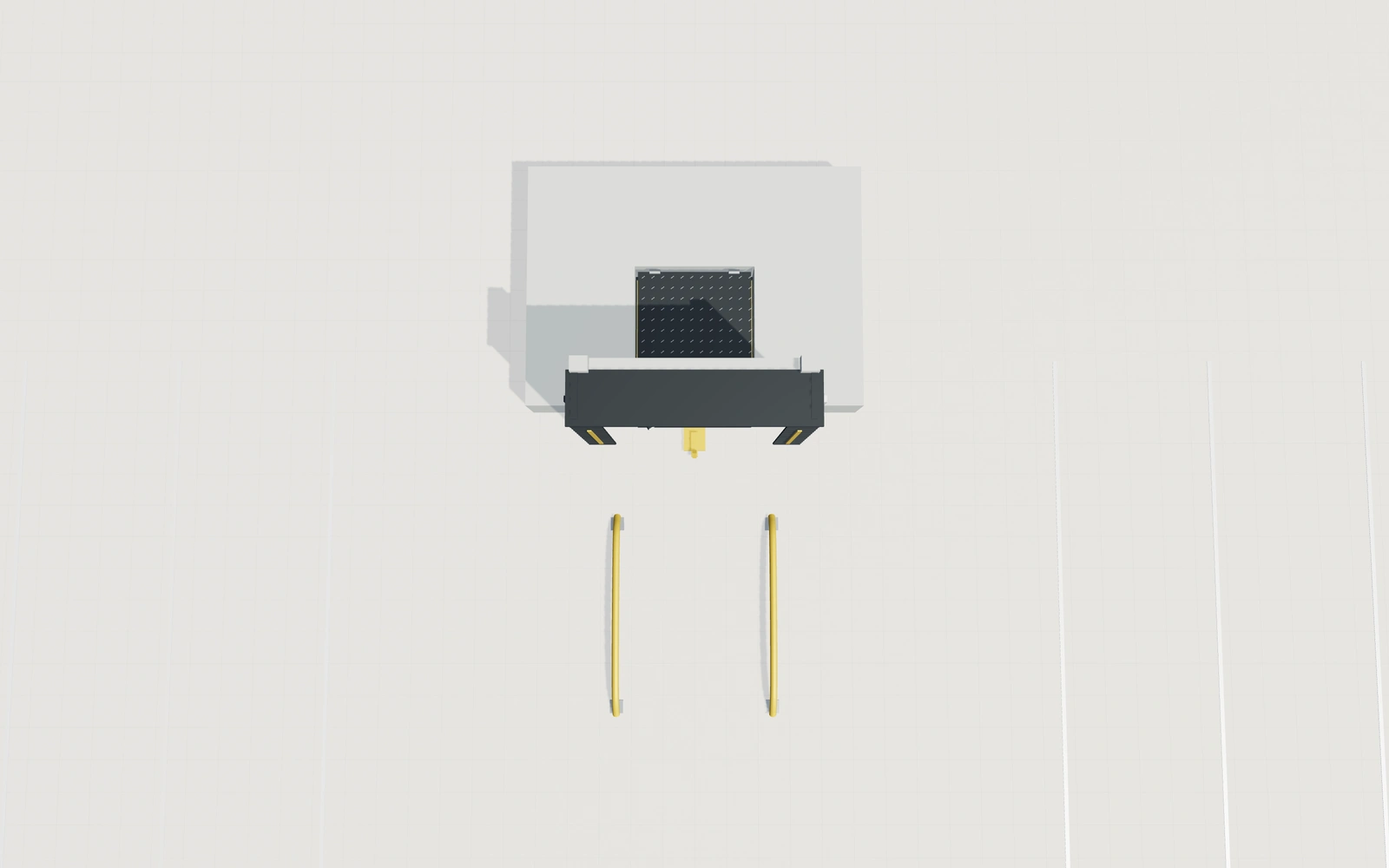
Use the plan or elevation, preview available movements, and save the choices to a customer project before adding your proposal items and prices.
Discuss your product rangeOne customer.
A connected workflow.
Keep the loading-dock systems configuration with the customer. Follow the enquiry, arrange the next conversation and prepare a proposal from the same workspace.
From enquiry to accepted project
Save the configuration to a customer, track the lead’s status and keep project details, notes and activities together.
Make the next conversation happen
Create customer and project appointments. See everyone’s schedule, filter by user and connect a dedicated Google calendar.
Your proposal. Your prices. Your logo.
Add product, delivery and installation items before generating a branded PDF. An accepted proposal can continue into an order and invoices.
New enquiry1
Configuration saved
Proposal1
Branded proposal prepared
Accepted1
Continue into order
Product planning.
Sales tools included.
Choose this configurator as part of your Sales Visualizer workspace. Your subscription determines the number of users and selected products.
Interactive 3D
Dock height, leveler deck and projecting lip · Flexible curtains, foam seals or open shelter
2D planning views
Review the configuration from a planning view.
Augmented reality
Inspect the product on supported AR devices.
Customer profiles
Keep customer details, projects and activities together.
Team appointments
Schedule customer visits and project reviews.
Proposals and PDFs
Add your items and prices, with your company branding.
Lead management
Follow project stages in the team pipeline.
Orders and invoices
Continue accepted proposals and record external payments.
Original visual sales configuration. Final engineering, loads, thermal performance, access, guarding, installation, servicing and legal suitability require qualified supplier review. Final product availability, dimensions, site conditions and installation requirements must be confirmed by your team.
See more loading-dock systems views 8 additional views
Make the next product discussion clearer.
Review the choices, specification questions and proposal details for your loading-dock systems project.
Read the loading-dock systems configurator guideYour loading-dock systems questions.
Need to discuss your own product rules or model? Talk to our team.
What can I configure with the loading-dock systems model?
Choose the dimensions and arrangement. Review the compatible visible choices before refining the details. Compare the construction, finish and equipment options shown in the configurator. Inspect the dedicated detail cameras. Use the plan or elevation, preview available movements, and save the choices to a customer project before adding your proposal items and prices.
Can I keep several configurations for the same customer?
Yes. Create a customer contact, save configurations as projects and keep the customer’s project history and activities together. Your team can follow leads in the pipeline and continue accepted proposals into orders.
How do quotes, branded PDFs and invoices work?
You add your own proposal items and prices. Prepare a PDF with your company’s branding, then manage an accepted proposal as an order. From the order, create invoices and record payments received outside the platform.
Can my team schedule appointments for these projects?
Yes. Link an appointment to the customer and project, view the team calendar and filter by user. Users can connect a dedicated Google calendar; personal calendars are not imported.
Make your next product
conversation a visual one.
See how the loading-dock systems configurator fits your products and sales process.