
Home extension configurator: separate the visual room arrangement from the building project
A home-extension configurator can help a customer explain the space they want before the broader building work is fully defined. It is most useful when it records clear choices without pretending to settle the whole construction project.
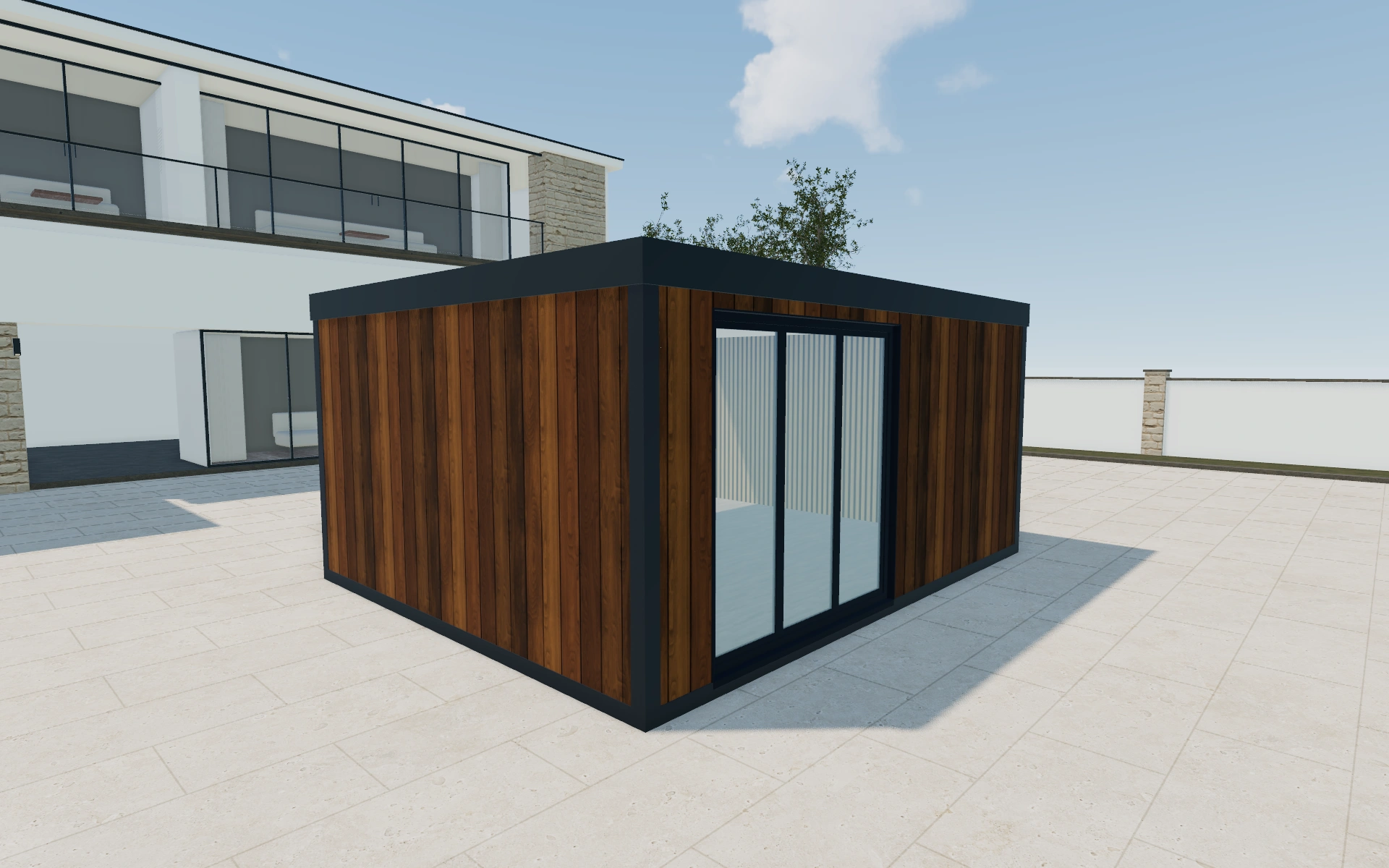
Separate the visual room arrangement from the building project
Compare the selected footprint and roof type against the existing house relationship. Review the cladding from the approach and garden sides rather than only the most flattering view. Ask which rooms connect to the extension and what the new space needs to do.
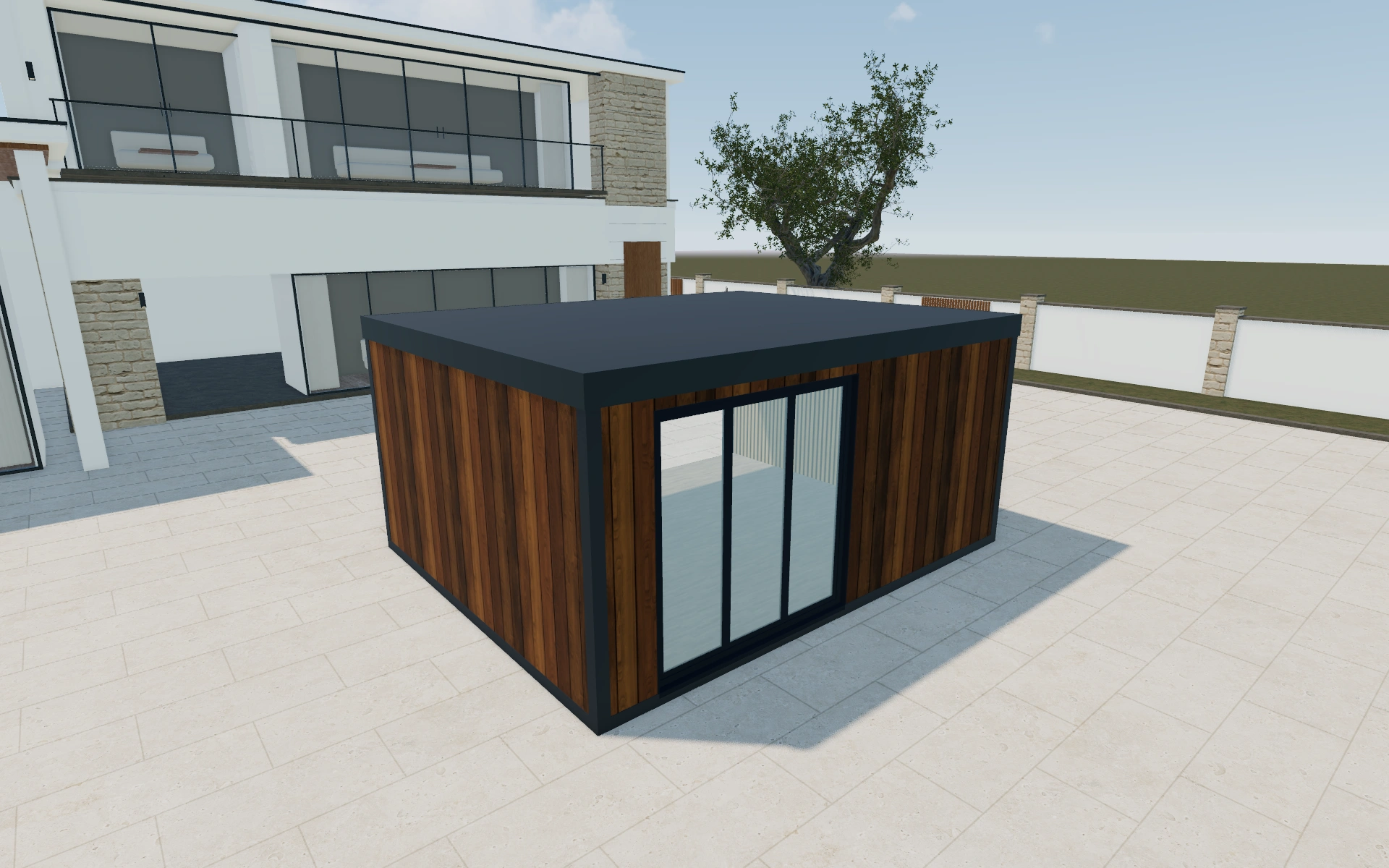
Standard front or recessed composition?
Different front compositions can change the entrance and the relationship between glazing and usable walls. Compare the layout at one footprint before deciding whether a standard size suits the brief. A room model selection communicates a preferred arrangement; it does not establish how the extension joins the existing building.
Test the connection to the existing building
A standard front and a recessed composition change the entrance and the visible wall returns. Compare them against the intended furniture layout instead of choosing only from the outside. Keep the roof and fascia preferences distinct so a colour revision does not disguise a different roof arrangement.
Retain the building-facing side in the customer discussion, including the intended connection and approach. The configured room can provide a clear design brief while foundations, alterations and utilities remain identifiable work items. This makes competing extension proposals easier to read on the same scope.
Home extension options to compare
Review the selected model before refining individual details. Available choices can change with the model and earlier selections; the groups below describe the current starting configuration.
Model
- Garden room model
- Flat standard
- Flat recessed
- Gable Recessed
- Flat angled
- Corner inset
Dimensions
- Dimensions type
- Standard
- Custom
- Dimensions
- 3m x 4m
- 3m x 5m
- 4m x 5m
- 4m x 6m
- 4m x 7m
- 4m x 8m
Finishes
- Fascia color
- Anthracite
- Black
- White
- Material
- Timber
- Composite
- Brick veneer
- Rendered panels
- Exterior cladding
- Neutral red cedar
- Spruce
- Pine
- Teak
- Larch
- Colour
- Anthracite
- White
- Wood
- Flooring type
- Laminate
- Vinyl
- Wood
- Interior walls
- Paint finish
- Timber
- Roof material
- EPDM Rubber
- Insulation
- None
- EPS foam
- Mineral wool
- Flooring colors
- Natural Oak
- Dark Oak
- Light Oak
Roof
- Type
- Flat
- Pitched
- Gable
- Overhang
- Front
- Left
- Right
- Overhang
- No
- Yes
- GR Roof fascia profile shape
- Same as container construction
- Slatted composite
- Steel
Openings
- Wall elements
- Front
- Left
- Right
- Front selection
- Fixed window
- Single window
- Double window
- Large window
- Single door glass
- Single door paneled
- Double door glass
- Sliding doors
- Bifold doors
- 3m Double Sliding door
- Bi-Parting Sliding door
- Hidden Door
- Corner window
- No
- Yes
Base & decking
- Position
- Front
- Left
- Right
- Decking
- No
- Yes
- Groundwork
- Groundscrews
Lighting & power
- Outdoor lights
- LED lights under overhang
- Round LED lights under overhang
- Lights on facade
- Electrics
- Single El. socket
- Double El. socket
- Switch
Accessories
- Corner elements
- Front left
- Front right
- Heating
- Air conditioning
- Heating
Advanced
- garden room usage
- Garden room
- Garden office
- Shed
- Interior wall position
- Front
- Left
- Back
- Right
- Object type
- Doors
- Windows
- Services
- No service
- Services
Dimension ranges describe the current model controls. Confirm the selected product, final measurements and supplied specification with the manufacturer.
Worked example: a customer brief for home extension
For a customer wanting dining space and a garden connection, save a standard-front option and a recessed alternative. Record where the house opens into the new area. Use the proposal to identify the visual room package, with design services, structural connections and site works clearly assigned for review.
From home extension choices to a clear proposal
Keep the visual specification with the customer’s project notes, then list the surveys and professional decisions still needed. Structural design, permissions, services and installation scope should be agreed through the appropriate project process. A configured exterior is a starting point for that discussion, not its substitute.
Questions for your home extension review
- Intended room use
- House connection
- Roof and cladding
- Professional project reviews
Useful views for the home extension review
Use these inspection views to discuss the arrangement and visible details before approving the specification.
- Main View
- Top View
Home extension configurator FAQs
Can roof and fascia preferences be kept separate?
Yes. The model offers room, dimension and fascia choices as distinct settings. Carry those selections into the specification instead of relying on the overall image.
What should an extension proposal keep separate?
Distinguish the configured room and openings from the building connection, foundations and services. Record the intended internal use and entrance relationship. An attractive combined exterior is a useful discussion image, but it is not a complete scope for altering the existing building.
Put the choices
in the same view.
Explore the home extension configurator, review the available product options and discuss your own range with our team.