
Compare two outdoor configurations without losing the details.
Help buyers compare dimensions, options and estimate assumptions, then carry their preferred configuration into a useful sales conversation.
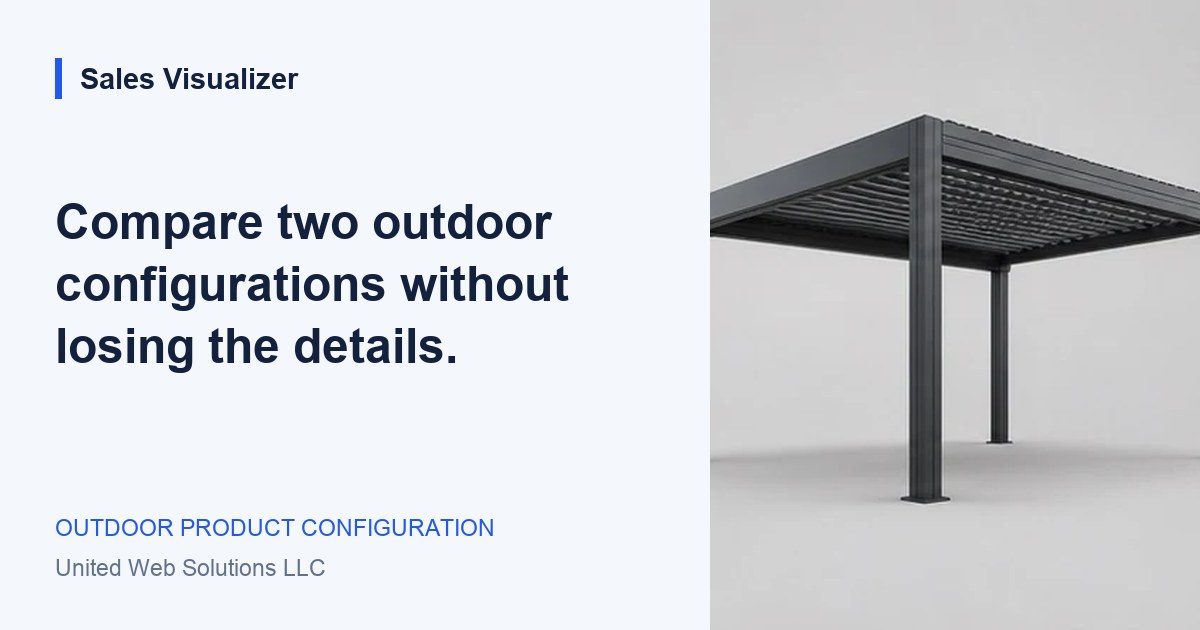
Define the customer decision the two alternatives should explain.
Start with the decision behind the comparison
A buyer considering two pergolas might be choosing between more covered space and more side protection. Showing two attractive renders gives them a visual reference, but it does not explain that tradeoff. Before building a comparison view, identify the question your customer is trying to answer: which footprint suits the dining area, which roof arrangement matches their priorities, or which accessories they want to discuss.
Keep the first comparison small. Two clearly named alternatives are often enough for a useful conversation. Let the buyer call them “Dining area” and “Dining area with screen,” for example. Labels tied to their intent are easier to recognize later than automatically generated configuration numbers. A configuration identifier can sit alongside the readable name for your team’s records.
Keep the common facts in the same place
Compare the same fields in the same order: range, overall dimensions, mounting arrangement, finish, roof, side options and estimate scope. Put the units beside each measurement and explain what the dimensions represent. A four-metre overall width and a four-metre clear opening describe different things; a comparison should not make them look interchangeable.
Highlight the fields that differ while keeping the shared choices visible. If the buyer changes the depth, show the new depth beside the old one and refresh the relevant preview. On a phone, use stacked alternatives with consistent labels and a short difference summary. Avoid squeezing a desktop table into text too small to read or relying on color alone to identify a changed option.
Explain why the totals differ
A lower total is only useful when the buyer understands what it includes. Both alternatives need the same currency, pricing date and treatment of tax, delivery, installation and site preparation. If one estimate includes side screens and the other does not, place that difference beside the figures. Keep approximate product estimates visibly distinct from confirmed project quotes.
Where a selection needs specialist review, retain that status in both alternatives. Do not give an unreviewed combination the appearance of a final offer simply because it fits in a comparison card. If a product rule prevents an option, explain the restriction and let the customer revise the selection. The comparison should expose uncertainty early enough for the salesperson to address it.
Carry a preferred option and a reason into the handover
Ask which alternative the customer prefers and what they are still deciding. Someone may favor the larger footprint but remain unsure about a screen. Preserve both configurations in the project brief, mark the preferred one and carry the unresolved question forward. The next conversation can then focus on the decision that matters to the buyer.
Before launch, test the handover with your sales team. Have one person create two alternatives and another explain their differences using only the brief. Check that the preferred version, selection date, estimate assumptions and customer note survive the transfer. For Sales Visualizer’s current illustrative demos, downloads remain local; a production comparison and receiving workflow must be defined for the business.
Worked example: space or side protection
A hypothetical buyer compares a 4.0 × 3.0 m freestanding pergola with one screen against a 4.0 × 3.5 m version without screens. Both use the same frame finish and roof. Neither has approved site measurements.
- Alternative A: smaller footprint, one side screen, installation excluded.
- Alternative B: deeper footprint, no screens, the same estimate exclusions.
- Preferred: Alternative B, with a question about adding a screen later.
Your review list.
- Define the customer decision the two alternatives should explain.
- Use matching dimension labels, units and estimate assumptions.
- Show differences in text and preserve any review requirements.
- Carry both alternatives, the preferred option and the buyer’s reason into the brief.
See the next step
in Sales Visualizer.
Explore an illustrative experience, then review your own range and requirements with your team.
Try the pergola concept