Arrange the runs
Set run count, width, depth and partition height. Gate-width limits reserve room for the selected feeder arrangement.

Configure connected kennel runs with privacy partitions, opening gates, sleeping boxes, resting beds and rotating feeders.
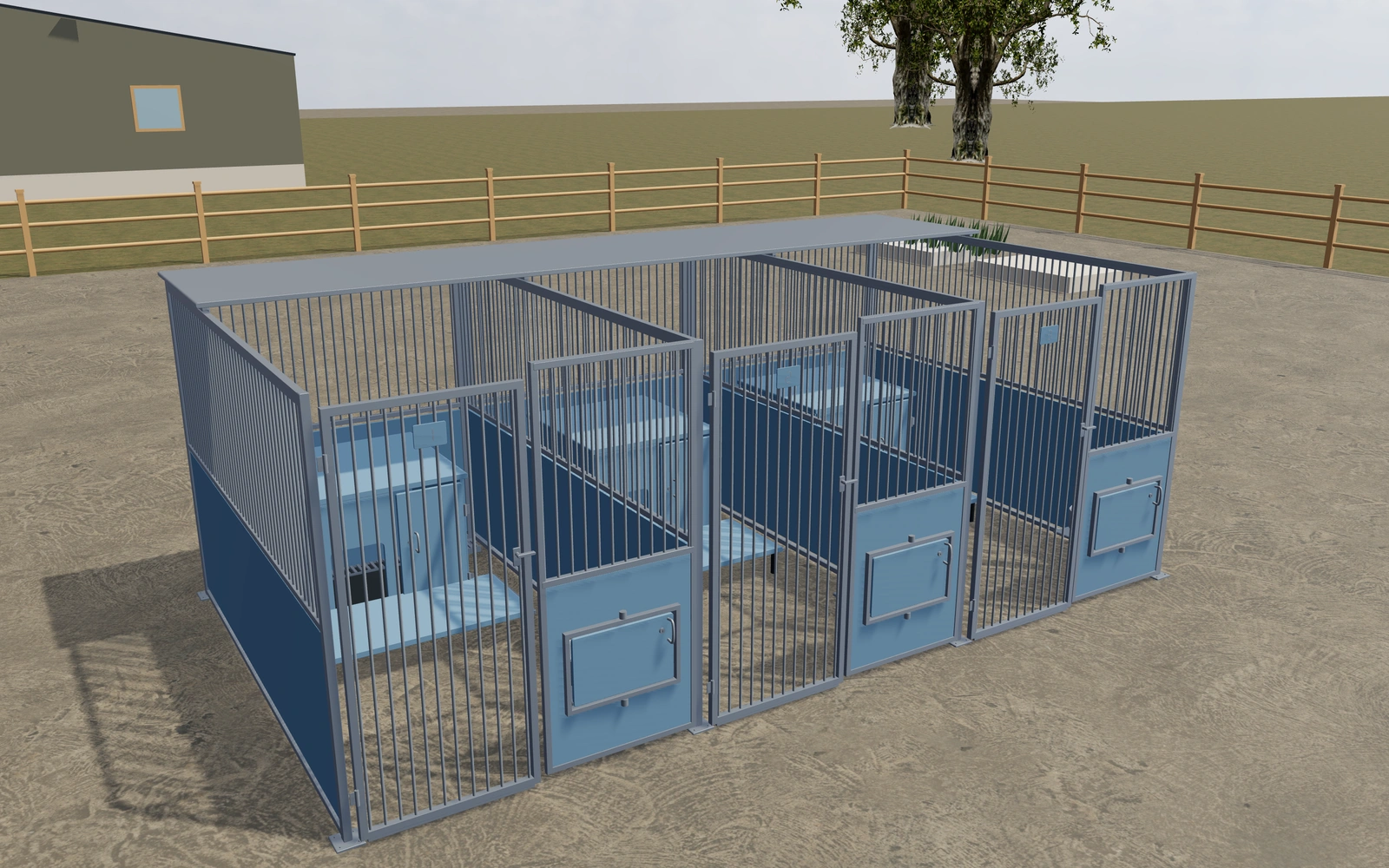
Plan an original professional kennel bank in a dedicated courtyard. Set the run dimensions and panel construction, then review weather cover, privacy, feeding access, resting surfaces and rear drain grates.
Set run count, width, depth and partition height. Gate-width limits reserve room for the selected feeder arrangement.
Choose bars or mesh, privacy finishes, roof coverage, sleeping boxes, raised beds, identification plates and anchors.
Open the selected gate, rotate the two-bowl feeder and open the sleeping-box service door. Inspect the fittings and save the configuration.
Save the product to a customer project, add your own proposal items and prices, and generate a PDF with your company branding. Accepted proposals continue into orders, where you manage invoices and record external payments.
The configurator is a visual planning tool. Final engineering, site measurements, installation and product suitability require your review. 3D downloads and AR are available on supported devices. Product access follows your subscription and selected library.